Vineet Khandelwal

Author
Vineet Khandelwal

Blogs
author’s Articles

Insights & Stories by Vineet Khandelwal

Clear all
Thank you! Your submission has been received!
Oops! Something went wrong while submitting the form.
Filter
Filter

Best 10 Coding Assessment Tools: Finding the Best Fit for Technical Hiring

It might look like the market’s overflowing with developers, but hiring skilled ones isn’t as easy as posting a job and calling it a day. That’s why companies now rely on the best coding assessment tools to evaluate skills through real-world challenges instead of theoretical questions. 

With a range of online coding assessment tools available, teams can run skill-based tests, review results instantly, and focus only on qualified talent. The online coding interview tools help reduce hiring time without compromising accuracy. 

In this list, we’ve selected 11 platforms that hiring teams trust to assess skills and make better decisions quickly.

What is a Coding Assessment Tool?

A coding assessment tool is a digital platform that helps companies test a candidate’s programming skills through automated technical assessments. It eliminates the need for manual reviews by providing coding tests that simulate real-world tasks, allowing recruiters to focus on qualified applicants more easily. 

Most online coding assessment tools come with features like code editors, timed tasks, plagiarism detection, and custom scoring systems, all designed to speed up technical hiring. Depending on the role, companies can choose different types of assessments. 
Here are some standard formats found in the best coding assessment tools:

  • Algorithmic challenges: Evaluates problem-solving using data structures, logic, and performance-based scoring
  • Project-based tasks: Replicates real-world scenarios using front-end, back-end, or full-stack projects
  • Real-time IDEs: Let candidates write and execute code within a live coding environment
  • MCQs: Test the theoretical knowledge of programming concepts and language syntax
  • Pair programming: Simulates collaborative work by connecting candidates with interviewers in a shared code space

Most companies use coding assessment tools early in the funnel during screening, but they also work well for technical interviews and internal learning programs in engineering teams.

Why Use a Coding Assessment Tool?

Hiring for technical roles can become complicated without a system that provides structure and efficiency. Coding assessment tools make it easier to assess a high volume of candidates quickly while keeping the process fair and consistent.

Here’s how these tools help teams work smarter:

  • Scale and speed in hiring: Screen hundreds of candidates without increasing the team’s workload.
  • Objectivity and bias reduction: Use structured scoring to focus only on skills, not assumptions.
  • Predictive hiring decisions: Spot strong problem-solvers based on actual performance, not gut feeling.
  • Time-saving for interviewers: Cut down the number of live interviews by filtering early.
  • Improved candidate filtering: Shortlist applicants who meet both skill and role-specific benchmarks.
  • Positive candidate experience (if designed well): Offer a smoother, less stressful way to showcase skills.

📌Also read: The Mobile Dev Hiring Landscape Just Changed

Key Evaluation Criteria to Compare Tools

Choosing the right coding assessment tools means matching features with what your team actually needs. Whether you're running campus drives or hiring senior backend engineers, this checklist can help you figure out what works best:

  • Skill & language support: Ensure the platform supports all relevant programming languages, frameworks, and tech stacks your team regularly uses. A tool with limited coverage will slow down hiring for specialized roles.
  • Assessment formats & flexibility: Look for platforms that offer multiple test formats, such as coding questions, real-world tasks, and project-based assignments. Flexible test options allow you to tailor assessments for each role, eliminating the need for a generic approach.
  • Library depth vs custom questions: While an extensive question library is helpful, your team should also have the freedom to create custom tasks that reflect actual work scenarios. The best coding assessment tools offer both ready-to-use content and complete control over customization.
  • Anti-cheating/ proctoring /IP protection: Select tools with features that minimize cheating risks, such as webcam monitoring, screen tracking, or IP restrictions. These features are especially important when you're concerned about how candidates use technology to cheat in online technical assessments.
  • Integration with ATS/HRMS: A platform that seamlessly connects with your existing hiring tools (like your ATS or HRMS) keeps everything organized and reduces back-and-forth during the recruitment process.
  • Analytics, benchmarking & reports: Strong data dashboards help hiring teams compare candidate performance, spot trends, and improve decisions using predictive analytics for talent management. The more detailed and visual the reports, the easier it is to take action.
  • Scalability/enterprise-readiness: If you plan to run high-volume assessments or roll out tests across global locations, ensure the platform can handle the load, users, and support across time zones without breaking down.
  • Candidate experience: A well-designed interface, clear instructions, and stable tech make candidates more likely to complete the test and feel good about your brand. A bad experience here can harm your ability to attract top talent.
  • Pricing model and transparency: Always review pricing carefully, especially if charges are based on the number of invites, candidates, or test types. The best coding assessment tools clearly lay out all costs, so you don’t get hit with hidden fees.
  • Support and SLAs: When a candidate hits a technical issue during a test, fast and helpful support becomes critical. Look for vendors who provide real-time help along with proper service-level guarantees.
  • Use-case alignment (campus, experienced, niche tech): Some online coding assessment tools are better suited for large-scale campus hiring, while others are more appropriate for niche or senior roles. Ensure the tool aligns with your current hiring mix and supports the development of a recruitment pipeline that meets your long-term goals.

Scoring each option against this list helps recruiters quickly identify the best coding assessment tools in 2025, based on what actually matters to their team.

Quick Overview Table: Coding Assessment Tools

Having established the key features of a great coding-based assessment tool, we will now focus on the specific tools that consistently help companies find the right candidates. 

Below, you will find a comparison of the ten best coding assessment tools for 2025, detailing their key features, ideal use cases, pros, and cons.

Tool Best For Key Features Pros Cons G2 Rating
HackerEarth All-in-one coding and skills assessments Coding challenges, MCQs, proctoring, hackathons & coding event modules, candidate analytics Strong question library, widely used, supports large-scale screening Limited deep customization, no low-cost, stripped-down plans 4.5
HackerRank Broad technical assessment + developer pipeline Coding + project assessments, language coverage, plagiarism detection, reporting & integrations Very mature platform, strong ecosystem, trusted by many large tech firms Reporting UI complexity; some users call question styles somewhat academic or constrained 4.5
Codility Algorithmic screening + take-home challenges Timed tasks, live assessments, benchmarking, code replay, fairness & evaluation tooling Clean UX, enterprise trust, strong scoring and analytics Less support for extremely custom task designs, may lack some front-end or full-stack scenario depth 4.6
CodeSignal Full interview & certification pipeline Integrated IDE, certified assessments, interview mode, analytics, challenge library Great for structured pipelines and scalable interviewing workflows More expensive; may feel overpowered for small teams; steep learning curve 4.5
Coderbyte Lightweight coding assessments & screening Short coding challenges, quizzes, customizable tests, and candidate metrics Fast to deploy, simpler for smaller companies or preliminary screening Less depth in large-scale interviewing, fewer enterprise features 4.4
CoderPad Live coding/pair programming interviews Real-time code editor, multi-language support, collaborative interviews Very useful for live interviews, strong candidate experience It isn’t a full assessment suite (fewer scheduled assessment features) 4.4
DevSkiller Real-world / project-based assessments RealLifeTesting (simulate actual dev work), replay, custom tasks, test libraries Deep, realistic tests, good feedback & candidate experience Can be more complex to set up; fewer general-use reviews in some markets 4.7
WeCP AI-augmented developer assessment AI test creation, runtime evaluation, proctoring, test library (2000+ dev skills) Good balance of automation and flexibility, solid reporting for non-technical recruiters Since it's newer, it may have fewer third-party integrations or lower brand awareness 4.7
iMocha Broad skill assessments + coding Massive skills library, domain + coding + aptitude assessments, live coding, custom tests Versatile across tech & non-tech roles, high flexibility Might dilute focus for hardcore coding workflows; advanced features can be complex 4.4
Xobin All-in-one candidate assessment for small to mid-sized teams Coding interviews, AI scoring, proctoring, security, analytics, test library Affordable, easy-to-use, strong support & security features May lack some advanced customization or enterprise-level scale features 4.7

Top Coding Assessment Tools in 2025 (Comparative Review)

We’ve already looked at the main features and differences in the comparison table earlier. Now let’s take a closer look at how each of these coding assessment tools performs when used in real-world hiring situations.

1. HackerEarth

HackerEarth Assessments page showing features and coding test overview
HackerEarth platform with 36,000+ coding questions, advanced proctoring, and role-based assessments

HackerEarth acts as a comprehensive platform combining coding assessment tools with developer engagement features to help companies find and hire the right tech talent. It supports a range of features, including customized coding tests, automated evaluation and scoring, and virtual interviews, all facilitated by built-in IDEs. This all-in-one solution provides hiring teams with a powerful way to evaluate technical skills, reducing manual effort.

With a developer community of over 10 million members across 133 countries, HackerEarth connects companies with a broad, diverse talent pool. Its Hiring Challenges enable organizations to engage developers directly through real-world coding problems, moving beyond traditional resumes and job boards. 

What distinguishes HackerEarth is its vast question library of over 36,000 coding problems, combined with tech-based assessments and detailed evaluation reports. These features give recruiters a clear picture of each candidate’s coding ability and problem-solving style. The platform also includes an online assessment proctoring system that uses smart monitoring tools to prevent cheating and impersonation during tests.

Among its AI-powered tools, the AI Screening Agent stands out by intelligently analyzing resumes and conducting dynamic questioning to identify the top 20% of candidates quickly, saving recruiters valuable time. This AI-driven screening compresses hiring cycles by up to 75% and significantly reduces the interviewer workload. Candidates benefit from a user-friendly interface that supports over 40 programming languages and tools, such as Jupyter Notebooks, enabling authentic skill demonstrations.

Many leading tech firms, such as Microsoft, Google, PayPal, and Barclays, rely on HackerEarth for online coding assessment tools that provide reliable evaluations and efficient hiring processes. Its features, combined with AI automation, position it among the best coding assessment tools in 2025 to help companies find high-quality developers quickly and fairly.

Key features

  • End-to-end hiring at scale: Handle everything from coding assessments to candidate sourcing and evaluation within a single, unified platform
  • Hackathons: Host coding competitions that engage a global talent pool, offering real-world scenarios to effectively assess candidates’ skills
  • Advanced proctoring: Maintain assessment integrity using SmartBrowser technology, image recognition, and tab-switch detection to prevent cheating
  • Automated candidate evaluation: Automatically grade technical submissions and generate comprehensive performance reports for informed decision-making
  • ATS integration: Effortlessly connect with applicant tracking systems to simplify and streamline your recruitment process
  • Extensive question library: Access over 36,000 questions across more than 1,000 skills, including emerging AI and specialized tech areas
  • Project-based assessments: Challenge candidates with real-world simulations using custom datasets and test cases to evaluate practical problem-solving abilities

Pros

  • Source pre-vetted talent beyond traditional job boards
  • Simulate real-world challenges through project-based assessments
  • Speed up hiring with AI-driven test creation and evaluation

Cons

  • No low-cost, stripped-down plans

Pricing

  • Growth Plan: $99/month 
  • Scale Plan: $399/month 
  • Enterprise: Custom pricing with volume discounts and advanced support

📌Suggested read: The 12 Most Effective Employee Selection Methods for Tech Teams

2. HackerRank

HackerRank technical screening landing page
HackerRank certified assessments validate candidate coding skills 

With HackerRank Screen, recruiters get a powerful tool that detects suspicious coding activity, verifies candidate identity, and monitors test integrity at scale. You can create tests using a vast library or generate role-based assessments instantly from job descriptions. 

The built-in AI Interviewer conducts first-round technical interviews, evaluating problem-solving, code quality, and candidates’ ability to work with AI tools. Its real-time coding environments and integrations with popular ATS make the hiring process smoother. 

Key features

  • Vast assessment library: Access thousands of coding tests covering in-demand roles and skills
  • Real-time coding: Conduct live coding interviews with easy-to-use environments for candidates
  • ATS integrations: Connect smoothly with Greenhouse, Lever, Workday, and other platforms

Pros

  • Build customized assessments for role- or company-specific needs
  • Receive detailed candidate reports for better hiring decisions
  • Engage global talent with hackathons and developer competitions

Cons

  • Limited customization for interview setups

Pricing

  • Starter: $199/month
  • Pro: $449/month

3. Codility

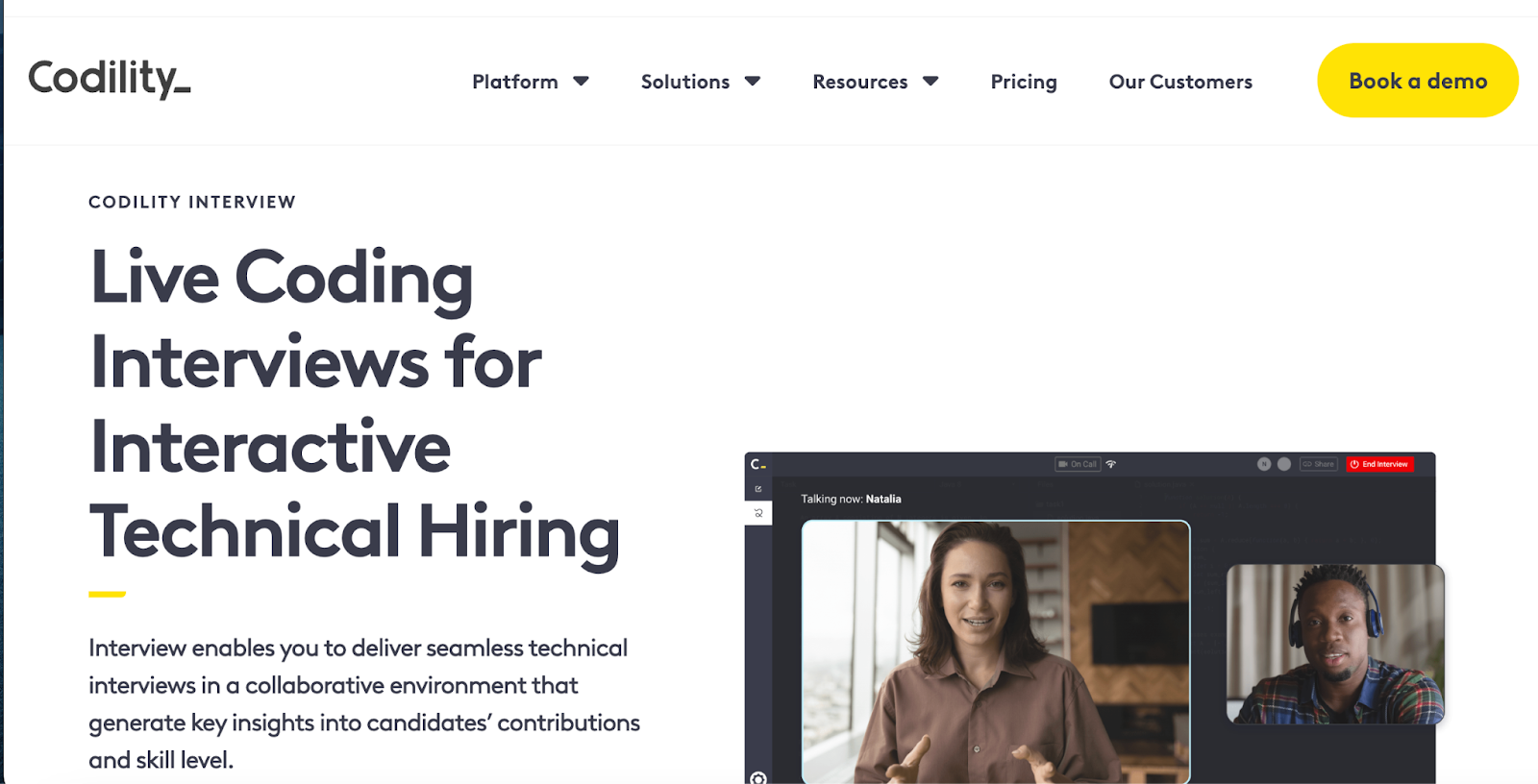
Codility landing page showing live coding interviews and tech hiring tools
Codility offers screen-and-interview products for enterprise technical hiring

Codility helps companies hire top engineering talent faster by creating realistic technical skill assessments and hosting live coding interviews using real code. The platform accelerates hiring by 2.5 times, providing candidates with a seamless experience that boosts the likelihood of attracting top talent before competitors do. 

The platform allows hiring teams to customize assessments based on specific skill sets, fast-tracking the best candidates and removing unqualified ones. 

Key features

  • Live coding interviews: Conduct real-time coding sessions to assess skills instantly
  • Automated grading: Automatically evaluate submissions on accuracy, efficiency, and scalability
  • Customizable assessments: Tailor challenges by skill level, language, and problem type

Pros

  • Access a large library of coding challenges
  • Reduce time-to-hire with automated assessments
  • Seamlessly integrate with ATS systems for workflow management

Cons

  • Pricing is higher compared to some competitors

Pricing

  • Starter: $1200/year
  • Sale: $600/month
  • Custom: Contact for pricing

4. CodeSignal

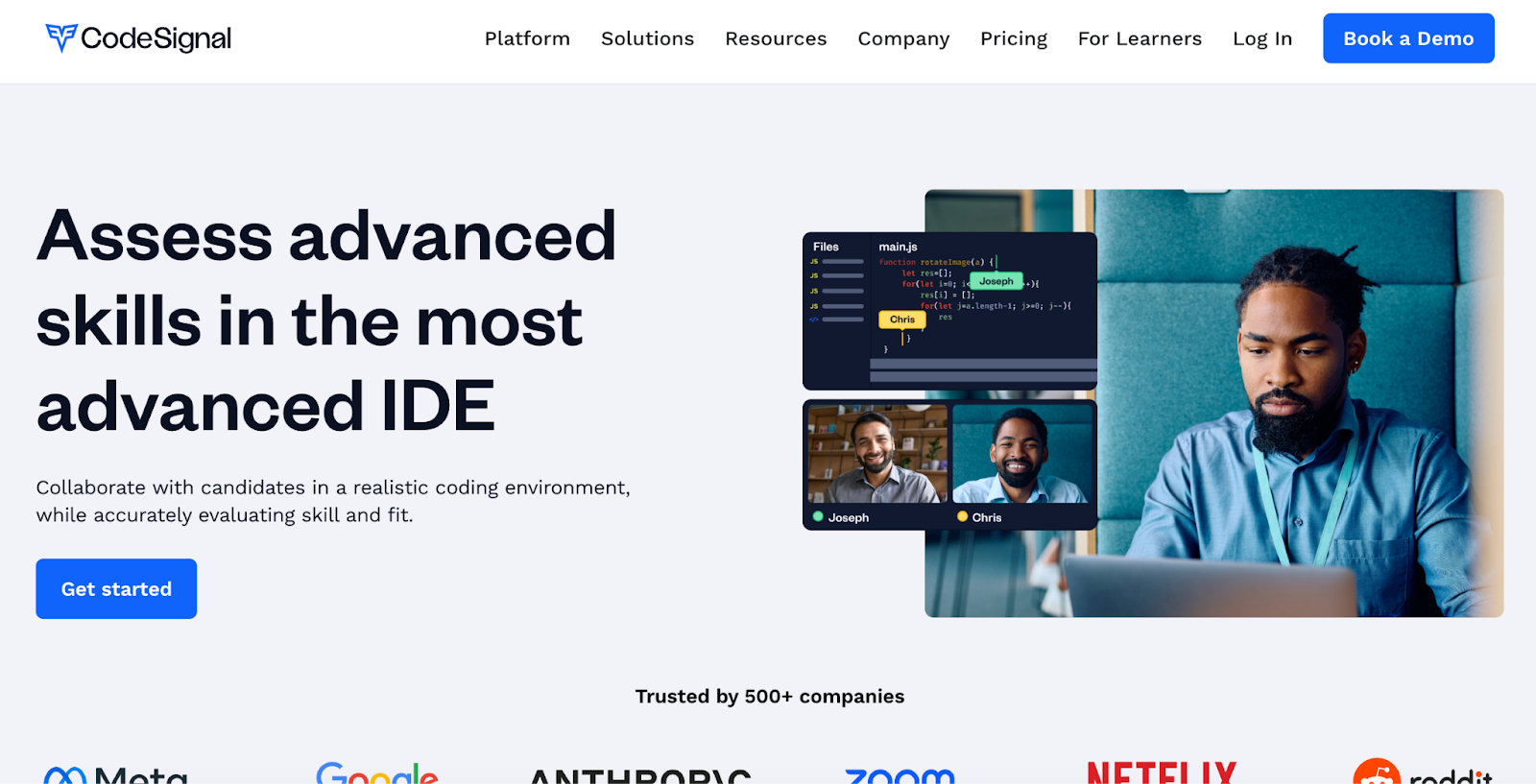
CodeSignal advanced IDE for collaborative technical skills assessment
Assess advanced skills in the most advanced coding IDE

CodeSignal lets you assess advanced skills using a realistic, cloud-based IDE that mirrors real work environments. Its live technical interviews include built-in video and audio calling, a premium question library, and structured interview templates. 

You can customize questions or use role-specific templates to evaluate candidates thoroughly while reducing bias through consistent interview formats. The platform supports multiple programming languages and integrates smoothly with ATS systems.

Key features

  • Advanced IDE: Use a cloud-based IDE with build tools and a mobile emulator
  • Interview templates: Apply structured, role-specific templates for consistent interviews
  • ATS integration: Connect CodeSignal data seamlessly with your existing ATS

Pros

  • Evaluate candidates in realistic, job-like coding environments
  • Customize interviews with premium question libraries
  • Reduce bias with structured interview processes

Cons

  • May have a learning curve for new users

Pricing

  • Custom pricing

5. Coderbyte

Coderbyte homepage with coding tests and assessments
Coderbyte offers coding tests, interviews, and skill training

Coderbyte offers an AI-powered platform to screen, interview, and upskill technical talent using unlimited assessments and interviews. It supports over 1,000 coding challenges in 30+ languages and 100+ skills, including machine learning and data science. 

The live coding IDE includes video, whiteboard, and real-time collaboration. You can assign take-home projects, use customizable templates, and leverage AI to analyze candidate results for deeper insights. This platform fits startups, staffing agencies, and enterprises alike.

Key features

  • AI-powered assessments: Use auto-graded challenges and AI analysis for quick results
  • Live coding interviews: Collaborate in real-time with video, whiteboard, and IDE tools
  • Take-home projects: Assign real-world coding tasks and review via GitHub integration

Pros

  • Access a vast library of customizable technical challenges
  • Support interactive interviews with whiteboarding and video chat
  • Improve candidate insights with AI-driven result analysis

Cons

  • Pricing may feel expensive if many custom or take-home tasks involved

Pricing

  • Pro: $199/month

Enterprise: Starts at $9,995/year

6. CoderPad

CoderPad online coding tests library for 99+ languages/frameworks
Assess dev skills in action with CoderPad

CoderPad specializes in live coding interviews, enabling interviewers to observe candidates’ real-time problem-solving skills. It supports over 99 languages and frameworks, offering a collaborative coding environment perfect for final-stage interviews, pair programming, and whiteboard-style exercises. 

Instead of mass screening, CoderPad focuses on authentic simulations that reflect real work tasks, helping teams accurately assess technical abilities and collaboration.

Key features

  • Multi-file IDE: Work on multi-file projects using a VS Code-like environment
  • Live coding: Write, execute, and debug code together in real-time browser sessions
  • Gamified challenges: Assess skills with cheat-resistant, interactive coding challenges

Pros

  • Let teams observe candidate work live for immediate feedback
  • Build authentic work-task simulations instead of isolated puzzles
  • Engage candidates with interactive, hands-on coding exercises

Cons

  • Require interviewers to invest time during live sessions vs. asynchronous screening

Pricing

  • Free
  • Starter: $100/month
  • Team: $375/month
  • Custom: Contact for pricing

📌Related read: How Talent Assessment Tests Improve Hiring Accuracy and Reduce Employee Turnover

7. Devskiller (now SkillPanel)

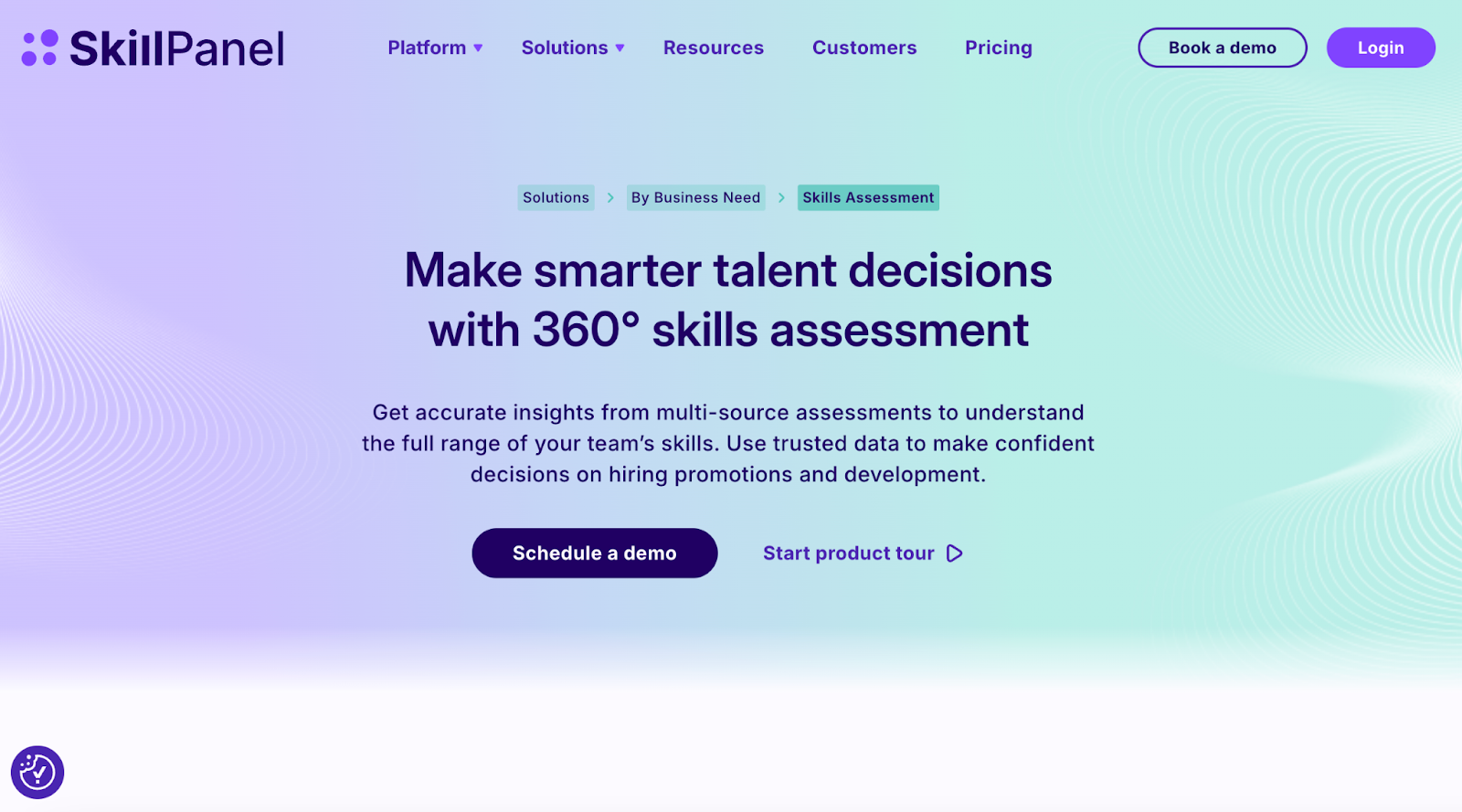
SkillPanel platform for an all-in-one skills assessment and talent decisions
Make smarter talent decisions with an all-in-one skills assessment

Rebranded as SkillsPanel in September 2025, Devskiller is a skills intelligence platform that integrates with coding assessments, often powered by its sister tool DevSkiller SkillCheck, to evaluate and manage software developer skills. The platform combines automated coding tests with multi-source feedback, including self-reviews, manager, peer, and expert insights, to provide a holistic and unbiased view of technical skills. 

SkillPanel’s RealLifeTesting™ methodology uses real-world coding challenges that mirror job tasks across frontend, backend, DevOps, mobile, and more. 

Key features

  • Automated assessments: Use automated tests to screen candidates early, saving time
  • Real-world testing: Simulate job tasks with practical coding challenges for accuracy
  • Broad tech support: Assess skills across 220+ technologies, including major languages and frameworks

Pros

  • Manage skills holistically for talent development and gap identification
  • Improve hiring efficiency by focusing interviews on qualified candidates
  • Reduce bias with multi-source feedback integrated into skill assessments

Cons

  • Longer setup/ evaluation time per candidate due to detailed tasks

Pricing

  • Custom pricing

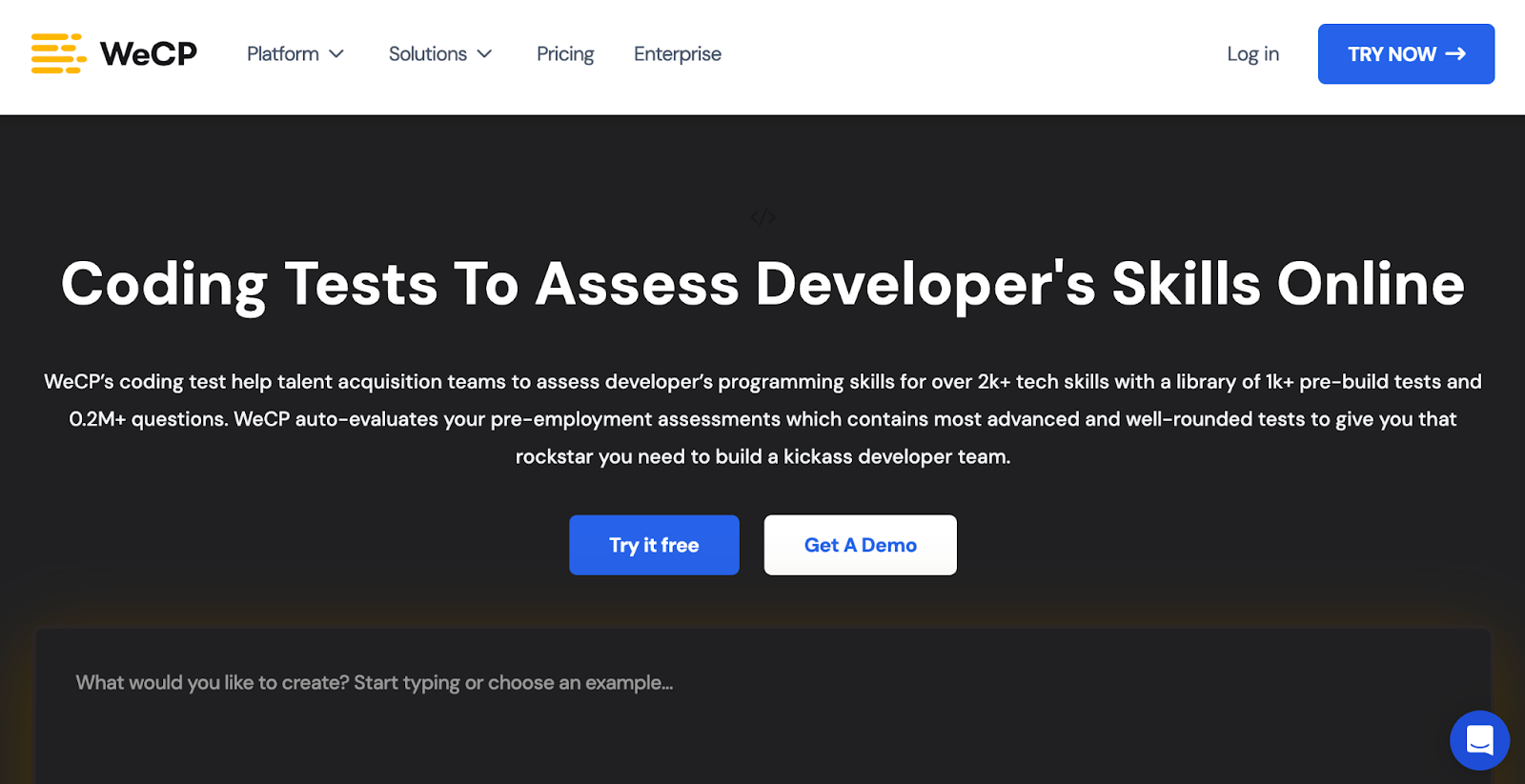
8. WeCP

Dashboard of a coding assessment platform
Assess candidate coding skills with real-time insights

WeCP helps talent acquisition teams evaluate developer programming skills with a library of 1,000+ pre-built tests covering over 2,000 tech skills and 0.2 million+ questions. The platform automates assessment evaluation, enabling companies to hire top developers efficiently. 

Trusted by Fortune 100 brands, WeCP supports large-scale hiring with features like AI video proctoring, tab-switch monitoring, and identity verification to ensure fair and secure assessments. Seamlessly integrate with ATS systems, invite candidates effortlessly, customize tests, and get detailed automated reports to make data-driven hiring decisions confidently.

Key features

  • Customizable assessments: Quickly create or adapt tests using a vast question library
  • AI proctoring: Prevent cheating with video proctoring and tab-switch detection
  • Bulk candidate management: Invite and evaluate thousands of candidates simultaneously

Pros

  • Get support for a wide range of job roles and industries
  • Integrate with various HR tools and ATS
  • User-friendly interface for both recruiters and candidates

Cons

  • May require a learning curve to fully use advanced features

Pricing

  • Premium Plan: $240/month
  • Custom/Enterprise Plan: Contact for pricing

9. iMocha

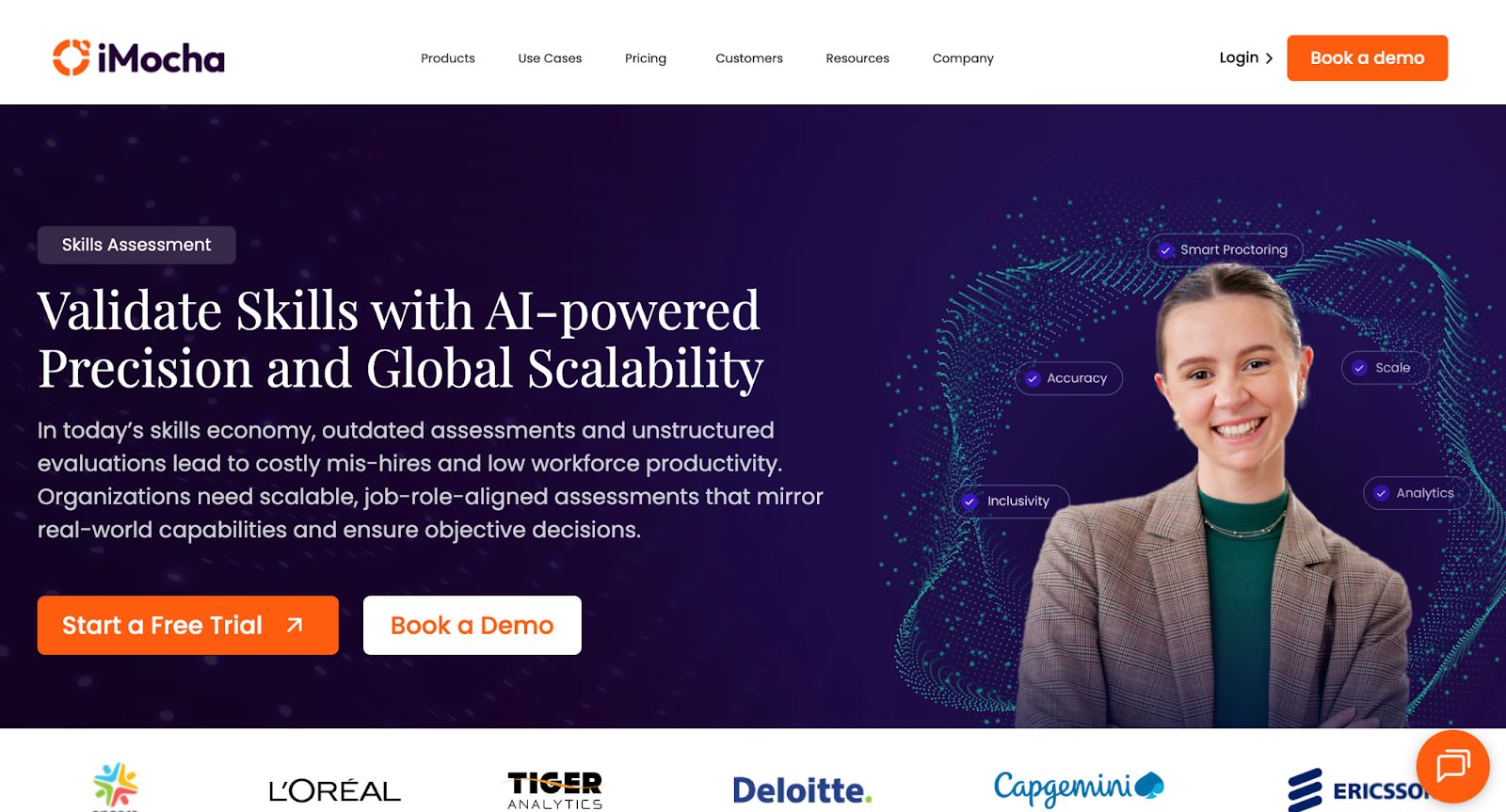
iMocha homepage showcasing an AI-powered skills intelligence platform
iMocha offers 10,000+ skill assessments, AI inference, and skills-based hiring solutions

iMocha provides a comprehensive platform with 10,000+ ready-to-use skill tests across 300+ job roles, covering technical, functional, cognitive, and soft skills. It features over 30 language compilers and more than 5,000 coding problems, all with AI-driven code scoring. 
Some of its key proprietary tools include AI-LogicBox for code-free logic assessments, AI-EnglishPro for CEFR-aligned English communication evaluation, and a Smart Proctoring Suite for advanced AI-powered cheating prevention. The platform also supports live and asynchronous interviews with collaboration tools and Conversational AI interviews to deliver bias-free, scalable, and consistent candidate evaluations. 

Key features

  • AI-LogicBox: Evaluate logic and problem-solving skills without needing code execution
  • Smart Proctoring: Monitor tests using AI for cheating prevention and integrity assurance
  • Conversational AI: Conduct adaptive, AI-driven interviews with automated scoring and transcripts

Pros

  • Scale assessments globally with 10,000+ job-role-specific tests
  • Reduce bias using AI-powered, consistent evaluation methods
  • Support accessibility with 50+ languages and WCAG 2.1 compliance

Cons

  • Excess features for orgs who only need simple technical screening

Pricing

  • 14-day free trial
  • Basic: Contact for pricing
  • Pro: Contact for pricing
  • Enterprise: Contact for pricing

10. Xobin

Coding assessment platform for smarter tech hiring
Xobin’s AI-powered tool simplifies developer skill evaluation

With adaptive coding tests, Xobin adjusts question complexity based on candidate performance. Its advanced proctoring suite includes eye-tracking, screen monitoring, and device detection to ensure test integrity. 

It supports 50+ programming languages, enables multi-language assessments, and offers seamless ATS integrations to streamline hiring. Used across 40+ countries, Xobin provides pre-built and customizable tests for 9,000+ tech job roles, making it enterprise-ready and globally scalable.

Key features

  • Adaptive Coding Tests: Adjust question difficulty based on candidate performance in real-time
  • AI-Powered Evaluation: Automatically assess code quality, logic, and efficiency like a senior engineer
  • Proctoring Suite: Monitor screen, detect devices, and track eye movement to prevent cheating

Pros

  • Screen candidates in 50+ programming languages
  • Access 180,000+ questions across 9,000+ job roles
  • Automate shortlisting with real-time performance analytics

Cons

  • Gaps in language-specific coding challenges as reported by users

Pricing

  • Complete Assessment Suite: Starting from $699/year

📌Also read: The Impact of Talent Assessments on Reducing Employee Turnover

Pitfalls to Avoid & Best Practices

While coding assessment tools offer massive advantages in streamlining developer hiring, misuse or poor implementation can backfire. Here are the most common pitfalls to avoid, and how to address them with best practices:

  • High drop-offs with lengthy tests: Lengthy assessments fatigue candidates and lead to incomplete submissions. Keep tests under 60–90 minutes unless it’s a final-round or take-home project.
  • Cheating risks if no proctoring: Without AI proctoring or IP protections, candidates can easily game the system. Always enable features like webcam monitoring, tab-switch detection, and plagiarism checks.
  • Low completion due to poor UX: Clunky interfaces or unclear instructions increase candidate frustration and reduce test completion rates. Choose platforms with intuitive UI and real-time guidance.
  • No feedback: Candidates value constructive feedback. Even auto-generated reports that highlight strengths and areas for improvement can improve your brand perception and encourage future applications.
  • Over-relying on one assessment type: Don’t depend solely on algorithmic problems. Include project-based tasks, MCQs, or real-time collaboration to get a well-rounded view of the candidate.
  • Poorly calibrated difficulty level: Tests that are too easy don’t filter effectively; tests that are too hard cause drop-offs. Use benchmarking data and internal calibration runs to fine-tune your assessments.

How to Choose the Right Tool (Decision Framework)

Selecting the right coding assessment platform starts by matching the tool type to your hiring scenario. For example:

  • For high-volume campus hiring, prioritize scalable platforms with bulk assessment features.
  • For niche tech roles, select tools that offer comprehensive skill libraries and real-world project simulations. 
  • For senior hires, focus on platforms that support live coding interviews or collaborative environments.

Next, use the evaluation criteria discussed earlier, like skill coverage, assessment formats, anti-cheating features, and ATS integrations, to score each vendor. Assign weighted scores based on your specific needs (e.g., enterprise security vs speed vs candidate experience).

When shortlisting, don’t rely solely on sales demos. Always run trial or pilot programs with real candidates or internal team members to test usability, scoring accuracy, and reporting.

To gain buy-in, validate the platform with internal stakeholders, including hiring managers, recruiters, and tech leads, by aligning it to their pain points. Show how it improves decision quality and saves time.

Post-purchase, define clear governance and KPIs, such as time-to-hire, test completion rates, or candidate NPS, to track success and refine usage. Regularly review performance metrics and feedback to ensure continuous improvement.

This framework will help you make a confident, data-backed decision that delivers hiring results.

📌Interesting read: Vibe Coding: Shaping the Future of Software

Real-World Use Cases & Assessment Workflows

Coding assessment tools are used across industries and scenarios to streamline hiring, scale evaluations, and ensure the right technical skills are measured. Below are some of its real-world use cases:

  • Startup scaling across geographies: Fast-growing startups use coding assessments to screen candidates across time zones and reduce reliance on engineering teams for early evaluation. Auto-graded tests help shortlist top applicants efficiently.
  • Enterprise hiring 10K+ candidates per year: Large organizations rely on assessment platforms to automate screening at scale. Tools with bulk invite, ATS integration, and detailed analytics streamline volume hiring while ensuring quality.
  • Niche technical roles (DevOps, ML, mobile): For highly specialized roles, companies use project-based assessments or custom real-world challenges to test domain-specific problem-solving skills and hands-on proficiency.
  • L&D and internal upskilling: Assessments help benchmark current skills, identify learning needs, and track employee progress over time in structured upskilling programs.

A typical technical hiring workflow using assessment platforms often follows this structured, repeatable sequence:

JD creation → Skill mapping → Screening test (MCQ/coding) → Auto-score & shortlist → Live interview (pair programming/project review) → Offer

Where HackerEarth Fits in This Landscape

For companies seeking global scale, an extensive question library, and seamless ATS integrations, HackerEarth stands out as a comprehensive assessment solution. With over 17,000 curated questions, it offers a diverse mix of live coding, take-home projects, multiple-choice questions, and role-based simulations to assess candidates’ skills accurately.

HackerEarth’s AI-powered proctoring and anti-cheating technology ensure test integrity, while integrations with leading platforms like Greenhouse and Lever simplify recruitment workflows. Its benchmarking capabilities provide valuable industry-wide data to help companies compare candidate performance effectively.

Trusted by top enterprises for both campus and lateral hiring, HackerEarth combines transparent pricing with robust global support, making it an ideal choice for organizations looking to cut screening time, improve fairness, and confidently scale their hiring pipelines.

If you’re ready to transform your recruitment process with AI-driven insights and efficiency, schedule a demo with HackerEarth and discover how it can elevate your hiring outcomes.

FAQs

What are coding assessments?

Coding assessments are tests designed to evaluate a candidate’s programming skills, problem-solving ability, and technical knowledge through challenges like coding problems, projects, and simulations relevant to real job tasks.

How to assess coding skills?

Assess coding skills using a mix of live coding, automated tests, take-home projects, and real-world challenges. Use platforms with proctoring and analytics like HackerEarth to ensure accuracy and reduce bias.

How do I prepare for a coding assessment test?

Prepare by practicing coding problems and mock tests on platforms like HackerEarth. Focus on problem-solving, algorithms, and language syntax to improve speed, accuracy, and confidence.

10 Best Hiring Assessment Tools of 2025

Hiring in 2025 demands solid information about candidates, because the stakes have grown too high. Some roles, like data science or AI, remain painfully hard to fill, while others, like sales, flood recruiters with hundreds of applications that feel impossible to sort through. The result is wasted hours, poor decisions, and bad hires that can cost up to five times the employee’s salary.

It’s no surprise that more than 75% of organizations struggled to fill full-time roles last year. Old-school tactics, such as manual resume checks, casual interviews, or referrals from friends, slow down the process and make it unfair. As a result, teams need something smarter that saves time and makes hiring decisions more accurate.

With hiring assessment tools, recruiters can:

  • See what candidates can actually do and their readiness for the job
  • Predict long-term fit through structured behavioral and skill-based evaluations
  • Cut bias by scoring everyone on the same objective standards
  • Hire faster by removing unqualified applicants early

In this article, we’ll compare the 10 best assessment tools for hiring in 2025 and how they can reshape the way you recruit.

What Makes a Great Hiring Assessment Tool in 2025?

Not all hiring assessment tools are built the same. Some look slick on the surface but fall apart when you actually try to run a hiring campaign at scale. The best online assessment tools for hiring give recruiters speed, accuracy, and the confidence that they’re putting the right people in front of the business.

Here’s what sets the best tools apart today:

  • Real-world skill validation: Moving past multiple-choice tests, top platforms simulate actual job tasks like coding projects, sales pitches, or case studies.
  • Scalable testing: Whether you’re screening 50 or 5,000 candidates, the system should handle it without breaking or slowing down.
  • Bias-free evaluations: Tools that use structured scoring and anonymized assessments help reduce unconscious bias.
  • ATS and workflow integration: Seamless plug-ins with your ATS or HR systems mean no messy copy-paste between platforms.
  • Actionable analytics: The right hiring assessment tools don’t just rank candidates; they provide insights on readiness, skills gaps, and team fit.
  • Candidate-friendly experience: Mobile access, simple test design, and clear instructions keep top talent from dropping off midway.

Best Online Assessment Tools for Hiring: At a Glance

To give you an idea of what each tool covers, here’s a concise comparison of hiring assessment tools with key features, pros, and cons, so you can match each product to your hiring needs and make faster decisions.

Tool Ideal for Key features Pros Cons G2 rating
HackerEarth Organizations needing a unified platform for technical, soft skills, and skills-based assessments Coding challenges across many languages, AI-driven skill validation, proctoring, detailed reporting, and a large skills library Reduce recruiter workload by automating large-scale coding screenings and shortlisting No low-cost, stripped-down plans 4.5/5
HackerRank Standardized technical screening Extensive certified assessment library with standardized benchmarks to validate coding skills Speed up hiring with reliable auto-grading and a broad test repository Watch subscription cost 4.5/5
Codility Problem-solving and algorithm roles Algorithmic coding tests that focus on problem-solving and data structures Deliver objective insights into candidate problem-solving and code quality quickly Require manual deep review 4.6/5
CodeSignal Benchmarked candidate comparisons Standardized coding assessments with benchmarked candidate scoring and reports Adopt consistent benchmarking with shareable candidate reports and efficient scoring Expect occasional UI quirks 4.5/5
CoderPad Final stage live interviews Real-time collaborative IDE for live coding interviews and pair programming sessions Run realistic pair programming interviews that reveal the candidate's problem-solving processes Not for bulk screening 4.4/5
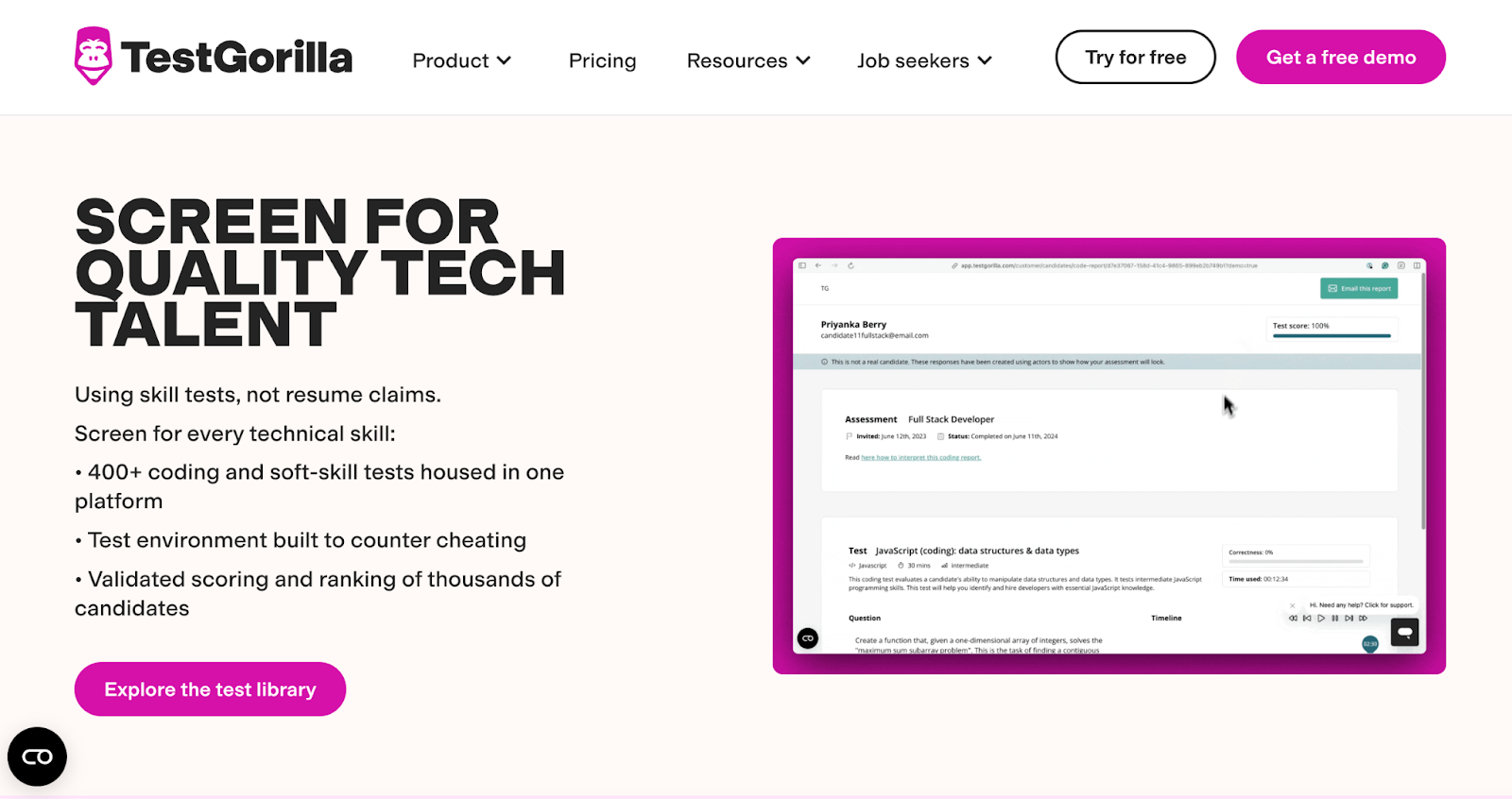
TestGorilla Broad screening beyond coding Large library of validated tests across cognitive and job-specific skills for broad screening Use validated tests to reduce bias and speed pre-screening with AI scoring Limit branding in low tiers 4.5/5
Mettl (Mercer) Regulated industries and enterprises Wide range of psychometric, technical, and behavioral assessments for multiple roles Deploy broad assessment types, including psychometrics, to support hiring and L&D decisions Budget setup time 4.4/5
iMocha Mixed tech and non-tech hiring Extensive skill library with AI inference and no-code simulators for logic testing Leverage AI insights and diverse test types to map candidate strengths quickly Expect a learning curve 4.4/5
DevSkiller Job-simulation developer tests RealLifeTesting tasks that mirror on-the-job projects for realistic evaluation Use job-like tests to predict on day one performance and reduce bias Plan a higher setup time 4.7/5
Xobin Fast deployment across roles Extensive question library covering tech and non-tech roles with role templates Deploy broad assessments fast with responsive support and easy onboarding Watch integration limits 4.7/5

📌Also read: How Candidates Use Technology to Cheat in Online Technical Assessments

Top 10 Hiring Assessment Tools in 2025

Hiring assessment tools give recruiters sharper insights than resumes ever could, helping reduce mis-hires and boost retention. With HR executives rating strategy and management 70% effective in 2024, these tools now define smarter, evidence-driven hiring decisions.

1. HackerEarth

HackerEarth Assessments page showing features and coding test overview
HackerEarth platform with 36,000+ coding questions and role-based assessments

HackerEarth is one of the most trusted end-to-end hiring assessment tools in 2025, designed to help organizations identify top talent across technical, cognitive, and soft skills with speed and accuracy. With a library of more than 40,000 questions covering 1,000+ skills, including emerging domains like AI and machine learning, recruiters can create assessments that measure real-world abilities, problem-solving, and interpersonal competencies.

The platform's AI Interview Agent acts as your best technical interviewer that's always available, unbiased, and adaptive. Trained on 36,000+ deep technical questions, it conducts interviews with a lifelike video avatar that enhances candidate engagement. The agent adapts its questions based on candidate responses, covers architecture and system design discussions beyond basic coding problems, and applies a comprehensive evaluation matrix to ensure consistent scoring. More importantly, it evaluates candidates on soft skills, including clear communication, logical reasoning, teamwork, problem-solving, adaptability, and the ability to explain complex solutions in a way that stakeholders can understand, ensuring they can succeed in real-world collaborative environments. By masking personal information, it eliminates unconscious bias and guarantees fairness, giving recruiters reliable insights while saving senior engineers 15+ hours per week.

Complementing this, the AI Screening Agent quickly analyzes resumes and pre-assessment data to identify the top candidates from large applicant pools, eliminating 80% of unqualified candidates early and ensuring hiring teams focus only on the most promising talent.

Additionally, it allows recruiters to replicate real-world work scenarios and evaluate candidates’ practical skills. SmartBrowser technology, online assessment proctoring, and tab-switch detection ensure assessment integrity, while automated leaderboards, code replay features, and analytics provide hiring teams with deep insights into candidate performance.

Beyond assessments, its Hiring Challenges connect organizations to over 10 million developers worldwide. Coupled with a user-friendly interface and support for over 40 programming languages, the platform enhances the candidate experience while ensuring thorough evaluation of both technical and soft skills.

Plus, HackerEarth compresses the typical 29–44 day technical hiring cycle to under 10 days, reduces interviewer time costs by up to 75%, and eliminates recruiter fees for up to 80% of hires. Companies like Google, Amazon, and PayPal rely on HackerEarth AI to evaluate candidates efficiently, improve recruiter bandwidth, and accelerate hiring without sacrificing fairness or accuracy.

Key features

  • Extensive question library: Access 25,000+ coding questions across 1,000+ skills, including AI and data science
  • Customizable coding tests: Create assessments tailored to job roles within minutes using pre-built or custom questions
  • Project-based evaluations: Assess candidates with real-world problem statements and custom datasets for practical skills
  • Robust proctoring tools: Prevent cheating with SmartBrowser tech, tab-switch detection, and customizable invigilation levels
  • Global hiring challenges: Engage 10M+ developers through curated contests to source pre-vetted talent worldwide
  • Insight-rich reports: Analyze candidate performance with code replay and data-driven dashboards to refine hiring funnels

Pros

  • Reduce recruiter workload by automating candidate screening and shortlisting
  • Gain accurate insights with project-based assessments that mirror real job challenges
  • Expand reach by tapping into a community of 10M+ developers across 133 countries
  • Improve candidate experience with support for 40+ programming languages and a real-time editor

Cons

  • Does not offer low-cost or stripped-down plans
  • Fewer customization options at entry-level pricing

Pricing

  • Growth Plan: $99/month 
  • Scale Plan: $399/month 
  • Enterprise: Custom pricing with volume discounts and advanced support

📌Interesting read: Guide to Conducting Successful System Design Interviews in 2025

2. HackerRank

HackerRank certified assessments validate candidate skills with trusted benchmarks

HackerRank is one of the most widely recognized hiring assessment tools, trusted by companies like LinkedIn and JPMorgan to evaluate developer skills at scale. The platform offers coding challenges across 40+ programming languages, enabling recruiters to assess candidates on both technical fundamentals and applied problem-solving. 

With customizable tests, role-based assessments, and AI-driven proctoring, HackerRank makes it simple to identify the right candidate from a large applicant pool. Its analytics dashboards provide recruiters with actionable data on candidate performance, helping them make faster, evidence-based hiring decisions.

Key features

  • Role-specific assessments: Build coding tests aligned with job descriptions for targeted evaluation
  • Advanced proctoring: Monitor assessments with plagiarism detection and AI-based cheating prevention
  • Performance analytics: Review candidate strengths and weaknesses with detailed skill breakdowns

Pros

  • Assess candidates across multiple roles and programming languages
  • Improve developer experience with a user-friendly interface and a real-time editor
  • Leverage a strong brand reputation to attract serious candidates

Cons

  • Offers less customization compared to some competitors

Pricing

  • Starter: $199/month
  • Pro: $449/month

3. Codility

Codility platform homepage showcasing recruitment optimization
Revolutionize your recruitment process with Codility's platform

Codility is designed to help organizations hire technical talent quickly by offering real-world coding tests and automated evaluation. With plagiarism detection, proctoring features, and scoring algorithms, Codility ensures both fairness and accuracy in hiring decisions.

Recruiters can easily integrate Codility with their ATS for smoother workflows, while detailed reports give hiring managers insights into how candidates think and solve problems. Its developer-friendly experience and extensive client base make it one of the top online assessment tools for hiring in 2025.

Key features

  • CodeCheck assessments: Test candidates with real-world tasks in 40+ programming languages
  • CodeLive interviews: Host collaborative technical interviews with real-time coding sessions
  • Plagiarism detection: Safeguard results with strong anti-cheating tools

Pros

  • Conduct accurate, project-based evaluations of technical skills
  • Save recruiter time with automated scoring and reports
  • Improve collaboration with live interview capabilities

Cons

  • Requires training for recruiters new to technical hiring

Pricing

  • Starter: $1200/year
  • Sale: $600/month
  • Custom: Contact for pricing

4. CodeSignal

CodeSignal platform showcasing AI-driven hiring solutions 
Discover AI-native hiring and learning solutions with CodeSignal

CodeSignal helps recruiters and hiring managers evaluate technical talent with industry-standard assessments and predictive scoring. Its platform offers certified evaluations, ensuring consistency and fairness across candidates while helping reduce bias in hiring. 

The platform’s integration capabilities and intuitive reporting dashboard make it easier to compare candidates and refine hiring pipelines.

Key features

  • Certified assessments: Benchmark candidates with standardized and validated evaluations
  • Predictive scoring: Forecast candidate success based on performance patterns
  • Live interview tools: Conduct real-time coding sessions with collaborative editors

Pros

  • Reduce hiring bias with standardized assessments
  • Compare candidates efficiently with predictive scoring
  • Support scalable hiring for enterprise organizations

Cons

  • Offers limited flexibility in test customization

Pricing

  • Custom pricing

5. CoderPad

CoderPad homepage with live coding interview platform
CoderPad provides real-time coding interviews and assessments

CoderPad is a technical hiring assessment platform that allows recruiters to evaluate candidates’ coding skills in real-time. It simulates real-world programming scenarios, enabling candidates to solve problems as they would on the job. 

Recruiters can conduct live coding interviews, assess problem-solving approaches, and review session playbacks to understand thought processes and logic. With support for multiple programming languages and collaborative coding features, CoderPad helps organizations make data-driven hiring decisions.

Key features

  • Live coding tests: Assess candidates’ coding skills in real time
  • Multi-language support: Evaluate proficiency across multiple programming languages
  • Session playback: Review candidates’ coding approach after tests

Pros

  • Accelerate the recruitment process by streamlining technical interviews
  • Get access to a realistic coding environment for candidates to showcase skills
  • Support for multiple programming languages, enhancing versatility in assessments

Cons

  • Limited scalability for large hiring batches

Pricing

  • Free
  • Starter: $100/month
  • Team: $375/month
  • Custom: Contact for pricing

6. TestGorilla

TestGorilla homepage featuring AI-powered talent sourcing and assessments
Get hundreds of validated tests, AI scoring, and a global talent pool

Looking to make faster, data-driven hiring decisions? TestGorilla empowers recruiters to assess candidates' skills objectively before the interview stage. 

With a vast library of pre-employment tests covering technical, cognitive, and personality assessments, TestGorilla helps identify top talent efficiently. By focusing on skills and abilities rather than resumes alone, TestGorilla promotes unbiased hiring and reduces the risk of mismatches.

Key features

  • Pre-employment tests: Evaluate candidates' skills, cognitive abilities, and personality traits
  • Custom test creation: Tailor assessments to specific job roles and requirements
  • Comprehensive reporting: Gain insights into candidates' strengths and areas for improvement

Pros

  • Wide variety of pre-employment tests for comprehensive candidate evaluation
  • Simplify the creation and administration of assessments with a user-friendly interface
  • Reduce hiring bias by focusing on skills and abilities

Cons

  • Limited integration with smaller ATS systems

Pricing

  • Free
  • Core: $142/month (billed annually)
  • Plus: Contact for pricing

📌Related read: How Talent Assessment Tests Improve Hiring Accuracy and Reduce Employee Turnover

7. Mettl

Mettl homepage displaying online assessments and skill evaluation tools
Mettl offers comprehensive online assessments for hiring

Mettl, now part of Mercer, offers a comprehensive hiring assessment platform designed to evaluate candidates' technical, cognitive, and behavioral competencies. With a wide range of pre-employment tests, Mettl helps organizations streamline their hiring processes and make informed decisions. 

The platform's customizable assessments ensure alignment with specific job requirements, while its AI-based proctoring tools maintain assessment integrity. 

Key features

  • Pre-employment tests: Assess candidates' technical, cognitive, and behavioral skills
  • Customizable assessments: Align tests with specific job roles and requirements
  • AI-based proctoring: Ensure assessment integrity with remote monitoring

Pros

  • Get a comprehensive suite of assessments covering various job roles
  • Integrate easily with leading ATS platforms for seamless workflows
  • Gain scalable solutions suitable for organizations of all sizes

Cons

  • Some users find the interface or dashboards less modern or less intuitive

Pricing

  • Custom pricing

8. iMocha

iMocha homepage showcasing an AI-powered skills intelligence platform
iMocha offers 10,000+ skill assessments, AI inference, and skills-based hiring solutions

iMocha offers a robust pre-employment assessment platform that helps organizations evaluate both technical and non-technical candidates. With a vast library of skill assessments, iMocha enables recruiters to screen candidates effectively and efficiently. 

The platform's role-based tests ensure alignment with specific job requirements, while its analytics dashboard provides actionable insights into candidates' performance.

Key features

  • Skill assessments: Evaluate candidates' technical and non-technical skills
  • Role-based tests: Align assessments with specific job requirements
  • Analytics dashboard: Gain insights into candidates' performance and suitability

Pros

  • Access the intuitive platform to simplify the creation and customization of assessments
  • Evaluate candidate performance effectively with detailed analytics
  • Get a wide range of skill assessments across different domains

Cons

  • Excess features for orgs who only need simple technical screening

Pricing

  • 14-day free trial
  • Basic: Contact for pricing
  • Pro: Contact for pricing
  • Enterprise: Contact for pricing

9. Devskiller

DevSkiller technical assessments page with skills tests and features
DevSkiller platform for coding tests, real skills, and secure hiring

By using real-life coding tasks and simulations, Devskiller allows recruiters to assess candidates' abilities in a realistic context. The platform supports multiple programming languages and frameworks, enabling tailored assessments to match specific job requirements. 

With its customizable assessments and detailed analytics, Devskiller helps organizations identify top-tier developers efficiently, ensuring a strong technical fit for their teams.

Key features

  • Real-life coding tasks: Assess candidates' practical coding skills through simulations
  • Multi-language support: Evaluate proficiency across various programming languages and frameworks
  • Code review playback: Analyze candidates' problem-solving approaches post-assessment

Pros

  • Real-life coding tasks to assess candidates' practical problem-solving abilities
  • Support multiple programming languages and frameworks for diverse evaluations
  • Provide shareable reports for easy comparison of candidate performance

Cons

  • It’s expensive for small businesses or freelancers

Pricing

  • Skills Assessment: Starting from $3,600
  • Skills Management & Assessment: Starting from $10,000

10. Xobin

Xobin homepage showcasing skill assessments, coding tests, and more
Xobin offers 3,400+ skill assessments, AI-driven evaluations, and more

Xobin is a pre-employment assessment platform that helps organizations screen candidates based on skills and cultural fit. With validated pre-hire assessments, video interviews, and psychometric evaluations, Xobin enables recruiters to make informed hiring decisions efficiently. 

The platform's user-friendly interface allows for easy test creation and customization, ensuring alignment with specific job requirements. Xobin's AI-based proctoring tools maintain assessment integrity, while its comprehensive reporting features provide valuable insights into candidates' performance.

Key features

  • Validated pre-hire assessments: Evaluate candidates' skills and cultural fit
  • Video interviews: Conduct asynchronous interviews to assess communication abilities
  • Psychometric evaluations: Measure candidates' personality traits and cognitive abilities

Pros

  • Streamline the hiring process with automated pre-employment assessments
  • Ensure assessment integrity through automated proctoring features
  • Offer a variety of pre-built and customizable assessments

Cons

  • Gaps in language-specific coding challenges as reported by users

Pricing

  • Complete Assessment Suite: Starting from $699/year

📌Also read: The Impact of Talent Assessments on Reducing Employee Turnover

Maximize the Impact of Your Hiring Assessments

Simply buying a license won’t deliver results. You unlock the actual value of hiring assessment tools by implementing them thoughtfully and using the data ethically and effectively. 

To simplify the decision, start by identifying two or three tools from this guide that align with your organization’s technical requirements, candidate volume, and budget. Run a small pilot or test with current job openings to ensure the platform meets your usability and relevance needs.

Of all the online assessment tools for recruiting mentioned above, HackerEarth stands out by combining hiring assessments, automated candidate rankings, and seamless ATS integration, enabling organizations to evaluate talent quickly and accurately. Recruiters can create tests in minutes, invite candidates in bulk, and access actionable analytics to make faster, smarter hiring decisions.

For instance, Apisero used HackerEarth Assessments to screen internal developer roles, reducing engineering dependency by 70% and cutting time-to-shortlist by 60%, completing evaluations three times faster while focusing on top candidates.

Book a demo today to see how HackerEarth can accelerate your hiring and secure top technical talent consistently.

FAQs

What assessment is used for the hiring process?

Pre-employment assessments, including skills tests, coding challenges, cognitive and personality evaluations, are used to evaluate candidates’ technical abilities, problem-solving, and cultural fit before making hiring decisions.

What are the three types of assessment tools?

The three types are cognitive assessments (aptitude and reasoning), skills assessments (technical or role-specific abilities), and personality assessments (behavioral traits and cultural fit).

What tool might be used to assess recruitment effectiveness?

Recruitment analytics platforms or ATS-integrated reporting tools track metrics like time-to-hire, cost-per-hire, quality of hire, and candidate conversion rates to measure recruitment effectiveness.

What are appropriate assessment tools?

Tools such as HackerEarth align with the job role, measure relevant skills and traits, are reliable, unbiased, scalable, and provide actionable insights for informed hiring decisions.

10 Best Recruiting Software of 2026: Compare Top Hiring Platforms

It’s easy to feel overwhelmed with the sheer number of tools promising to revolutionize hiring. But humans and technology actually make a great team, especially in recruitment.

The best HR software for recruitment let your team focus on strategy while the tools handle repetitive tasks. From screening candidates to scheduling interviews and managing onboarding, these platforms streamline the process, improve candidate experience, and ensure hiring decisions are smarter, faster, and fairer.

We’ve tested, researched, and compared dozens of solutions to bring you the 10 best recruitment software of 2026 to truly make a difference for your HR tool stack.

What Makes a Great Recruitment Software?

HR teams start each new year by looking back at how work and talent strategies have shifted, using those lessons to celebrate wins, confront challenges, and plan smarter for the future. Recruiting stood out as one of the biggest struggles in 2024, according to a recent by SHRM, adding pressure to workloads and pushing burnout higher across many teams. 

The best recruitment software for agencies streamlines the hiring process, reduce workloads, and ensure better outcomes. To maintain the competitive edge, the best recruitment software offers features that go beyond the basics. Here’s what makes a great tool for your HR team:

  • AI-powered candidate screening: Recruitment software with AI can automatically rank and filter candidates based on pre-set criteria, drastically reducing time-to-hire while making sure top talent rises to the top.
  • Seamless ATS integrations: The best recruitment software integrates seamlessly with your existing applicant tracking system (ATS), allowing you to manage candidates, track progress, and avoid any disruptions in your workflow.
  • Smart proctoring features: Advanced proctoring tools, such as AI-powered snapshots, tab-switch detection, and smart browsers, keep candidates in a secure testing environment, protecting against cheating and providing real-time monitoring.
  • Real-time analytics and reporting: Access in-depth reports that go beyond basic scores, helping you analyze candidate performance, interview results, and identify trends that inform smarter hiring decisions.
  • Skills-based assessments: Recruitment software should enable you to design skills-based assessments tailored to job roles, technical requirements, and experience levels. This ensures a more precise evaluation of candidate capabilities and helps identify the best-fit talent more quickly.
  • Scalability for high-volume hiring: The ability to handle high volumes of candidates with no restrictions on the number of test participants is crucial for large-scale recruitment campaigns, enabling you to scale without sacrificing quality.

📌Interesting read: The Mobile Dev Hiring Landscape Just Changed

10 Best HR Software for Recruitment: At a Glance

As we dive deeper into the recruitment software landscape, it's important to highlight tools with consistent performance in hiring candidates. Below, we have compared the 10 best AI recruitment software companies, focusing on their key features, ideal use cases, strengths, and weaknesses:

Tool Key Features Best For Pros Cons G2 Rating
HackerEarth Coding challenges across many languages, AI-driven skill validation, proctoring, detailed reporting, large skills library Tech hiring teams needing coding assessments and developer sourcing at scale Rapid candidate screening with automated leaderboards; rich question library; good proctoring No low-cost, stripped-down plans 4.5/5
Greenhouse Structured interview kits, hiring workflows, ATS, robust integrations, reporting and scorecards Mid-market to enterprise teams focused on structured hiring and interview process design Strong interview orchestration; broad integration ecosystem; good governance tools Customization and cost can be barriers for smaller teams 4.4/5
Lever Candidate relationship management, collaborative hiring pipeline, analytics and sourcing tools Teams that want an ATS with built-in CRM and recruiter workflows CRM-style candidate nurturing; easy collaboration; good sourcing features Reporting and some advanced analytics can feel limited for power users 4.3/5
JazzHR Job posting, candidate pipelines, templates, interview scheduling, affordable pricing tiers Small and growing companies that need a cost-effective ATS Easy to use; fast setup; strong value for SMB hiring Less feature depth for large enterprise use cases; some limits on advanced automation 4.4/5
Workable Sourcing hub, one-click posting, interview kits, built-in CRM, reporting Companies that want fast job distribution and streamlined hiring workflows Broad job posting reach; strong candidate tracking; intuitive UI Price can be a factor for very small teams with light hiring needs 4.5/5
Breezy HR Visual hiring pipelines, interview scheduling, automation, candidate scoring Small to mid-size teams that prioritize usability and easy interview scheduling Very user friendly; quick to implement; strong scheduling features Limited deeper enterprise analytics and some customization limits 4.4/5
iCIMS Enterprise ATS, onboarding, recruitment marketing, integrations and compliance tools Large enterprises and staffing organizations needing full talent platform Scales well for enterprise needs; robust integrations and compliance support Can require longer time to implement and higher cost 4.2/5
BambooHR Core HR plus hiring workflows, offer letters, onboarding and reporting Small to mid-size businesses that need HR + recruiting in one system Strong HR core features with straightforward hiring tools; good UX Not a deep enterprise ATS feature set for complex hiring needs 4.4/5
Jobvite ATS, recruitment marketing, CRM, referrals, analytics Mid-market and enterprise teams that want recruiting suite with marketing features Good recruitment marketing and candidate management features Some users report UI and customization frustrations 4.0/5
Zoho Recruit Resume parsing, AI matching, custom workflows, affordable pricing Small to mid-size teams and staffing agencies looking for value and flexibility Cost effective; strong integration with Zoho suite; flexible workflows Advanced reporting and mobile UX can lag higher-tier competitors 4.4/5

The 10 Best AI Recruitment Software Companies

We’ve already explored a high-level comparison of key features, strengths, and limitations in the table above. To get a clearer picture of how each platform truly works in practice, let’s dive deeper into the 10 best AI recruitment software for hiring:

1. HackerEarth

HackerEarth coding assessment platform landing page for tech hiring
HackerEarth helps recruiters streamline tech hiring at scale

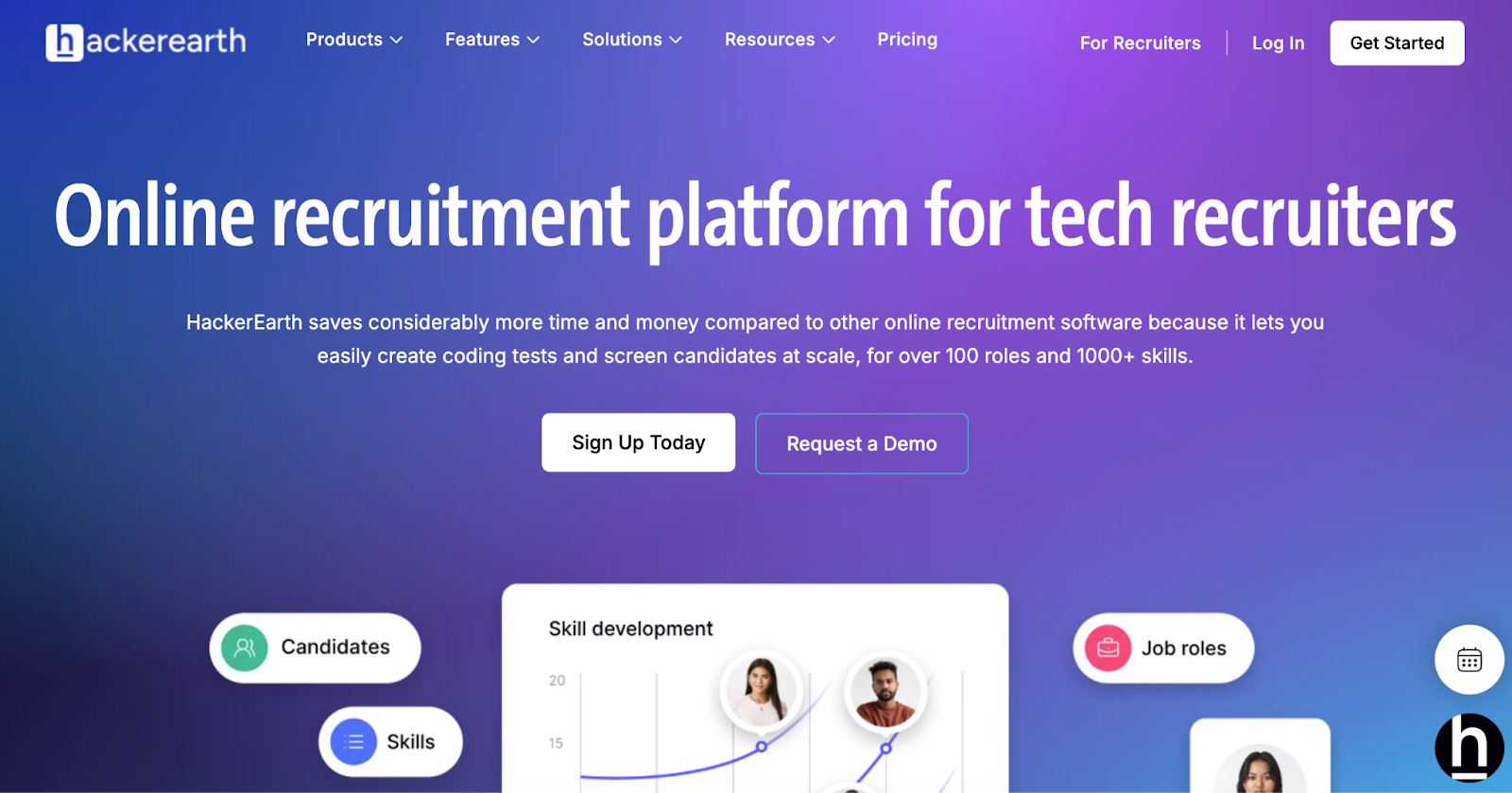
HackerEarth is an online recruitment and technical assessment platform that helps tech hiring teams identify and evaluate candidates at scale for more than 100 roles and 1,000+ skills. Recruiters can quickly build coding tests, combine domain-specific skill checks with soft-skill assessments, and screen large candidate pools efficiently. 

The platform supports blind hiring by masking personally identifiable information, helping reduce bias and promote more inclusive recruitment practices. HackerEarth also offers detailed performance analytics and customisable reporting that allow teams to track and optimise their hiring funnel over time.

One standout capability is HackerEarth’s hiring challenges, which enable companies to engage a global community of 10M+ developers via curated coding contests and hackathons. These contests provide access to pre-vetted talent who may not otherwise be active on job boards, helping companies boost their employer brand and attract highly motivated candidates. 

With over 100M code submissions and trust from big tech names like Google, Microsoft, IBM, PayPal, and Amazon, HackerEarth serves as both a candidate screening tool and sourcing engine. The platform is especially attractive to organisations that want to combine technical assessment, candidate engagement, and hiring funnel optimisation in a single tool.

Key features

  • Role-based assessment creation: Build tests tailored to specific roles or skills across technical and domain areas
  • Custom coding and analytic tests: Use real-world coding or logic exercises to assess candidates’ actual ability under time constraints
  • Blind hiring with PII masking: Remove personal identifiers to promote diversity and help reduce human bias in evaluation
  • Sourcing engine: Host hackathons and contests to access global developer talent and boost your employer brand
  • Funnel analytics and candidate reports: Generate detailed insights on candidate performance, test completion rates, and hiring outcomes
  • 36,000+ questions across 1,000+ skills: Evaluate candidates with a vast library covering emerging AI and niche tech skills

Pros

  • Provide comprehensive analytics and ranking data that help hiring managers make data-driven decisions
  • Supply a broad library of assessment types, including coding, logic, full-stack, and soft skills for varied hiring needs
  • Offer strong proctoring and anti-cheating features including webcam monitoring and plagiarism checks

Cons

  • Does not offer low-cost or stripped-down plans
  • Fewer customization options at entry-level pricing

Pricing

  • Growth Plan: $99/month 
  • Scale Plan: $399/month 
  • Enterprise: Custom pricing with volume discounts and advanced support

📌Related read: How Talent Assessment Tests Improve Hiring Accuracy and Reduce Employee Turnover

2. Greenhouse 

Greenhouse hiring platform homepage featuring AI-powered tools
Greenhouse streamlines hiring with AI tools from sourcing to onboarding

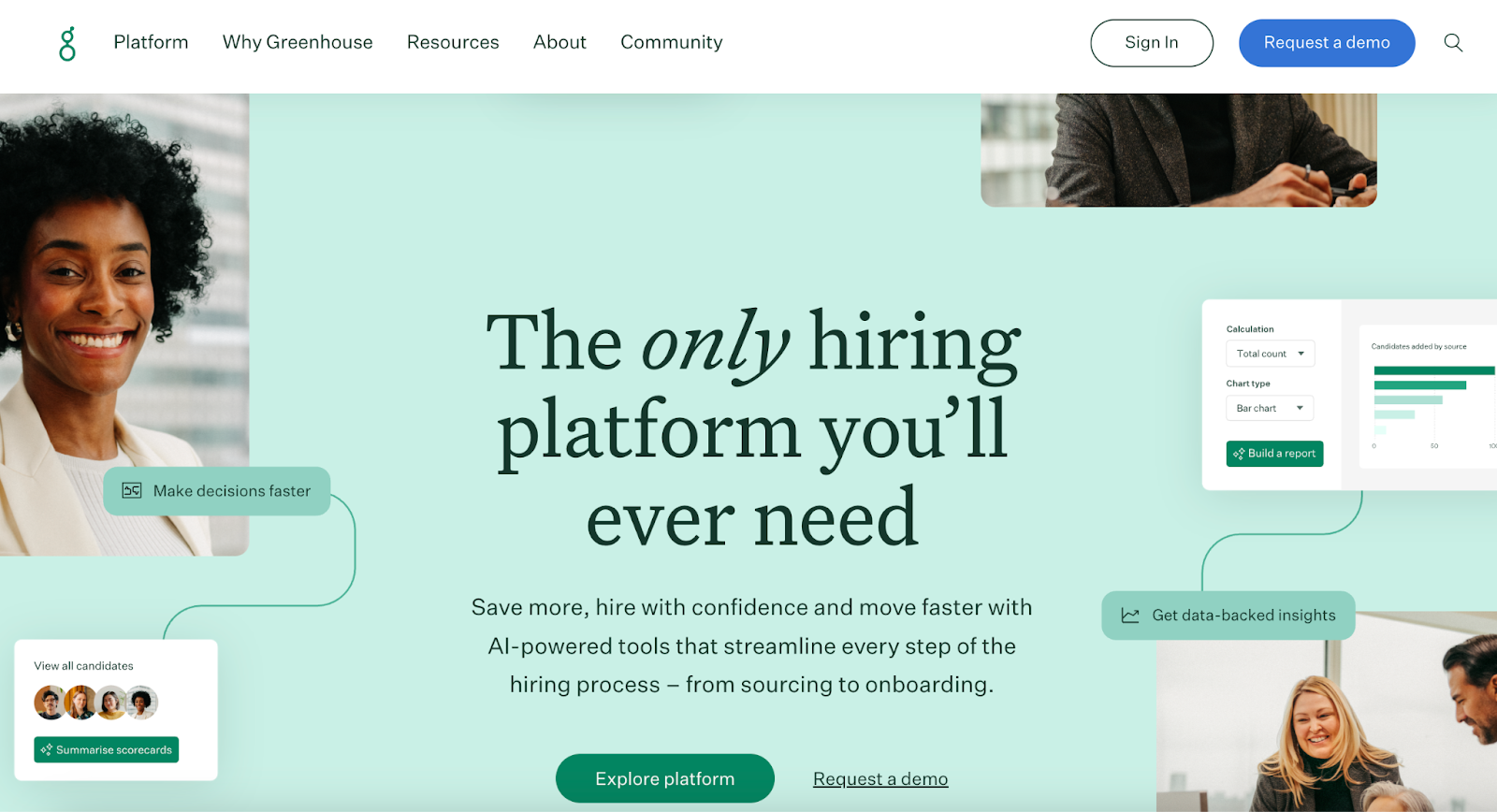
As an applicant tracking system, Greenhouse is built for companies that want highly structured, equity-minded, and data-driven hiring. It helps you define roles clearly, set up interview kits with standard evaluation criteria, and manage candidate workflows from sourcing through onboarding. 

With Greenhouse, users see around 27% faster time-to-hire, 31% reduced cost-per-hire, and significantly improved recruiter efficiency thanks to its structured hiring features and robust integration ecosystem. 

That said, for teams whose primary hiring challenge lies in validating technical skills, a dedicated assessment platform like HackerEarth can be a more targeted solution to complement structured hiring workflows.

Key features

  • Structured interview kits: Use role-based question templates to reduce bias and improve consistency
  • Automated workflow stages: Move candidates through hiring phases with built-in automation for scheduling, reviews
  • DE&I tools and anonymisation features: Hide or anonymize candidate data and implement behavior nudges for fairness

Pros

  • Provide measurable hiring improvements like faster time-to-hire and lower cost per hire
  • Support strong interview and evaluation alignment across hiring teams
  • Offer extensive integrations for sourcing, background checks, and HRIS systems

Cons

  • Requires a learning period to master structured hiring and DE&I tools

Pricing

  • Custom pricing

3. Lever

Lever recruitment platform homepage showcasing AI-powered tools
Lever's AI-powered platform streamlines sourcing, tracking, and relationship building

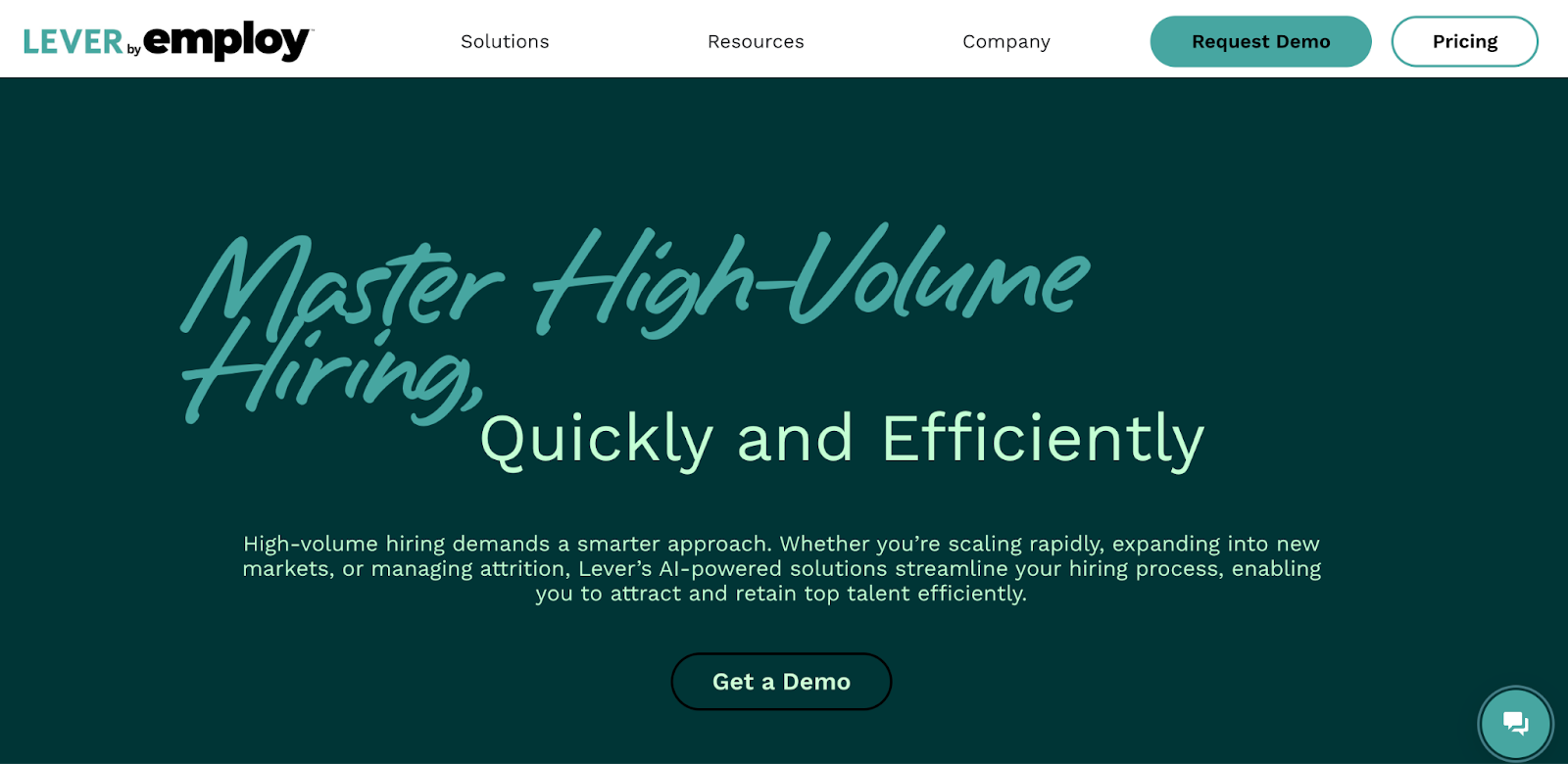
Lever combines ATS with candidate relationship management (CRM) to help companies build pipelines, nurture passive candidates, and make hiring more collaborative. It offers a clean interface, built-in workflows for managing interview feedback, intuitive dashboards, and sourcing tools. 

Users value Lever for reducing manual admin work, simplifying internal collaboration, and centralizing candidate data. 

Key features

  • Customizable dashboards and reporting: Track hiring metrics and pipeline health visually
  • Sourcing and job posting integrations: Distribute job posts widely and pull candidates from multiple sources
  • DE&I and anonymization tracking: Monitor diversity goals, anonymize data, and reduce bias in assessments

Pros

  • Provide very user-friendly interface which new team members adopt quickly
  • Support strong candidate nurture through CRM functionalities
  • Offer extensive integrations and plug-ins with sourcing tools and HR stack

Cons

  • Limited reporting flexibility for highly custom or advanced analytic needs

Pricing

  • Custom pricing

4. JazzHR

JazzHR homepage highlighting AI-powered recruitment tools
JazzHR’s AI-powered platform streamlines fast, cost-effective hiring

JazzHR targets small to midsize companies that want ease, speed, and clarity in hiring. It lets teams post jobs to multiple boards, track applicants through intuitive dashboards, and customise workflows for job stages. 

Users like its simple setup, strong candidate sourcing via job-board distribution and social sharing, plus automated messaging to keep applicants informed. The platform also provides analytics to monitor time-to-fill, source effectiveness, and applicant flow, which helps in spotting bottlenecks fast.

Key features

  • Candidate sourcing and job postings: Post to many job boards and amplify job visibility
  • Custom workflows and stages: Build hiring pipelines that match your team’s decision process
  • Dashboard analytics and recruiting metrics: Monitor time-to-fill, source performance, applicant trends

Pros

  • Provide a very easy to use interface ideal for SMB recruiting teams
  • Offer strong workflow customisation and automation that reduce manual administrative work
  • Deliver excellent customer support and helpful resources especially during onboarding

Cons

  • Display occasional workflow inconsistencies or interface UX frustrations for heavy users

Pricing

  • Hero: $75/month
  • Plus: $269/month
  • Pro: Custom pricing

5. Workable

Workable HR platform homepage showcasing recruitment tools
Workable’s future-ready HR platform streamlines hiring and employee management

Workable serves companies of all sizes who want an all-in-one platform combining recruiting, sourcing, and HR tools. It allows recruiters to post jobs to 200+ job boards, AI-powered candidate sourcing, self-scheduled interviews, and centralised report dashboards. 

Users like that Workable not only handles job posting and candidate tracking but also supports employee data, onboarding, document management, and workflow automation. That breadth makes it useful if you want recruiting tools plus HR operations in one place. 

Key features

  • Candidate relationship management (CRM): Nurture passive leads and maintain talent pools
  • Self-scheduled interviews & offer management: Let candidates pick slots, automate offers to speed hiring
  • Onboarding and HRIS integration tools: Manage employee data, docs, and workflows beyond hiring

Pros

  • Provide extensive reach via job boards and AI suggestions that reduce sourcing time
  • Offer strong tools across recruiting and HR operations so teams avoid switching between apps
  • Deliver intuitive dashboards, solid reporting and analytics that help identify pipeline bottlenecks

Cons

  • Premium pricing especially when using advanced sourcing or HRIS extensions

Pricing

  • Standard: $360/month
  • Premier: $599/month (billed annually at $7,188/year)

📌Suggested read: The 12 Most Effective Employee Selection Methods for Tech Teams

6. BreezyHR

BreezyHR platform homepage offering recruitment tools
BreezyHR streamlines hiring with AI tools to attract better talent faster

BreezyHR focuses on simplifying recruitment with a visually intuitive, drag-and-drop interface that makes tracking candidates easy. Its platform supports small to mid-sized businesses with features like automated sourcing, candidate nurturing, and video interviewing. 

The platform’s emphasis on ease of use makes it a favorite for teams that want to reduce administrative workload while maintaining candidate engagement.

Key features

  • Drag-and-drop pipelines: Move candidates visually across hiring stages with simple drag-and-drop actions
  • Automated candidate sourcing: Source candidates automatically from job boards, referrals, and social platforms
  • Video interview tools: Conduct seamless video interviews for remote or hybrid candidate experiences

Pros

  • Use an intuitive interface that simplifies hiring for recruiters of all skill levels
  • Automate candidate sourcing and outreach to save hours of manual work
  • Support virtual hiring processes through built-in, user-friendly video interviewing features

Cons

  • Limited customization for pipelines in lower subscription plans

Pricing

  • Bootstrap: Free
  • Startup: $189/month
  • Growth: $329/month
  • Business: $529/month

7. iCIMS 

iCIMS platform homepage featuring AI recruitment tools
iCIMS AI-powered platform helps enterprises hire top talent faster

As an enterprise-grade recruitment platform, iCIMS covers every stage of talent acquisition, from sourcing to onboarding, with advanced automation and integration capabilities. iCIMS excels in compliance and global hiring needs, making it ideal for enterprises with complex recruitment workflows. 

Its marketplace of integrations ensures seamless connectivity with other HR and productivity systems.

Key features

  • Enterprise-grade ATS: Manage high-volume candidate pipelines and track applicants with precision
  • AI-powered insights: Predict hiring outcomes and identify top candidates with AI-based recommendations
  • Global compliance management: Ensure compliance with regional labor and data protection laws globally

Pros

  • Manage enterprise-scale hiring processes with robust tracking and compliance features
  • Leverage predictive analytics to make smarter and faster recruitment decisions
  • Stay compliant across multiple regions with integrated compliance management tools

Cons

  • High complexity for smaller teams with limited hiring needs

Pricing

  • Custom pricing

8. BambooHR 

BambooHR platform homepage offering comprehensive HR tools
BambooHR provides an all-in-one solution for HR management

If you're looking for an HR software with a strong recruitment module, BambooHR is designed for small and mid-sized businesses seeking an all-in-one solution. It simplifies applicant tracking, employee onboarding, and HR administration under one platform. 

BambooHR stands out for its clean interface and ability to centralize HR functions beyond recruiting, including payroll and performance management. For companies looking for an integrated HR and recruitment experience, BambooHR is a strong contender.

Key features

  • Onboarding automation: Automate onboarding workflows to provide smooth new hire experiences
  • Employee database management: Centralize all employee records into one unified HR system
  • Performance tracking tools: Monitor employee performance and support growth beyond recruitment

Pros

  • Simplify HR and recruiting by combining multiple functions into one platform
  • Automate onboarding to deliver consistent and positive new hire experiences
  • Enjoy an intuitive design that makes the platform easy for teams to adopt

Cons

  • Lacks advanced sourcing features often needed by larger recruitment teams

Pricing

  • Available in Core, Pro & Elite: Custom pricing

📌Also read: The Impact of Talent Assessments on Reducing Employee Turnover

9. Jobvite 

Jobvite homepage featuring AI-powered recruitment software
Jobvite’s AI-powered platform tackles complex hiring challenges

Jobvite is a comprehensive recruitment platform built for mid-sized and large businesses that want end-to-end hiring capabilities. It supports everything from sourcing and engagement to onboarding, with strong automation and analytics. 

The platform stands out for its AI-based candidate matching and advanced recruitment marketing tools, making it highly effective for companies with competitive hiring landscapes.

Key features

  • AI-based candidate matching: Identify and rank top-fit candidates quickly with advanced AI algorithms
  • Recruitment marketing tools: Create branded campaigns to attract and engage qualified applicants
  • Automated workflows: Reduce repetitive tasks by automating sourcing, communication, and scheduling

Pros

  • Improve candidate matching accuracy with built-in AI-driven recommendations
  • Strengthen employer branding with comprehensive recruitment marketing capabilities
  • Automate complex workflows to save recruiter time and reduce manual errors

Cons

  • Small businesses may face some complexity that may be challenging to manage

Pricing

  • Custom pricing

10. Zoho Recruit

Zoho Recruit homepage showcasing its ATS and CRM platform
Zoho Recruit combines ATS and CRM for efficient talent acquisition

Zoho Recruit is a flexible recruitment solution designed for staffing agencies and corporate HR teams. It offers end-to-end features like candidate sourcing, resume parsing, and background checks while integrating seamlessly with other Zoho applications. 

Its automation capabilities help recruiters reduce manual tasks and streamline workflows. With affordability and scalability, Zoho Recruit caters to both small firms and growing enterprises.

Key features

  • Resume parsing tools: Parse candidate resumes automatically and store data in structured fields
  • Job board integrations: Publish job postings directly across multiple integrated job boards
  • Background check integrations: Connect with third-party vendors for easy candidate background checks

Pros

  • Automate resume parsing and manual recruiter tasks to save valuable time
  • Take advantage of flexible, affordable pricing for businesses of all sizes
  • Integrate seamlessly with other Zoho apps for a connected HR ecosystem

Cons

  • Offers limited third-party integrations outside the Zoho ecosystem

Pricing

  • Free
  • Standard: $30/month
  • Professional: $60/month
  • Enterprise: $90/month

*Pricing via G2

📌 You may also like: Automation in Talent Acquisition: A Comprehensive Guide

How HackerEarth Helps Teams Hire Better, Faster

Choosing the best software for recruitment agencies is ultimately about finding a platform that aligns with your hiring goals, scales with your organization, and delivers measurable impact. From this guide, shortlist two or three platforms that meet your needs, request demos, and test them with real roles to evaluate ease of use and effectiveness.

Of all the options, HackerEarth stands out for its automated assessments, bias-free screening, and deep analytics that help recruiters make faster, smarter hiring decisions. For example, Trimble, a global leader in geospatial and positioning solutions, used HackerEarth Recruit to transform its hiring process. By replacing manual candidate screening with automated assessments, Trimble reduced recruiter workload by 66% and improved candidate quality significantly.

Book a demo today and see how HackerEarth can accelerate your hiring outcomes.

8 Best Hiring Platforms in 2026

What Makes a Great Hiring Platform?

A great hiring platform optimizes every step of the hiring journey, from sourcing candidates to making the final hire. The difference lies in features that save time, reduce friction, and create meaningful connections between employers and talent, making it crucial to understand what to look for. 

Here are some of the non-negotiable features to consider in the best recruiting platforms for high-volume hiring.

  • AI-driven candidate matching: The best platforms use machine learning to instantly identify the most suitable candidates, which helps reduce manual effort and accelerates the hiring process.
  • Scalable assessment tools: A strong platform supports large volumes of applicants with ease, which becomes critical during high-volume hiring drives.
  • Comprehensive proctoring features: Look for advanced options such as AI snapshots, browser restrictions, and tab-switch monitoring because they provide secure and reliable assessments.
  • Candidate experience optimization: Great platforms simplify every step for candidates, offering seamless and engaging experiences so top talent never walks away from a slow or frustrating process.
  • Integration capabilities: Hiring becomes smoother when the platform connects effortlessly with Applicant Tracking Systems (ATS) and other essential HR tools already in use.
  • Customizable test creation: Different roles require different skills, so the platform should allow teams to build assessments tailored to varying positions and levels of expertise.

8 Best Remote Hiring Platforms Comparison

Selecting the right platform depends on multiple factors, from ease of setup to the depth of features. Here’s a quick comparison of some of the best hiring platforms for employers:

Platform Best For Key Features Pros Cons G2 Ratings
HackerEarth Comprehensive end-to-end hiring, skill assessments, benchmarking, and continuous talent development Online coding environments, an extensive question library, automated scoring, interview replay, and plagiarism flags Strong ecosystem for coding challenges and large question sets that speed up screening No low-cost, stripped-down plans 4.5
Codility Companies that need reliable engineering assessments and time-bound testing Automated coding tests, real-time test execution, customizable tasks, built-in browser IDE Clean interface and powerful test execution that reduces manual validation time Users note UI tradeoffs on small screens, and some missing advanced features 4.6
TestGorilla High volume mixed hiring with broad test coverage and bias reduction Large prebuilt test library, cognitive and personality tests, webcam snapshots, and IP logging Very user-friendly with a broad test bank that recruiters can use immediately Some customers still ask for stronger cheating detection for edge cases 4.5
Vervoe Real-world task simulations Simulation-style tasks, performance ranking, structured scoring, and candidate pipelines Improves candidate quality by surfacing real skill performance during screening Larger-scale implementations can require more setup and planning 4.6
HireVue Scaling interview capacity and reducing scheduling friction for high-volume hiring On-demand video interviews, scheduling automation, structured rating guides, and AI-assisted insights Automates interview logistics and helps reviewers work faster with structured guides Past scrutiny over some AI features influences public perception and regulatory attention 4.1
Glider AI Recruiters who want end-to-end skills first screening and clearer pipelines Custom assessments, candidate management, skills-centric scoring, automated reports Clear assessment breakdowns and good ease of use for hiring teams A few users request more niche skill sets and expanded question banks 4.8
Coderbyte Small to midsize teams that need straightforward technical screening tools Coding challenges, test scheduling, plagiarism detection, and result dashboards Quick setup and an effective test library that shortlists strong candidates Some reviewers flag pricing concerns and integration limitations 4.4
CoderPad Live technical interviews Live coding interviews, collaborative editor, language support, session playback An interactive environment that mirrors real development work and supports many languages Users ask for clearer test case documentation and more customization options 4.4

The 8 Best Recruiting Platforms for High-Volume Hiring

In high-volume hiring scenarios, platforms that can manage large numbers of candidates without compromising the candidate experience are crucial. Here’s a closer look at some top platforms:

HackerEarth

HackerEarth's homepage
A comprehensive solution for end-to-end hiring, skill assessment, benchmarking and upskilling

HackerEarth is one of the most comprehensive hiring platforms, designed to help organizations assess, screen, and hire top engineering talent at scale. By combining AI-driven assessments with real-world coding challenges, it reduces hiring timelines while maintaining rigor and fairness. The platform goes far beyond traditional resume-based screening by enabling recruiters to evaluate candidates based on demonstrated skills, logical reasoning, and problem-solving ability.

Its assessment library spans over 36,000+ questions, covering 1,000+ skills across 100+ job roles, giving hiring teams the flexibility to tailor evaluations to specific requirements. Recruiters can also create custom assessments, ensuring alignment with the technical needs of their organizations. Advanced proctoring features, including computer vision-based monitoring, plagiarism detection, and tab-switch alerts, safeguard test integrity, making HackerEarth a reliable solution for large-scale technical hiring.

HackerEarth also provides a candidate-friendly environment where developers can code in their preferred language, supported by in-line error highlighting, auto-complete, and linting. This ensures the assessment process feels natural, allowing developers to focus on logic instead of syntax. Along with technical skills, HackerEarth assessments also evaluate soft skills, including logical reasoning, communication, and problem-solving, providing a holistic view of a candidate's capabilities. For recruiters and hiring managers, the platform delivers data-driven insights, analyzing submissions for efficiency, correctness, and complexity, while offering replay options to review a candidate’s thought process.

Beyond skills assessments, HackerEarth integrates AI agents to accelerate and improve hiring outcomes. For example, the AI Screening Agent quickly identifies top candidates from large applicant pools, while the AI Practice Agent prepares candidates for technical interviews, helping them perform confidently and effectively. For live interviews, the AI FaceCode Agent acts as a real-time copilot, providing guidance and feedback to senior engineers to ensure structured, consistent, and insightful evaluations. 

Additionally, HackerEarth’s Hiring Challenges act as a sourcing engine, attracting candidates from its vibrant community of 10M+ developers across 133 countries. These contests showcase real-world problems, allowing companies to engage with skilled developers who may not be actively searching on job boards. With trusted adoption by companies like Google, Amazon, Microsoft, and Barclays, HackerEarth empowers organizations to improve hiring outcomes while boosting employer branding.

Key features

  • Extensive assessment library: Access 36,000+ coding questions across 1000+ skills and 100+ job roles
  • Custom test creation: Create tailored assessments aligned with specific organizational needs
  • Advanced proctoring tools: Eliminate plagiarism, impersonation, and tab switching with computer vision-based monitoring
  • Candidate-friendly coding environment: Let candidates code in their preferred language with error highlighting and auto-complete
  • Data-driven reporting: Analyze submissions for correctness, efficiency, and complexity with replay options
  • Hiring Challenges community sourcing: Attract talent from a global pool of 10M+ developers through coding contests

Pros

  • Reduce time-to-hire by half with streamlined assessments
  • Engage a global community of developers for sourcing
  • Offer candidates a seamless and supportive test experience
  • Deliver data-rich insights to make confident hiring decisions

Cons

  • No low-cost, stripped-down plans that fit small business budgets

Pricing

  • Growth Plan: $99/month per user (10 credits)
  • Scale Plan: $399/month (25 credits)
  • Enterprise: Custom pricing with volume discounts and advanced support

Codility

Codility platform for recruitment optimization
Revolutionize recruitment with Codility's efficient hiring tools

Codility offers a technical hiring platform that helps companies test and evaluate developer candidates through automated coding challenges, whiteboarding, and interview tools. Recruiters use it to filter out weak code early, speed up screening, and reduce bias. It supports a wide variety of programming languages and provides tools for live coding interviews and take-home tasks. 

Many users choose Codility because it scales assessments easily and gives clear feedback on candidate performance. Its interface lets interviewers set up tests or invite tasks while seeing results in dashboards that highlight candidate coding skill, problem-solving, and efficiency.

Key features

  • Automated coding tests: Validate candidate code quality quickly with a test suite and execution environments
  • Live interview tools: Conduct real-time coding sessions with a collaborative editor and whiteboard
  • Error detection & plagiarism checks: Flag copied or manipulated code to maintain assessment integrity

Pros

  • Show candidate efficiency, correctness and other metrics in performance dashboards
  • Deliver fast candidate screening with intuitive UI and reliable tools
  • Reduce bias using consistent coding challenges and standard assessment criteria

Cons

  • Requires investment of time to set up custom tasks well
  • The platform focuses narrowly on algorithmic tests, overlooks design, debugging, and communication skills, and comes at a high cost

Pricing

  • Starter: $1200/month
  • Scale: $600/month
  • Custom: Contact for pricing

TestGorilla

TestGorilla platform for sourcing skills-tested candidates
Source top talent faster with TestGorilla's smart recruiting tools

Looking to revolutionize your hiring process? TestGorilla helps companies source, assess, and shortlist candidates using skill tests, personality tests, video questions, and more. It offers an extensive library of prebuilt tests, options to build custom assessments, and a sourcing pool of skills-tested job seekers. 

The platform emphasizes flexibility, letting teams buy credits for assessments and scale usage as needed. It also supports integrations with HR tools and allows deep filtering of candidates by test scores, experience, and demographics.

Key features

  • Skills test library: Provide access to hundreds of tests covering soft skills, cognitive, and technical domains 
  • Custom assessment creation: Design assessments specific to roles using varied question types like essay or file upload 
  • Advanced filtering tools: Filter candidates by test score, location, salary, and years of experience

Pros

  • Tap into a pool of 2 million+ skills-tested candidates ready to evaluate immediately
  • Add video questions or use custom branding to improve candidate engagement
  • Reach a large skills-tested talent pool without running sourcing campaigns from scratch

Cons

  • You have to pay more as your company size grows, even if hiring volume remains constant

Pricing

  • Free
  • Core: $142/month
  • Custom: Contact for pricing

Vervoe

Vervo's homepage showcasing their CV-free candidate screening platform
Screen candidates without a CV

Vervoe transforms hiring by letting companies build assessments tailored to each role using real-world tasks and AI-powered grading. It supports multiple question types, including coding, presentations, audio, video, or live spreadsheet work, so you can test what matters.

The platform integrates with many ATS and workflow tools, offers branded assessments, candidate messaging, and candidate feedback. It also delivers reporting on candidate completions, question difficulty, and score distribution.

Key features

  • AI assessment builder: Upload job description and auto-generate role-specific, validated assessments quickly
  • Assessment library templates: Use any of 300+ templates for many roles and customize questions per need
  • Varied question types: Offer coding, video, audio, presentation, live spreadsheet tasks to match job requirements

Pros

  • Auto-grade and rank candidates automatically to surface top performers
  • Check assessment health, score distributions, and candidate activity via reports and charts
  • Improve fairness by focusing on merit through AI-powered role-specific assessments

Cons

  • Requires training for hiring teams to interpret rich analytics and metrics

Pricing

  • Free (7 days)
  • Pay As You Go: $300 (10 candidates)
  • Custom: Contact for pricing

*Pay As You Go is charged as a one-time payment

HireVue

HireVue's homepage showing their AI-powered hiring platform
Make the right hire with data

As a full-service interviewing and assessment platform, HireVue is designed to help organizations evaluate talent faster with video interviews, AI-powered skill assessments, and job tryout simulations. It supports both live and on-demand interviews, structured scoring, and tools to reduce bias. 

Employers use HireVue to engage candidates, offer flexible interview scheduling, and combine skill tests and interview video workflows into unified pipelines. Features like language tests, scenario or role-play simulations, and candidate self-scheduling help HireVue work across industries and scale globally.

Key features

  • Virtual Job Tryout® Immerse candidates in real job scenarios to assess role-fit directly
  • AI-scored interviews: Combine video interviews and assessments with AI scoring to reduce bias and speed decisions 
  • Technical assessments module: Evaluate coding, logical, or role‐based technical skills with auto-scored tests 

Pros

  • Assess candidates’ communication skills in the languages accurately
  • Speed hiring by combining assessments and interviews in a unified process
  • Expand global reach with multilingual testing and standardized role-based assessments

Cons

  • Some users report integration issues with certain HR or ATS platforms in some deployments

Pricing

  • Custom pricing

Glider AI

Glider AI homepage, indicating a skill validation platform
Validate talent and skills with Glider AI

Glider AI offers a skill-validation platform built for both technical and non-technical roles. It supports assessments, interview tools, and pre-screening to automate hiring workflows while maintaining fairness. It helps teams reduce time-to-fill, improve candidate satisfaction, and ensure skills-based evaluation with AI-assisted automation. 

Customers see higher placement rates, leaner screening pipelines, and reliable performance reports. Plus, it integrates with ATS tools and gives admins control over access, roles, dashboards, and performance metrics.

Key features

  • Skill-based screening assessments: Design tests that validate technical and soft skills automatically
  • Integration with ATS & workflow tools: Enable inviting candidates and tracking progress via existing HR systems
  • Proctoring & test integrity tools: Monitor candidate behaviour and ensure fairness during assessments

Pros

  • Visualize candidate comparison, time-to-fill, placement rate and satisfaction metrics
  • Let teams set permissions, templates, and custom workflows per hiring role
  • Increase candidate satisfaction by using fair and transparent evaluation models

Cons

  • The platform struggles with test fit for some specialized roles where off-the-shelf assessments do not match needs perfectly

Pricing

  • Custom pricing

Coderbyte

Coderbyte platform for skill evaluation and AI-powered hiring
Screen, interview, and upskill your workforce with Coderbyte

Looking to screen, interview, and upskill technical candidates, all from one platform? Coderbyte offers a robust challenge library, live editors, take-home projects, and advanced cheating detection tools to make your hiring process seamless.

Recruiters can create customized assessments featuring multiple-choice questions, coding challenges, project uploads, and video responses. The platform supports various programming languages, version control, real-time test execution, and collaborative coding environments. 

Key features

  • Massive challenge library: Pick from many coding challenges, MCQs, and project-based tasks across languages
  • Real-time coding editor & collaboration: Use live editor, whiteboard modes, and multi-file support for programming interviews
  • Cheating detection tools: Detect plagiarism, copy-paste, and unauthorized access to maintain assessment integrity

Pros

  • Support for multiple choice, open-ended, video, and file uploads for assessing different skills
  • Analyze candidate results, compare performance, and see metadata like completion time and errors
  • Set user roles, manage teams, and integrate with existing workflows and systems

Cons

  • Expect occasional UI bugs or platform downtime during peak usage

Pricing

  • Pro: $199/month
  • Enterprise: Starts at $9,995/year

CoderPad

CoderPad platform for real-world coding assessments
Streamline technical hiring with CoderPad

CoderPad provides live coding interview tools and technical assessment environments that reflect real programming work. Developers can solve multi-file projects, use language contexts and see code replay. It emphasizes realistic tasks, high candidate completion rates, and editing environments that feel like actual dev tools.

It’s one of the best AI hiring platforms for live interviews, take-home challenges, and whiteboard-style pair programming.

Key features

  • Live coding interview environment: Host interactive sessions with collaborative editors and real-time feedback
  • Real-world project simulation: Assign realistic, multi-file tasks to replicate actual job challenges
  • Code replay & suspicious activity alerts: Review candidate behavior via session replay and detect copy-paste or external resource use

Pros

  • Deliver assessments that engage candidates so completion stays high compared to many platforms
  • Allow candidates to choose among many programming languages to write solutions in their strengths
  • Enhance recruiter insight via session replay and granular behavior tracking

Cons

  • Limited database support for some language products, causing a gap for certain technical tracks

Pricing

  • Free
  • Starter: $100/month
  • Team: $375/month
  • Custom: Contact for pricing

Choosing the Best Hiring Platform for 2025

Recruiters in 2025 have access to more hiring technology than ever before, but not every tool is designed for enterprise-grade hiring. For enterprises seeking the best recruiting platforms for high-volume hiring, options like Codility, Glider AI, and Vervoe streamline fairness and speed. For smaller teams, TestGorilla and Coderbyte provide affordable flexibility. 

But when it comes to scaling developer recruitment with unmatched accuracy, fairness, and enterprise-grade reliability, HackerEarth consistently stands out. With its vast question library, AI-driven scoring, and advanced proctoring, it leads the best hiring platforms. 

If your goal is to reduce time-to-hire and future-proof your recruitment pipeline, exploring HackerEarth is the logical next step. Schedule a demo today to get started!

FAQs

What is the best hiring platform for employers in 2025?

The best hiring platform depends on your goals, but for technical hiring at scale, HackerEarth stands out. It offers a library of 36,000+ coding questions, AI-powered proctoring, customizable assessments, and real-time code evaluation. This makes it the go-to choice for enterprises that need fairness, accuracy, and speed in high-volume hiring.

Which platform is considered the most reliable for job seekers?

Job seekers often rely on platforms like LinkedIn, Indeed, and Glassdoor to discover opportunities. However, HackerEarth offers a unique advantage for developers by hosting global coding challenges and hackathons that connect talent directly with employers. For technical professionals, it creates a merit-based path to opportunities instead of depending only on resumes.

What job sites do recruiters rely on the most today?

Recruiters frequently use LinkedIn, Indeed, and niche platforms for sourcing candidates, but when it comes to hiring developers and technical roles, HackerEarth leads the way. With AI-driven assessments, detailed skill reports, and enterprise integrations, it enables recruiters to identify the right candidates faster and with more confidence than general job boards.

7 Best Resume Screening Software of 2026: AI & Fairness Reviewed

People are at the heart of every successful organization because the right team drives real results. Hiring the right people for the right jobs shapes long-term performance, which makes recruitment a critical business function rather than just an operational task.

Resume screening stands at the start of it all, shaping who moves forward and who doesn’t. Anyone who’s spent hours going through applications knows how time-consuming this part can get. Technology is changing how recruiters approach this challenge, with artificial intelligence (AI), machine learning, and dedicated hiring platforms making the process far more efficient.

AI-driven resume screening tools simplify and accelerate the initial stage of recruitment, saving time while reducing bias. In fact, over 90% of employers now use technology platforms for HR functions, up from 70%. Plus, more than half of these activities are centralized in a single platform for improved consistency.

This guide reviews the best resume screening software to help you choose wisely.

What Features Your Resume Screening Software Must Have

When evaluating the best AI resume screening software, consider the following six essential features:

  • AI-powered screening: AI-powered screening automates the process of shortlisting candidates by scanning resumes for key skills, experiences, and keywords. This increases efficiency and reduces the chances of overlooking qualified candidates.
  • Bias mitigation tools: Bias mitigation tools, such as blind recruitment and bias audits, help reduce discriminatory patterns in the hiring process. These features promote diversity and fairness by identifying and addressing bias in AI algorithms.
  • Seamless ATS integration: Seamless integration with your Applicant Tracking System (ATS) allows for smooth data flow between systems. This minimizes manual data entry and streamlines the hiring process.
  • Scalability: Scalable software can handle large volumes of applications, especially for organizations with high hiring volumes. This capability allows recruitment processes to scale up without sacrificing performance.
  • Comprehensive reporting and analytics: Detailed reporting and analytics for technical screening provide valuable insights into candidate performance and process efficiency. These insights help identify challenges in the hiring pipeline and improve future recruitment strategies.
  • User-friendly interface: A user-friendly interface makes it easy for recruiters to navigate the system, reducing training time and boosting adoption. Customizable dashboards allow recruiters to tailor the platform to their specific needs.

Top Resume Screening Software: A Quick Overview

In 2025, selecting the right AI resume screening software is crucial for improving candidate experience and streamlining the hiring process. Below is a comparison of leading tools, highlighting their strengths and user satisfaction based on G2 ratings:

Software Name Best For Key Features Pros Cons G2 Rating
HackerEarth Technical/ engineering hiring teams; developer assessment & sourcing at scale (coding tests, hackathons, campus sourcing) AI Proctoring, Code Quality Scoring, 36k+ Tests, Analytics for Technical Screening, Smart Browser Versatile question types, excellent user interface, diverse question formats, FaceCode interviews No low-cost, stripped-down plans 4.5/5
HireVue Enterprise & high-volume hiring that needs AI-powered video interviewing Video Interviewing, AI Assessments, Game-Based Challenges Automation streamlines interview scheduling, and provides a user-friendly interface Limited customization options, higher cost for smaller enterprises 4.1/5
Xobin Campus & bulk hiring, proctored assessments and mid-market teams running high-volume screening and psychometric programs Resume Parsing, Psychometric Tests, Validated Assessments Excellent customer support, user-friendly interface, and efficient candidate screening Limited advanced analytics requires additional integrations for full ATS compatibility 4.7/5
Zoho Recruit Small–mid-sized companies and staffing teams (especially those already in the Zoho ecosystem) looking for an affordable, integrated ATS + CRM Resume Parsing, Auto-Response Emails, Customizable Pipelines Intuitive candidate management, strong integration with job boards, and automation features Some users report a learning curve, limited advanced analytics without Zoho Analytics 4.4/5
Freshteam Teams that want an easy-to-use, budget-friendly ATS with onboarding/HRIS features Resume Parsing, Candidate Tracking, Job Board Integrations Affordable pricing for small businesses, strong user interface, and excellent customer support Limited customization options, lacks advanced analytics features 4.4/5
SmartRecruiters Enterprise and large recruiting teams that need an enterprise-grade ATS with broad integrations and CRM workflows Job Board Integrations, Analytics, Candidate Relationship Management Robust integration capabilities, scalable for large organizations, and high user satisfaction ratings Limited customization options, some users report a steep learning curve 4.3/5
Ideal Talent teams and staffing agencies focused on resume-first AI screening and matching Predictive Analytics, Bias Detection, AI Resume Screening Enhances fairness in hiring decisions, improves candidate quality, and easy integration with existing systems Limited customization options, requires quality data for optimal performance 4.8/5

Top 7 Resume Screening Software

Technology is reshaping HR processes at a remarkable pace, giving recruiters access to smarter tools than ever before. Among these, the best resume screening software stands out for its ability to save time, improve accuracy, and simplify hiring decisions. 

To help you pick the right one, here’s a list of the seven best resume screening software that truly deserve attention.

1. HackerEarth

HackerEarth technical screening analytics 
Identify top performers, assess coding skills with Codeplayer, and enhance evaluations using question-based insights

HackerEarth renders resume parsing unnecessary by providing a more effective and fair method of screening candidates based on demonstrated skills. Instead of relying solely on resumes, the platform enables recruiters to evaluate candidates through coding assessments, AI-driven interviews, and real-world problem-solving. Its latest AI Interview Agent further accelerates technical hiring by automating structured interviews, cutting time-to-hire by up to 75% while ensuring bias-free, skills-first evaluations. 

The platform’s extensive question library of 36,000+ questions spanning 1,000+ technical skills enables recruiters to screen candidates in multiple areas, from software engineering to data science and machine learning.

One of the platform’s most valuable features for resume screening is its advanced analytics. The platform provides detailed reports on candidate performance across multiple assessments, highlighting skill strengths and areas for improvement. These performance insights allow recruiters to make data-driven decisions when shortlisting candidates for interviews. SonarQube-based code quality scoring helps assess the quality of technical submissions, giving recruiters a deeper understanding of candidates' coding capabilities.

CodePlayer is another unique feature that sets HackerEarth apart. It records every keystroke a candidate makes during coding challenges and replays it as a video. With indicators for successful or unsuccessful compilations, this feature allows recruiters to analyze a candidate’s logical and programming skills. It can also serve as a conversation starter during interviews by providing insight into the candidate's thought process.

HackerEarth also provides a health score index for each question, which helps recruiters select the most appropriate questions for screening. The health score is based on parameters such as the degree of difficulty, the programming language used, the number of attempts over the past year, and more. This helps ensure that the screening process is both fair and challenging, while meeting the needs of the hiring role.

With the ability to handle over 100,000 concurrent assessments and provide 24/7 support, HackerEarth is an ideal solution for enterprises looking to scale their resume screening processes while maintaining high-quality talent acquisition.

Key features

  • Use AI to monitor candidate behavior, detecting potential cheating such as screen sharing or using external resources
  • Get detailed feedback on candidate code submissions, highlighting areas such as maintainability, security, and complexity.
  • Access 36,000+ questions across 1,000+ technical skills and 40+ programming languages
  • Leverage advanced analytics and code quality scoring to identify top talent with precision
  • Use the health score index and CodePlayer to gain deeper insights into candidate capabilities
  • Integrate seamlessly with ATS systems, enabling a smooth transition into hiring pipelines
  • Scale effortlessly, handling high volumes of resume screening with enterprise-level support

Pros

  • Unlimited concurrency, supporting 100,000+ candidates simultaneously
  • Scalable for large enterprises and high-volume recruitment
  • Global community of 10M+ developers across 133 countries and 450+ universities through hackathons

Cons

  • Does not offer low-cost or stripped-down plans
  • Fewer customization options at entry-level pricing

Pricing

  • Growth Plan: $99/month 
  • Scale Plan: $399/month 
  • Enterprise: Custom pricing with volume discounts and advanced support

📌Suggested read: The 12 Most Effective Employee Selection Methods for Tech Teams

2. HireVue

HireVue's homepage showing their resume screening software
Make the right hire with data

Optimize your hiring process with HireVue’s AI-driven video interviewing platform, designed to streamline candidate evaluations and improve the overall hiring experience. The platform’s AI-powered analytics evaluate candidate responses, providing insights into key indicators that align with the role, such as communication skills and cultural fit.

The platform integrates seamlessly with ATS systems, simplifying the process of moving candidates through the hiring pipeline. HireVue also features game-based challenges, offering a fun and interactive way to test candidates' problem-solving and cognitive abilities. This is particularly useful for companies looking to assess soft skills in addition to technical competencies.

Key features

  • AI-driven video assessments to evaluate candidates' responses for job fit
  • Game-based challenges to test cognitive and problem-solving abilities
  • ATS integration to streamline the hiring process

Pros

  • Increases candidate engagement with interactive assessments and video interviews
  • Speed up time-to-hire through AI-powered automation that streamlines candidate evaluations

Cons

  • Customize carefully, as some users report limited options for customizing the video interviewing setup

Pricing

  • Custom pricing

3. Xobin

Xobin homepage showcasing automated video interview and resume screening software
Xobin offers AI-powered resume screening and automated video interviews for recruiters

Xobin is a skill-based pre-employment testing platform focused on technical recruitment. It automates candidate screening by offering resume parsing and psychometric assessments, allowing recruiters to evaluate a candidate’s skills and cultural fit quickly. 

The platform is known for its ease of use and its ability to create custom assessments tailored to various roles, especially in tech. Xobin also automates scoring, significantly reducing the time recruiters spend on manual assessments.

Key features

  • Automatically extract candidate information from resumes and job applications
  • Assess cultural and behavioral fit through psychometric testing
  • Improve the reliability and fairness of evaluations with scientific validations

Pros

  • Intuitive and easy to navigate, making it accessible for non-technical recruiters
  • Known for providing high-quality customer service and support

Cons

  • While it’s great for initial screening, Xobin lacks advanced reporting and analytics capabilities compared to other platforms

Pricing

  • Complete Assessment Suite: Starting from $699/year

4. Zoho Recruit

Zoho Recruit homepage showing ATS and CRM recruitment software
Zoho Recruit simplifies resume screening with ATS and CRM tools

Zoho Recruit is an all-in-one recruitment platform designed to streamline the hiring process for small to medium-sized businesses. It offers robust features such as resume parsing, candidate tracking, and job posting integrations with multiple job boards.

The platform’s user-friendly interface simplifies candidate management, from initial application to final hire. Zoho Recruit is particularly beneficial for companies using other Zoho software, as it integrates seamlessly with Zoho CRM, Zoho Analytics, and more.

Key features

  • Extract candidate details with resume parsing, making it easy to speed up the resume review process
  • Automate communication with candidates using auto-response emails to streamline the interview scheduling process
  • Tailor workflows to your company’s specific recruitment needs with customizable options

Pros

  • Great value for small and medium-sized businesses
  • Integrate seamlessly with Zoho products, like Zoho CRM

Cons

  • Zoho Recruit lacks in-depth analytics capabilities without integration with Zoho Analytics

Pricing

  • Free
  • Standard: $30/month per user
  • Enterprise: $90/month per user

📌Related read: How Candidates Use Technology to Cheat in Online Technical Assessments

5. Freshteam

Freshservice dashboard for business team management
Freshservice aids hiring with resume screening tools

Freshteam is an applicant tracking system ideal for small to mid-sized businesses. The platform’s intuitive interface allows recruiters to streamline hiring workflows easily, and its integration with job boards ensures maximum visibility for job postings. Freshteam also includes tools for candidate management and onboarding, making it a versatile solution for small teams. 

However, its reporting capabilities are more basic compared to larger, enterprise-level ATS systems, and it does not provide the advanced customization some companies need.

Key features

  • Simplify resume screening with Freshteam’s resume parsing
  • Track candidates through each stage of the hiring process, from application to onboarding
  • Ensure smooth onboarding by utilizing Freshteam’s tools that help new hires get started quickly

Pros

  • Strong customer support, with responsive service and detailed documentation available
  • User-friendly experience with an intuitive interface that is easy to navigate

Cons

  • Freshteam does not provide advanced reporting features like some competitors

Pricing

  • Free
  • Growth: $1.00 (1 per employee + $59.99 platform fee per month)
  • Pro: $2.00 (1 per employee + $99 platform fee per month)
  • Enterprise: $4.00 (1 per employee + $169.99 platform fee per month)

*Pricing via G2

6. SmartRecruiters

SmartRecruiters AI tool showing hiring analytics and candidate details
Smarter resume screening with AI-driven hiring insights

SmartRecruiters is a powerful, scalable recruitment platform designed for enterprise-level organizations. It offers job board integrations, allowing for easy posting across various platforms. The platform also provides in-depth analytics, giving recruiters valuable insights into their hiring metrics and performance.

While it is a comprehensive platform, it may be more suitable for large organizations due to its complexity in pricing, and some users report a steep learning curve when first using the system.

Key features

  • Post job openings easily with integrations to multiple job boards like LinkedIn, Indeed, and Glassdoor
  • Access valuable hiring metrics with built-in analytics that help evaluate recruitment performance
  • Stay connected on the go with SmartRecruiters’ mobile app, allowing you to manage hiring tasks anywhere

Pros

  • Integrate with multiple job boards and ATS systems
  • High user satisfaction with positive feedback regarding its ease of use

Cons

  • Some users report a steep learning curve when getting started with the platform

Pricing

  • Available in Essential, Professional, High Volume & Complete: Custom Pricing

7. Ideal 

Ideal resume screening software homepage
AI-powered resume screening for faster hiring decisions

Ideal is an AI-powered resume screening platform designed to help reduce bias in hiring and improve the quality of candidate shortlisting. The platform uses predictive analytics to assess candidates’ potential success in the role based on their experience, skills, and other relevant factors. Ideal integrates with existing ATS systems to streamline recruitment workflows and automatically identifies the best candidates based on predefined criteria. 

While Ideal excels in promoting fairness and diversity by reducing bias, it may have limited customization options and is highly dependent on the quality of data provided. 

Key features

  • Use predictive analytics to assess a candidate's likelihood of success in a role
  • Detect and reduce bias with the platform’s tools designed to foster diversity and fairness
  • Integrate seamlessly with your ATS for a smooth workflow, incorporating AI-powered resume screening into your recruitment process

Pros

  • Improve candidate quality by utilizing predictive analytics that help shortlist the best candidates
  • Easily integrate with ATS systems, simplifying the addition of Ideal’s AI screening capabilities to your recruitment tech stack

Cons

  • Requires high-quality data to function optimally, meaning its effectiveness can vary based on the data available

Pricing

  • Custom pricing

Make the Right Choice with HackerEarth

Selecting the right resume screening software is crucial for efficient and fair hiring practices. Tools like HackerEarth, HireVue, Xobin, Zoho Recruit, Freshteam, SmartRecruiters, and Ideal offer a range of features to meet diverse recruitment needs. However, it’s important to consider your organization’s size, hiring volume, and specific requirements to choose the best fit for your needs.

For a comprehensive solution that combines technical assessments, AI-powered screening, and robust analytics, HackerEarth stands out as a top choice. For example, Tallan, a technology solutions provider, faced a slow and expensive technical screening process, with each round taking 2–3 hours. By adopting HackerEarth Assessments, Tallan automated screenings, cut engineering involvement, and eased recruiter workload. As a result, the process became 50% faster, helping them screen more candidates, identify top talent, and lower costs, while recruiters valued the platform’s flexibility and automation.

As Byron Branning, Senior Director of Operations at Tallan, said, “If you’re looking for a developer assessments platform that is both powerful and easy to use, then HackerEarth is a safe bet. They’ve helped automate many manual tasks for our recruiters and hiring managers, which resulted in saving cost, bandwidth and time. Our technical screening process is now faster by over 50%.”

Want to achieve similar results as Tallan? Book a demo today to explore how HackerEarth can streamline your hiring process.

FAQs

How do I choose the right resume screening software?

Consider factors like integration capabilities, customization options, scalability, user experience, and cost to select the software that best fits your organization's needs.

Are AI-driven resume screening tools more effective than manual methods?

Yes, AI-driven tools can process resumes faster and more accurately, reducing human error and bias, leading to more efficient and fair hiring decisions.

Can these tools help in reducing bias in hiring?

Many resume screening tools include features like blind recruitment and bias detection to help mitigate unconscious bias and promote diversity in hiring.

Is it necessary to integrate resume screening software with my ATS?

Integration can streamline the hiring process by ensuring seamless data flow between systems, reducing manual data entry, and improving efficiency.

Top 9 Pre-Employment Assessment Tools in 2025

Hiring a new employee always sounds exciting, yet the real challenge begins when you try to determine whether the person can actually perform the tasks your company needs done every day. Organizations no longer rely only on resumes or interviews, because those rarely reveal if someone truly has the skills required to succeed in a fast-paced role.

Recent research indicates that 52% of employers rely on pre-employment assessments to evaluate job-related skills, while 37% use them to assess cognitive abilities, and 34% use them to check personality traits for role suitability. These numbers highlight how important testing has become for recruiters who want to make confident hiring decisions.

These nine best pre-employment assessment tools help employers reduce hiring costs, speed up recruitment, attract skilled candidates, and create a fairer selection process that makes building stronger teams far less complicated than before.

What Makes a Great Pre-Employment Assessment Tool?

Recruiters who want to adopt a skills-first hiring strategy cannot rely solely on basic tests. The best pre-employment assessment tools offer a range of features that enable smarter, faster, and more accurate hiring across various industries.

  • Comprehensive skills library: A reliable tool includes assessments across coding, cybersecurity, finance, cloud technologies, and communication, which allows recruiters to measure precise job-related skills with accuracy and confidence.
  • Customizable assessments: Recruiters can create questions that reflect real responsibilities or tailor tasks to fit unique positions, which helps capture how candidates perform in situations that reflect the actual job.
  • AI-powered scoring and insights: Modern tools use AI to accelerate scoring while providing more in-depth insights into skill proficiency, agility, and readiness for the role.
  • Live coding and scenario simulations: Technical hiring becomes stronger when candidates work through coding tasks, problem-solving exercises, or playback features that show thought processes step by step.
  • Proctoring and anti-cheating measures: Recruiters can protect test credibility with security features such as browser lockdown, webcam monitoring, plagiarism checks, and behavior alerts.
  • Detailed analytics and benchmarking: The best pre-employment assessment tools go beyond basic scores by incorporating benchmarking, skill gap data, and predictive performance indicators that inform more informed hiring decisions.
  • ATS and HRIS integrations: Platforms that connect smoothly with recruiting software help teams manage applicant data in one place and make quicker decisions without manual work.

Best Pre-Employment Assessment Tools: At a Glance

When you compare multiple platforms side by side, you quickly see which one truly meets your hiring needs. Below you will find a snapshot of the top tools for pre-employment assessments and their strengths and weaknesses in real hiring contexts:

Tool Key Features Best For Pros Cons G2 Rating
HackerEarth Offers extensive coding tests and live challenge modes Technical engineering roles, mass hiring Strong language support and environmental diversity No low-cost, stripped-down plans 4.5/5
TestGorilla Over 200 test types and integrations General hiring across roles Rich test library and customization Video proctoring limits and deeper analytics are weaker 4.5/5
Mettl Cognitive, technical, behavioral testing All-round assessment needs Strong proctoring, broad domain coverage Learning the interface may take time 4.4/5
iMocha Large skills library plus AI analytics High volume tech and nontech roles Good benchmarks, adaptive testing Lacks deep psychometric tests 4.4/5
Vervoe Real-task simulations and AI ranking Jobs needing real scenario testing Intuitive UI and task realism AI scoring is sometimes imperfect 4.6/5
HireVue Video interviews plus assessment modes Roles with a communication or culture fit focus Strong video & interview features Less strong in the wide skills test range 4.1/5
Criteria Corp Cognitive ability, personality and skill tests Balanced hiring with soft & hard skills Solid test variety and role fit measures May need a custom setup for niche roles 4.5/5
Pymetrics Game-based behavioral and cognitive tests Culture fit, soft trait assessment roles Creative assessment format, bias mitigation Not strong on coding and domain tests 4.4/5
Xobin AI assessments and smooth integrations All-purpose HR and technical roles Highly rated interface, strong reporting Some modules are less mature than competitors 4.7/5

The 9 Best Pre-Employment Assessment Software Companies

Hiring managers want more than resumes, and recruiters want accuracy while shortlisting candidates for multiple roles. These pre-employment assessment tools provide reliable evaluations of skills and aptitude, enabling companies to make informed decisions.

1. Hacker Earth

HackerEarth pre-employment assessment platform homepage
Screen and hire top tech talent with HackerEarth

HackerEarth stands out as one of the most advanced pre-employment assessment tools for technical hiring, as it combines precision, fairness, and efficiency into a single, integrated platform. We provide hiring teams with access to an extensive library containing over 36,000 coding questions across more than 1,000 skills. This large pool enables employers to assess not only traditional programming languages but also newer areas, such as AI and machine learning. Recruiters who prefer more control can even create their own custom questions or request HackerEarth to build them, which removes the limitation of only using pre-loaded templates.

When evaluating developers, our automatically generated leaderboards provide clear visibility into performance, objectively ranking candidates based on their results. Recruiters benefit from secure proctoring powered by SmartBrowser technology, which actively prevents impersonation, copy-pasting, and tab switching. Automated invigilation strengthens the credibility of every assessment, giving companies confidence in the results without adding more workload to the hiring team.

The platform also allows project-based questions that simulate real workplace challenges with custom datasets and test cases. This feature helps companies identify problem solvers who can apply their knowledge in practical environments, rather than relying on theoretical answers. Detailed reports, including performance insights and code replay, provide recruiters with a deeper understanding of a candidate's strengths and weaknesses.

HackerEarth supports coding in more than 40 programming languages, includes a real-time code editor, and integrates smoothly with Jupyter Notebooks. The dashboard provides data-driven insights that help recruiters continually refine their hiring funnels. Recruiters using HackerEarth also save up to 40% of their time through ready-made libraries and automated grading.

In addition to assessments, HackerEarth offers Hiring Challenges, which connect companies with a community of more than 10 million developers across 133 countries and 450 universities. Companies like Google, Microsoft, Amazon, and PayPal use these contests to attract and evaluate highly skilled candidates who may not actively apply through job boards. With more than 100 million code submissions in its database, HackerEarth offers both scale and proven quality, making it a reliable platform for both large enterprises and fast-growing startups.

Key features

  • Coding assessment test creation: Generate role-specific assessments using pre-built libraries or custom questions
  • Automated leaderboard ranking: Rank candidates instantly with automated scoring after every coding assessment
  • Robust proctoring system: Use SmartBrowser technology to prevent impersonation, copy-pasting, and unfair practices
  • Project-based assessments: Simulate real job tasks using datasets and test cases for practical evaluation
  • Comprehensive reporting tools: View performance insights and replay candidate code for deeper evaluation
  • Large question library: Access 36,000 questions across more than 1,000 technical and emerging skills

Pros

  • Save recruiter time with automated grading and ready-to-use question libraries
  • Assess candidates in more than 40 programming languages with real-time coding support
  • Attract global talent through Hiring Challenges with a 10 million developer community
  • Strengthen recruitment decisions using performance reports and code replay features

Cons

  • May feel complex for small teams hiring only a few developers per year

Pricing

  • Growth Plan: $99/month 
  • Scale Plan: $399/month 
  • Enterprise: Custom pricing with volume discounts and advanced support

📌Suggested read: Best Pre-Employment Assessments: Optimizing Your Hiring Process for 2024

2. TestGorilla

TestGorilla pre-employment talent sourcing landing page
Source job-ready candidates with verified skills

TestGorilla has become one of the most widely adopted pre-employment assessment tools because it helps recruiters focus on skills that matter, rather than relying solely on resumes. Recruiters can apply filters for skills, salary, and location, and TestGorilla automatically delivers a pipeline of candidates who match those exact needs.

The tool also removes bias from early hiring stages by providing a consistent and data-driven process, which enables recruiters to compare candidates based on proven capabilities.

Key features

  • AI-powered sourcing platform: Discover pre-assessed talent with AI-driven candidate sourcing and matching tools
  • Smart filtering options: Set filters for skills, salary, and location to refine candidate pipelines
  • Extensive assessment library: Choose from 350+ validated skills-based tests across multiple categories

Pros

  • Evaluate communication, problem-solving, and technical skills through structured video interviews
  • Compare candidates using standardized tests that reduce subjectivity and unfair bias
  • Reach out to shortlisted job seekers directly for interviews or next steps

Cons

  • Expect limited customization for highly specialized roles and niche industries

Pricing

  • Free
  • Core: $142/month (billed annually)
  • Plus: Contact for pricing

📌Related read: How Talent Assessment Tests Improve Hiring Accuracy and Reduce Employee Turnover

3. Mettl

Mercer Mettl pre-employment assessment homepage
Measure traits and skills with digital hiring tests

Mettl, now part of Mercer, combines scientifically validated psychometric, cognitive, and technical tests to measure both core traits and acquired skills. Recruiters often struggle to evaluate qualities beyond resumes, and Mettl bridges this gap by providing structured assessments that measure personality, behavior, reasoning ability, domain expertise, coding ability, and communication proficiency.

The platform has proven its capacity by conducting up to 200,000 proctored assessments in a single day, giving organizations confidence to handle large recruitment drives without compromising accuracy or fairness.

Key features

  • Psychometric assessments: Evaluate personality traits that influence cultural fit and workplace performance
  • Behavioral evaluation tools: Measure task-related behaviors critical for successful role performance
  • Cognitive ability tests: Assess reasoning and problem-solving skills for role-specific requirements

Pros

  • Test developers with coding challenges that replicate real project conditions
  • Validate in-depth technical knowledge across functional and specialized areas
  • Analyze speech and communication skills with AI-driven evaluation technology

Cons

  • Expect a learning curve when customizing complex assessment formats

Pricing

  • Custom pricing

4. iMocha

iMocha homepage showcasing an AI skills intelligence platform
Access 10,000+ skill assessments, AI inference, and skills-based hiring solutions

With a library of 10,000+ skills across 300+ job roles, iMocha enables organizations to evaluate technical, functional, cognitive, and soft skills through structured, real-world-aligned assessments. Its coding suite offers 30+ compilers and 5,000+ coding challenges, while AI-LogicBox tests reasoning without requiring syntax. 

For global hiring, iMocha offers CEFR-aligned language assessments, conversational AI interviews, and accessibility support in over 50 languages. Security is reinforced through AI-driven proctoring to ensure test integrity.

Key features

  • Comprehensive assessment library: Evaluate 10,000+ skills across technical, functional, cognitive, and soft skill areas
  • Coding assessments with 30+ compilers: Measure coding proficiency with real-world challenges and instant AI-driven scoring
  • AI-LogicBox: Assess logical reasoning and problem-solving abilities without syntax or compiler limitations

Pros

  • Test workplace communication skills aligned to CEFR across reading, writing, listening, and speaking via AI-EnglishPro
  • Enhance inclusivity with multilingual and WCAG-compliant design
  • Prevent cheating with AI-powered proctoring tools

Cons

  • The platform has a learning curve with extensive features

Pricing

  • 14-day free trial
  • Basic: Contact for pricing
  • Pro: Contact for pricing
  • Enterprise: Contact for pricing

5. Vervoe

Vervoe pre-employment candidate assessment landing page
Predict job performance with skill-based assessments

Vervoe allows organizations to create customizable assessments that reflect the specific tasks and challenges of each role. By automating grading and ranking, Vervoe provides recruiters with insights into on-the-job performance, allowing them to focus on candidates who demonstrate the right abilities. 

The platform supports a wide variety of assessments, including skills-based tests, job knowledge tests, cognitive evaluations, and simulations of real work tasks. 

Key features

  • Automated grading and ranking: Evaluate candidate performance instantly without manual intervention
  • Task simulations: Replicate real-world job responsibilities to measure candidate capabilities accurately
  • Job knowledge tests: Assess technical knowledge and role-specific expertise for practical decision-making

Pros

  • Measure intelligence and problem-solving capacity as relevant to the role
  • Connect seamlessly with ATS to centralize candidate data
  • Improve candidate engagement with relevant tests

Cons

  • Longer setup for complex custom assessments

Pricing

  • Free
  • Pay as you go: $300 (10 candidates)
  • Custom: Contact for pricing

*Pay as you go is billed as a one-time payment

6. HireVue

HireVue pre-employment assessment platform homepage
Validate candidate skills with data-backed assessments

With HireVue, recruiters can simulate real-world job scenarios through the Virtual Job Tryout®, which immerses candidates in tasks they will encounter on the job. The platform allows organizations to reduce bias, validate skills objectively, and predict job performance with accuracy. 

HireVue supports technical, behavioral, and cognitive assessments across industries, helping hiring teams make faster, evidence-driven decisions while improving candidate experience and engagement. With insights tied directly to post-hire success, HireVue ensures companies hire top talent confidently every time.

Key features

  • Virtual Job Tryout®: Immerse candidates in real job scenarios to evaluate role-specific abilities accurately
  • AI-scored interviews: Conduct interviews scored by AI to provide objective and unbiased candidate assessments
  • Game-based assessments: Measure cognitive, behavioral, and leadership potential through engaging, science-backed games

Pros

  • Conduct evidence-based assessments across multiple skill types
  • Reduce bias with AI scoring and structured evaluation
  • Simulate real-world scenarios to validate candidate potential

Cons

  • Limited flexibility in customizing specific gamified assessments

Pricing

  • Custom pricing

7. Criteria Corp

Criteria pre-employment assessment platform homepage
Hire smarter with insights from candidate assessments

Criteria Corp is a talent assessment platform that offers scientifically validated pre-employment tests to help organizations identify and hire top talent. Its suite includes cognitive aptitude, personality, emotional intelligence, skills, and risk assessments, all designed to predict job performance and cultural fit. 

With a user-friendly interface and robust analytics, Criteria Corp streamlines the hiring process, reduces bias, and enhances decision-making across various industries.

Key features

  • Comprehensive assessment library: Access a wide range of validated tests covering cognitive, personality, emotional intelligence, skills, and risk assessments
  • Intuitive reporting & analytics: Use real-time, easy-to-understand score reports and analytics
  • Branded candidate experience: Customize the assessment interface with your company's branding 

Pros

  • Increase candidate accessibility with mobile-friendly assessments
  • Seamless integration with existing ATS for efficient workflows
  • Get support for video interviewing for a holistic candidate evaluation

Cons

  • Some users may find the customization options limited without additional support

Pricing

  • Available in Professional, Professional+ & Talent Success Suite: Custom pricing

8. Pymetrics

Pymetrics pre-employment assessment platform
Optimize hiring with unbiased talent assessments

Pymetrics, now integrated with Harver, offers predictive assessments through neuroscience-based games and AI-driven tools. These tools evaluate candidates' cognitive and emotional traits, enabling organizations to make data-backed hiring decisions. 

The platform emphasizes fairness and inclusivity, aiming to reduce bias and enhance candidate experience.

Key features

  • Game-based behavioral assessments: Utilize neuroscience-based games to evaluate soft skills and behavioral traits
  • AI-driven matching: Match candidates to roles based on cognitive and emotional profiles
  • Bias reduction: Designed to minimize cultural, gender, and socioeconomic biases

Pros

  • Achieve approximately 98% completion rates due to engaging assessments
  • Promote inclusivity through unbiased evaluation methods
  • Use ​​data-driven insights for better talent matching

Cons

  • Risk of overlooking human judgment in decision-making

Pricing

  • Custom pricing

9. Xobin

Xobin pre-employment testing software dashboard
Streamline hiring with skill-based assessments

A cloud-based pre-employment testing platform, Xobin offers AI-powered proctoring, automated scoring, and video-to-text transcription to ensure test integrity and seamless candidate evaluation. With 3,400+ pre-built skill tests and a library of 180,000+ tech and non-tech questions, recruiters can assess candidates across coding, aptitude, functional skills, psychometrics, and technology knowledge. 

The platform delivers actionable, data-driven reports, integrates with ATS and LMS systems, and allows customization to match company branding. 

Key features

  • AI-based proctoring: Ensure cheating-free assessments with AI monitoring of candidate behavior and browser activity
  • Pre-built skill tests: Evaluate candidates with 3,400+ ready-to-use tests across multiple roles
  • Extensive question library: Access 180,000+ tech and non-tech questions for customizable assessments

Pros

  • Transform candidate performance data into clear, actionable insights
  • Create tailored tests mixing MCQs, coding, and subjective questions
  • Seamlessly connect Xobin with your existing ATS and LMS systems

Cons

  • Requires a paid subscription for full feature access

Pricing

  • Complete Assessment Suite: Starting from $699/year

📌Also read: The Impact of Talent Assessments on Reducing Employee Turnover

Choosing the Right Pre-Employment Assessment Tool

Hiring the right candidate can take countless hours when relying only on resumes and interviews. However, the best pre-employment assessment tools give you objective insights into what applicants can actually do. They help you evaluate technical skills, cognitive ability, and real-world problem-solving while keeping the hiring process fair and consistent for every candidate. 

As an all-in-one talent assessment platform, HackerEarth combines coding tests, skill assessments, and automated evaluations to streamline the hiring process. Its assessments are built to measure real job performance across technical, cognitive, and behavioral skills, helping recruiters select candidates who truly fit the role.

Book a demo with HackerEarth today to experience how we can support your hiring process.

FAQs

1. How do pre-employment assessments improve hiring decisions?

By using pre-employment assessments, employers can move beyond resumes and interviews to gain data-driven insights into a candidate's abilities and potential fit for the role, leading to more informed and confident hiring decisions.

2. What types of assessments do pre-employment tools offer?

Pre-employment tools offer a variety of assessments, including cognitive ability tests, personality evaluations, coding challenges, and job-specific skill tests. These assessments are designed to measure different aspects of a candidate's qualifications and suitability for the role.

3. How does HackerEarth's AI-based proctoring enhance assessment security?

HackerEarth employs AI-powered proctoring to monitor candidate behavior during assessments, ensuring integrity by detecting cheating attempts such as switching tabs or using unauthorized resources. This technology helps maintain a fair testing environment.

4. Can HackerEarth's assessment platform integrate with existing ATS?

Yes, HackerEarth's assessment platform seamlessly integrates with various ATS platforms, including Lever, Zoho Recruit, and Jobvite. This integration streamlines the recruitment process by allowing recruiters to manage assessments and candidate data within their existing systems.