Home
/
Blog
/
Hiring Tools
/
10 Best CRM Software for Recruiting

10 Best CRM Software for Recruiting

Author
Vineet Khandelwal
Calendar Icon
January 27, 2026
Timer Icon
3 min read
Share

Explore this post with:

  • Finding top talent is challenging, and manual recruiting processes slow teams down.
  • Recruitment CRMs help accelerate hiring, with over 65% of enterprises using AI-driven tools to engage candidates efficiently. The market is projected to reach $24 billion by 2032.
  • HackerEarth stands out by combining AI-powered assessments, automated candidate engagement, and interview management on a single platform.
  • Modern CRMs save time, reduce repetitive tasks, and improve pipeline visibility, letting recruiters focus on meaningful candidate relationships.

Recruiters everywhere know how tough it can be to reach skilled candidates before competitors engage them in meaningful conversations. The top recruitment CRM software helps talent teams manage candidate communication and avoid losing excellent potential hires because messages go unanswered or pipelines go stale.

Recent market reports show that the global recruiting candidate relationship management software market is forecast to reach almost $24 billion by 2032, as companies invest in tools to build relationships with candidates. Meanwhile, over 65% of enterprises adopt AI-driven recruitment CRM solutions to improve candidate engagement and automate repetitive outreach tasks. These trends show that talent acquisition leaders rely on CRM platforms to maintain pipelines, accelerate hiring, and improve candidate experiences.

If you are planning to upgrade your hiring tech, here’s what to look for next:

  • Platforms that centralize candidate data and automate personalized follow-ups across channels
  • Communication tools that nurture passive candidates until they are ready to engage
  • Analytics dashboards that show clear insights into talent pipeline health and recruiter performance
  • Smart automation and AI features that match candidates accurately and strengthen long-term relationships

Each of the platforms ahead helps you connect with top talent, simplify recruiting tasks, and create candidate experiences that turn engagement into quality hires.

What is Recruitment CRM Software?

Recruitment CRM software refers to systems that help recruiting teams build meaningful, ongoing relationships with potential candidates. They also manage their communication consistently as part of a long-term recruiting strategy. 

On the other hand, an applicant tracking system (ATS) is a different technology that organizes active applications and guides candidates through the formal stages of hiring once a job is open.

Here’s how they differ:

Feature ATS CRM
Main focus Manage applicants through the hiring pipeline Proactively build and nurture relationships with potential candidates
Candidate engagement Transactional messages tied to the job process Long-term communication campaigns and segmented outreach
Hiring stage Begins when a job is open and candidates apply Begins before jobs open and continues through talent pipeline development
Data stored Application status, interview feedback, and offer outcomes Interaction history, engagement activity, and candidate interests
Best for Efficient tracking of active hiring workflows Maintaining engagement with passive and future talent

An ATS works best when candidates have already applied for a role and need to move through hiring stages efficiently. A recruitment CRM works earlier in the journey by nurturing passive candidates, former applicants, and silver medalists who may become strong hires later. This approach allows recruiters to automate workflows such as follow-up emails, event invitations, and talent pool updates while maintaining a consistent, personalized candidate experience.

Key benefits of using a recruitment CRM

Recruiters can gain multiple measurable advantages with recruitment agency CRM software, including improved hiring efficiency, better candidate experience, and stronger team collaboration. Let’s take a look at some of these benefits:

  • Faster hiring cycles: Modern recruitment CRMs help organizations act more quickly on candidate interest. A global recruiting benchmark report shows that companies using advanced recruiting technology hire 26% faster, cutting time-to-hire by an average of 11 days compared with the global median of 38 days.
  • Improved candidate experience: Candidate experience remains a critical differentiator during hiring. In fact, 78% of candidates say their experience reflects how a company treats employees, and poor experiences lead many to abandon applications. Personalized, automated CRM communication helps prevent drop-off and improves perceptions of the employer brand.
  • Proactive engagement and pipeline development: According to market research, around 58% of hiring teams report improved candidate engagement through CRM-enabled email automation and nurturing campaigns. CRM adoption enables segmented outreach that keeps talent pipelines active rather than reactive.
  • Team collaboration and visibility: Recruitment CRM systems centralize candidate engagement histories, notes, and scheduled interactions so hiring teams can coordinate more effectively. Shared visibility reduces duplication of effort and maintains consistent communication across stakeholders.
  • Reduced repetitive work through automation: Automating follow-ups, reminder messages, and segmentation frees recruiters to focus on strategic activities. Industry analysis confirms that many teams spend 13 hours per week on low-value administrative tasks. That’s nearly two full workdays.

📌Interested read: How To Do Tech Recruitment Marketing Efficiently?

How We Picked the Best Recruitment CRM (Methodology)

We selected the top recruitment CRM software based on five critical criteria that determine a platform’s effectiveness for modern recruiting workflows:

  • Usability: We prioritized platforms with intuitive interfaces that allow recruiters to navigate workflows, track candidates, and manage communication without extensive training. For small business teams, usability helps recruiters implement systems quickly. Enterprise-level teams benefit from scalable usability features that maintain efficiency across larger groups.
  • AI-driven features: Platforms using AI recommend candidates and automate follow-up sequences. AI reduces repetitive tasks and accelerates targeting top candidates. It improves matching for teams with high-volume hiring needs.
  • Automation: We focused on automated communication, pipeline management, and candidate nurturing. Automation saves hours of manual work each week. It delivers consistent, timely engagement and boosts retention in competitive markets.
  • Integrations: We evaluated CRM connections with job boards, ATS, calendars, and analytics. Flexible integrations let teams maintain workflows and use data effectively.
  • Pricing: We assessed cost-effectiveness relative to features offered. Small businesses need affordable, scalable plans. Enterprise teams benefit from comprehensive solutions supporting complex recruitment processes.

Side-by-Side Comparison: Top 10 Recruiting CRMs (2026)

To help you compare features, strengths, and user satisfaction, here is a detailed side‑by‑side look at the top 10 recruitment agency CRM software in 2026.

Tool Ideal for Key features Pros Cons G2 rating
HackerEarth Technical hiring and AI-driven skill assessment Automated skill assessments, AI interview automation, bias-free screening, pipeline management, recruiter workflow automation Strong AI screening workflows that reduce manual steps; deep technical evaluations; integrates well with ATS systems Limited deep customization, no low-cost, stripped-down plans 4.5
Recruit CRM Agencies and teams needing a combined CRM and ATS Candidate and client pipelines, automated outreach, analytics, customizable workflows Easy onboarding; CRM + ATS hybrid; strong automation and customizability Some performance and reporting gaps at scale 4.8
Bullhorn Large staffing agencies and enterprise recruiting Unified CRM and operations, candidate and client management, reporting, workflow automation Mature platform centralizing candidate and client workflows; scalable for large volumes UI feels dated; steeper learning curve 4.2
Manatal SMB recruiting teams needing a simple CRM Pipeline management, automated job posting, social sourcing, drag-and-drop pipelines Affordable and easy to use; strong sourcing and collaboration tools Less advanced analytics compared to enterprise tools 4.8
SmartRecruiters Mid-to-large enterprise talent acquisition CRM + ATS, AI matching and automation, career site publishing, interview scheduling Highly scalable; robust integrations; automates large hiring operations Can be expensive for smaller companies; complex setup 4.3
Gem Candidate engagement and sourcing teams CRM with AI engagement sequences, multi-stage outreach, talent pool nurturing High user satisfaction; excellent engagement tools; deep integrations Relies on external ATS for full applicant tracking; pricing not transparent 4.8
Zoho Recruit Recruiting teams within the Zoho ecosystem Candidate tracking, offer workflows, customizable dashboards, multi-channel sourcing Strong integration with CRM/HR tools; cost-effective for SMEs Steeper learning curve for advanced custom setups 4.4
JobAdder Agencies needing simple recruiting plus CRM Candidate pipelines, job posting automation, workflow tracking, reporting Easy setup; automates job board posting and candidate workflows Analytics and advanced CRM features are less robust 4.4
Greenhouse Structured hiring for mid-to-large teams Pipeline automation, interview scorecards, analytics, collaborative hiring workflows Excellent collaboration; data-driven recruiting Requires training to unlock full value; higher enterprise pricing 4.4
Recruiterflow Small to mid-sized agencies needing CRM + ATS Automated scheduling, email automation, customizable pipelines Strong email automation and follow-ups; responsive support Some performance issues (loading, mobile analytics) 4.6

Top 10 Recruiting CRMs Compared

Stick with us as we walk through the tools you’ll want in your stack in 2026 and beyond!

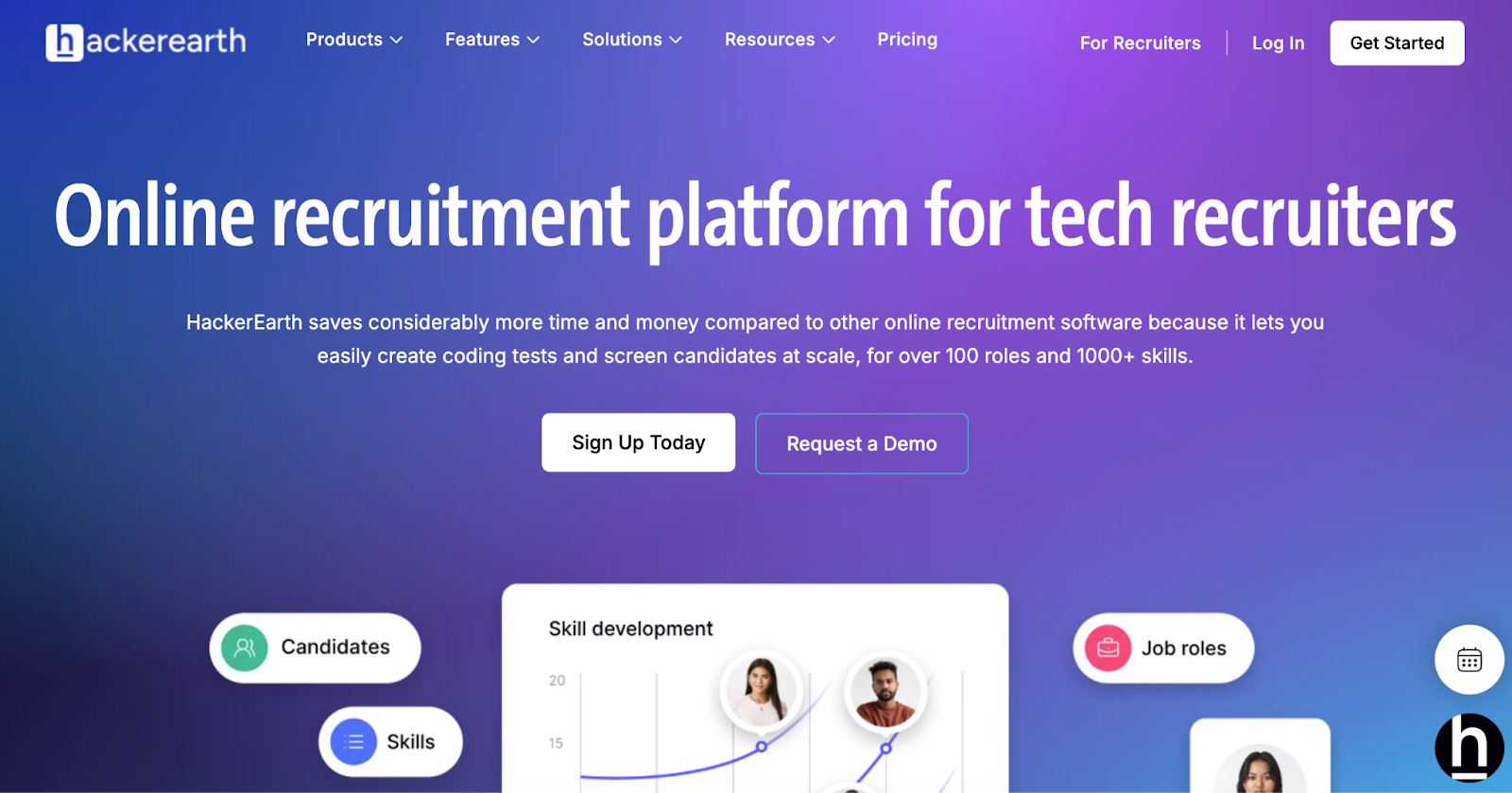
1. HackerEarth

​​Use HackerEarth to recruit and assess top candidates

HackerEarth is an all-in-one online recruitment platform designed to help tech hiring teams manage talent efficiently. Our platform lets recruiters create coding assessments for over 100 roles and evaluate more than 1,000 technical skills without manual effort. The HackerEarth profile functions as a digital portfolio for developers, allowing them to showcase technical abilities, work experience, and participation in coding contests. 

You can request additional details, such as CGPA, expected compensation, or specific projects, to improve candidate visibility during recruitment campaigns. Developers can also link external accounts, such as GitHub or CodeForces, to increase profile completeness and credibility. Performance metrics from hackathons, monthly challenges, and practice problems provide objective insights into candidate problem-solving consistency. Leaderboard rankings further demonstrate skills in real-world coding competitions.

Administrators manage team member profiles in the “Team Management” section of Settings, quickly activating or reactivating users. Users control their personal data in accordance with HackerEarth’s privacy policy. Verifying profiles and completing achievements increases visibility to recruiters and opens opportunities in assessments, hackathons, and job matching.

What sets our platform apart is its combination of automation and AI-powered evaluation. Hiring teams can build project-based assessments, run live coding challenges, and invite candidates from a global network of over 10 million developers. Its AI Interview Agent is trained on 36,000 technical questions, simulates real interviews, evaluates soft skills, and adapts questions based on candidate responses. The AI Screening Agent scans resumes and assessments to filter out up to 80 percent of unqualified applicants early. 

SmartBrowser technology and advanced proctoring with tab-switch detection maintain test integrity and prevent cheating in online assessments. HackerEarth supports more than 40 programming languages and integrates seamlessly with ATS platforms, helping companies cut average hiring cycles from over 30 days to under 10.

Key features

  • Access an extensive library of 36,000+ coding questions across 1,000+ technical skills, including AI, machine learning, and data science
  • Create customized coding tests for over 100 roles using pre-built templates or your own real-world problem statements
  • Evaluate practical skills through project-based assessments that simulate real job challenges with custom datasets
  • Prevent cheating with advanced proctoring tools like SmartBrowser, tab-switch detection, webcam monitoring, and customizable invigilation settings

Pros

  • Host global hiring challenges that tap into HackerEarth’s 10M+ developer community to source pre-vetted talent from 130+ countries
  • Automate resume screening and shortlisting with AI Screening Agents that filter out 80% of unqualified candidates
  • Reach diverse global talent pools by leveraging an active developer network across 133 countries

Cons

  • Does not offer low-cost or stripped-down plans
  • Fewer customization options at entry-level pricing

Pricing

  • Growth Plan: $99/month per user (10 credits)
  • Scale Plan: $399/month (25 credits)
  • Enterprise: Custom pricing with volume discounts and advanced support

📌Suggested read: The 12 Most Effective Employee Selection Methods for Tech Teams

2. Recruit CRM

Use Recruit CRM as your all-in-one ATS and CRM

Recruit CRM gives recruitment agencies a single system to manage jobs, candidates, clients, and revenue without switching tools during daily work. The platform combines ATS and CRM capabilities so teams can post roles, source candidates, manage outreach, and track workflows from one dashboard. Recruit CRM also supports employer branding by helping teams maintain consistent communication with candidates throughout long hiring cycles. 

Agencies across 100+ countries use Recruit CRM to manage relationships and scale operations with a unified recruiting system. Teams benefit from shared visibility across candidates, clients, and jobs, which improves coordination during fast-paced hiring periods.

Key features

  • Automate resume parsing, job posting, and candidate tracking
  • Source leads maintain candidate engagement and client relationships
  • Use Chrome extension Boolean search and 5000+ integrations

Pros

  • Use one system for ATS, CRM, and engagement
  • Get access to integrations, workflow automation, and analytics

Cons

  • Experience performance slowdowns with very large datasets
  • Pay extra for advanced modules and feature add-ons

Pricing

  • Pro: $100/month per user
  • Business: $150/month per user
  • Enterprise: $165/month per user

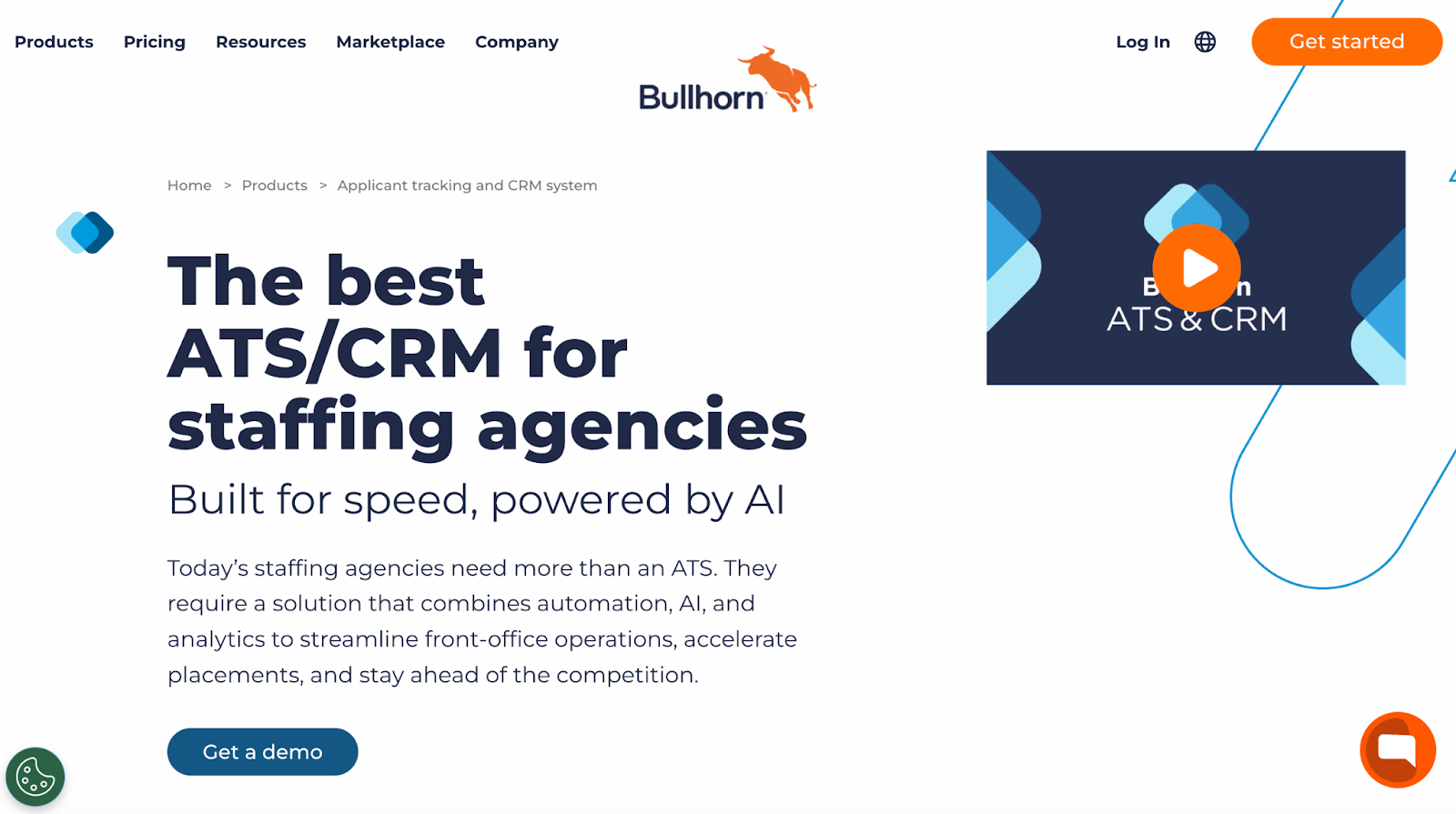
3. Bullhorn

Grow your agency with this AI-powered recruiting CRM

Bullhorn is an ATS and CRM used by more than 10,000 staffing and recruitment agencies to run their operations at scale with AI and automation. Agencies using Bullhorn’s full suite report 36% more placements, 51% more submissions, and a 22% higher fill rate, showing measurable improvements in key hiring metrics. 

The platform combines candidate tracking, client relationship management, resume parsing, interview scheduling, and analytics on one cloud-based platform. Recruiters also rely on its AI recruitment assistants and automation features to handle routine tasks while they focus on higher-value engagements with candidates and clients. 

Key features

  • Track candidates through every hiring stage with CRM and ATS
  • Use AI recruiting assistants for outreach and sourcing
  • Manage client and candidate relationships in one system

Pros

  • Schedule interviews and collect feedback with ease
  • Build reports that reflect recruiter and placement performance

Cons

  • Experience slow performance during heavy data usage
  • Pay higher costs with limited customer support responsiveness

Pricing

  • Available in Bullhorn ATS & CRM, Front Office, Workforce Edition & Bullhorn 360: Custom pricing

4. Manatal

Transform your hiring with Manatal’s recruitment CRM

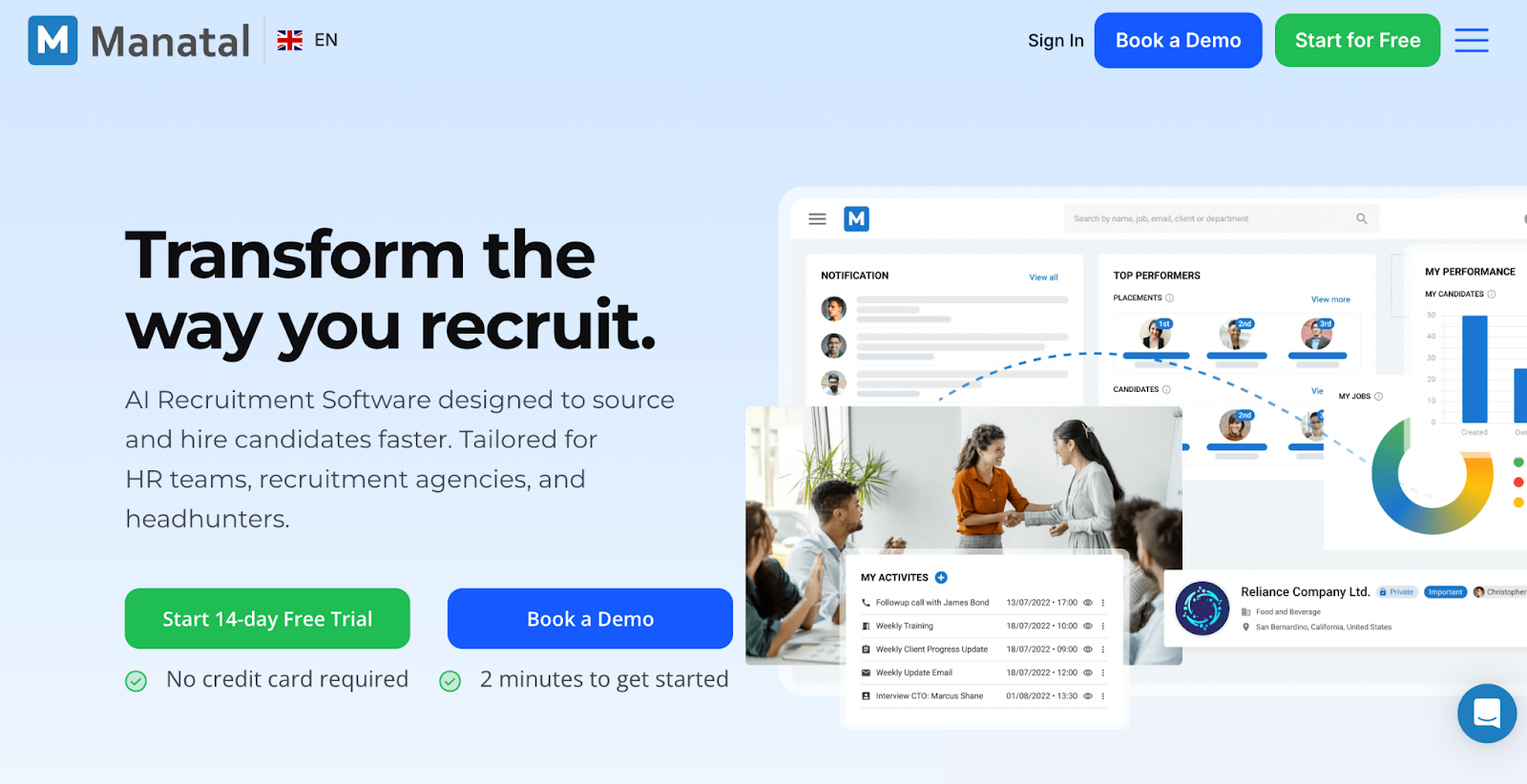
Manatal supports HR teams and agencies with a CRM that needs fast access to sourcing automation and candidate data. Recruiters use drag-and-drop pipelines and Kanban boards to track progress across every active role. 

The platform also supports large-scale job distribution across 2500+ global and local job boards. Built-in AI helps suggest candidates and enrich profiles using data from over 20+ public and social platforms. Mobile access allows recruiters to manage activity and updates from any device.

Key features

  • Customize hiring pipelines using simple drag and drop stages
  • Post jobs across 2,500+ global job boards
  • Enrich candidate profiles using social and public data

Pros

  • Use a simple interface without long training requirements
  • Access mobile recruiting features across all devices

Cons

  • Lacks recruiter performance reports and detailed activity insights
  • Face limits with AI accuracy and pipeline visibility

Pricing

  • Professional: $19/month per user
  • Enterprise: $39/month per user
  • Enterprise Plus: $59/month per user
  • Custom: Contact for pricing

📌Related read: How Talent Assessment Tests Improve Hiring Accuracy and Reduce Employee Turnover

5. SmartRecruiters

Efficient CRM recruitment for high-volume hiring

SmartRecruiters supports small teams and large organizations through its SmartCRM. It helps recruiters build employer branding, create talent pools with active and passive candidates, and manage personalized drip campaigns. 

Recruiters also use internal talent discovery to surface qualified employees for open roles, which supports internal mobility and workforce planning. These tools help teams maintain candidate engagement across long hiring cycles without heavy manual work.

Key features

  • Build candidate pools with active and passive talent
  • Send rule-based personalized drip campaigns at scale
  • Discover internal candidates using existing employee data

Pros

  • Support employer branding through consistent candidate engagement
  • Manage recruiting workflows across teams of different sizes

Cons

  • Requires higher pricing tiers for advanced CRM features
  • Offers limited customization for complex agency-style workflows

Pricing

  • Available in Essential, Professional, High Volume & Complete: Custom pricing

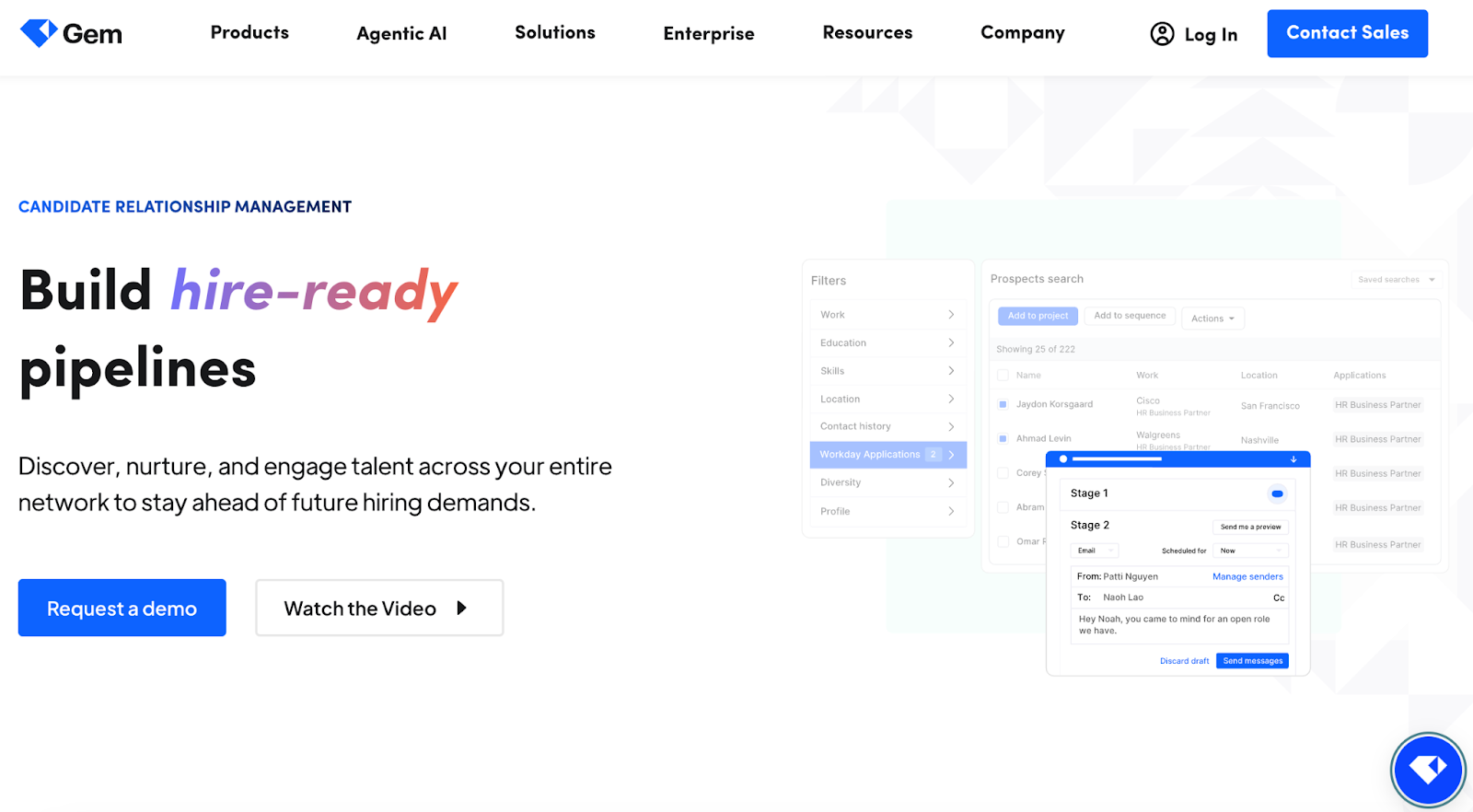
6. Gem

Secure top talent using Gem's candidate CRM platform

Gem automatically adds and enriches candidate profiles, runs outreach via email, SMS, phone, and InMail, and pulls from a database of more than 800 million profiles, making it one of the strongest recruiting CRMs. 

It also offers integrations across plans rather than restricting them to premium tiers. The company continues to expand its product through focused acquisitions such as InterviewPlanner.

Key features

  • Auto-add and enrich profiles from sourcing platforms
  • Run outreach across email, SMS, phone, and InMail
  • Rediscover past candidates using AI search tools

Pros

  • Access unlimited sourcing across 800 million profiles
  • Connect easily with over 50+ ATS integrations

Cons

  • Long setup timelines for data migration
  • Lacks built-in client management for staffing agencies

Pricing

  • Custom pricing

7. Zoho Recruit

Zoho Recruit simplifies resume screening with ATS and CRM tools

Zoho Recruit provides recruiting teams and agencies with a single platform to manage sourcing and hiring. The software offers reporting and analytics to track recruiting performance and measure team productivity effectively. 

Customizable features let users create tailored workflows that match their unique hiring process and automate repetitive tasks for faster candidate processing. Recruiters can access all hiring data instantly, which helps reduce administrative work while keeping candidate and client interactions organized and efficient across the platform.

Key features

  • Find candidates quickly using career sites and in-app résumé sourcing
  • Hire and manage candidates globally with support for twenty-seven languages
  • Save time with CV phrases for faster resume evaluation

Pros

  • Develop custom workflows for messaging and recruitment task management
  • Schedule interviews and automate emails with flexible feature options

Cons

  • Lacks recruitment email drip campaigns without Zoho Campaigns integration
  • Requires additional fees for storage and premium support, including live chat

Pricing

  • Free
  • Standard: $30/month per user
  • Enterprise: $90/month per user

📌Related read: How Candidates Use Technology to Cheat in Online Technical Assessments

8. JobAdder

Refine your sourcing with an AI-driven recruitment CRM

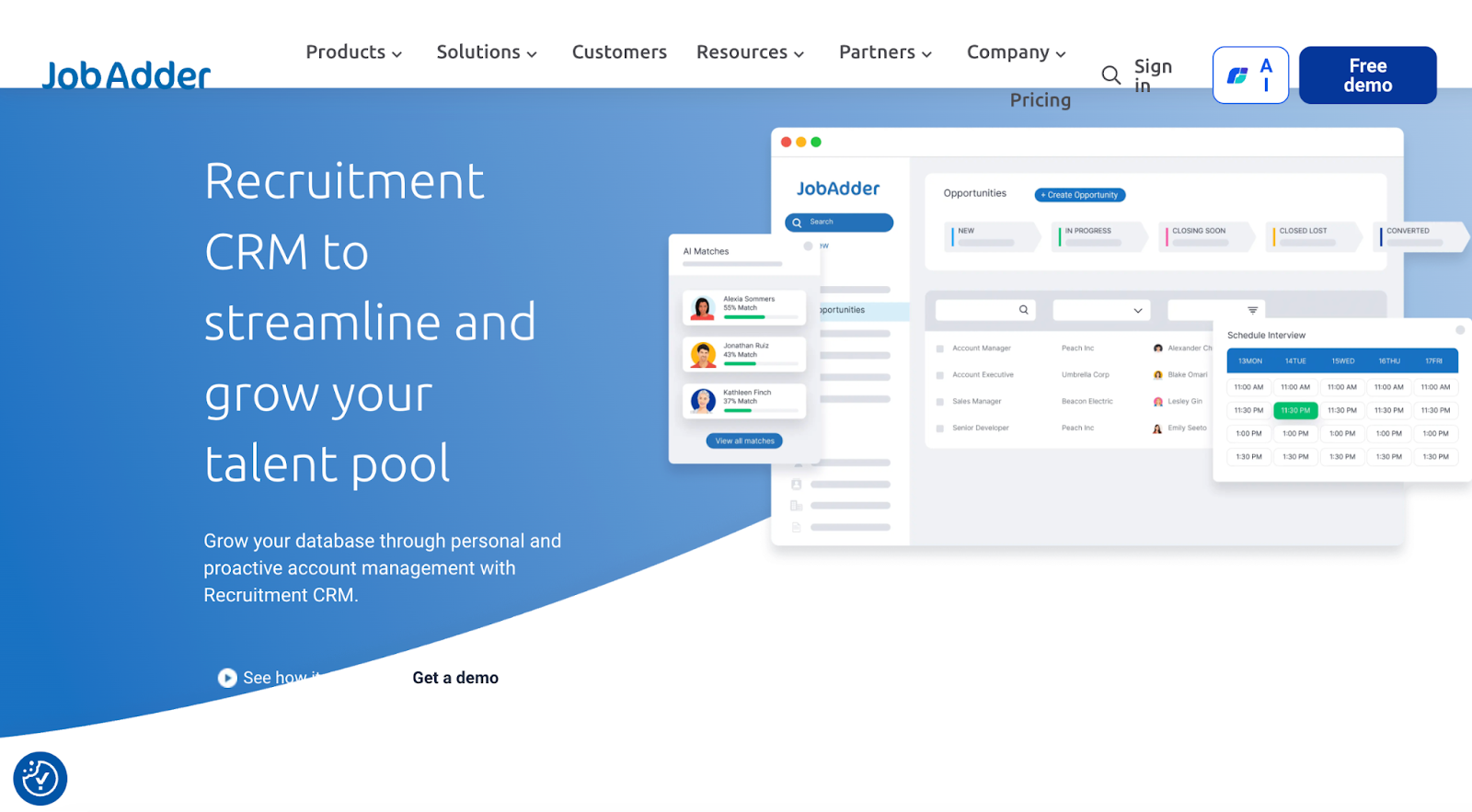
With JobAdder, users can manage opportunity records, track candidates, and update job information quickly, using quick-view popups for faster workflows. It helps recruiters capture leads, assign tasks, and automatically convert closed deals into job records. The platform allows easy communication with clients and candidates through SMS, email, and WhatsApp using custom templates. 

Recruiters can tag skills, manage talent pools, and subscribe to records for timely updates. JobAdder integrates with LinkedIn, SourceBreaker, DaXtra, and Sourcr for a connected recruiting experience. Its predictive search, candidate matching, and automated messaging save time and reduce manual work. Plus, dashboards and filters provide fast access to job, candidate, and deal information across the platform.

Key features

  • View and update candidate information using quick-view popups
  • Automate task assignments and track opportunity records efficiently
  • Convert closed deals into job records instantly for matching candidates

Pros

  • Send bulk messages via email, SMS, or WhatsApp templates
  • Tag candidates and manage talent pools based on skills and ratings

Cons

  • Slower customer support that refers users to self-help
  • User interface can feel clunky or outdated at times

Pricing

  • Available in Recruiter Lite, Recruiter Essential, Recruiter Pro & Recruiter Business: Custom pricing

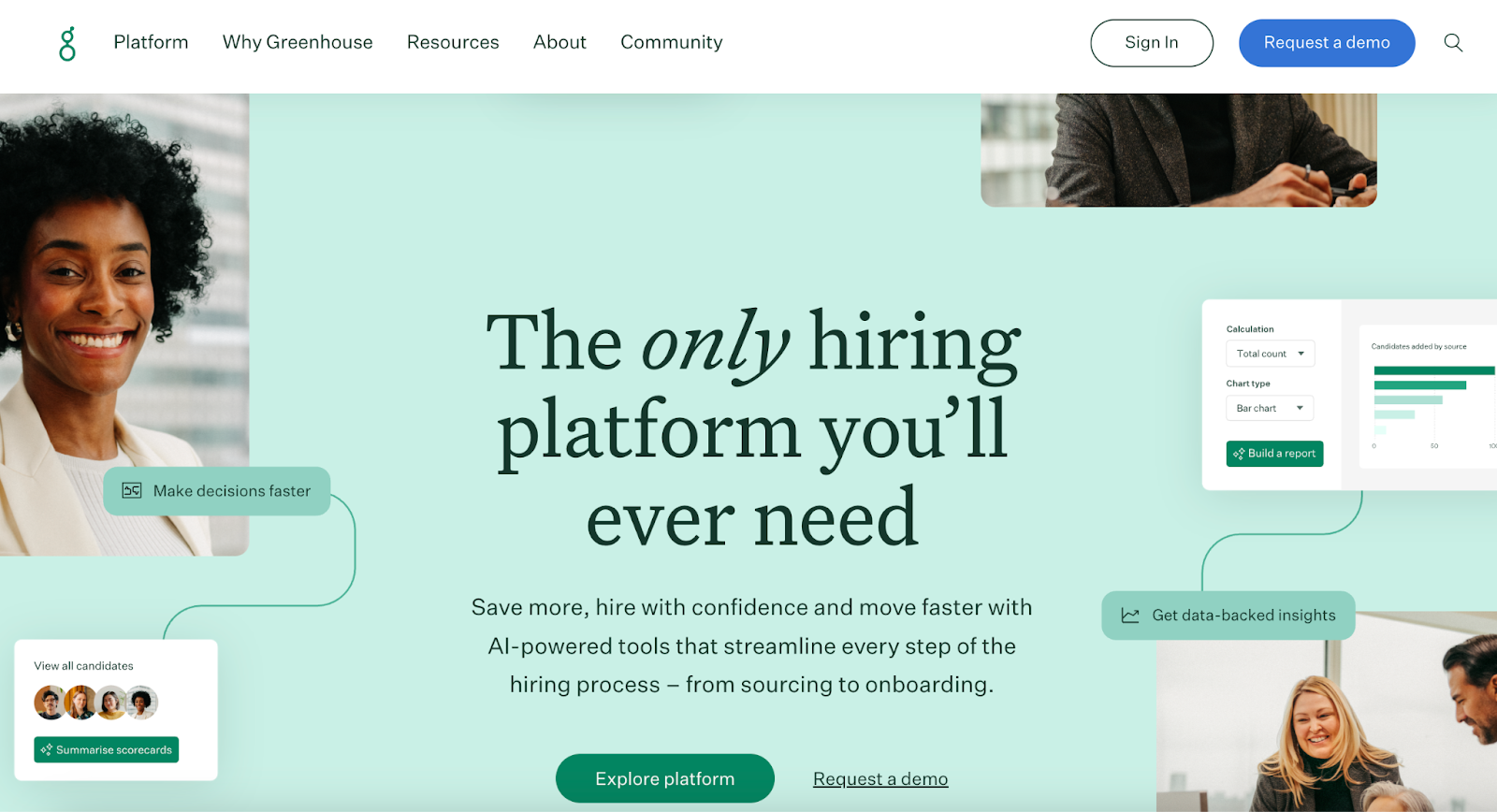
9. Greenhouse

Greenhouse streamlines hiring with CRM tools from sourcing to onboarding

Greenhouse integrates sourcing, interviewing, and offer management into a single platform, giving hiring teams complete visibility of every step. The platform provides standardized interview kits and shared scorecards to help teams objectively compare candidates and reduce subjective impressions. Automated reminders and messaging allow recruiters to follow up with candidates consistently throughout the pipeline. 

Its reporting tools and dashboards help track candidate progress and identify issues in the process. Mobile recruiting tools allow teams to review candidate information and submit feedback from anywhere. Integrations with platforms like LinkedIn, Slack, BambooHR, and DocuSign make it easier to manage candidates and related tasks. 

Key features

  • Provide interviewers with standardized questions and evaluation criteria
  • Capture consistent feedback to support fair collaborative decision-making
  • Show where candidates progress or stall for pipeline reporting

Pros

  • Reduce candidate communication gaps with automated follow-ups
  • Keep teams coordinated with clear task assignments during hiring

Cons

  • Lacks built-in sourcing marketplace compared to other CRM tools
  • Reporting customization requires in-depth configuration knowledge

Pricing

  • Custom pricing

10. Recruiterflow

Meet your AI twin with this recruitment CRM

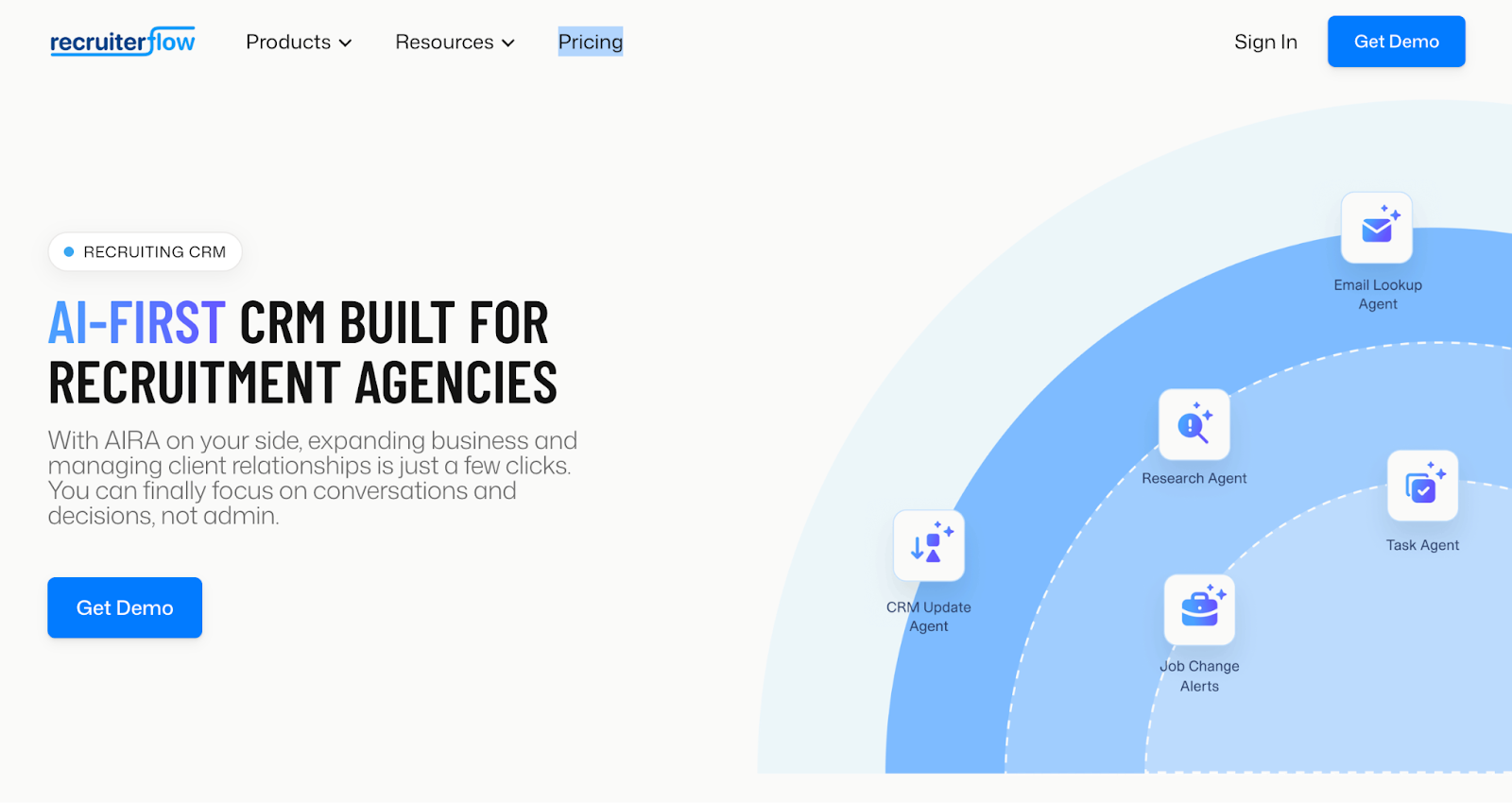
RecruiterFlow’s AI agent, AIRA, tracks every interaction across calls, emails, SMS, and notes to manage administrative tasks automatically. As a result, recruiters save hours each week while focusing on client conversations and closing deals. The platform includes tools for job change alerts, predictive candidate matching, and automated outreach campaigns across multiple channels. 

It also centralizes client management, deal pipelines, and recruitment tasks on a single platform. Advanced reporting and visual dashboards provide insights into recruiter performance, revenue metrics, and business growth opportunities. Additionally, teams can collaborate easily with shared tasks, automatic assignments, and record tagging for faster candidate placement. 
Key features

  • Automate follow-ups and candidate communications across multiple channels
  • Generate custom recruitment agency reports for performance tracking
  • Use AI to update CRM fields automatically and schedule interviews

Pros

  • Build outreach workflows using custom triggers and action recipes
  • Collaborate with shared tasks, mentions, and automatic assignments

Cons

  • Fewer third-party integrations compared to other agency CRMs
  • Higher costs for advanced plans that start at $149/month per user

Pricing

  • Advanced: $149/month per user
  • Custom: Contact for pricing

Key Features Every Great Recruitment CRM Must Have

Selecting the right recruitment CRM can make your hiring process faster, more organized, and more effective. Focus on these key features when evaluating options:

  • Candidate engagement: If your team wants to build lasting relationships with talent, look for tools that automate nurture campaigns and send targeted messages. Personalized communication keeps candidates interested and helps recruiters maintain contact over long hiring cycles.
  • AI-powered matching: When matching candidates to roles, choose CRMs that use AI to consider both skills and cultural fit. This helps your team prioritize high-potential candidates and fill positions faster without sacrificing quality.
  • Mobile accessibility: Recruiting doesn’t stop at the desk, so pick CRMs with mobile-friendly access. Teams can review resumes, respond to candidates, and track progress while on the go, keeping momentum high.
  • Analytics and reporting: If you want smarter hiring decisions, select CRMs that provide detailed reports and insights. Track pipeline performance, identify issues, and adjust strategies based on data rather than guesswork.

How Much Does Recruitment CRM Software Cost?

Recruitment CRM pricing varies widely by vendor, features, and team size. Basic plans for smaller teams often start as low as around $19 per user per month, while full enterprise suites can go well above $300 per user per month or require custom quotes depending on usage and support needs.

Plan Type Average Price Common Features
Free $0 Basic candidate tracking, limited job postings, email integration, and basic reporting
Basic $15–$100 per user, per month Enhanced candidate tracking, unlimited job postings, email and calendar integration, basic analytics, and customer support
Professional $100–$249 per user, per month Advanced candidate sourcing tools, CRM and ATS integration, advanced analytics, personalized email campaigns, and premium customer support
Enterprise $249 per user, per month to custom pricing Customizable workflows, advanced integration capabilities, dedicated account manager, comprehensive analytics and reporting, and enhanced data security
Plan Type Average Price Common Features
Free $0 Basic candidate tracking, limited job postings, email integration, and basic reporting
Basic $15–$100 per user, per month Enhanced candidate tracking, unlimited job postings, email and calendar integration, basic analytics, and customer support
Professional $100–$249 per user, per month Advanced candidate sourcing tools, CRM and ATS integration, advanced analytics, personalized email campaigns, and premium customer support
Enterprise $249 per user, per month to custom pricing Customizable workflows, advanced integration capabilities, dedicated account manager, comprehensive analytics and reporting, and enhanced data security

Below is a comparison table of top recruiting CRM software prices.

Recruiting CRM Pricing (Annual Billing)
HackerEarth • Growth Plan: $99/month per user (10 credits)
• Scale Plan: $399/month (25 credits)
• Enterprise: Custom pricing with volume discounts and advanced support
• No free trial available
Recruit CRM • Pro: $100/month per user
• Business: $150/month per user
• Enterprise: $165/month per user
• Free trial available
Bullhorn • Available in Bullhorn ATS & CRM, Front Office, Workforce Edition, Bullhorn 360
• Custom pricing
• No free trial available
Manatal • Professional: $19/month per user
• Enterprise: $39/month per user
• Enterprise Plus: $59/month per user
• Custom pricing available
• 14-day free trial available
SmartRecruiters • Available in Essential, Professional, High Volume, and Complete plans
• Custom pricing
• No free trial available
Gem • Custom pricing
• Free trial available
Zoho Recruit • Free plan available
• Standard: $30/month per user
• Enterprise: $90/month per user
• 15-day free trial available
JobAdder • Available in Recruiter Lite, Recruiter Essential, Recruiter Pro, Recruiter Business
• Custom pricing
• No free trial available
Greenhouse • Custom pricing
• No free trial available
Recruiterflow • Advanced: $149/month per user
• Custom: Contact for pricing
• Free trial available

Best Recruitment CRM by Use Case

Recruiters must match their CRM choice to team size, hiring volume, and workflow needs. Here are the best recruitment CRM by use case and application:

Small teams

Small recruiting teams and small businesses gain the most from affordable CRM solutions that provide core recruiting and candidate management without requiring complex setup or high costs. Tools like Manatal start at low per-user pricing and use AI-powered candidate matching to help teams source and engage talent efficiently. 

Likewise, solutions such as Zoho Recruit offer basic CRM and ATS features with a free tier and low monthly rates that make them accessible for startups or internal teams who need quick value without enterprise pricing. These platforms help small teams track candidates, maintain engagement, and manage pipelines with minimal training and expense.

Enterprise

Large organizations and enterprise recruiting teams need CRMs that scale with complex workflows, detailed reporting, and broad integration support. Platforms like Greenhouse support structured hiring processes and collaboration across global teams and provide advanced analytics that help large recruiters handle high candidate volumes with consistency. 

SmartRecruiters also fits this use case with enterprise‑grade tools for building talent pools, personalizing outbound campaigns, and supporting internal mobility at scale. These tools give enterprises the depth and breadth needed to support recruiting across departments and regions.

Staffing agencies

Staffing firms and agencies that fill roles for many clients and job orders benefit from CRMs built for high‑volume sourcing, client relationship tracking, and performance reporting. Bullhorn is widely recognized as a top choice for staffing agencies, with unified ATS and CRM functionality and tools for automated candidate matching and communication. 

Recruiterflow and Recruit CRM are also strong options for agencies that want pipeline automation and CRM dashboards that track both candidate and client interactions in one place, helping recruiters manage large workloads efficiently. These systems help staffing teams run outbound campaigns, manage large candidate pools, and keep client relationships productive.

Why HackerEarth is the Best Choice for Your Recruitment CRM Needs

As we know, traditional tools require teams to manually review resumes, schedule interviews, and screen candidates, which wastes time and reduces productivity. HackerEarth changes this by combining recruiting CRM workflows with powerful AI and automation via an all-in-one tech recruitment platform

As a result, you can identify top talent quickly, engage candidates efficiently, and move them through hiring stages without constant manual follow‑ups or scheduling headaches.

Here’s how using HackerEarth makes a difference at each stage:

  • Sourcing: Tap into millions of developers with AI‑powered matching that brings the best candidates forward 
  • Assessment: Evaluate both technical and soft skills with structured tests, real‑world problem statements, and proctored coding challenges 
  • Interviewing: Use AI Interview Agents and seamless scheduling tools to run live or recorded interviews 

With these capabilities, your hiring team can build stronger candidate relationships and improve overall hiring outcomes. Test HackerEarth today to see how it can transform your recruitment CRM strategy.

FAQs

What is recruitment CRM software?

Recruitment CRM software helps recruiting teams manage candidate relationships and communication proactively. Compared to an ATS that focuses on active applications, a recruitment CRM engages talent before they apply, automates outreach, tracks interactions, and maintains pipelines. It improves candidate engagement, organizes long-term relationships, and supports more efficient and personalized hiring workflows.

What is the best CRM for recruitment?

The best CRM for recruitment depends on team needs, but HackerEarth stands out in 2026. It combines AI-powered candidate matching, automated assessments, and interview management. Its scalable platform supports small to large teams, improves engagement, reduces repetitive work, and integrates seamlessly with ATS systems, helping recruiters identify, assess, and hire top talent faster.

Can CRM reduce time-to-hire?

Yes, a recruitment CRM reduces time-to-hire by automating repetitive tasks like candidate sourcing, outreach, and scheduling. It keeps talent pipelines warm, tracks interactions, and prioritizes qualified candidates. Teams can focus on meaningful conversations, fill roles faster, and maintain higher engagement throughout the hiring process, ultimately shortening the overall recruitment cycle.

Which CRM is best for SMBs?

For small and medium businesses, Manatal and Zoho Recruit offer affordable, easy-to-use CRM solutions. They provide essential features like candidate tracking, job posting, integrations, and basic analytics without complex setup. However, if you want an all-in-one platform, HackerEarth adds AI-powered assessments, automated candidate engagement, and interview management. This helps SMBs manage workflows efficiently, maintain candidate engagement, and scale operations without large budgets or enterprise-level infrastructure.

Subscribe to The HackerEarth Blog

Get expert tips, hacks, and how-tos from the world of tech recruiting to stay on top of your hiring!

Author
Vineet Khandelwal
Calendar Icon
January 27, 2026
Timer Icon
3 min read
Share

Hire top tech talent with our recruitment platform

Access Free Demo
Related reads

Discover more articles

Gain insights to optimize your developer recruitment process.

11 Best Hackathon Platforms for Enterprise Innovation in 2026

Hackathon software has rapidly evolved from simple coding challenge tools into sophisticated platforms that empower enterprises to drive innovation, recruit talent, and manage large‑scale ideation programs. In fact, companies that leverage dedicated hackathon platforms report a 35-50% increase in participation rates and operational efficiency. 

In this guide, we’ll explore the top 11 hackathon platforms that are setting the standard in enterprise innovation management in 2026. You’ll also learn how they compare across features, pricing, community reach, and strategic value.

Why Use Hackathon Software in 2026?

Before we explore the platforms, here’s why hackathon software has become a necessity:

  • Streamline management: Hackathon software automates many logistical tasks, including registration, team formation, and final submissions.
  • Scale operations: Hackathon software efficiently manages registration, submissions, teams, judging, and communications, even for large, global events with hundreds or thousands of participants.
  • Support diverse formats: Modern hackathons include coding, product design, AI/ML prototypes, marketing ideas, business models, and UX. Platforms support multiple formats, including code submissions, design entries, idea submissions, and voting.
  • Enable global collaboration: Software schedules activities, manages collaboration, and centralizes submissions and judging for participants across different time zones, geographies, and backgrounds.
  • Track projects: Organizers monitor project progress, assign tasks, and ensure participants meet deadlines.
  • Generate ideas: Features such as brainstorming sessions, voting tools, and idea repositories capture and refine innovative concepts.
  • Provide data and analytics: Companies measure participation, engagement, idea quality, and follow-up outcomes. Analytics help assess ROI, identify trends, and guide future hackathons.

📌Suggested read: 6 Reasons: Why Companies Conduct Hackathons

Hackathon Platform Decision Matrix

With so many virtual hackathon platforms available, comparing them side by side helps you pick the one that matches your event goals and team needs. Here’s a quick breakdown of the top options.

Tool Name Best For Key Features Pros Cons G2 Rating
HackerEarth Developer-centric hackathons and talent acquisition Hackathon hosting, global developer community, challenge workflows, submissions, judging, analytics Deep analytics and integrations; robust hackathon and assessment tools Not ideal for non-technical assessment needs; limited deep customization; no low-cost, stripped-down plans 4.5
Devpost Public and internal hackathons with broad developer engagement Submission gallery, built-in judging, project showcase, community access Large developer ecosystem; scalable for public events; proven across thousands of hackathons Less customizable for non-code formats N/A
Eventornado Standalone hackathon execution Event page, team formation, chat, feedback, mentor involvement Simple browser-based setup; flexible workflow; good for hybrid events Smaller ecosystem compared to Devpost and HackerEarth N/A
InspireIP Continuous innovation and hackathon management Enterprise hackathon workflows, analytics, modular innovation apps, reporting Strong enterprise focus; connects hackathons to long-term innovation pipelines More complex for single standalone events 4.8
IdeaScale Idea crowdsourcing and innovation programs Idea capture, analysis, voting, project planning, ROI dashboards Excellent for broad ideation beyond events; high collaboration support Can feel overwhelming initially; setup complexity 4.5
Brightidea Enterprise innovation programs and hackathons Automated event scheduling, analytics dashboards, collaboration rooms Strong analytics; integrates well with corporate tools; highly scalable Enterprise pricing; heavier feature set than SMB tools 4.3
HYPE Innovation Corporate innovation and hackathon campaigns Team building, idea capture, evaluation workflows, dashboards All-in-one innovation and event support; automated evaluation May be complex for small or one-off events 4.8
InnovationCast Long-term idea pipelines with hackathon support Challenge campaigns, idea improvement, evaluation, impact tracking Strong post-event tracking into implementation Broader innovation focus requires substantial setup N/A
Hackathon.com General hackathon discovery and organization Central event listings, basic management tools, community reach Easy event exposure; broad community visibility Limited enterprise-grade analytics and controls N/A
Ideanote Lightweight hackathons and ongoing ideation Idea capture, automated workflows, collaboration tools, integrations Clean UI; great for SMBs and teams; strong automation Not designed for very large enterprises 4.7
Agorize Hackathons and open innovation programs Challenge builder, mentor engagement, evaluation dashboards Strong idea scouting and talent discovery capabilities Event timelines can be longer to execute 4.4

📌Also read: 10 Things to Keep in Mind While Conducting a Hackathon

Top 11 Hackathon Software Platforms

Discover how the top 11 online hackathon platforms help you run events, track projects, and engage participants.

1. HackerEarth

HackerEarth provides a complete platform for hosting technical hackathons and measuring real-world skills in a single, easy-to-use solution. You can create project-based tasks, coding challenges, and hackathons that test candidates across full-stack development, DevOps, machine learning, data analytics, and GenAI skills. The platform includes over 40,000 questions covering more than 1,000 technical areas, allowing recruiters and organizers to measure applied skills accurately.

All HackerEarth hackathons include fully managed services, so organizers can focus on outcomes rather than administrative tasks. The platform provides real-time team creation, idea shortlisting, project evaluation, and advanced plagiarism detection to keep events secure and fair. A dedicated process management team handles creative support, evaluation guidance, and organic promotion to increase engagement and participation across internal or external audiences.

You can reach over 10 million developers in 133 countries and 450 global universities while running global, internal, hybrid, or in-person events. Internal hackathons help teams collaborate across departments, spark creativity, and turn ideas into actionable results. External hackathons and innovation challenges allow organizations to crowdsource solutions and discover top-tier talent in real-world problem-solving scenarios.

HackerEarth also offers the FaceCode platform for live coding interviews with HD video, AI assistance, structured evaluation, and performance summaries. Recruiters can score code for correctness, readability, security, and maintainability while automating over five hours of technical evaluation per hire. 

The platform uses an AI Interview Agent to run realistic interviews that assess technical and soft skills, while AI Screening Agents identify top candidates early, remove up to 80% of unqualified applicants, and allow recruiters to focus only on the most promising talent. With 15+ ATS integrations, GDPR compliance, and ISO 27001 certification, HackerEarth ensures reliable, secure, and scalable hiring for large-scale programs.

Key features

  • 40,000+ questions across full‑stack, DevOps, data, ML, and GenAI skills
  • Automated evaluation and scoring with intelligent insights
  • Access live collaborative coding with HD video and AI support via the FaceCode Interview platform
  • Continuous proctoring with tab‑switch detection, audio monitoring, and bot/tool usage flagging
  • Engaging talent through innovation‑focused hackathons and hiring challenges
  • Connect with 15+ systems, including Greenhouse, Lever, Workday, SAP
  • GDPR compliance, ISO 27001 certification, reliability for scale

Pros

  • Make assessments with varied question types 
  • Give teams a largely intuitive interface that reviewers appreciate
  • Provide deep reporting and analytics that recruiters find helpful
  • Offer wide language support and real coding environments 

Cons

  • Does not offer low-cost or stripped-down plans
  • Fewer customization options at entry-level pricing

Pricing

  • Growth Plan: $99/month per user (10 credits)
  • Scale Plan: $399/month (25 credits)
  • Enterprise: Custom pricing with volume discounts and advanced support

Best for: Enterprises and growing companies seeking end-to-end hackathon management with integrated technical assessment, talent acquisition, and innovation capabilities. Ideal for organizations running both internal innovation challenges and external public hackathons.

2. Devpost

Devpost provides organizations with a platform where developers can participate in hackathons, build real projects, and showcase their skills to recruiters. You can host branded coding events, engage global developer communities, and create high-visibility experiences that highlight your company culture and technical challenges.

The platform lets organizers review submissions, assess project outcomes, and invite top performers into hiring pipelines while maintaining seamless event management for large-scale online competitions. 

Key features

  • Host branded hackathons and coding challenges to attract developers
  • Review participant submissions and portfolios to assess project skills
  • Integrate participant data and results with ATS or CRM systems

Pros

  • Reach developers who demonstrate skills through live, public hackathon challenges
  • Strengthen employer branding through community engagement and project visibility
  • Get access to over 4 million developers, offering instant, built-in marketing

Cons

  • Requires participants to engage in timed events, which may reduce candidate availability
  • Relies on developers’ willingness to submit projects publicly for evaluation

Pricing

  • Custom pricing

Best for: Large-scale online hackathons, global developer challenges, and organizations seeking maximum visibility and participant reach.

3. Eventornado

Eventornado gives organizations a platform built specifically for running hackathons, where every stage, from registration to results, happens in one place. You can create custom event pages, collect ideas and applications, let participants form teams, support collaboration with built-in chat, and run judging workflows with clear audit trails. 

The platform works in a browser, so no installation is needed. Plus, it scales from small internal hackathons to global hybrid events with thousands of participants.

Key features

  • Launch a customizable event landing page for hackathons
  • Collect registrations and detailed idea submissions
  • Help participants form or join teams based on skills

Pros

  • Enable real-time chat for collaboration and mentor feedback
  • Run judging and score submissions with audit trails
  • Publish hackathon results and analytics to stakeholders

Cons

  • Advanced customization and integrations are limited
  • Organizations looking for deep analytics or third-party tool integrations may find fewer built-in options than larger enterprise innovation platforms

Pricing

  • Custom pricing

Best for: Organizers wanting fast setup, modern UX, and purpose-built hackathon functionality for virtual/hybrid events.

4. InspireIP

InspireIP helps hackathon teams carry ideas forward after the event ends. The platform moves each submission through clear stages, including validation, evaluation, prioritization, and follow-up development. 

Organizers customize workflows, judging criteria, and templates to align with hackathon goals. Participants collaborate through comments, updates, and shared workspaces without extra tools. Built-in analytics show engagement, idea quality, and progress, while enterprise integrations connect hackathon outcomes to real project execution.

Key features

  • Move hackathon submissions through validation, evaluation, and follow-up development
  • Customize workflows to match your hackathon phases and goals
  • Collaborate with participants through comments and shared workspaces

Pros

  • View engagement and idea progress with built-in analytics
  • Connect hackathon outcomes to real project execution via integrations
  • Real-time collaboration and smooth communication features

Cons

  • Heavier interfaces can interrupt idea flow during large hackathon campaigns
  • Advanced customization and admin controls can take time to learn

Pricing

  • Custom pricing

Best for: Organizations focused on post-hackathon innovation tracking and idea lifecycle management.

5. IdeaScale

IdeaScale provides organizations with a platform to run hackathons that capture, evaluate, and implement ideas from participants through a central system. You can collect submissions, foster collaboration on concepts, and move promising projects toward execution while tracking engagement across teams and stakeholders. 

The platform supports real-time feedback, voting, and idea refinement, so hackathon organizers can prioritize contributions that matter most to their goals. You can also use customizable tools to build workflows that guide ideas from submission to measurable results.

Key features

  • Capture ideas and organize submissions from hackathon participants
  • Collaborate with teams to refine and strengthen proposed solutions
  • Use analytics to track participation, idea performance, and outcomes

Pros

  • Strong customer support and responsive service
  • Foster broad participation and get support for decision-making 
  • Manage portfolios from early ideas to implementation stages

Cons

  • The platform’s backend and administrative features are harder to learn
  • Advanced customization options and integrations with other business systems are limited

Pricing

  • Custom pricing

Best for: Enterprises, governments, and universities running continuous innovation programs with hackathons as one component.

6. Brightidea

With Brightidea, you can customize support levels with expert consultants, coordinate stakeholders, and execute events that maximize engagement across internal teams and external participants. 

The platform centralizes project development, team formation, judging, and analytics to deliver measurable impact while maintaining security and compliance. Hackathons run smoothly with guided workflows, automated scheduling, and tools to help every participant contribute and collaborate effectively.

Key features

  • Automate event scheduling for streamlined hackathon management
  • Manage project development and collaboration in real-time
  • Guide participants through registration and team formation

Pros

  • Connect participants with teammates based on skills and interests
  • Evaluate submissions with mobile-friendly judging tools
  • Track engagement, participation, and ROI with analytics dashboards

Cons

  • Require some training for teams unfamiliar with full-featured platforms
  • Higher cost may limit access for smaller internal hackathons

Pricing

  • Custom pricing

Best for: Large enterprises with complex, multi-department innovation programs requiring governance and ROI tracking.

7. HYPE Innovation

HYPE Innovation provides organizations with a platform to manage hackathons where participants submit ideas, build teams, and collaborate on real problems, all in one system. You can run online or in-person hackathons with tools that help participants find teammates, comment on ideas, vote, and work with mentors throughout the event. 

Judges can score submissions using built-in evaluation tools, and organizers can monitor progress with campaign dashboards that show live metrics for engagement and activity. After the event, participants can return to view winning ideas and track their development within the same platform.

Key features

  • Capture and display idea submissions for all participants to explore
  • Help teams form before and during hackathon events with search tools
  • Encourage interaction among participants, mentors, and project teams

Pros

  • Score and select top ideas using flexible built-in evaluation tools
  • Monitor hackathon progress through a central campaign dashboard
  • Showcase winning ideas and follow progress after hackathons conclude

Cons

  • Some users report that configuration flexibility can be limited without help
  • Performance issues, such as slow loading or clarity problems in the backend, can occur for complex projects

Pricing

  • Custom pricing

Best for: Global enterprises and R&D-heavy companies needing strategy-driven innovation programs with consulting support.

8. InnovationCast

InnovationCast helps organizations run hackathons that capture ideas, solve real problems, and engage teams globally with collaborative campaigns. You can launch time-bound innovation challenges in minutes, manage submissions, and encourage teams to co-create solutions across departments. 

The platform continuously collects ideas, surfaces opportunities that may not otherwise appear, and tracks all contributions so that every vote, comment, and edit builds measurable insight. You can run internal and external competitions, recognize contributors, and manage the full idea lifecycle to drive meaningful results.

Key features

  • Capture challenge-driven ideas for strategic opportunities
  • Collaborate across teams with multiple participation options
  • Co-create solutions in a shared idea environment

Pros

  • Distribute idea management across teams and categories
  • Organize portfolios with custom processes for each type
  • Use feedback-based voting to improve idea quality

Cons

  • Limited advanced hackathon or automation features
  • Basic analytics and reporting compared with other platforms 

Pricing

  • Custom pricing

Best for: Organizations seeking collaborative, end-to-end innovation management to support hackathons and beyond.

9. Hackathon.com

Hackathon.com gives organizations access to the largest global community of hackathon participants who build real projects and share them with organizers worldwide. You can list your event for free or use the platform’s hackathon management tools to organize challenges, manage teams, and collect submissions from a wide network of developers, designers, entrepreneurs, and other innovators. 

The platform supports online, hybrid, and in-person hackathons and helps you boost event visibility, attract relevant participants, and tap into a community spanning 10+ million innovators across 40 countries.

Key features

  • Connect with a global database of developers and innovators
  • Host free or managed hackathon listings to reach broad audiences
  • Support team formation and real-time collaboration tools

Pros

  • Get access to a very large global community of 10 million innovators willing to join hackathons and collaborate on projects
  • List events for free or use its tools to manage hackathons with customizable pages, communication tools, and live engagement features
  • Use analytics to monitor engagement and project success metrics

Cons

  • Limited built‑in judging and submission management tools
  • The platform lacks the same level of backend tools that more specialized enterprise hackathon solutions provide

Pricing

  • Custom pricing

Best for: Smaller events, beginner organizers, community-driven hackathons, and non-profits.

10. Ideanote

Ideanote gives hackathon organizers one place to plan, run, and manage idea-driven events without switching between tools. You can capture ideas in real time, guide teams through refinement, and move promising concepts toward implementation after the event ends. 

The platform keeps collaboration active by letting participants co-own ideas, share feedback, and track progress across phases.

Key features

  • Collect ideas from participants during hackathons
  • Let participants comment and vote on each other’s ideas
  • Show idea progress from initial draft to refined submission

Pros

  • Provide tools for group feedback and refined evaluations
  • Support templates that match specific hackathon challenge goals
  • Provide responsive customer support 

Cons

  • Occasional feature gaps compared with broader innovation suites
  • Onboarding may take time for new users 

Pricing

  • Free
  • Scale Plan: $7/month per user
  • Ultimate Plan: Custom pricing

Best for: SMBs and digital-first organizations that prioritize continuous ideation through lightweight hackathons.

11. Agorize

Agorize gives organizations a platform to host hackathons with built-in tools to create challenge forms, assign mentors, and evaluate participant solutions all in one place. You can attract developers with profiles and skills that go beyond traditional resumes. 

The platform also helps participants develop solutions through webinars, chat, and mentor support throughout the event. You can also monitor hackathon KPIs on real-time dashboards, export results with a single click, and manage roles for multiple stakeholders, so teams and organizers remain coordinated from start to finish.

Key features

  • Create hackathon challenges with customizable application forms
  • Assign mentors and engage participants through chat and webinars
  • Evaluate participant solutions centrally with grading, commenting, and likes

Pros

  • Attract tech profiles beyond traditional corporate recruitment pipelines
  • Monitor hackathon completion with real-time KPI dashboards
  • Export performance data for reporting and post-event analysis

Cons

  • Customization options for event layouts and advanced features can be limited
  • The back-end interface can be confusing and less responsive on certain screen size

Pricing

  • Custom pricing

Best for: Open innovation challenges targeting external developer communities and startup engagement.

How to Choose the Right Hackathon Platform

Choosing the right hackathon platform starts with understanding your goals, audience, and event needs. Here’s how to approach it:

  • Clarify your primary goal: Start by narrowing it down. If you want to focus on talent acquisition, HackerEarth and Devpost give you access to developer communities and recruitment pipelines. For internal innovation, consider HackerEarth, Brightidea, or HYPE to engage employees and manage idea development. If your goal is community engagement, Devpost and Hackathon.com help connect with external innovators and build visibility.
  • Map your event flow: Match platform capabilities to each stage of your hackathon. Look for tools that handle registration, team formation, idea submission, judging, and post-event follow-up so nothing slows down participation.
  • Consider your audience:  Internal teams benefit from HackerEarth or Brightidea, while external developers can thrive on Devpost or HackerEarth. If your hackathon targets both audiences, HackerEarth offers flexibility to accommodate participants of different types.
  • Evaluate scalability needs: Think about scalability. Small internal hackathons with 50 to 200 participants run smoothly on Eventornado or Ideanote. Medium-sized events with 200 to 2,000 participants are supported by most platforms. Large global events with 2,000 or more participants are best handled by HackerEarth or Devpost.
  • Assess post-hackathon requirements: For one-off events, Devpost or Eventornado work well. For continuous innovation and idea development, InspireIP, IdeaScale, or Brightidea help sustain momentum long after the event ends.
  • Review integration requirements: Always request demos and, if possible, run pilot hackathons before committing to a platform so you can evaluate usability, engagement, and reporting firsthand.

Run Your Next Hackathon with HackerEarth

Hackathon software is now essential for driving repeatable, measurable innovation in enterprises. Whether your focus is talent acquisition, internal ideation, or global developer engagement, there’s a platform tailored to your needs.

HackerEarth remains the top choice for organizations seeking a comprehensive solution that combines innovation, execution, and talent discovery. It supports large‑scale internal and external hackathons while offering integrated evaluation, dedicated process support, and access to a broad global developer community. Companies use it to crowdsource solutions to real challenges, connect with skilled technologists, and accelerate innovation with data‑driven workflows and structured execution. 

Join thousands of companies that trust hackathon platforms to advance innovation and uncover top talent. Request your free demo with HackerEarth today!

FAQs

What is hackathon software, and why do organizations need it?

Hackathon software helps organizations plan, run, and manage them by handling registration, idea submission, team collaboration, judging, and communication. Teams use it to stay organized, manage scale, and keep participants engaged throughout the event.

What’s the difference between hackathon software and hackathon platforms?

Hackathon software usually focuses on event logistics and execution, while hackathon platforms often add communities, talent networks, project visibility, and post-event follow-up. Platforms support both event delivery and longer-term outcomes.

What features should teams prioritize when selecting hackathon tools?

Teams should prioritize easy idea submission, team collaboration, judging workflows, progress tracking, and reporting. Tools should also support different challenge formats and scale smoothly as participation grows across teams, regions, or departments.

Can hackathon platforms support virtual and hybrid events?

Yes, many hackathon platforms, including HackerEarth, support virtual and hybrid events by offering remote collaboration, online submissions, mentor access, and digital judging. These tools let participants join from different locations while keeping the event structured and interactive.

How do hackathon platforms help with talent acquisition?

Hackathon platforms such as HackerEarth help recruiters spot talent by showing real project work, team collaboration, and problem-solving skills. Companies use results to identify strong performers, review portfolios, and invite participants into hiring pipelines.

11 Best Talent Intelligence Platforms Transforming Recruiting in 2026

Recruiting in 2026 has fully entered the intelligence era. With 99% of talent acquisition teams now using AI and automation, the competitive advantage no longer comes from having data, but from how intelligently organizations use it. Talent intelligence platforms sit at the center of this shift, enabling companies to move from reactive, intuition-driven hiring to predictive, skills-based decision-making.

Across this guide, we explored 11 of the best talent intelligence platforms transforming recruiting in 2026, each addressing different parts of the hiring and workforce lifecycle, from external talent market intelligence and DEI analytics to internal mobility and future skills forecasting.

What is Talent Intelligence?

Talent intelligence is the practice of using data, analytics, and AI to make smarter, more proactive workforce decisions across the entire talent lifecycle, from sourcing and hiring to retention, mobility, and long-term workforce planning.

Traditional analytics are largely reactive, focused on historical reporting such as time-to-fill or cost-per-hire. Talent intelligence, by contrast, is proactive and predictive, helping leaders answer forward-looking questions such as where to hire, which skills to prioritize, and how workforce needs will evolve.

Modern talent intelligence platforms combine insights from three primary data streams. This includes:

  • Internal workforce data: This includes information from ATS, HRIS, and performance management platforms, such as hiring outcomes, employee skills, career progression, attrition trends, and internal mobility patterns.
  • External labor market data: These insights come from outside the organization and cover talent supply and demand, skill availability by location, compensation benchmarks, competitor hiring activity, and broader market trends.
  • Predictive analytics and AI: Advanced models analyze internal and external data together to forecast future talent needs, identify hiring or retention risks, and simulate workforce scenarios before decisions are made.

For example, a talent intelligence platform might reveal that software engineers with specific cloud certifications are increasingly scarce in a company’s local market but abundant in another region. With this insight, recruiters can adjust location strategies, expand remote hiring, or refine compensation plans before talent shortages impact business growth.

📌Also read: 7 Key Recruiting Metrics Every Talent Acquisition Team Should Track: A Strategic Guide

Why Talent Intelligence Platforms Matter in 2026

Organizations face mounting pressure to hire faster, make better decisions, and compete for scarce skills in a labor market reshaped by AI, automation, and rapid skills change. In this scenario, talent intelligence platforms play a critical role in workforce strategy.

In fact, Korn Ferry research shows that 52% of talent leaders plan to deploy autonomous AI agents within their teams in 2026. This shift signals a move toward hybrid recruiting models where humans and AI work together to drive hiring strategy, execution, and planning at scale.

Measurable ROI and business impact

Recent research suggests that organizations using AI-driven recruiting analytics and automation consistently report stronger hiring performance and lower costs. For example, teams achieve up to 50% faster time-to-hire by automating sourcing, screening, and market analysis. 

Many organizations also report up to 30% reductions in recruiting costs as platforms reduce agency spend, improve hiring accuracy, and limit costly mis-hires. These gains matter more than ever because each new hire carries greater impact. AI tools augment productivity across roles, which means the quality of each hire directly influences business outcomes.

Autonomous AI agents in recruiting

Autonomous AI agents increasingly handle high-volume recruiting tasks such as sourcing candidates, analyzing labor markets, scheduling interviews, and generating talent insights. Talent intelligence platforms give recruiters control over these agents while maintaining transparency and governance.

As AI agents take on operational work, recruiting teams shift their focus toward strategic activities. Recruiters spend more time advising hiring managers, shaping workforce plans, and improving candidate experience rather than managing repetitive workflows.

Skills-first hiring overtaking credential-based models

Roughly 50% of roles will no longer require a formal bachelor’s degree, as employers prioritize demonstrable skills over academic credentials.

Talent intelligence platforms enable this shift by inferring skills from resumes, work histories, assessments, and learning data. Organizations use these insights to expand talent pools, reduce bias, and improve role fit. Skills-based hiring also helps companies adapt more quickly as technical skills evolve faster than traditional education pathways.

Human-AI partnership model

Successful recruiting teams operate through a human-AI partnership model. AI handles data-intensive tasks such as pattern recognition, forecasting, and candidate matching. Humans apply judgment, empathy, and contextual understanding to make final decisions.

This model allows recruiters to scale without sacrificing quality or fairness. Talent intelligence platforms support this partnership by making AI recommendations explainable and actionable rather than opaque or fully automated.

Predictive workforce planning becomes standard

Workforce planning in 2026 relies on prediction rather than retrospection. Talent intelligence platforms help organizations forecast skill demand, identify future talent shortages, and assess retention risks before problems emerge.

Leaders use predictive models to simulate workforce scenarios, evaluate hiring strategies, and align talent investments with business growth. As volatility increases across labor markets, predictive workforce planning becomes a standard capability rather than a competitive advantage.

Key Features to Look for in Talent Intelligence Platforms

When evaluating talent intelligence platforms, choose solutions that combine deep data, intelligent automation, and practical tools recruiters can use daily. The right platform should help your team source better talent, make data‑backed decisions, and plan for future workforce needs.

Below are some of the features to look for:

  • Unified internal and external data integration: A strong platform extracts data from multiple sources, including internal systems (such as ATS, HRIS, performance, and learning platforms) and external labor market data (like skills supply, compensation trends, competitor hiring activity, and geographic talent distribution). This integration gives you a single source of truth and eliminates data silos.
  • Skills inference and mapping: Look for advanced skills modeling that can derive skills from resumes, job descriptions, work history, and assessments. It should also map skills to roles and career paths, and identify upskilling or reskilling opportunities. Platforms with strong skills logic help you move confidently to skills‑first hiring and talent development.
  • Workforce planning: Workforce planning tools help organizations align hiring with business strategy, model future talent needs, optimize internal mobility, and anticipate workforce gaps. This makes strategic planning more data-driven and actionable.
  • AI‑driven candidate matching and scoring: Top talent intelligence solutions apply machine learning to match candidates to roles based on skills fit and potential, cultural and behavioral indicators, and historical performance outcomes. Smart matching improves the quality of hire and reduces bias compared to keyword or credential‑based systems.
  • Predictive analytics and forecasting: Predictive capabilities enable proactive decision‑making by forecasting hiring demand and workforce gaps and identifying future turnover risk or retention patterns. This feature turns data into actionable foresight rather than static reports.
  • Bias reduction tools: These platforms detect and mitigate discriminatory patterns in job descriptions, screening, and assessments. These features promote diversity, equity, and inclusion (DEI) by guaranteeing fair candidate evaluation throughout the hiring process.
  • Scalability: Scalable platforms can manage large volumes of candidates, data, and analytics without loss of performance. This ensures that both small teams and enterprise organizations can expand their recruiting operations efficiently as hiring demands grow.

The 11 Best Talent Intelligence Platforms in 2026: Side-by-Side Comparison

This table offers a side-by-side comparison of leading talent intelligence platforms, highlighting key features to help you identify the best hiring solution for your needs.

Tool Name Best For Key Features Pros Cons G2 Rating
HackerEarth Technical hiring and skills assessments AI-driven skills assessments, coding tests, automated interviews, developer challenges and engagement tools Strong technical evaluation and unbiased assessments, deep question library for developer roles, integrates with ATS Not ideal for non-technical assessment needs; limited deep customization; no low-cost, stripped-down plans 4.5
Eightfold.ai Enterprise talent intelligence and workforce planning Deep learning skills graph, candidate matching, internal mobility, predictive hiring, AI recommendations Powerful skills intelligence across internal and external talent; strong workforce planning and DEI insights High complexity and enterprise pricing; onboarding can be challenging 4.2
SeekOut Advanced sourcing and external talent intelligence Semantic AI search, diversity filters, external talent graphs, pipeline analytics Excellent search precision, strong diversity analytics, deep pipeline visibility Contact data accuracy can vary; cost and integrations may be barriers for some teams 4.5
Beamery Enterprise workforce intelligence and strategic hiring Unified talent CRM, AI skills insights, workforce scenario modeling, pipeline analytics Combines CRM, sourcing, and workforce planning with strong skills-based intelligence Enterprise-heavy platform; higher pricing and implementation effort 4.1
Loxo End-to-end recruiting with intelligence and outreach AI recruiting CRM, candidate matching, pipeline management, preference learning Easy to use, strong automation, time-saving workflows, good customization Some limitations compared to large enterprise intelligence platforms 4.6
hireEZ AI sourcing and outbound recruiting Large talent graph sourcing, AI matching, outreach automation, CRM workflows Fast sourcing, automated engagement, strong integrations and insights Contact data accuracy issues reported; costs can increase at scale 4.6
Metaview Interview intelligence and hiring analytics AI interview transcription, structured insights, interview analytics Automates interview note-taking; delivers actionable hiring insights Narrower scope focused on interviews; some integration issues reported 4.8
Gloat Internal talent marketplace and mobility AI-driven internal role and project matching, skills mapping, career pathing Strong internal mobility and retention features; clear skills visibility Limited external sourcing focus; fewer public reviews 4.4
Reejig Ethical AI workforce redeployment and mobility Skills-based matching, internal vs external opportunity mapping, career recommendations Ethical AI focus; transparency in workforce planning and talent visibility Lower usability scores; UX and search experience can lag 3.5
Gem Recruiting automation and CRM Recruiting CRM, candidate engagement sequences, analytics, pipeline visibility High recruiter satisfaction; strong analytics and engagement workflows Not a full workforce planning solution; focused mainly on engagement 4.8
Retrain.ai Skills forecasting and future workforce readiness Skills demand forecasting, reskilling insights, workforce planning using labor market data Strong focus on future skills and reskilling strategy Limited review data; smaller market presence N/A

The 11 Best Talent Intelligence Platforms in 2026

Let’s start with one of the top names in recruitment software and take a closer look at:

1. HackerEarth: AI-Powered Technical Hiring & Skills Intelligence

When it comes to building a technically proficient workforce, HackerEarth delivers an all-in-one solution for AI-powered skills intelligence and secure technical hiring. The platform combines a vast library of assessments with advanced proctoring, AI evaluation, and live coding tools, enabling recruiters to measure candidate capabilities accurately while maintaining test integrity at scale.

HackerEarth’s library includes over 40,000 questions across more than 1,000 skills, from full-stack development and DevOps to machine learning, data analytics, and GenAI. Recruiters can design project-based tasks, coding challenges, and hackathons that go beyond textbook exercises, giving real insight into a candidate’s applied skills. To ensure the reliability of results, HackerEarth integrates Smart Browser proctoring, AI-powered snapshots, audio detection, and plagiarism checks, protecting assessments from dishonest attempts in both campus and lateral hiring scenarios.

The platform’s FaceCode feature transforms live technical interviews into a collaborative, data-driven experience. Recruiters can conduct real-time coding interviews with built-in video chat, performance summaries, and AI assistance. HackerEarth also scores code using SonarQube, evaluating not only correctness but also readability, security, and maintainability. Its AI Interview Agent can simulate structured conversations based on predefined rubrics, adapting to candidate responses and automating over five hours of engineer evaluation per hire. 

Beyond assessments and interviews, HackerEarth leverages AI to streamline the entire talent lifecycle. The AI Screener automates early-stage evaluation, replacing manual resume reviews and phone screens with an intelligent agent that analyzes candidate experience and delivers structured, bias-resistant insights instantly. AI-enhanced Job Posting ensures your listings reach the right developers by improving discoverability through semantic matching and distributing JDs across the HackerEarth ecosystem, attracting high-intent applications at scale. 

Meanwhile, the AI Practice Agent empowers developers to build skills and confidence through personalized mock interviews, coding exercises, and real-world problem-solving with instant AI feedback. With 15+ ATS integrations, customizable lockdown controls, and enterprise-grade compliance, HackerEarth offers a robust talent intelligence platform that ensures high-quality, unbiased, and scalable technical hiring.

Key features

  • 40,000+ questions across full‑stack, DevOps, data, ML, and GenAI skills
  • Automated evaluation and scoring with intelligent insights
  • Access live collaborative coding with HD video and AI support via the FaceCode Interview platform 
  • Continuous proctoring with tab‑switch detection, audio monitoring, and bot/tool usage flagging
  • Engaging talent through innovation‑focused hackathons and hiring challenges
  • Connect with 15+ systems, including Greenhouse, Lever, Workday, SAP
  • GDPR compliance, ISO 27001 certification, reliability for scale

Pros

  • Comprehensive technical assessment suite that scales
  • Bias‑resistant, proctored skills evaluation that supports skills‑first recruiting
  • Robust live interview tooling with data‑driven insights

Cons

  • Fewer deep custom configuration options for unique workflows
  • No stripped‑down, budget‑friendly tier for smaller teams

Pricing

  • Growth Plan: Custom pricing 
  • Scale Plan: Custom pricing 
  • Enterprise: Custom pricing with volume discounts and advanced support
  • Free Trial: 14 days, no credit card required

Best for: Enterprises and tech companies needing validated technical skills assessment integrated with talent intelligence; organizations hiring developers at scale

📌Related read: Automation in Talent Acquisition: A Comprehensive Guide

2. Eightfold.ai: Skills Intelligence & Workforce Planning

Eightfold AI positions itself as a Talent Intelligence Platform rather than a standalone assessment tool. Its AI-powered Talent Intelligence Graph analyzes billions of career profiles worldwide. This allows recruiters and HR leaders to match candidates to roles more accurately, identify internal talent for reskilling, and forecast workforce needs with predictive insights.

For enterprises, Eightfold excels in both external talent sourcing and internal mobility. By highlighting opportunities for upskilling and redeployment, it enables organizations to retain top performers, fill critical skill gaps, and plan for the future workforce. 

Key features

  • Use a global skills graph to match candidates to open roles 
  • Centralize candidate data and automate nurturing workflows for active and passive talent
  • Identify existing employees for redeployment, career pathing, and skill development opportunities

Pros

  • Comprehensive talent intelligence covering external sourcing, internal mobility, and workforce planning
  • Clean, intuitive UI with advanced analytics and predictive insights
  • Strong fit for enterprises with global hiring requirements

Cons

  • Limited native assessment capabilities
  • The platform involves a learning curve

Pricing

  • Custom pricing

Best for: Organizations focused on skills-based transformation, workforce planning, and internal mobility

3. SeekOut: Workforce Analytics & Talent Sourcing

SeekOut helps teams build data‑driven talent pipelines, discover diverse candidates, and gain real‑time labor market insights that support smarter recruiting decisions. Its advanced filters and Boolean search capabilities enable recruiters to refine searches by skills, location, experience, and other criteria. 

The platform also supports customizable talent pools, project management for candidate pipelines, and rich analytics dashboards that help teams monitor sourcing performance.

Key features

  • Use semantic search and advanced filters to uncover candidates that match complex criteria beyond basic keywords
  • Apply DEI‑focused filters and analytics to build more inclusive candidate slates and reduce bias
  • Track talent pool trends and engagement metrics to make informed decisions about sourcing strategy

Pros

  • Uncovers talent others miss with advanced AI search
  • Supports DEI hiring with strong analytic filters
  • Intuitive interface with customizable project flows

Cons

  • Occasional profile inaccuracy or outdated information
  • Some ATS integrations may be limited or inconsistent

Pricing

  • Available in SeekOut Spot & SeekOut Recruit: Custom pricing

Best for: Enterprises needing visibility into external talent markets and internal workforce composition; DEI initiatives

4. Beamery: Talent Lifecycle Management & CRM

Beamery Talent Intelligence empowers organizations to make data-driven workforce decisions with AI-powered insights into skills, roles, and people. By integrating internal HR data with external labor market trends, it provides a dynamic view of capabilities, emerging skills, and workforce gaps. 

Organizations can optimize hiring, redeployment, and upskilling, match talent to evolving business needs, and simulate workforce scenarios before acting. With ethical AI guidance, Beamery helps uncover hidden potential, align people strategy with business goals, and drive confident, strategic talent decisions.

Key features

  • Reconcile internal profiles with external market data via skills & task intelligence
  • Simulate workforce scenarios, evaluate talent risks, and plan for future hiring 
  • Access real‑time labor market signals and salary benchmarks 

Pros

  • Accelerates strategic hiring with unified talent data
  • Strong CRM and pipeline management workflows
  • AI insights help align skills to business goals

Cons

  • Steep learning curve for new users on onboarding
  • Some analytics and reporting lack deep customization

Pricing

  • Custom pricing

Best for: Large enterprises needing unified talent CRM with workforce planning capabilities

5. Loxo: Outbound Recruiting & Market Intelligence

Loxo brings your entire recruitment workflow into one AI native talent intelligence system that replaces scattered tools and constant context switching. You work from current data across sourcing outreach pipelines and reporting, so hiring decisions happen faster with clearer confidence.

Recruiters cut software costs and manual work by managing ATS CRM campaigns, data, and sourcing from one place. Teams move first with trusted candidate relationships, while others lose ground by rebuilding searches and working with stale records.

Key features

  • Combine sourcing, ATS, CRM, outreach, and reporting inside one AI native recruiting system
  • Keep candidate profiles updated automatically using continuous data refresh and enrichment
  • Trigger campaigns, logging, and follow-ups automatically based on pipeline activity

Pros

  • Reduce time to hire across high-volume searches
  • Lower total recruiting technology costs significantly
  • Support many recruiting models with one platform

Cons

  • Require time to configure advanced workflows initially
  • Learning curve for new recruiting teams

Pricing

  • Free
  • Basic: $209/month per user
  • Professional: Custom pricing
  • Enterprise: Custom pricing

Best for: Recruiting agencies and in-house teams running high-volume outbound campaigns

6. hireEZ: AI-Powered Candidate Sourcing

hireEZ brings sourcing, matching, engagement, and talent data into one system designed for remote and global hiring. Recruiters search web-wide profiles, enrich candidate records directly inside their ATS, and work from a continuously updated talent database that supports faster and clearer decisions.

hireEZ’s agentic AI, called the EZ Agent, automates sourcing, candidate matching, and interview scheduling across multiple steps of the hiring process. The system handles repeat tasks in the background, so recruiters focus on meaningful conversations, pipeline planning, and long-term candidate relationships. hireEZ also supports multi-channel outreach through email, InMail, and SMS within the same workflow. Built-in GDPR and CCPA compliance supports responsible data handling for teams hiring across regions and time zones.

Key features

  • Find remote candidates across the open web and internal systems using AI sourcing
  • Automate sourcing, matching, and scheduling using the EZ Agent system
  • Rank candidates by role fit using AI-driven applicant matching

Pros

  • Reduce hiring time through automated sourcing and engagement
  • Scale outreach with personalized AI-generated messaging
  • Support global remote hiring with compliance controls

Cons

  • Expect occasional inaccuracies in contact information
  • Plan for higher costs for smaller recruiting teams

Pricing

  • Custom pricing

Best for: Mid-market teams needing diverse candidate sourcing capabilities

7. Metaview: Interview Intelligence & Insights

With traditional recruiting, teams lose valuable insights in notes or fail to capture them at all. This makes it impossible to track quality or consistency across hiring teams. Metaview changes this by automatically recording, transcribing, and analyzing interviews to surface actionable insights. It gives talent leaders clear visibility into candidate quality, interviewer performance, and process consistency that previously remained largely invisible.

For fast scaling companies, every interview becomes a data point that improves hiring decisions and helps teams train stronger interviewers over time. AI sourcing agents then use these insights and intake call takeaways to identify ideal candidates who match culture and skill requirements. This creates a powerful advantage by adding more data and precision to sourcing faster and without hours of manual effort.

Key features

  • Automatic transcription and structured feedback
  • AI-driven insights on interviewer consistency and candidate fit
  • Integrations with major ATS platforms

Pros

  • Save time by eliminating manual interview note-taking
  • Increase clarity with automated transcripts and summaries
  • Streamline processes by syncing notes directly to ATS

Cons

  • Check transcripts carefully because accuracy can vary
  • Expect manual edits for non-native or accented speech

Pricing

  • Free AI Notetaker: $0
  • Pro AI Notetaker: $60/month per user
  • Enterprise AI Notetaker: Custom pricing
  • AI Recruiting Platform: Custom pricing

Best for: Teams focused on improving interview quality, consistency, and visibility

8. Gloat: Internal Talent Marketplace

Traditionally, managers or HR had to review candidates manually to identify internal mobility opportunities. Gloat removes that challenge with an AI powered internal talent marketplace that connects employees with open projects, roles, and learning paths.

Its platform helps organizations surface hidden internal talent and reduce turnover by showing employees clear career progression within the company. For recruiting leaders, this improves retention and reduces reliance on external hiring. It turns your existing workforce into your strongest hiring channel.

Key features

  • Boost internal mobility with precise AI-driven matching
  • Enhance retention by showing clear career paths
  • Reveal workforce skills with real-time visibility tools

Pros

  • Improve user experience with intuitive interface design
  • Leverage AI-driven internal mobility and career pathing
  • Streamline adoption with strong customer support resources

Cons

  • The platform has integration issues with existing HR systems
  • Some users experience a learning curve for advanced features

Pricing

  • Custom pricing

Best for: Large enterprises prioritizing retention through internal mobility and employee development

9. Reejig: Ethical AI & Workforce Redeployment

When business conditions change, companies need to adjust resources by hiring in some areas and letting go in others. Reejig helps you make these adjustments more intelligently. Its ethical and auditable AI engine identifies employees whose skills fit open roles or projects elsewhere in the business. This helps you reduce layoffs and improve workforce agility.

Real-time internal redeployment used to be opaque and highly contested. It remains a difficult and emotional process. AI-powered tools like Reejig make every employee’s potential more visible and measure it accurately, so that decisions rest on solid ground

Key features

  • Support internal mobility with transparent AI-driven matching
  • Reduce external hiring costs with an internal redeployment focus
  • Discover detailed employee skills with automated ontology mapping

Pros

  • Improve fairness by minimizing bias in talent decisions
  • Internal mobility and redeployment support
  • Drive workforce planning with real-time visibility tools

Cons

  • You’ll face complex change management during the implementation process
  • Expect limited features for external recruiting needs

Pricing

  • Custom pricing

Best for: Enterprises that aim to optimize internal talent and manage their workforce responsibly

10. Gem: Pipeline Analytics & Outreach Automation

Gem gives recruiters a consistent experience and a single source of truth by bringing candidate relationships, past applications, and recent interactions into one platform. Its smarter AI delivers more accurate recommendations by using past interactions and application data. 

Complete analytics give you full visibility into recruiting performance at every stage of the funnel. The platform’s easier administration lets you manage access and reduce tech complexity. Plus, you can achieve greater cost savings by consolidating your tech stack.

Key features

  • Automate candidate sourcing and relationship management
  • Drive AI recommendations based on historical interaction data
  • Track full funnel recruiting analytics and performance

Pros

  • Centralize recruiting data into one shared database
  • Integrate with major ATS platforms like Greenhouse and Lever
  • Manage outreach with email sequencing and candidate engagement tools

Cons

  • Expect occasional UI and workflow clunkiness 
  • The platform faces integration issues with some third-party systems

Pricing

  • Custom pricing

Best for: Growing companies needing pipeline visibility and outreach automation

11. Retrain.ai: Skills Forecasting & Future Readiness

Recruiting teams can struggle to anticipate the skills they will need, often by the time it is too late. Retrain.ai solves this by forecasting future skill demands using labor market data and AI modeling.

It helps you identify emerging skills, declining industry needs, and where to focus internal upskilling and external recruitment. Forward-looking workforce planning used to take months of manual research and external consultancy. Retrain.ai delivers these insights near instantly.

Key features

  • Accelerate planning with real-time labor market forecasting 
  • Boost internal mobility and retention through skills mapping 
  • Unify skills data for clear workforce decision making

Pros

  • Integrate seamlessly with existing HR systems and tools 
  • Support diversity and compliance with analytics insights

Cons

  • There’s algorithmic bias in workforce recommendations
  • Unreliable AI outcomes from poor data quality

Pricing

  • Custom pricing

Best for: Organizations building future-ready workforces and proactive reskilling strategies

How to Choose the Right Talent Intelligence Platform

Choosing the right talent intelligence platform depends on your organization’s hiring focus, technical needs, and internal mobility priorities. Let’s look at some scenarios:

  • Technical hiring: If your company hires large numbers of developers, engineers, or other technical talent, prioritize platforms that combine talent intelligence with validated skills assessments. HackerEarth accurately measures candidate performance and efficiently handles large-scale technical hiring. 
  • Integration requirements: Check which ATS or HRIS systems the platform must integrate with. Verify API availability and consider implementation timelines to ensure a smooth rollout. Platforms like HackerEarth, Gem, and Loxo offer strong ATS integrations.
  • Skills-based workforce transformation: Companies focused on upskilling or redeployment should select platforms that forecast skills demand and highlight emerging capabilities. Eightfold.ai helps organizations identify declining industry needs, focus internal upskilling, and plan external recruitment strategically.
  • Budget alignment: Compare entry-level and enterprise pricing. Assess expected ROI and total cost of ownership. Platforms like Gloat and Reejig can reduce external hiring costs by leveraging internal mobility.
  • Interview quality improvement: Organizations aiming to improve interview consistency and candidate evaluation should prioritize tools that record, transcribe, and analyze interviews. Metaview provides actionable insights into interviewer performance and standardizes feedback across hiring teams.
  • Trial availability: Look for free trials, demos, or proof-of-concept (POC) options. Platforms like Eightfold.ai and Metaview often provide demos so teams can evaluate fit before committing.
  • Internal mobility: If internal redeployment and employee growth are key, choose platforms that map skills, forecast fit for open roles, and support ethical AI recommendations. Gloat and Reejig make employee potential visible and reduce reliance on external hiring.
  • Agency-heavy or high-volume outbound recruiting: Companies running high-volume recruiting campaigns or relying on external sourcing should select platforms that unify sourcing, CRM, and pipeline management. Loxo and Gem consolidate workflows, improve recruiter productivity, and provide analytics across all candidate interactions.

For technical hiring at scale, HackerEarth combines talent intelligence with validated skills assessments to help teams improve recruiting outcomes efficiently.

Explore how HackerEarth achieves this →

Build Your Talent Intelligence Strategy with HackerEarth

Technical hiring in 2026 requires platforms that combine actionable talent intelligence with validated skills assessments to speed up hiring and reduce costs.

As an all-in-one talent intelligence platform, HackerEarth dramatically cuts hiring time by nearly 75%, allowing recruiters to focus on human connections while AI manages screening and scheduling. The platform uniquely combines:

  • Deep talent intelligence (AI-driven screening, skills mapping, workforce insights)
  • Validated technical skills assessment (real-world coding challenges, projects, interviews, and advanced proctoring)
  • Enterprise-grade scalability for high-volume technical hiring

Instead of guessing whether candidates can perform, organizations using HackerEarth prove skills before hiring, dramatically reducing false positives, interview challenges, and costly mis-hires. With features like AI Screening Agents, FaceCode live interviews, GenAI-ready skills libraries, and advanced proctoring, HackerEarth ensures that intelligence is not just descriptive or predictive, but verifiable.

Ready to transform your technical hiring with data-driven intelligence you can trust? Explore how HackerEarth combines talent intelligence with validated skills assessment to help you hire faster, fairer, and smarter in 2026. Book a demo today!

FAQs

1. What is a talent intelligence platform?

Talent intelligence platforms are AI-driven tools that analyze workforce and labor market data to guide smarter hiring. They combine candidate sourcing, skills assessment, and predictive analytics to help organizations make data-driven talent acquisition and workforce planning decisions.

2. How is talent intelligence different from traditional recruiting analytics?

Traditional recruiting analytics focus on reporting past hiring metrics, while talent intelligence is predictive and proactive. It uses AI and data integration to forecast workforce needs, identify high-potential candidates, uncover skills gaps, and drive strategic, data-driven recruitment decisions.

3. What types of data do talent intelligence tools use?

Talent intelligence platforms for enterprises integrate internal HR data (ATS, HRIS, performance reviews), external labor market insights (candidate availability, salaries, competitor trends), and predictive analytics (attrition risk, success likelihood) to create actionable intelligence for hiring, reskilling, and workforce planning.

4. How do talent intelligence platforms help reduce hiring bias?

They leverage ethical AI frameworks, blind screening, and skills-based matching to minimize human subjectivity. By focusing on objective skills, validated assessments, and structured evaluation criteria, they support fairer, more inclusive hiring practices across roles and candidate pools.

5. Can smaller teams benefit from talent intelligence tools?

Yes. Even small teams gain from AI-powered sourcing, predictive candidate insights, and automated workflows. Tools like HackerEarth help optimize limited resources, reduce time-to-hire, improve candidate quality, and implement skills-based hiring strategies previously available only to large enterprises.

6. How is AI changing talent intelligence in 2026?

AI now drives autonomous candidate matching, predictive workforce planning, and real-time skills analysis. For example, AI-based tools like HackerEarth enhance decision-making, uncover hidden talent, reduce bias, and integrate seamlessly across HR systems, transforming recruitment from reactive processes into strategic, intelligence-led hiring.

8 Best Platforms for Coding Challenges

Coding is a skill best learned by doing. You can memorize syntax and watch countless tutorials, but when it comes to solving real-world problems or acing a technical interview, knowing concepts alone isn’t enough. In fact, over 90% of developers regularly engage in algorithmic challenges to prepare for technical interviews and sharpen their problem‑solving skills. This makes hands‑on coding practice more common than ever in 2026.

Coding challenge platforms bridge the gap between theoretical knowledge and practical expertise, giving you hands-on experience in problem-solving, algorithm design, and software development under realistic conditions. Whether you’re a computer science student learning your first programming language, an intermediate developer preparing for a FAANG interview, or a seasoned coder wanting to stay sharp, the right coding platform can make all the difference. 

In this guide, we’ve curated 8 of the best coding challenge platforms for 2026, highlighting their features, pricing, and the platform best suited for your goals. By the end, you’ll have a clear roadmap to improve your coding skills, prepare for interviews, and even open doors to career opportunities.

Why Coding Challenge Platforms Matter in 2026

The tech industry is evolving faster than ever. Companies are seeking developers who not only know how to write code but also excel at problem-solving under pressure. While tutorials teach you how to code, coding challenge platforms teach you how to code quickly and think smart.

Here are some of the key benefits of coding challenge platforms:

  • Bridging the gap between knowledge and practice: While many developers understand programming theory, they struggle to apply it effectively. Coding challenge platforms provide structured problem sets, timed challenges, and interactive feedback, helping you turn theoretical knowledge into actionable skills.
  • Building coding muscle memory: Just as learning a musical instrument or a sport requires repetition, coding does too. Regular practice on these platforms builds what some call “coding muscle memory,” implying you start to recognize patterns, optimize solutions, and debug more efficiently. Over time, these skills translate into faster problem-solving during interviews and real-world projects.
  • Growing demand for developers: The global demand for software developers continues to rise. According to industry reports, software development jobs are projected to grow by 22% by 2030, making problem-solving and practical coding experience more valuable than ever.
  • Preparing for interviews and career growth: Coding challenge platforms simulate the kinds of problems you’ll face in technical interviews, from algorithmic puzzles to real-world scenarios. Participating in hackathons, competitions, and hiring challenges can also improve your visibility with recruiters and companies.

How We Evaluated These Platforms

To identify the best coding challenge platforms, we assessed each platform across multiple criteria:

  • Problem variety & quality: Algorithms, data structures, real-world scenarios, and challenge difficulty
  • Learning resources: Tutorials, solution walkthroughs, and structured paths
  • Community support: Forums, mentorship, and collaborative features
  • Career opportunities: Hackathons, certifications, and direct hiring challenges
  • Pricing & value: Free access versus premium features
  • Language support: Range of programming languages offered

Our rankings balance learning potential, career value, and overall usability, catering to beginners, intermediates, and advanced developers alike.

Quick Comparison: Top 8 Coding Challenge Platforms

With so many coding challenge platforms available, comparing them side by side makes it easier to choose the one that fits your learning goals and career needs. 

Here’s a quick breakdown of the top options.

Platform Best For Coding Languages Supported Career Features Pricing G2 Rating
HackerEarth Technical coding assessments and hiring tests 40+ languages supported in assessments and challenges Recruiter assessments, ATS integrations, analytics Starts at $99/month 4.5
LeetCode Interview practice and DSA mastery 14+ languages including Python, Java, C++, JavaScript, Ruby, SQL Company-tagged problems, mock interviews Starts at $39/month 4.4
HackerRank Interview preparation and coding practice 55+ languages including C, C++, Java, Python, Ruby, SQL Used widely in hiring screens and company assessments Starts at $165/month (billed annually at $1,990) 4.5
Codewars Gamified coding practice and fluency 55+ languages including JavaScript, Python, Ruby, C# Community challenges, ranks and honor progression Starts at $5/month N/A
Exercism Mentor-guided code fluency 78+ languages including Python, Go, JavaScript, Java, C#, Rust Mentoring feedback and idiomatic coding skills Custom pricing N/A
CodeChef Competitive programming and contests 30+ languages including C, C++, Java, Python Competitive contests, rating system, community forums Starts at ₹1500/month (free plan available) N/A
Topcoder Competitive programming and real-world projects Multiple languages including C, C++, Java, Python Competitive SRMs, design and development gigs Custom pricing N/A
CodinGame Game-style coding and hiring assessments 25+ languages including Python, JavaScript, Java, C++, PHP, TypeScript Gamified coding challenges and company hiring tests Starts at $100/month (free plan available) 4.8

8 Best Platforms for Coding Challenges (Detailed Reviews)

Now that we have a clear understanding of what each platform offers, let’s take a closer look at the 8 best coding challenge platforms, breaking down their features, strengths, and who each one is best suited for.

1. HackerEarth: Best All-in-One Platform for Practice, Competitions, and Career Growth

HackerEarth provides hiring teams with an all-in-one platform that lets you build structured hiring processes for tech recruiters. The platform starts with guided learning through tutorials and structured practice tracks that help you build a strong foundation in programming over time. You can move through areas like Basic Programming, Data Structures, Algorithms, Math, and Machine Learning while solving hundreds of problems at your own pace. Each track breaks concepts into smaller lessons, so you practice input output, complexity analysis, and implementation before tackling harder problems.

The platform keeps daily practice engaging by offering a problem of the day and weekly trending challenges that thousands of developers attempt. You can measure progress through solved problems, levels, and badges, which makes maintaining consistency easier. Coding competitions and monthly challenges add pressure similar to real tests while still welcoming beginners and experienced developers. Additionally, companies host tests and hackathons directly on the platform, which allows you to solve real problems and get noticed for open roles. These challenges often mirror real interview tasks, helping reduce surprises during technical rounds.

For hiring teams, HackerEarth supports project-based assessments, live coding sessions, and global talent sourcing from a network of over 10M developers. Its AI Interview Agent adapts questions during simulated interviews and reviews technical thinking, logic, and communication. The Screening Agent helps filter out unqualified candidates early so engineers can focus on stronger applicants. Security and fairness remain important across online assessments. HackerEarth uses SmartBrowser technology and tab-switch detection to reduce cheating while supporting over 40 programming languages and common ATS integrations. 

Key features

  • Learn algorithms and data structures through guided tutorials and challenges via the CodeMonk Program
  • Follow structured paths for programming fundamentals and advanced topics
  • Compete regularly against global developers across difficulty levels
  • Solve real company problems and compete for rewards
  • Access job opportunities through company-hosted coding tests
  • Practice real interview-style coding problems with feedback using the AI Interviewer
  • Write code using Python, Java, C++, and others

Pros

  • Build skills and careers on one platform
  • Join company-sponsored AI hackathons with real roles
  • Learn with a global developer community
  • Practice AI-focused hiring challenges in VibeCode Arena

Cons

  • Does not offer low-cost or stripped-down plans
  • Fewer customization options at entry-level pricing

Best for: Developers seeking a holistic platform that combines structured learning, competitive challenges, and real career opportunities, from beginners to advanced programmers.

Pricing

  • Growth Plan: $99/month per user (10 credits)
  • Scale Plan: $399/month (25 credits)
  • Enterprise: Custom pricing with volume discounts and advanced support

📌Suggested read: The 12 Most Effective Employee Selection Methods for Tech Teams

2. LeetCode: Best for FAANG Interview Preparation

LeetCode serves developers who want focused coding challenge software built around speed, accuracy, and repeated interview-style practice. Many candidates rely on the platform because it mirrors the pressure and timing of real technical interviews across top technology companies. The coding environment runs smoothly during timed sessions and provides instant Judger feedback, helping users quickly correct logic and performance issues.

Judger II supports larger test cases and gives clear insight into runtime memory usage and performance comparisons across millions of past submissions. This constant comparison helps developers understand where their solutions stand and how interviewers may judge efficiency. You can practice daily problems, explore curated interview question sets, and track progress through measurable submission results. Over time, the repetition builds confidence under pressure while sharpening problem-solving habits that interviews demand.

Key features

  • Write code efficiently using the live editor with autocomplete support
  • Test solutions using Judger II with performance insights
  • Join discussions with millions of active LeetCode users

Pros

  • Practice interview-style problems at scale
  • Compare solutions against global submissions

Cons

  • Misleading billing practices that hide cancellations
  • Users struggle to find account billing information, as it does not appear on the main profile page

Best for: Developers actively preparing for technical interviews at top tech companies.

Pricing

  • Monthly Plan: $39/month 
  • Yearly Plan: $14.92/month

3. HackerRank: Best for Broad Skill Development and Certifications

With HackerRank, you can launch role-based tests quickly while relying on a trusted assessment library backed by organizational psychologists. Many well-known employers use these tests to compare candidates using the same skill standards across engineering roles.

Developers also use HackerRank to practice coding problems, follow guided learning paths, and prepare for interviews in realistic settings. The platform supports skill checks across algorithms, databases, and system design, while keeping the experience familiar to actual hiring tests. This mix helps candidates practice under pressure while giving hiring teams reliable results they can trust.

Key features

  • Join over 28M developers solving coding challenges daily
  • Earn skill certifications recognized by hiring teams worldwide
  • Follow 30 days of code for structured daily learning

Pros

  • Practice mock interviews using adaptive AI-driven questioning
  • Compete in regular hackathons and timed coding contests

Cons

  • The platform has a clunky interface across sections
  • Requires more granular analytics or filters when reviewing candidate performance across multiple assessments

Best for: Hiring teams and developers who want trusted coding challenge software for standardized tests, structured practice, and interview-focused preparation.

Pricing

  • Starter: $199/month
  • Pro: $449/month

📌Interesting read: Guide to Conducting Successful System Design Interviews in 2025

4. Codewars: Best for Gamified Daily Practice

Codewars combines learning, competition, and collaboration to help users progress from beginner to advanced levels, while building confidence and mentoring opportunities along the way. You can solve kata created by other users to strengthen problem-solving techniques and improve your preferred programming language. 

The platform supports over 55+ programming languages, allowing you to pick up new languages while mastering your current ones. Each kata comes with test cases, and you can run your code directly in the browser to receive instant feedback on performance, correctness, and efficiency. Codewars encourages community engagement, letting developers compare solutions, discuss different approaches, and even create their own kata to challenge peers. 

Key features

  • Solve coding kata to strengthen and practice programming techniques
  • Gain higher ranks by completing kata and earning honor points
  • Join a global community to discuss, create, and launch challenges

Pros

  • Kata helps improve practical coding skills
  • Rank up tracks progress and achievement

Cons

  • The interface can feel cluttered when browsing multiple kata
  • Progress tracking can be confusing for new users

Best for: Developers who want consistent coding challenges, instant feedback, and community engagement to grow their programming skills.

Pricing

  • Monthly: $5/month
  • Annual: $40 billed annually
  • Semi-Annual: $24 billed every 6 months

5. Exercism: Best for Mentored Learning and New Languages

Exercism provides coding challenge software that helps developers gain fluency in 78 programming languages through structured practice and personalized mentorship. You can solve over 7,792 coding exercises, ranging from simple problems like "Allergies" to complex challenges like "Zebra Puzzle," which helps build both fundamental and advanced skills. Exercism allows you to work locally using the CLI or in its in-browser editor, giving flexibility for all learning preferences. 

The platform offers automated feedback on your solutions while mentors provide guidance to help you write idiomatic, language-specific code. It encourages community interaction, letting users discuss exercises, review solutions, and even become mentors to others. Its combination of hands-on practice, expert guidance, and community support helps developers move from beginner to advanced levels effectively, while remaining 100% free forever.

Key features

  • Solve coding exercises to practice 78 programming languages
  • Submit code locally or in the Exercism in-browser editor
  • Receive automated analysis and human mentoring on solutions

Pros

  • Exercises build practical programming skills
  • Free access for all learners

Cons

  • The platform can feel less polished than commercial alternatives
  • Mentorship response times vary depending on community availability

Best for: Developers who want hands-on coding practice, personalized feedback, and mentorship across multiple programming languages.

Pricing

  • Custom pricing

6. CodeChef: Best for Competitive Programming

CodeChef lets you solve hundreds of problems in Python, Java, C++, C, and over 30 other languages while participating in global coding contests that push your skills further. It offers an AI Mentor feature that gives step-by-step guidance and debugging help instantly while learning in the browser or using its online compiler. 

You can work on real projects to apply concepts from data structures, algorithms, frontend and backend development, and AI/ML courses. Each course includes guided exercises, instant feedback, and projects designed to prepare you for internships or professional roles. CodeChef also tracks your progress, allows you to climb leaderboards, and provides certificates that recruiters recognize.

Key features

  • Solve coding problems in over 30 programming languages
  • Use AI mentor for instant guidance and debugging
  • Compete in global coding contests and climb leaderboards

Pros

  • Build real-world projects to apply coding concepts
  • Practice data structures, algorithms, and frontend/backend development

Cons

  • The platform interface can feel overwhelming initially
  • The AI mentor does not replace human guidance

Best for: Students and developers who want practical coding experience, real-world projects, and competitive practice across multiple programming languages.

Pricing

  • Free
  • Pro: ₹1500/month
  • Enterprise: Custom pricing

7. Topcoder: Best for Paid Competitions and Freelancing

Topcoder connects 1.9 million global developers to solve complex software, data science, AI, and UX problems while competing in real-world projects. You can participate in 325,000+ challenges and receive instant feedback on your submissions to improve your skills. Topcoder manages project delivery end-to-end and matches your problem to top talent while providing AI-powered support for reviewing and optimizing solutions. 

You can engage directly with expert freelancers, track progress on contests, and compete with others for rewards, recognition, and career opportunities. Companies like NASA, Microsoft, and Adobe rely on Topcoder to find high-quality solutions for complex technical problems.

Key features

  • Participate in challenges across software, AI, and UX
  • Use an AI-powered platform to review and optimize solutions
  • Engage directly with expert freelancers worldwide

Pros

  • Compete in contests and earn rewards and recognition
  • Access a global network of 1.9 million developers

Cons

  • The interface can feel overwhelming initially
  • High competition may intimidate new participants

Best for: Competitive programmers and those building algorithmic skills through contests.

Pricing

  • Custom pricing

8. CodinGame: Best for Gamified Visual Learning

CodinGame supports over 25 programming languages, including Python, Java, C++, and JavaScript, so you can improve your favorite language or expand into new ones as you go. Each puzzle provides instant feedback on your code, so you can adjust the logic based on test case results and improve your approach with practice. 

You can join multiplayer coding battles and global competitions that award points and rankings on leaderboards, which makes practice fun and engaging for many developers. Some employers also use CodinGame for technical hiring contests to spot strong problem solvers. 

Key features

  • Solve interactive puzzles that test logic and algorithms
  • Get instant feedback on every code submission
  • Join multiplayer coding battles and timed contests

Pros

  • Compete on leaderboards with global participants
  • Practice in over 25 programming languages supported

Cons

  • Some challenges feel hard for absolute beginners
  • The UI is difficult to navigate for beginners

Best for: Developers who want interactive puzzles to practice coding, compete with others, and improve problem-solving in a fun setting.

Pricing

  • Free
  • Starter: $100/month
  • Team: $375/month
  • Custom: Contact for pricing

How to Choose the Right Coding Challenge Platform

Choosing the right coding challenge platform depends on your goals, skill level, and budget. Here’s how you can match your needs with the platform that aligns best.

1. Choose based on your goal

Not all coding platforms are created equal, and the “best” one depends on what you’re aiming for. Are you preparing for a tough interview, leveling up your skills, or chasing coding competitions? 

Let’s explore how to pick the platform that fits your goals and makes every practice session count.

  • Interview preparation: If your main goal is to crack technical interviews, focus on platforms with company-specific problems and mock interviews. 
    • Recommended: LeetCode (for FAANG-focused prep) or HackerEarth (for a holistic approach, including interview simulations and coding challenges).
  • Career opportunities: Platforms that host hackathons and hiring challenges can help you get noticed by recruiters. 
    • Recommended: HackerEarth (company-sponsored hackathons) or Topcoder (freelance projects and competitions with visibility).
  • Daily practice and skill sharpening: If you want to practice coding regularly while enjoying a gamified experience, choose platforms that make learning engaging. 
    • Recommended: Codewars (daily “kata” challenges) or CodinGame (visual, interactive coding games).
  • Learning new programming languages: When exploring new languages or improving coding style, platforms with mentorship or broad language support are ideal. 
    • Recommended: Exercism (human mentor feedback in 77+ languages) or Codewars (community-created challenges).
  • Competitive programming: For those focused on algorithmic competitions, structured contests, and leaderboard rankings are essential. 
    • Recommended: CodeChef (monthly contests) or Topcoder (high-stakes competitions).

2. Choose based on your skill level

Starting with beginner-friendly platforms ensures you build strong fundamentals before moving on to competitive or interview-focused platforms.

  • Beginner: HackerEarth (CodeMonk tutorials), HackerRank (30 days of code), and Exercism.
  • Intermediate: LeetCode, Codewars, and CodeChef.
  • Advanced: Topcoder, Codeforces, and LeetCode Hard.

3. Choose based on budget

Even free platforms offer substantial learning opportunities, but premium versions may provide company-specific questions, detailed solutions, and certifications that accelerate progress.

  • Completely Free: HackerEarth, Codewars, Exercism, CodinGame, and Topcoder.
  • Freemium/ Paid: LeetCode, HackerRank, and CodeChef.

Level Up Your Coding Journey with HackerEarth

The best coding platform is one that grows with you, from learning fundamentals to landing your dream job. HackerEarth uniquely bridges this journey:

  • Start with CodeMonk tutorials to master algorithms and DSA
  • Participate in monthly challenges to benchmark skills globally
  • Join company-sponsored hackathons to get noticed by recruiters
  • Apply to hiring challenges to directly access job opportunities

With a community of 10 million+ developers, HackerEarth lets you practice, compete, and advance your career, all in one place. Book a demo today to see how we can polish your coding skills and even more!

FAQs

What is a coding challenge platform?

A coding challenge platform is an online tool where programmers solve problems, practice algorithms, and complete real-world coding exercises to improve skills, get feedback, and prepare for interviews or competitions.

Which coding challenge platform is best for beginners?

Platforms like HackerEarth, CodeChef, and CodinGame are beginner-friendly because they offer guided exercises, interactive tutorials, and feedback, helping learners gradually build problem-solving and programming skills without feeling overwhelmed.

Are free coding challenge platforms good enough for interview prep? 

Yes, free platforms like HackerEarth, HackerRank, and LeetCode provide extensive problem sets and real-world exercises, making them sufficient for interview practice, though premium features may add convenience or advanced insights.

How many hours per day should I practice coding challenges?

Consistent practice of 1–2 hours per day is effective for learning, allowing steady skill improvement without burnout while keeping your problem-solving abilities sharp over weeks or months.

Can coding challenge platforms help me get a job?

Absolutely, these platforms build coding skills, allow portfolio projects, and some, like HackerEarth, offer contests that employers use to identify talented developers.

How do hackathons differ from coding challenges?

Hackathons are time-limited, collaborative events where teams build projects or solutions, while coding challenges are individual exercises or contests focusing on algorithms, problem-solving, and programming logic.

Which platform has the most programming languages?

Exercism supports 78 programming languages, making it one of the largest platforms for learning and practicing a wide variety of coding languages.

Top Products

Explore HackerEarth’s top products for Hiring & Innovation

Discover powerful tools designed to streamline hiring, assess talent efficiently, and run seamless hackathons. Explore HackerEarth’s top products that help businesses innovate and grow.
Frame
Hackathons
Engage global developers through innovation
Arrow
Frame 2
Assessments
AI-driven advanced coding assessments
Arrow
Frame 3
FaceCode
Real-time code editor for effective coding interviews
Arrow
Frame 4
L & D
Tailored learning paths for continuous assessments
Arrow
Get A Free Demo