By the HackerEarth Editorial Team — Last updated: 2026
Estimated read time: 11 minutes
About this guide
This guide is published by HackerEarth, which sells one of the platforms reviewed below (FaceCode). To keep the comparison fair, each platform is described against its strongest use case, pricing for third-party tools is sourced from public vendor pages, and competitive claims are stated as trade-offs rather than rankings.
Pair programming platforms — software that lets an interviewer and a candidate write, run, and discuss code together in real time — replace one-way coding tests with a live collaborative session. Choosing among them has become a meaningful decision for technical hiring in 2026, because most teams running pair programming interviews are getting weaker hiring signal than they think — not because the format is flawed, but because they skip structured rubrics and treat the session as an unstructured chat with code.
The right collaborative coding platform makes that structure easier to enforce. For context on cost: an often-cited figure attributed to the U.S. Department of Labor suggests the cost of a bad hire can reach roughly 30% of the employee's first-year salary, though the original DOL source and methodology are not consistently documented; lost productivity, delayed projects, team morale impact, and rehiring overhead compound that figure.
This guide is written for recruiters and hiring managers responsible for technical roles. It compares the leading options and explains where each one fits — from interview-native tools to general-purpose online IDEs adapted for live coding interviews.
What is a pair programming interview?
Pair programming originates from Extreme Programming (XP), an agile development methodology where two engineers collaborate at one workstation:
- Driver: Writes the code
- Navigator: Reviews, guides, and thinks strategically
For background on the original methodology, see Extreme Programming's pair programming practice and the ACM Digital Library's research on pair programming effectiveness.
In a pair programming interview, the candidate acts as the driver, and the interviewer plays the navigator. Both collaborate in real time to solve a problem. Instead of testing memorization or syntax recall, the interviewer observes how the candidate solves problems, communicates ideas, and collaborates under realistic conditions.
Pair programming interviews are designed to evaluate a combination of technical and interpersonal skills. Interviewers assess technical ability through code quality, logical thinking, and debugging approach. They also pay close attention to how candidates collaborate, specifically how they respond to feedback and work as a teammate.
Clear communication is essential, as candidates are expected to explain their decisions and think aloud as they work through the problem.
Compared to traditional interviews, pair programming interviews are more interactive and closer to real-world development. Here's how:
| Interview attribute | Traditional methods | Pair programming interviews |
|---|---|---|
| Problem type | Whiteboard puzzles | Real-world coding scenarios |
| Evaluation style | Static evaluation | Dynamic, interactive assessment |
| Focus | Final answer | Process and outcome |
| Environment | Artificial pressure | Realistic collaboration |
Why pair programming platforms produce a clearer hiring signal than traditional coding tests
Pair programming platforms give hiring teams a clearer view of on-the-job performance because they let recruiters and hiring managers observe how a candidate works, not just what they produce. Technical recruiting teams are increasingly adopting these tools because they support stronger hiring outcomes, a better candidate experience, and a closer mirror of real engineering work. For a broader view of the hiring workflow these tools sit inside, see HackerEarth's technical recruiting guide.
Here's how the two approaches compare in practice. Pair programming interviews are typically used as one stage within a broader hiring process, not a wholesale replacement for every round:
| Aspect | Traditional interview | Pair programming interview |
|---|---|---|
| Skills assessed | Limited, theoretical | Technical and soft skills |
| Bias risk | Variable; depends on interviewer training | Variable; structured rubrics can help, but the format alone does not remove bias |
| Candidate experience | Stressful | Collaborative |
| Use within process | Often multiple isolated rounds | One rich session within a multi-stage process |
| Cultural fit insight | Minimal | Strong |
Below are the specific ways collaborative coding platforms strengthen hiring decisions for recruiters and hiring managers.
Improves the overall hiring quality
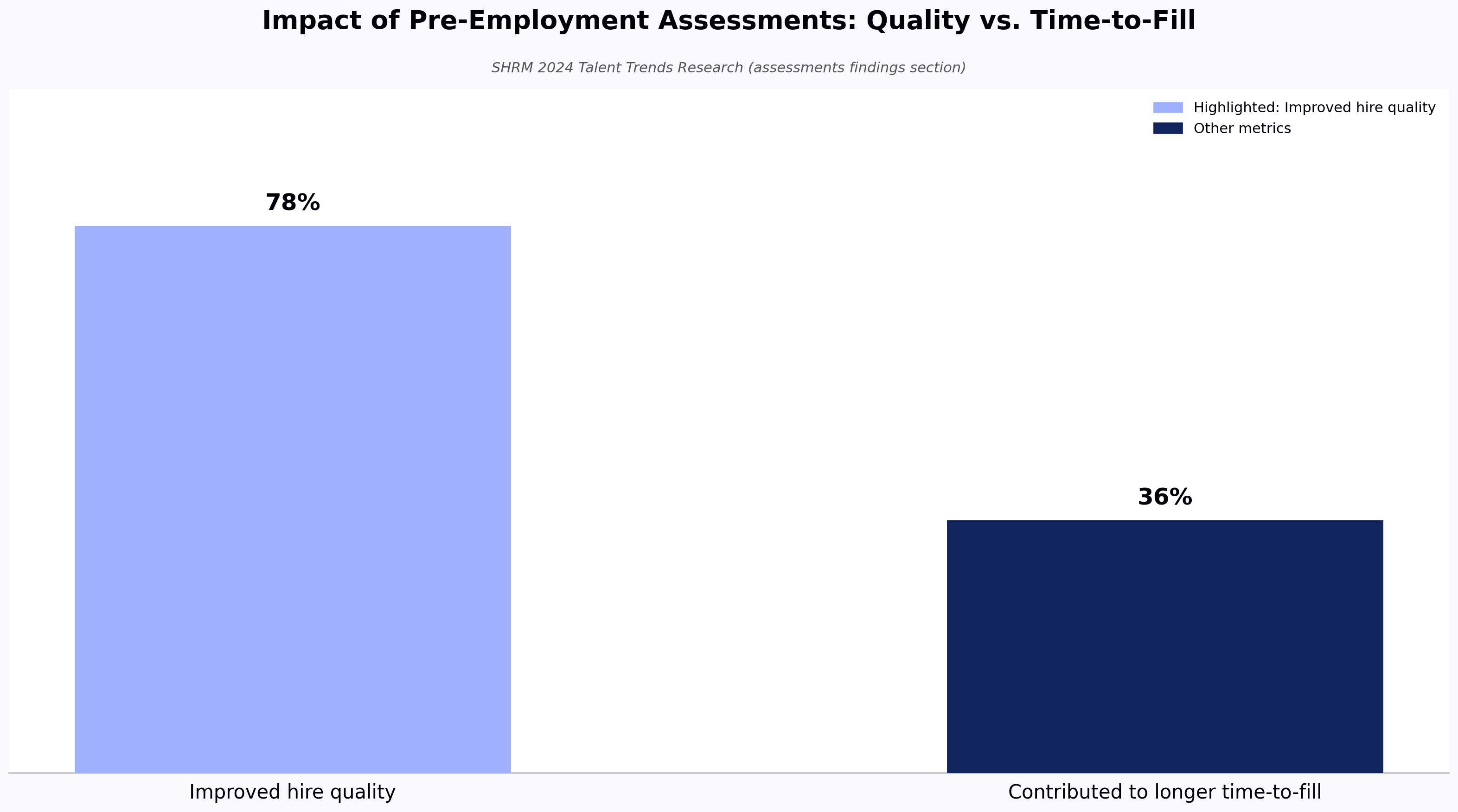
According to SHRM's 2024 Talent Trends Research (see the assessments findings section of the report), more than half of organizations (54%) use pre-employment assessments to evaluate candidates' knowledge, skills, and abilities. Among SHRM survey respondents, 78% say these assessments have improved hire quality, while 36% acknowledge they have contributed to longer time-to-fill. (These figures should be re-verified against the live SHRM document before publication.)
That time-to-fill trade-off matters directly to recruiters weighing whether to add a pair programming round: a live session can deliver assessment-grade signal without stacking another asynchronous stage on top of an already long pipeline. This can help offset the time-to-fill cost the SHRM data flags. While the SHRM data covers pre-employment assessments generally rather than pair programming specifically, the trade-off it surfaces — depth of signal vs. cycle time — is exactly what recruiters balance when designing a pair programming round. By combining skills-based hiring with real-time collaboration, this format gives hiring teams a clearer picture of how candidates will perform on the job.
Real-time insight into problem-solving
A live coding interview tool allows evaluators to directly observe how a candidate approaches technical challenges:
- Do they clarify requirements before diving in?
- How do they break down complex problems?
- What is their process for debugging when things go wrong?
This goes beyond static code submissions or whiteboard puzzles, revealing thinking patterns not just final results.
Assessment of soft skills
Engineering teams depend on clear communication, responsiveness to feedback, and adaptability. In a pair programming interview, candidates naturally demonstrate these skills during the session, which traditional technical tests don't capture.
Realistic job simulation
While traditional approaches rely on abstract puzzles, pair programming mimics real work. It involves collaborative coding, trade-off discussions, and incremental development — the same behaviors engineers use daily in agile teams. This simulation helps both interviewers and candidates assess fit for the role and team, a factor that can improve offer acceptance and reduce early turnover.
More consistent evaluation across candidates (with caveats)
Pair programming focuses on what candidates can actually do, not where they come from or how polished their resume looks. With a structured rubric, the format can be more consistent across candidates than human-led screens that rely on memorized answers or trick questions. That said, pair programming does not eliminate bias — interviewer rapport, communication style preferences, and affinity effects remain. Pair the format with structured rubrics and multi-interviewer panels to address what the format alone cannot.
Better candidate experience
Candidates often find pair programming interviews more engaging and less intimidating than traditional formats. The interview feels more like real work, allowing candidates to show how they think, communicate, and solve problems alongside another engineer. This collaborative setting creates a more positive experience and leaves candidates with a stronger impression of the company.
When pair programming interviews are not the right fit
Pair programming isn't universally the best option. Skip or de-prioritize the format when:
- You're screening at the top of a high-volume funnel. Live sessions are interviewer-intensive. For thousands of applicants, async skills-based assessments scale better.
- The role has minimal collaborative coding. Solo research roles, certain SRE on-call positions, or independent contractor work may be better evaluated through portfolios or take-home projects.
- Interviewer time cost outweighs signal gain. A pair programming session typically requires 45–60 minutes of senior engineer time per candidate. Below a certain hiring volume, async take-homes may produce comparable signal at lower cost.
The honest trade-off: pair programming can improve signal quality but increases interviewer time investment. It's worth that cost when you're hiring for collaborative engineering roles and have the bandwidth to run structured sessions.
For a deeper look at execution mistakes, see 4 essential mistakes to avoid during pair programming interviews.
Essential features in pair programming platforms
The three most critical features in any pair programming platform are real-time code collaboration, integrated audio/video, and session recording — without these, the format breaks down. Beyond these basics, the following capabilities separate strong tools from weak ones:
- Real-time code collaboration: Effective collaborative coding platforms allow interviewers and candidates to write and edit code simultaneously. Changes sync instantly across participants, so everyone stays aligned throughout the session. Cursor tracking and presence indicators make it clear who is doing what, closely mimicking real-world collaborative development.
- Multi-language support: Strong live coding interview tools support a wide range of programming languages, allowing teams to interview candidates in the languages they actually use on the job. Features like syntax highlighting and autocompletion improve readability and speed, while real-time compilation and execution help validate solutions during the interview.
- Integrated video and audio communication: Built-in HD video and audio remove the need for external tools such as Zoom or Meet. Interviewers and candidates can communicate inside the same online IDE, with support for screen sharing and multi-panel views to keep discussions focused.
- Code playback and session recording: Session recording allows teams to review a candidate's full coding journey after the interview, not just the final output. Recordings can be shared with the hiring team to support collaborative decision-making, and transcripts provide clear documentation for feedback and compliance.
- Security and compliance: Leading tools offer end-to-end encryption and comply with regulations such as GDPR, EEOC, and SOC 2. Proctoring and anti-cheating features help maintain the integrity of the interview process.
- AI-assisted insights and analytics: Some platforms add AI-assisted features for evaluation. In practice, this means automated summaries that capture key moments from the interview (trained on session transcripts), behavioral cues drawn from communication patterns, and rubric-based scoring suggestions. These are decision-support signals, not decisions: they help standardize evaluation but require recruiter review and can miss context outside the session itself.
Top 7 pair programming platforms for technical hiring in 2026 — a side-by-side comparison
This table provides a quick comparison of the most common pair programming platforms, breaking down key features to help you find the right tool for your hiring needs.
Note on ratings and dates: G2 ratings, pricing, and feature details reflect publicly listed information as of January 2026 and are subject to change. Re-verify against G2 and vendor pricing pages before publication or procurement. Tools marked "Interview-native" are purpose-built for structured hiring; tools marked "General IDE" are collaborative development environments often used for interviews but not designed for them.
| Tool | Category | Ideal for | Key features | Pros | Cons | G2 rating (as of Jan 2026) |
|---|---|---|---|---|---|---|
| CoderPad | Interview-native | Live coding interviews and pair programming | Real-time editor, multi-language support, playback, embedded execution | Intuitive IDE; realistic interview experience; broad language support | Free tier is limited; learning curve for new users | 4.4 |
| CodeInterview | Interview-native | Simple live interview setup | Live coding links, straightforward UI, real-time collaboration | Quick setup; easy onboarding for teams | Less modern UI; limited built-in scoring rubrics or ATS integrations | 4.5 |
| CodeSandbox | General IDE | Web-centric collaborative coding sessions | Cloud IDE for JS/TS, live editing, project sharing | Excellent for frontend pairing and rapid prototyping | Not designed for structured interviews; requires additional tools | 4.5 |
| HackerEarth FaceCode | Interview-native | End-to-end technical hiring and skills assessment | Live shared code editor, drawing/flowchart canvas, multi-interviewer panel support, in-session question library, rubric-based scoring as the candidate writes (interviewer-assisted; not autonomous decisioning) | Designed to work alongside HackerEarth Assessments for a single screening-to-interview workflow; enterprise integrations; consistent rubric application across interviewers | Enterprise-oriented; self-serve onboarding is more limited than some competitors | 4.5 |
| HackerRank CodePair | Interview-native | Enterprise-grade technical interviews and assessments | Real-time pair programming, integrated video/audio, replay, compiler | Robust enterprise features; wide language support; strong proctoring | Can feel heavy for small teams; steeper onboarding | 4.5 |
| Replit | General IDE | Collaborative browser-based development | Real-time editing, multiplayer mode, cloud build and deploy, AI features | Easy to use; strong collaboration and cloud dev experience | Not interview-focused; lacks formal scoring and evaluation tools | 4.5 |
| Visual Studio Live Share | General IDE | Real-time collaborative development in native IDEs | Pair editing, shared debugging, terminals, integrated chat | Free; powerful for real-world dev workflows; works inside VS Code/Visual Studio | No built-in interview scoring or templates; needs external communication tools | 4.7 |
One note on the table: Visual Studio Live Share carries the highest G2 rating at 4.7, which reflects its strength as a free, native-IDE collaboration tool loved by developers — not as a structured hiring platform. It lacks scoring rubrics, candidate workflow controls, and proctoring, so its high rating does not translate into the best fit for technical interviewing at scale. Capability claims for each tool below should be re-verified against current vendor documentation before publication.
Top 7 pair programming platforms reviewed in detail
1. CoderPad: best for multi-language technical depth
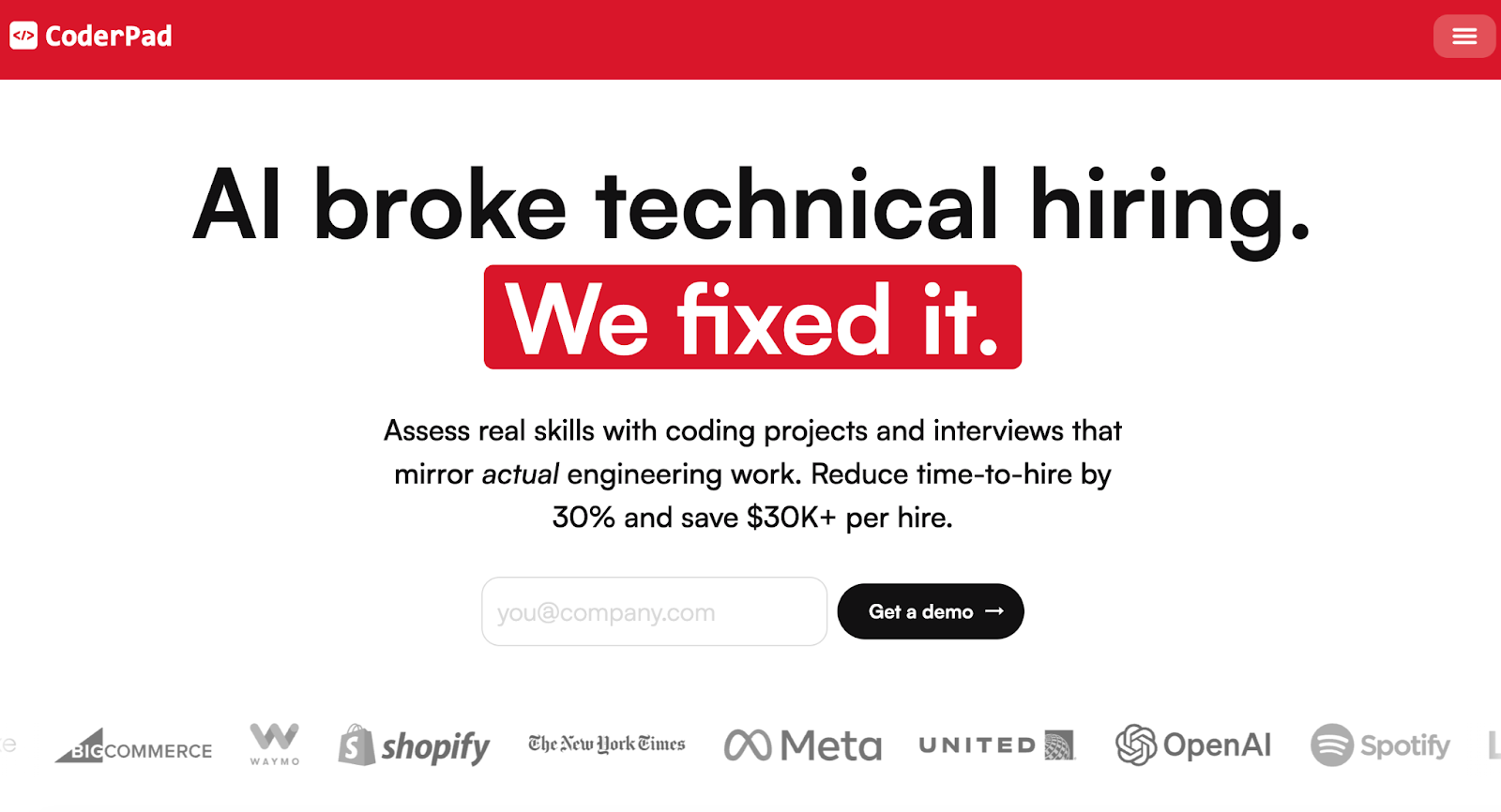
CoderPad is the strongest choice for teams that interview across more than five programming languages in the same hiring cycle. It is a developer assessment platform that specializes in live, collaborative coding interviews and take-home projects, giving hiring teams a way to evaluate candidates' real-world coding skills. It acts as an online IDE where interviewers and candidates can write, run, and debug code together. It also includes features like a digital whiteboard and customizable, project-based assessments.
In practice, CoderPad shines for teams where polyglot interviewing matters — a backend team that interviews in Go, Python, and Rust in the same week will appreciate the breadth and the realistic IDE feel. It is less suited to teams that need built-in screening libraries upstream of the live session.
Pros: enables assessment in real-world development environments; broad multi-language support (see CoderPad's official supported languages list).
Cons: limited scalability for large hiring batches; fewer built-in test libraries; no built-in scoring rubrics tied to skills.
Best for: development teams that need an interview platform which mirrors real engineering work across many languages.
Pricing (as of January 2026, per CoderPad's pricing page): Free; Starter $100/month; Team $375/month; Custom on request. Confirm current pricing before purchase.
2. CodeInterview: best all-in-one solution for mid-market
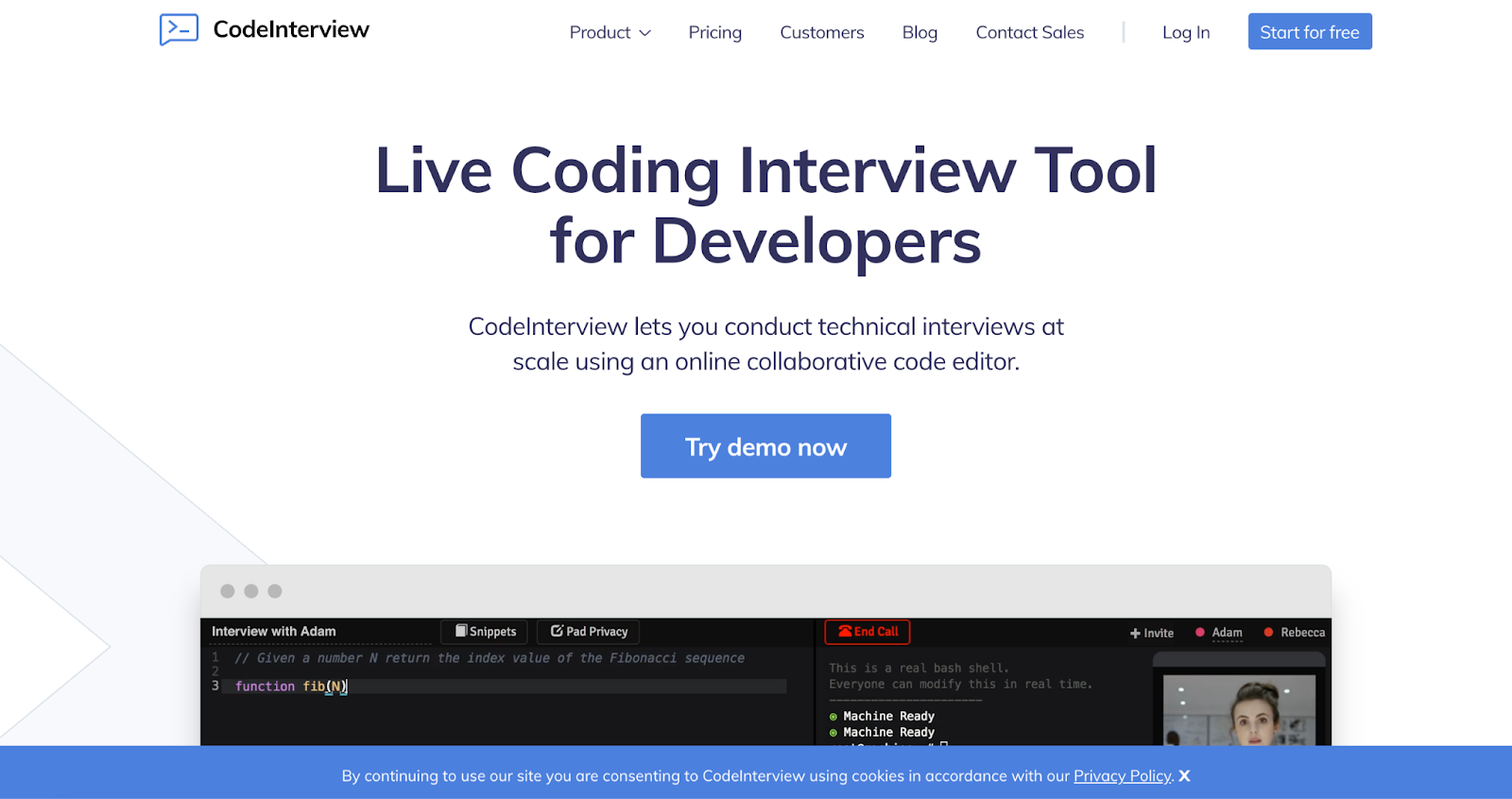
CodeInterview is the right fit for mid-market recruiting teams that need to run 10–20 technical interviews per week with minimal platform overhead. It supports pair programming interviews by giving candidates and interviewers a shared coding space that feels natural and focused. The code editor lets both sides write and run code together while discussing tradeoffs in real time. Built-in audio and video keep the conversation flowing without switching tools, while multi-language support enables teams to interview for many roles with a single setup. Built-in compilers show output instantly, which helps interviews stay practical and grounded in real coding work.
The simplicity is a feature, not a bug: setup time is short, and interviewers don't need training on a complex platform. Teams running structured technical hiring at very high volume may outgrow it.
Pros: sketch ideas visually while discussing solutions; supports realistic pair programming interviews with minimal setup.
Cons: relatively limited in scoring rubrics and ATS integrations; the compiler can be slow under load.
Best for: engineering teams that rely on pair programming interviews and want shared context, live discussion, and real coding signals during hiring.
Pricing (as of January 2026, per CodeInterview's official site): Free; Starter $89/month for 8 interviews + $15 per additional interview; Pro $320/month for 40 interviews + $15 per additional interview; Enterprise on request. Confirm current pricing before purchase.
3. CodeSandbox: best for front-end developer interviews
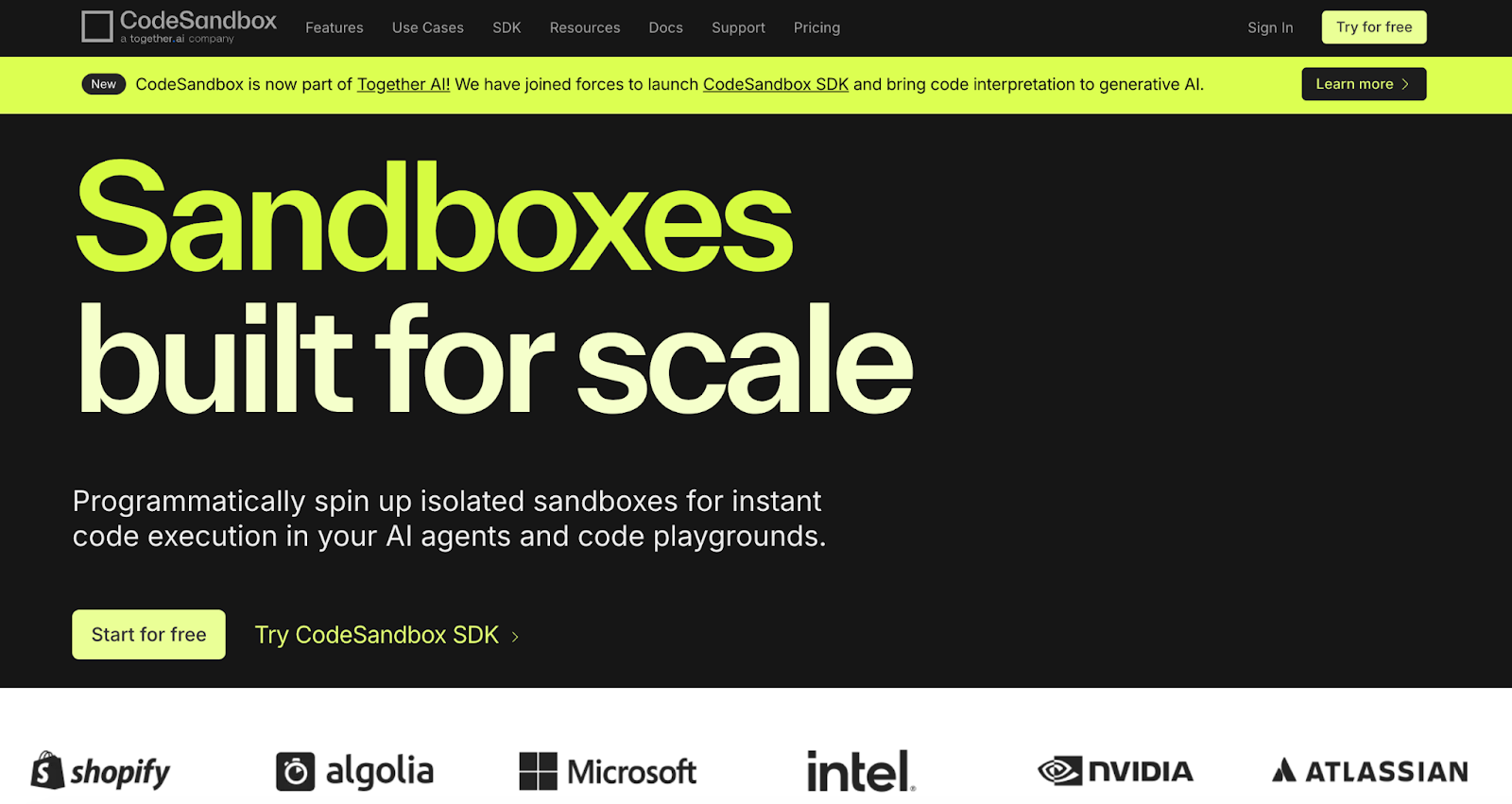
CodeSandbox is the closest a front-end candidate can get to their day-to-day work environment inside an interview. It is an online code editor that lets web developers quickly prototype and collaborate in real time with teammates. You can start a shared coding session instantly and see every change reflected on all screens. The live preview feature immediately shows the visual results of code, making it easier for interviewers to evaluate front-end skills and design decisions. Multi-language support covers JavaScript, TypeScript, Node.js, Python, and popular frameworks like React, Vue, and Angular. Simple sharing lets candidates join sessions with just a link, avoiding installations or delays, while GitHub integration enables import and export of repositories so interviews can involve real projects without extra setup.
For a recruiter staffing a front-end team, the live preview pane is the differentiator — interviewers can ask candidates to fix a visual bug and see the result the moment the code changes. For backend or systems roles, the fit is weaker; CodeSandbox is a general collaborative IDE, not an interview-native tool, and lacks built-in scoring or candidate workflow controls.
Pros: instant live preview ideal for front-end work; low-friction sharing via link; GitHub integration for real-project interviews.
Cons: not designed for structured interviews; no built-in scoring or rubrics; limited proctoring.
Best for: front-end and full-stack JavaScript interviews where seeing the rendered result during the session matters.
Pricing (as of January 2026, per CodeSandbox's pricing page): Free tier available; Pro and Team plans start at $15/user/month. Confirm current pricing before purchase.
4. HackerEarth FaceCode: best for end-to-end technical hiring
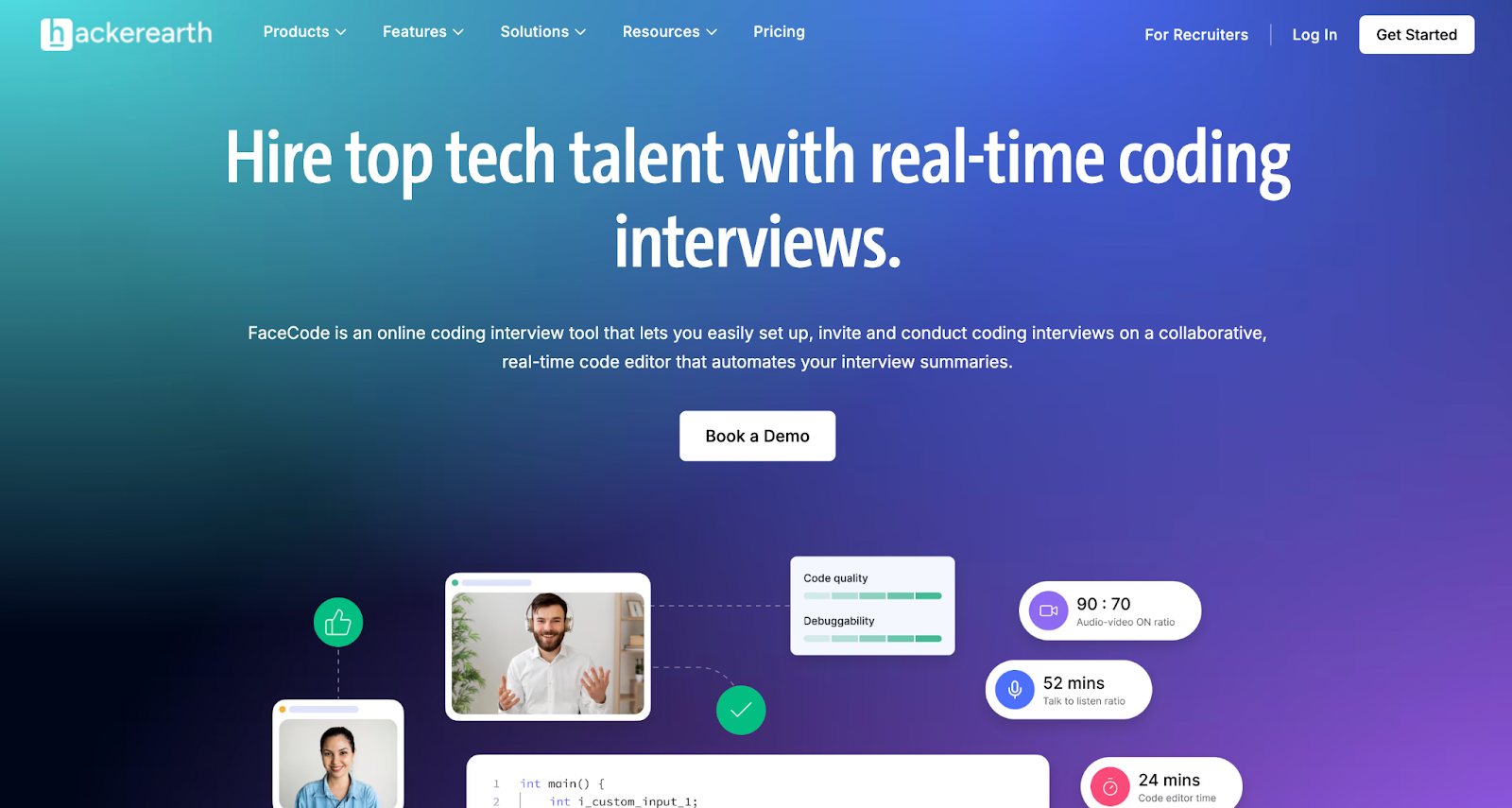
HackerEarth FaceCode is built for hiring teams that want screening and live interviews in a single workflow rather than stitched across multiple vendors. FaceCode supports shared code editors and a drawing/flowchart canvas, with multi-interviewer panel support so multiple stakeholders can participate in structured interviews. Interviewers can pull from an in-session question library and apply rubric-based scoring while the candidate writes. The rubric-based scoring is interviewer-assisted: it standardizes how panels evaluate the same signals (code structure, problem decomposition, communication cues), but it does not replace the interviewer's judgment and is limited to signals captured inside the session.
HackerEarth Assessments is a separate product that covers upstream screening; the Assessments product offers a library that includes 1,000+ skills and 40+ programming languages (these figures apply to Assessments, not to what is directly accessible inside a FaceCode live session). Assessments and FaceCode are designed to work together so that candidates who pass an assessment flow into a FaceCode interview, giving recruiters a single screen-to-interview-to-debrief workflow and reducing the number of separate tools that hold hiring data.
Pros: end-to-end coverage from screening (via Assessments) to live interview (via FaceCode); rubric-based scoring applied during the session; consistent evaluation across interviewers when paired with structured rubrics.
Cons: self-serve onboarding is more limited than some competitors; pricing is enterprise-oriented and requires a sales conversation.
Best for: tech companies and enterprises looking to scale collaborative technical interviews, evaluate coding skills in real time, and standardize hiring across teams.
Pricing: FaceCode pricing is not publicly listed because it is structured around enterprise procurement and bundle configurations with HackerEarth Assessments; contact HackerEarth sales for current terms.
For a broader view of how interviewing fits into a modern hiring stack, see automation in talent acquisition.
5. HackerRank CodePair: best for enterprise interview depth
HackerRank CodePair is the right pick for large enterprises that already run structured technical hiring at scale and need deep integration between assessments and live interviews. According to HackerRank's CodePair product page, it offers real-time pair program