meta_title: "12 Best Interview Scheduling Software [2026]" meta_description: "Compare the 12 best interview scheduling software tools for 2026. Side-by-side features, pros, cons, and pricing to help recruiters cut coordination time." read_time: "12 min read"
Interview scheduling software is recruiting technology that automates calendar coordination, candidate booking, and interviewer matching — replacing the manual back-and-forth that consumes a meaningful share of every recruiter's week. The 12 tools below cover enterprise panel coordination, conversational AI scheduling, self-service booking, and technical hiring use cases, with side-by-side comparison on features, pros, cons, and pricing so recruiters can shortlist quickly.
For technical hiring teams, scheduling software gets the candidate into the room — but the interview itself still needs the right environment. HackerEarth's FaceCode is a video-enabled coding interview tool that supports panel interviews, live code evaluation, and consistent rubric-based scoring across candidates, and it sits naturally alongside the scheduling tools below in a technical hiring stack.
In this article, we compare tools for enterprise, SMB, and technical hiring needs. We evaluated ease of use, integration support, automation features, and the impact on candidate experience — including time-to-fill, show rate, and offer accept rate — to identify the best interview scheduling software options for 2026.
What is interview scheduling software?
Interview scheduling software is a category of recruiting technology that automates interview coordination by connecting calendars, managing availability, and allowing candidates to schedule interviews. These platforms eliminate the need for recruiters to compare schedules manually, accelerating interviews and reducing errors across hiring teams.
The core functionality of interview scheduling software includes:
- Calendar synchronisation: Synchronizes calendars such as Google, Outlook, and iCloud so everyone's availability stays updated instantly
- Automated invitations and reminders: Sends automated invitations and reminders via email and SMS for every scheduled interview
- Candidate self-service booking: Allows applicants to choose suitable interview times themselves
- Time zone detection and management: Detects and manages time zones for global hiring teams and remote interviews
- ATS and video conferencing integrations: Integrates with applicant tracking systems and video conferencing platforms for consistent hiring workflows
Compared to general scheduling tools, interview scheduling software supports recruitment-specific needs such as panel interview coordination, bulk scheduling for campus hiring, and structured interview workflows.
Benefits of using interview scheduling software
Talent acquisition teams spend a large share of their week on scheduling. Vendor-reported figures place that share somewhere between 35% (SelectSoftwareReviews) and 42% (Lever, 2022) — the range reflects different methodologies across vendor studies rather than a single peer-reviewed figure. Either way, the directional signal is that scheduling consumes recruiter capacity that could move time-to-fill and offer accept rate.
Automated interview scheduling removes repeated emails and simplifies coordination. Here is how it helps:
1. Reduce time‑to‑hire
Scheduling automation can shorten hiring cycles by removing the days lost to back-and-forth coordination. Faster interviewer-candidate matching directly compresses time-to-fill for high-volume roles. For benchmarks on where teams typically land, see HackerEarth's guide to automation in talent acquisition.
With automated interview scheduling software, you can:
- Let candidates self‑book available interview slots instead of waiting days for replies
- Sync all interviewer calendars instantly to avoid conflicts
- Shorten the gap between application and interview confirmation
2. Improve candidate experience
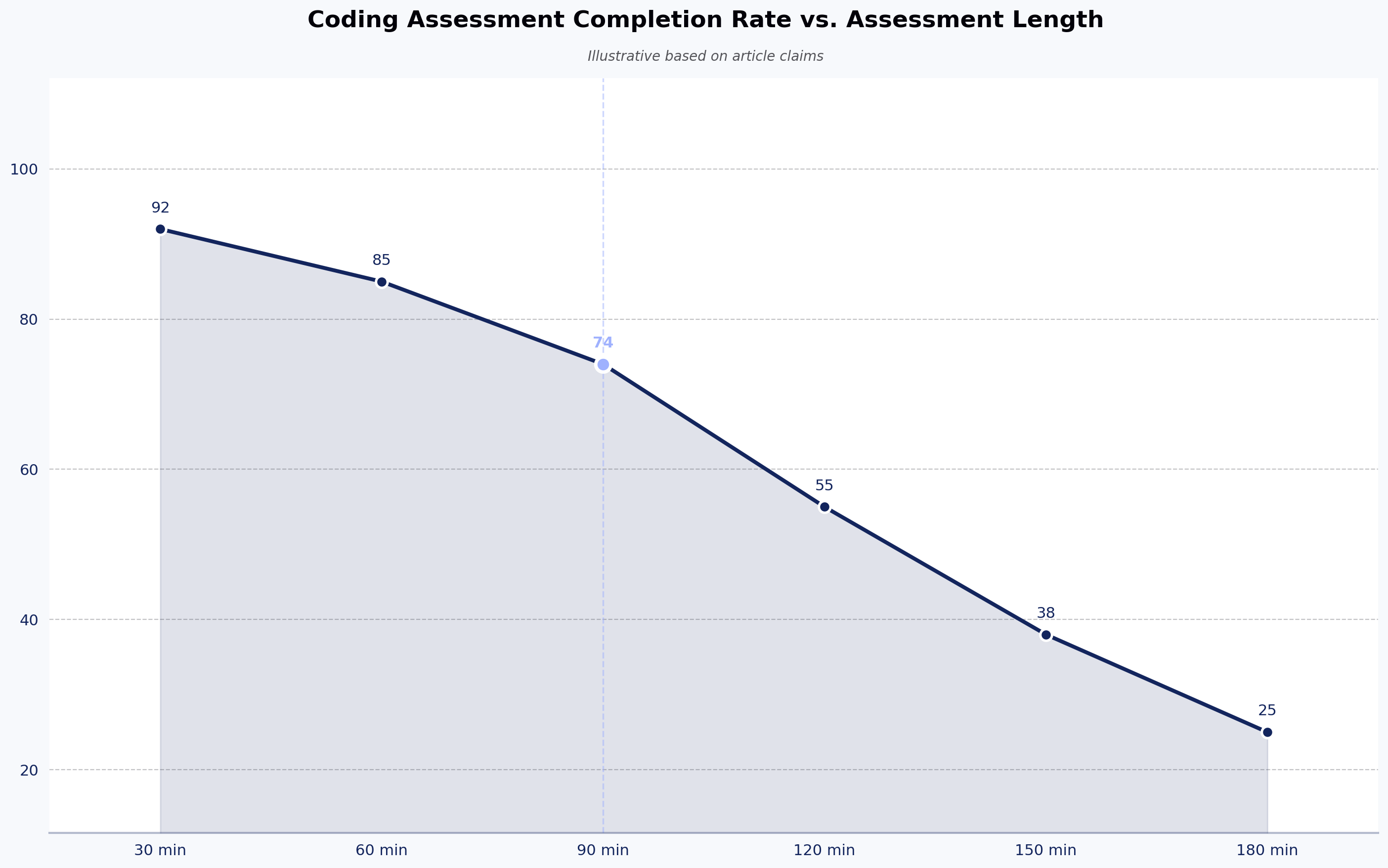
Long interview scheduling cycles push candidates away before the first meeting. A Cronofy-commissioned candidate expectations survey — conducted by a scheduling vendor and not independently peer-reviewed — reported that 42% of candidates abandon the process when scheduling takes too long. Treat the figure as directional; the underlying pattern matches what most recruiters see in candidate NPS and show rate data: speed and clarity reduce drop-off.
Modern recruitment scheduling platforms support this by:
- Offering candidates clear, branded booking pages for quick slot selection
- Delivering automated confirmations and reminders to reduce confusion
- Reducing friction points that drag down candidate NPS and offer accept rate
3. Minimize no‑shows
Interview no‑shows drain recruiter time and waste interviewer availability. Vendors report meaningful reductions in no-show rates when automated reminders and confirmation sequences are in place (vendor blog source; not peer-reviewed — treat as directional).
This is what it looks like in action:
- Send automatic confirmations and calendar invites as soon as candidates book
- Remind candidates via multiple channels before interview times
- Reduce confusion and scheduling gaps that lead to no‑shows
4. Enable global hiring
Coordinating across time zones without automation leads to scheduling errors and slows hiring. Some talent teams report a substantial reduction in weekly scheduling emails once calendars and time zone logic are centralized (vendor blog; methodology not disclosed — directional only).
With automated interview scheduling software, you can:
- Adjust for local time zones automatically without manual calculation
- Align multiple interviewers from different regions without errors
- Support distributed hiring and remote candidate engagement
5. Shift recruiter time to higher-leverage work
Cutting administrative coordination returns hours each week to sourcing, candidate engagement, and pipeline work — the work that moves offer accept rate and quality-of-hire.
Interview scheduling software does this through:
- Reducing manual follow‑ups and repetitive coordination tasks
- Letting recruiters dedicate time to strategic outreach and engagement
- Improving recruiter productivity and focus on hiring quality candidates

How we evaluated these interview scheduling tools
Our goal was to highlight platforms that reduce administrative workload, improve candidate experience, and support scalable hiring pipelines. We reviewed product documentation, recruiter feedback on G2 and similar review sites, and vendor-published material from sources dated after 2024 to compile this list.
We selected the top interview scheduling software based on seven criteria, with operational detail on how each was assessed:
- Ease of use: We reviewed onboarding flows and time-to-first-scheduled-interview reported in recruiter reviews. Platforms that required dedicated implementation specialists for basic setup were noted as such.
- Automation depth: We checked for self-scheduling, automated reminders, rescheduling logic, and load balancing in each platform's documentation. Tools that automate only the initial booking — not rescheduling or panel coordination — were flagged.
- Integration coverage: We confirmed ATS, calendar (Google, Outlook, iCloud), video conferencing, and HRIS integrations against each vendor's published integrations page.
- Customization and branding: We checked whether booking pages, email templates, and confirmations support white-labeling on standard plans versus enterprise tiers only.
- Scalability: We mapped each tool's documented support for panel interviews, bulk scheduling, and high-volume hiring against vendor case studies. Trade-off noted: AI-driven scheduling tools tend to deliver more measurable ROI in high-volume hiring than in executive search or bespoke senior-leadership loops, where a recruiter's judgment is the actual value.
- Pricing transparency: Tools with public per-user pricing scored higher than tools requiring sales contact for any pricing information. Where third-party pricing is cited below, see the vendor's site for current figures.
- Customer support: We weighed availability (24/7 vs. business hours), channels (chat, email, dedicated CSM), and recruiter feedback on implementation responsiveness.
Worth calling out: no single tool wins on every criterion. Self-service booking tools tend to lose on panel orchestration; enterprise panel schedulers tend to lose on pricing transparency and SMB fit. The right pick depends on hiring volume and role mix.
A note on trade-offs before the list
Before diving into the tools, two observations worth holding in mind:
AI-driven scheduling is not always the right call. For executive search, senior leadership panels, or highly bespoke interview loops where each candidate requires individual handling, AI scheduling agents can feel impersonal and may introduce friction where a recruiter's judgment is the actual value. The ROI on automation shows up at volume, not at the very top of the funnel.
Self-scheduling links alone are insufficient for enterprise panel coordination. Tools like Calendly or YouCanBookMe work well for single-recruiter screens, but they struggle when you need to coordinate four interviewers across three time zones, a hiring manager's blocked calendar, and a candidate's two-week availability window. Enterprise panel scheduling needs availability balancing, load distribution, and ATS-aware logic — not just a booking page.
12 best interview scheduling software for 2026
The table below summarizes 12 interview scheduling tools to help you compare key features, pros, and cons side by side. G2 ratings shown are as of November 2025 and change continuously — check G2 directly for current scores and review counts.
| Tool | Ideal for | Key features | Pros | Cons | G2 rating (Nov 2025) |
|---|---|---|---|---|---|
| GoodTime | Complex multi-panel interview scheduling | AI-optimized scheduling, automated reminders, ATS integrations | Scales well for panel interviews; analytics for interviewer load | Higher cost; steeper learning curve | 4.4 |
| Calendly | Simple interview scheduling for small to mid-sized teams | Self-scheduling links, calendar sync, automated reminders, video integrations | Easy to set up; reduces back-and-forth scheduling emails | Free tier limits advanced recruiting features | 4.7 |
| Paradox (Olivia) | Conversational AI scheduling | AI assistant for interview scheduling and rescheduling via chat | Candidate-friendly; real-time automated reschedules | Pricing is unclear; limited analytics | 4.7 |
| VidCruiter | Structured interview scheduling and video interviewing | Automated scheduling, calendar sync, interview templates | Highly customizable workflows; strong recruiter support | Can feel complex for new users; occasional performance lag | 4.8 |
| ModernLoop | Automated interview scheduling with analytics | Automated scheduling, ATS/calendar sync, candidate portal, load balancing | Reduces manual work; branded candidate portal; strong automation | Pricing may be steep for smaller teams | 4.6 |
| HireVue | Enterprise interview scheduling with assessments | Automated invitations, interview rules, candidate self-scheduling | Reduces scheduler workload and candidate no-shows | Not purely scheduling-focused; broader HR suite | 4.1 |
| myInterview | Simple interview scheduling with candidate engagement | Candidate self-scheduling, SMS/email invites, virtual TA assistance | Improves candidate engagement; supports video interviews | Limited integrations; reschedule data can get messy | 4.7 |
| YouCanBookMe | Straightforward self-scheduling | Self-booking links, time zone handling, calendar sync | Very easy to use; works with major calendars | Lacks recruiting-specific features | 4.7 |
| Cronofy | Complex scheduling with real-time availability sync | Real-time calendar sync, self-scheduling, workflow automation | Strong ATS and calendar integrations; supports panel scheduling | Interface polish could be better | 4.7 |
| Doodle | Group interview scheduling and availability polling | Availability polls, calendar sync | Great for group coordination; intuitive setup | Limited automation for multi-role hiring | 4.4 |
| Rakuna | Campus and event-based interview scheduling | Event check-in, interview scheduling, candidate CRM | Strong fit for campus recruiting events; mobile-first | Less suited to year-round corporate hiring | 4.5 |
| GoHire | SMB interview scheduling and applicant tracking | Self-scheduling, careers page builder, ATS basics | Affordable; quick setup | Lighter on enterprise features | 4.5 |
Note on category: This list focuses on employer-facing scheduling and coordination tools. Interview Kickstart, sometimes included in similar roundups, is a candidate-facing coaching platform and has been excluded. HackerEarth FaceCode is referenced separately because it is a live technical interview platform rather than a scheduling tool — for technical hiring teams, FaceCode handles the live coding interview once the scheduling tool gets the candidate into the room. See FaceCode and HackerEarth's skill-based assessments for the technical hiring side of the workflow.
1. GoodTime: best for enterprise scheduling with AI assistance
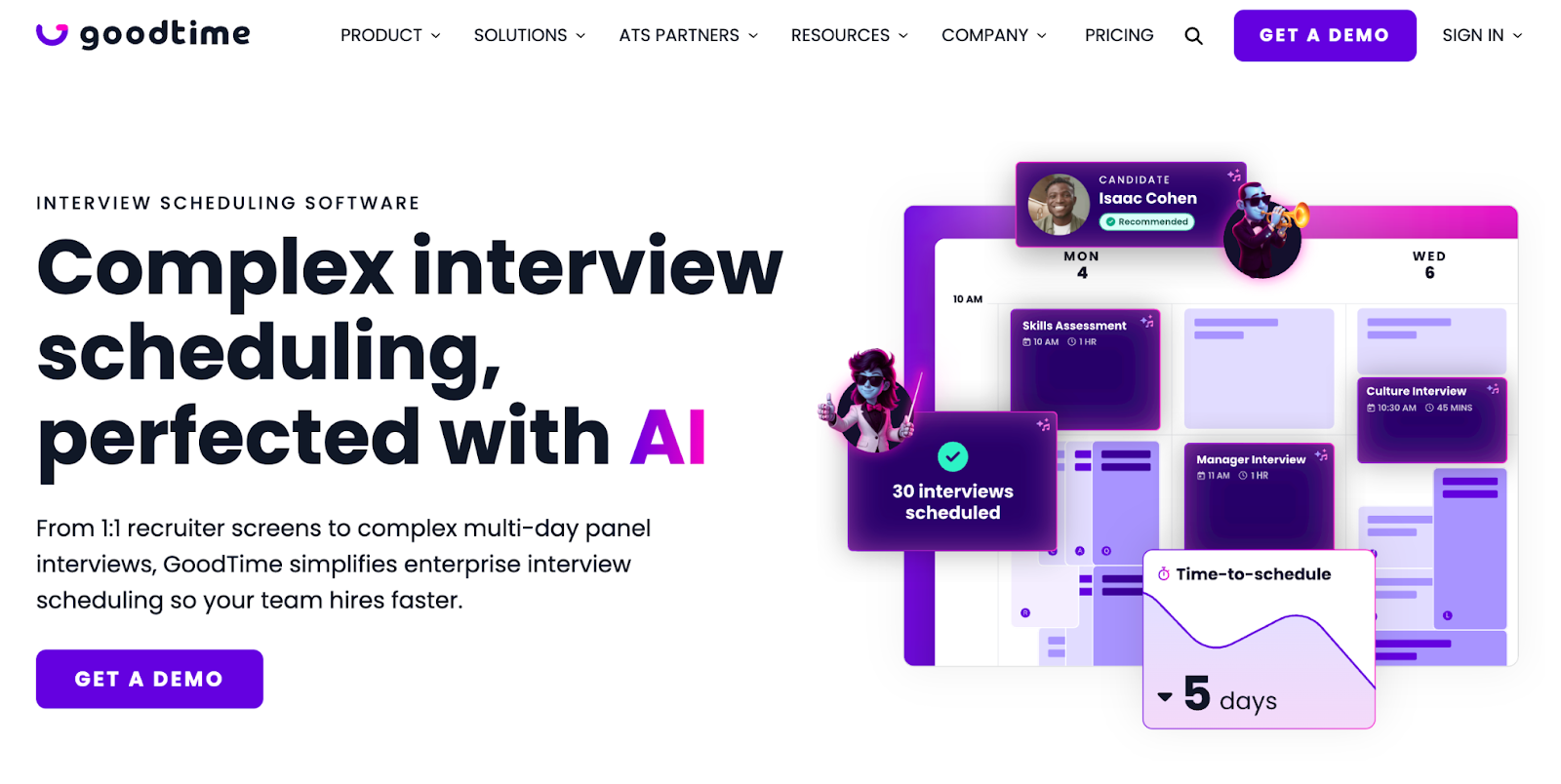
Coordinate single-day, multi-day, and Superday interviews
GoodTime manages complex interview scheduling for corporate and high-volume hiring teams. Its AI is trained on scheduling patterns and interviewer load data; it suggests interviewers and times based on availability rules you set, with humans retaining final approval. You can automate every type of interview, from 1:1 screens to multi-day panels, while keeping your team informed at every step. Candidates can self-schedule and reschedule interviews using a portal with messaging and 24/7 AI support.
The platform integrates with major ATS tools, allowing hiring teams to handle more roles with fewer errors.
Key features
- Automated interviewer matching and load balancing
- Zero-click scheduling to reduce manual coordination
- Bulk interview scheduling for high-volume hiring
Ideal for
- Large enterprises with complex panel scheduling needs (positioned by GoodTime toward larger organizations; see GoodTime for current target-segment guidance)
Pros
- Proactive AI agents detect scheduling bottlenecks
- 24/7 chat support for immediate help
Cons
- Premium pricing (not suitable for SMBs)
- Steeper learning curve due to feature complexity
Pricing
- Custom pricing — see GoodTime for current pricing
2. Calendly: best for simplicity and affordability
Self-schedule from your real-time availability with Calendly
With Calendly, you can customize your availability and create different meeting types to accommodate work priorities. Automated reminders and follow-ups keep candidates and clients informed about upcoming appointments.
You can use Collective Scheduling to co-host meetings, Round Robin to evenly distribute meetings across your team, and Routing Forms to connect candidates with the right interviewers. Security features such as SSO and SCIM help keep your team within your main account.
Key features
- Candidate self-scheduling via shareable links
- Round-robin and collective scheduling for team coordination
- Over 100 integrations including CRMs and productivity tools
Ideal for
- SMBs, startups, individual recruiters, and teams with straightforward scheduling needs
Pros
- Free plan suitable for individuals or small teams
- Highly intuitive scheduling interface
Cons
- Limited recruiting-specific features
- Advanced features locked behind higher tiers
Pricing
- Free, Standard, and Teams tiers with per-user monthly pricing; Enterprise pricing on request. See Calendly pricing for current figures.
3. Paradox (Olivia): best for conversational AI scheduling
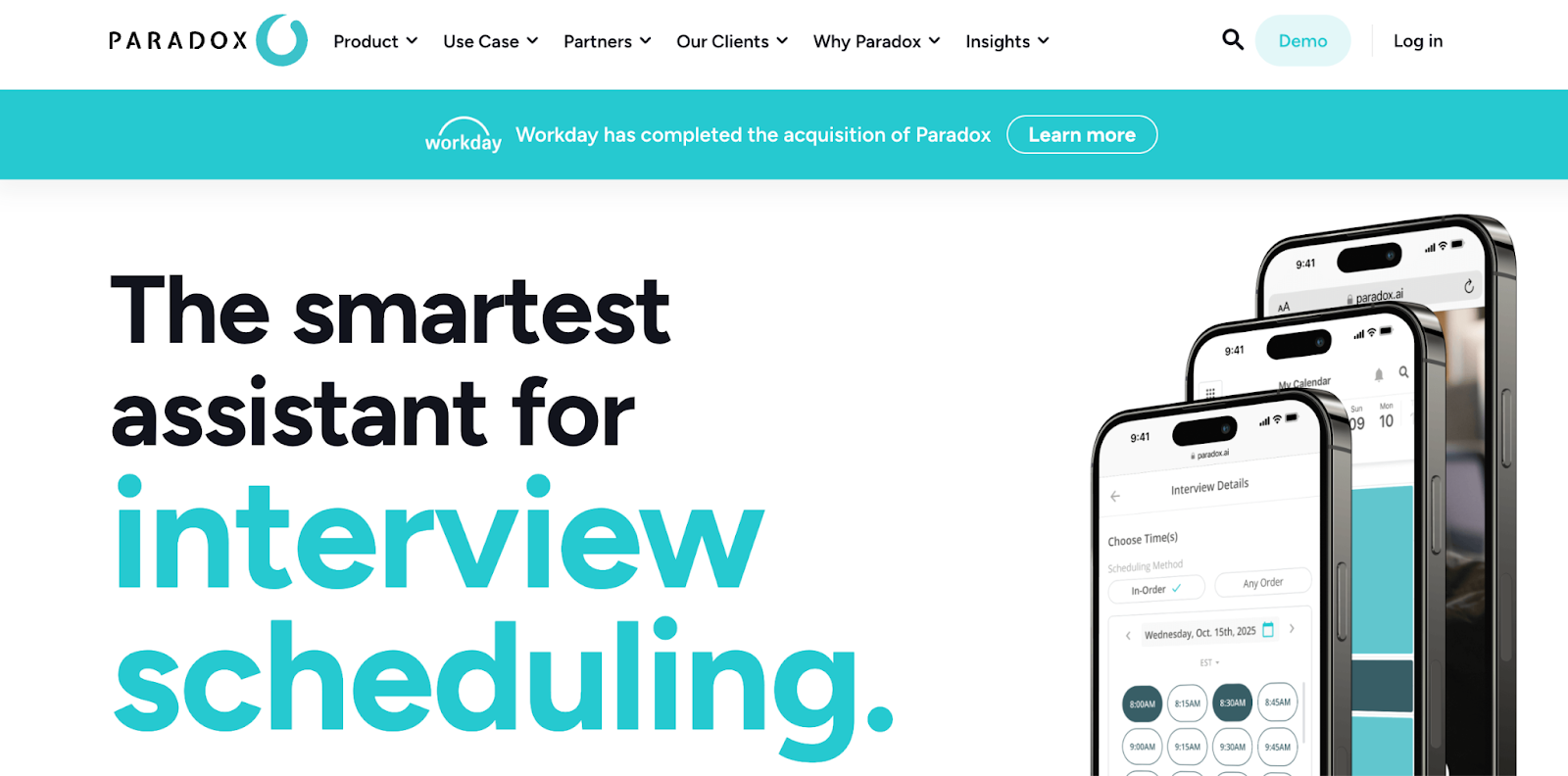
Automate the coordination and scheduling of interviews
Paradox uses conversational AI — trained on recruiting conversations and integrated with calendar and ATS data — to book interviews for candidates, recruiters, and hiring managers. The AI handles routine scheduling exchanges; complex cases still escalate to recruiters. The platform handles panel, group, and one-on-one interviews while integrating with your ATS. Candidates can self-schedule frontline interviews through the conversational interface, while automated reminders and rescheduling support show rate.
Recruiters collect interview feedback and answer candidate questions through the same interface. Candidate surveys measure the experience, and branded scheduling pages support engagement. The browser extension lets recruiters complete scheduling tasks from anywhere. Time zone automation and multi-language support help with international interviews — check Paradox for the current list of supported languages.
Key features
- Conversational AI via SMS, WhatsApp, and web chat
- Multi-language support for global candidate communication
- Automated rescheduling and interview reminders
Ideal for
- Enterprise organizations with high-volume, hourly hiring (retail, hospitality, logistics)
Pros
- Significantly reduces time-to-schedule for recruiters and managers
- Human-like conversation quality across interactions
Cons
- Occasional glitches with large report downloads during peak hours
- Basic reports are limited
Pricing
- Custom pricing
4. VidCruiter: best for video interview and scheduling combo
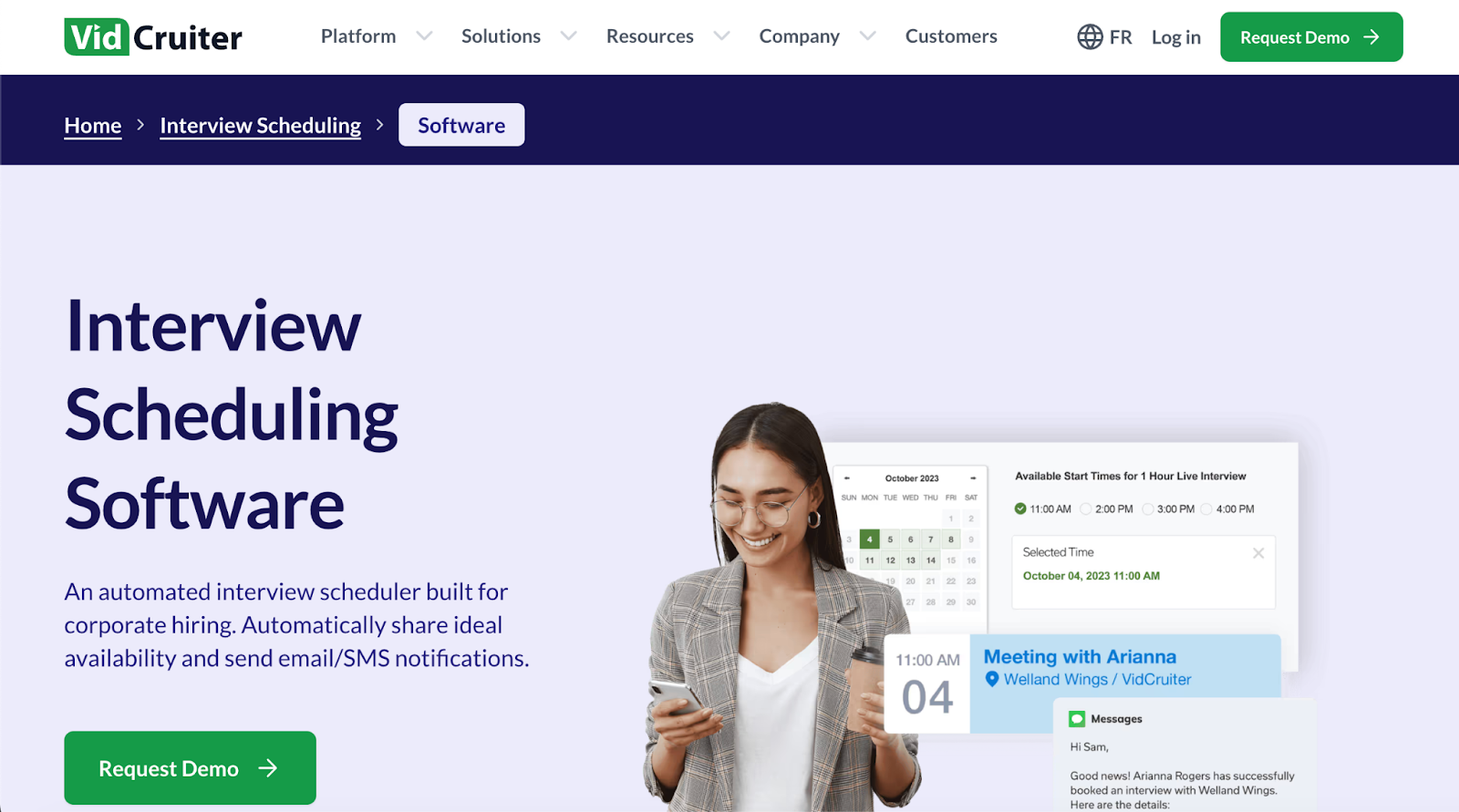
Conduct better interviews, effortlessly, with VidCruiter
VidCruiter integrates with multiple calendars and pre-set interviewer rules to show only timeslots that match candidate availability. Candidates can choose their preferred interview type and time, whether in-person, video, or hybrid, while automatic SMS and email notifications keep everyone accountable.
One-click scheduling and rescheduling let candidates and hiring managers adjust without delays. Automatic pre-interview and follow-up reminders, plus the ability to attach interview materials, support clear communication. Smart scheduling features manage group, panel, and individual interviews while accounting for time zone differences.
Key features
- Pre-recorded and live video interviews
- Automated scheduling with calendar synchronization
- Support for multiple interview formats including phone, video, and in-person
Ideal for
- Mid-to-large organizations wanting an all-in-one interview solution; positioned toward higher-volume hiring (see VidCruiter for current positioning)
Pros
- Knowledgeable customer support for enterprise teams
- Scales for higher-volume annual hiring
Cons
- No free trial to test platform capabilities
- Enterprise-focused pricing that may limit smaller organizations
Pricing
- Custom pricing
5. ModernLoop: best for scheduling automation at scale
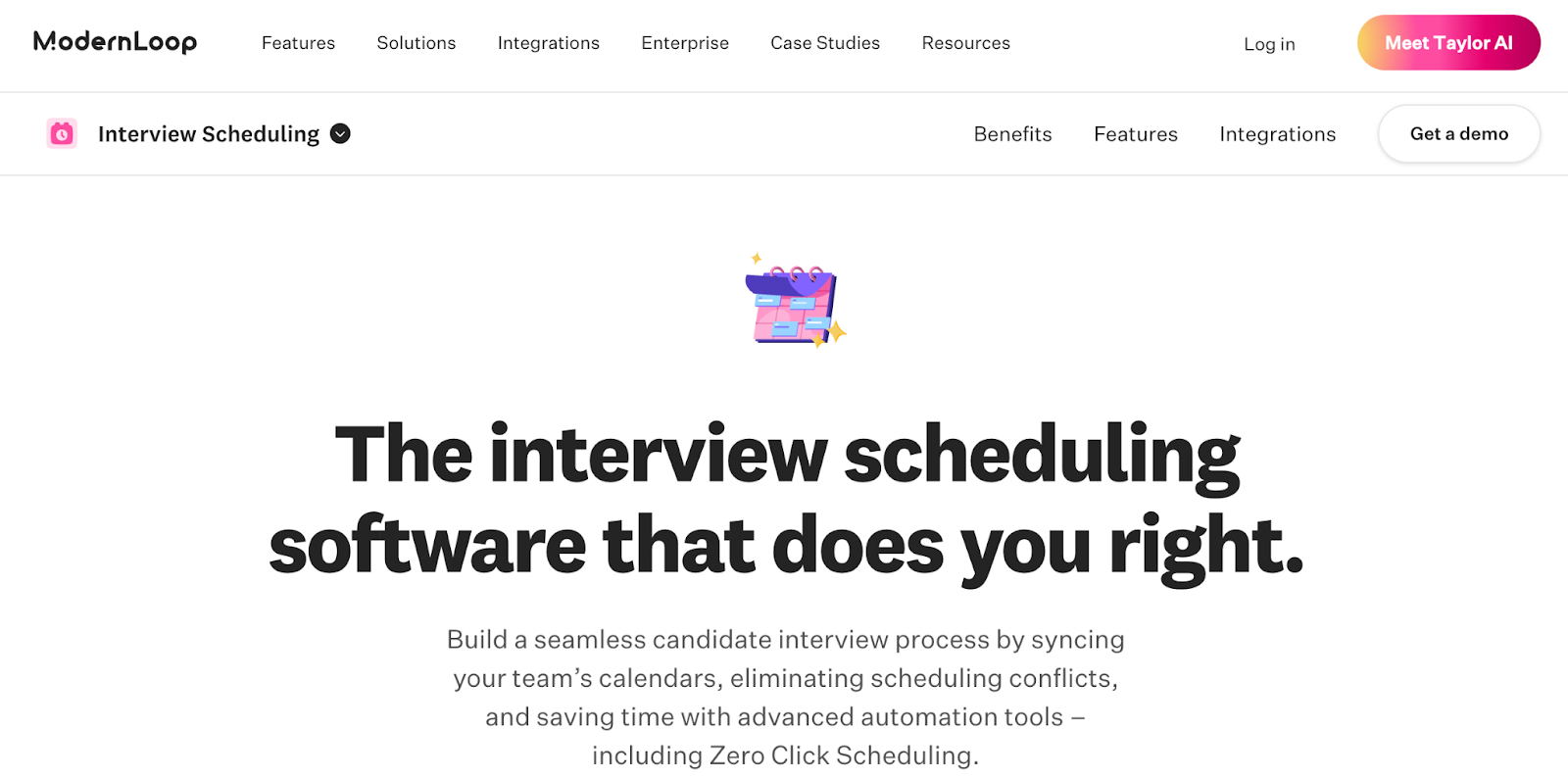
Sync calendars and compare workloads and availability with ModernLoop
ModernLoop helps recruiting teams automate interview scheduling by syncing calendars across all team members. The platform uses zero-click scheduling to send interview invites and communicate with candidates without manual clicks from recruiters.
You coordinate panel, group, or one-on-one interviews while the software balances interviewer workloads to prevent scheduling conflicts. Built-in analytics surface interviewer load and pipeline health for talent ops leaders.
Key features
- Automated panel, group, and 1:1 scheduling
- ATS and calendar sync with load balancing
- Branded candidate portal
Ideal for
- Mid-market and enterprise teams running structured interview loops
Pros
- Strong automation for high-volume scheduling
- Branded candidate experience
Cons
- Pricing may be steep for smaller teams
Pricing
- Custom pricing
6. HireVue: best for enterprise scheduling within a broader hiring suite

Image placeholder — HireVue interview scheduling and assessment workflow
HireVue combines candidate self-scheduling with assessments and video interviewing in a single enterprise platform. Automated invitations and interview rules reduce the manual work for coordinators, and the platform's wider suite covers assessments and interview intelligence beyond scheduling alone.
Key features
- Automated invitations and candidate self-scheduling
- Interview rules and routing
- Integration with assessments and video interviewing
Ideal for
- Large enterprises wanting scheduling alongside assessments
Pros
- Reduces scheduler workload and no-shows
- Broad hiring suite beyond scheduling
Cons
- Not purely a scheduling tool
- Enterprise pricing
Pricing
- Custom pricing
7. myInterview: best for candidate engagement on smaller teams

Image placeholder — myInterview candidate self-scheduling view
myInterview offers candidate self-scheduling along with SMS and email invites and a virtual talent acquisition assistant. The platform leans toward candidate engagement and video interviewing for SMBs that want a lighter-weight setup.