Online recruitment software: how to choose the right platform in 2026
Meta title: Online Recruitment Software: 2026 Buyer's Guide (under 60 chars) Meta description: Compare ATS, CRM, and end-to-end online recruitment software in 2026. Features, pricing, vendor examples, and trade-offs for recruiters and TA leaders.
Online recruitment software — the cloud-based systems recruiters use to source, screen, assess, and hire candidates — has shifted from a system of record to a system of decision. For recruiters and heads of talent acquisition managing dozens of reqs and competing for tight slates, the question in 2026 is no longer "do we need an ATS?" but "which combination of ATS, CRM, and assessment tools actually shortens time-to-fill without degrading quality of hire?" According to LinkedIn's Future of Recruiting report, many talent teams report missing hiring targets when their tech stack cannot keep up with req volume — a pattern this guide is built to address.
What is online recruitment software?
Online recruitment software is a cloud-hosted platform that centralizes sourcing, candidate relationship management, screening, assessment, interviewing, and offer workflows in one system. It replaces the patchwork of inboxes, spreadsheets, and standalone tools that fragment a recruiter's pipeline.
Core purpose
These platforms keep req data, candidate records, assessment results, and interview feedback in one place so a recruiter is not retyping notes across tools or losing slates in email threads. For a recruiter carrying 20–30 open reqs, that consolidation directly affects pass-through rates and TTF. The software handles multi-board job distribution, interview scheduling across time zones, and automated status updates — tasks that otherwise consume the bulk of a recruiter's day.
How online recruitment software has evolved
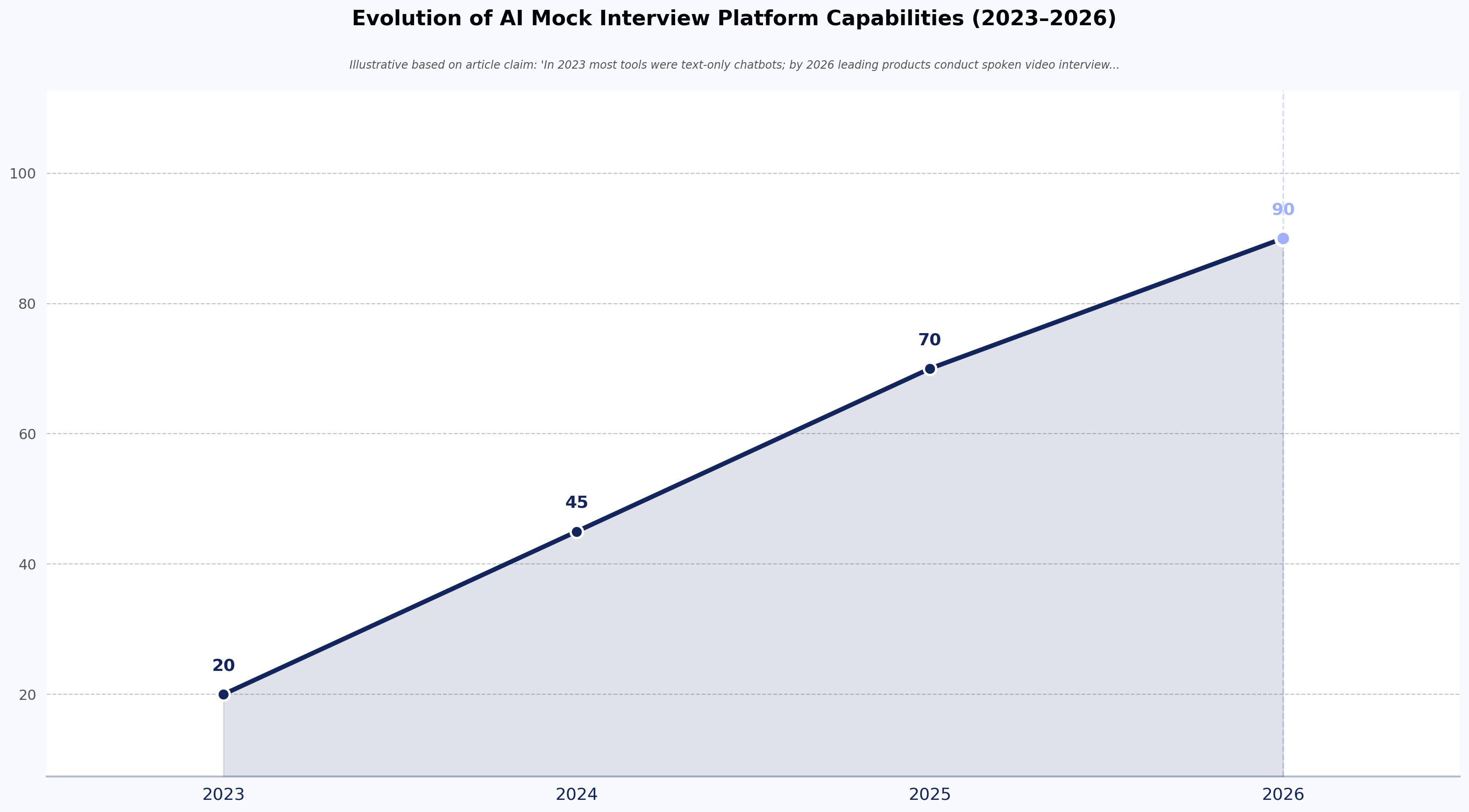
Recruitment technology has moved from a passive system of record to an active decision layer in the hiring workflow. Leading platforms increasingly offer AI assistants that can draft outreach, transcribe interview notes, surface silver-medalist candidates from prior reqs, and flag pipeline risk in real time. Vendors such as Ashby, Gem, and Eightfold now ship agentic features alongside core ATS functionality, though capabilities and accuracy vary widely between vendors.
The table below reflects broad industry patterns observed by analysts such as Josh Bersin and Gartner; specific timelines vary by market segment.
| Era | Primary focus | Technology shift | Candidate experience |
|---|---|---|---|
| 2010–2018 | Compliance and storage | Cloud-based databases | Transactional and slow |
| 2019–2023 | Efficiency and volume | Automated resume parsing | Improved but often robotic |
| 2024–2026 | Quality of hire and skills | Agentic AI and skills-mapping | Personalized and high-touch |
Types of online recruitment software: ATS vs. CRM vs. end-to-end platforms
The category is segmented into three system types, each addressing a different stage of the funnel.
Applicant tracking system (ATS)
An ATS manages active candidates against open reqs — pipeline stages, compliance data, interview feedback, and offer status. Tools like Greenhouse, Lever, and Workday Recruiting anchor this category. The trade-off: an ATS optimizes for applied candidates, not for proactive sourcing.
Recruitment CRM
A recruitment CRM manages passive talent — candidates you are nurturing for future reqs. Tools like Gem, Beamery, and hireEZ sit here. CRMs are most valuable for hard-to-fill engineering, clinical, or executive roles where pipeline must be built months ahead of req approval. The trade-off is real: CRMs carry steep ramp-up costs, require dedicated sourcer headcount to operate well, and underperform if your team is reactive rather than proactive.
End-to-end recruitment platforms
Many organizations are moving toward end-to-end platforms that combine ATS, CRM, and assessment in one system — iCIMS, Ashby, and Eightfold are common examples. The benefit is unified candidate data; the trade-off is that all-in-one suites often lag best-in-class point solutions on specific capabilities (sourcing, assessment depth, scheduling). Teams with fewer than 10 hires per year may find these platforms overbuilt for their volume.
10 must-have features in online recruitment software
Treat the list below as an evaluation rubric, not a wish list. For each feature, ask the vendor to demo it against one of your live reqs.
- Job posting and multi-board distribution. One-click syndication to LinkedIn, Indeed, niche boards, and your careers site. Ask vendors how they handle duplicate-application logic across boards — a frequent source of dirty pipeline data.
- Applicant tracking and pipeline management. A kanban or stage-based view of every candidate against every req, with bulk actions for stage moves, rejections, and outreach. Look for configurable stage gates that match your hiring process, not the vendor's default.
- Resume parsing and screening. Accurate extraction of skills, titles, tenure, and education. Parsing accuracy varies — request error rates on a sample of your own resumes before signing.
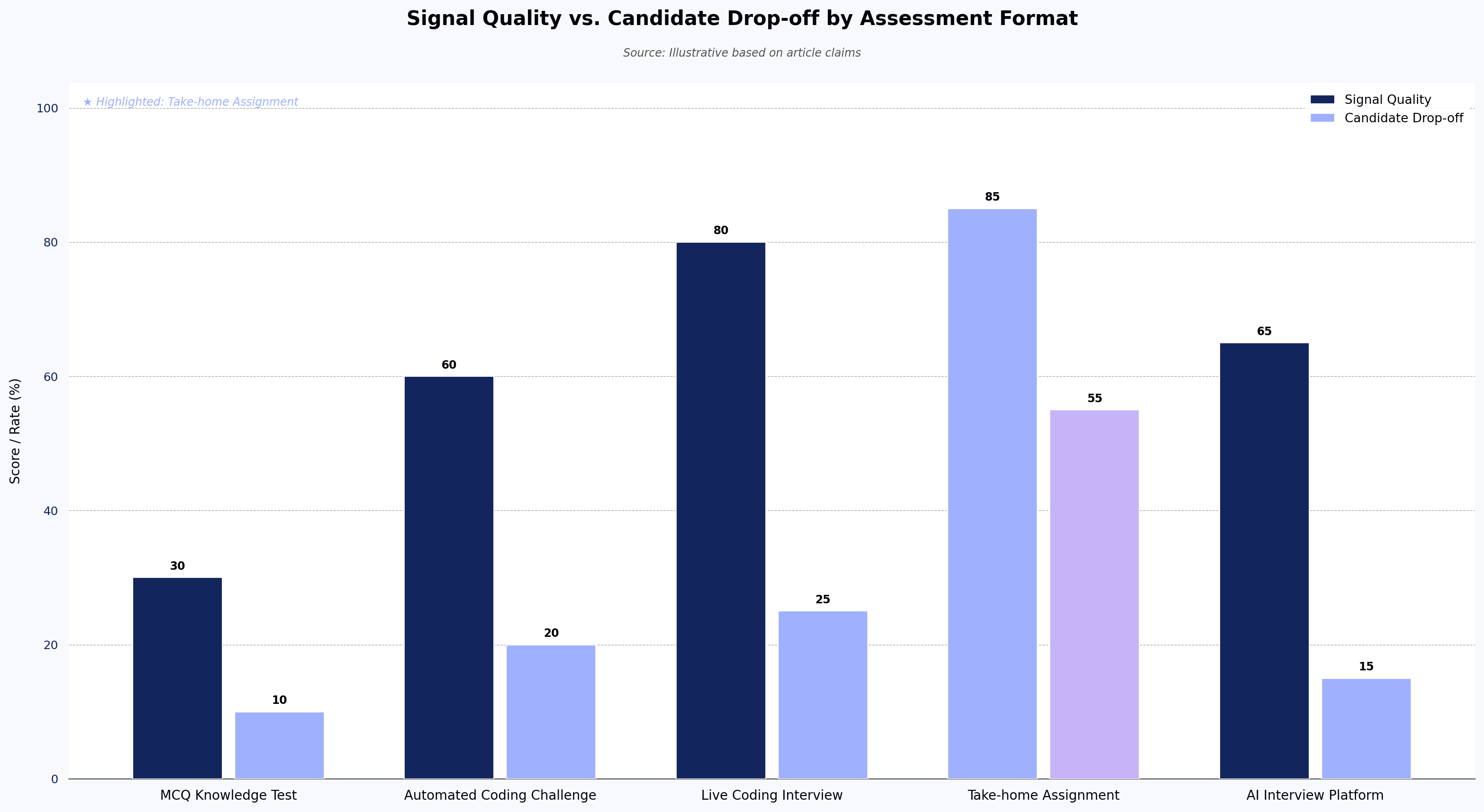
- Skills assessment integration. Built-in or integrated assessments that measure capability rather than credentials. For technical hiring, platforms like HackerEarth Assessments provide real-time skill intelligence and role-fit scoring that plug into the ATS pipeline, so recruiters can shortlist on validated skill data instead of resume keywords.
- Interview scheduling and automation. Self-serve candidate booking against interviewer calendars, with panel coordination and time-zone handling. Reclaims 3–5 hours per recruiter per week in most TA orgs.
- Collaboration and structured feedback. Scorecards tied to job competencies, with required ratings before stage advance. Reduces hiring manager bias and supports adverse-impact review.
- Workflow automation. Triggered reminders, nudges to hiring managers on aging candidates, and SLA tracking on feedback turnaround.
- Analytics and reporting. Source-of-hire, pass-through by stage, TTF by req owner, and quality-of-hire correlations. Confirm whether reports are configurable or vendor-locked.
- Candidate communication. Two-way SMS, mobile-optimized application forms, and templated email sequences. A growing share of candidates apply via mobile, so mobile UX is no longer optional.
- Integrations and API access. Open APIs and pre-built connectors to HRIS, payroll, background-check vendors, and assessment tools. Closed ecosystems become tax later.

How to evaluate and choose the right online recruitment platform
Use these five steps in order.
- Audit your current hiring workflow. Map every stage from req intake to offer accept. Identify where TTF stalls and where candidates drop. You cannot fix what you have not measured.
- Define hiring volume, team size, and budget. Match the platform to your actual req load. Public pricing benchmarks from analysts such as G2 and Gartner suggest ATS pricing typically ranges from roughly $15 per user per month for SMB tools to several hundred dollars per user per month — or per-requisition and flat-fee models — for enterprise platforms. Confirm exact pricing directly with vendors, since published rates are often outdated.
- Shortlist on must-have features, not feature count. A platform with 200 features you will not use is a liability, not an asset.
- Run trials against live reqs. Demos are sales theater. Request a 30-day trial and route a real open role through the system to test parsing, scheduling, and hiring manager UX.
- Assess vendor support, security, and scalability. Confirm SOC 2 Type II, GDPR posture, data residency, and the named SLAs in your contract. Reference-check two current customers at your company size.
Common mistakes recruiting teams make when choosing recruitment software
- Choosing on feature count alone. Bloated platforms slow recruiter adoption.
- Ignoring candidate experience. A 30-field application form will kill your top-of-funnel conversion regardless of how good the back end is.
- Overlooking integrations. If the ATS does not talk to your HRIS, background-check vendor, and assessment platform, you will rebuild the manual work the software was supposed to eliminate.
- Skipping hiring manager buy-in. Hiring managers who were not consulted will not use the scorecards, which breaks your reporting.
- Underestimating implementation. Plan 6–12 weeks for mid-market ATS rollout, longer for enterprise. Budget for change management, not just license fees.
When these recommendations do not apply
Not every team needs a full platform. If you hire fewer than 10 people per year, a lightweight ATS or even a structured spreadsheet plus a scheduling tool may outperform a six-figure suite. AI screening carries documented bias risk — the EEOC's guidance on AI in hiring and ongoing state-level regulation (NYC Local Law 144, Illinois AI Video Interview Act) require adverse-impact testing and candidate notice that not all vendors support out of the box. CRMs underperform without dedicated sourcer capacity. And end-to-end platforms can lock you into mediocre point capabilities; some high-performing TA orgs deliberately run best-in-breed stacks instead.
Online recruitment software trends to watch in 2026
- AI-powered screening and matching. Vendors increasingly use large language models and embeddings to rank candidates against job descriptions. What "AI" means varies sharply: some tools score on keyword overlap, others on validated skill assessments, others on opaque proprietary models. Ask vendors what their models are trained on, what their false-negative rates are on protected-class subgroups, and what human-in-the-loop controls exist. The final hiring decision should remain with a person.
- Skills-based hiring over resume-based hiring. A growing number of employers — documented in LinkedIn's 2024 Future of Recruiting and SHRM research — are weighting validated skill data over degree pedigree. Platforms that surface skill evidence (assessments, code samples, portfolio work) at the screening stage benefit most.
- DEI as measurement, not cosmetics. Mature DEI tooling goes beyond name-blind resume review to include adverse-impact analysis on each pipeline stage, assessment validity studies, structured-interview rubrics, and audit trails for regulators. Treat any vendor that reduces DEI to "hide the name field" as immature on this dimension.
- Mobile-first candidate experience. A significant share of applications now originate on mobile devices, according to SHRM and recruitment industry surveys. Application flows over five minutes lose candidates.
FAQ
What is the best online recruitment software for small businesses? For teams hiring fewer than 50 people per year, lightweight ATS tools such as Workable, BambooHR Hiring, or Recruitee typically offer the best balance of cost and functionality. Larger SMBs scaling past 100 hires per year often graduate to Greenhouse, Lever, or Ashby.
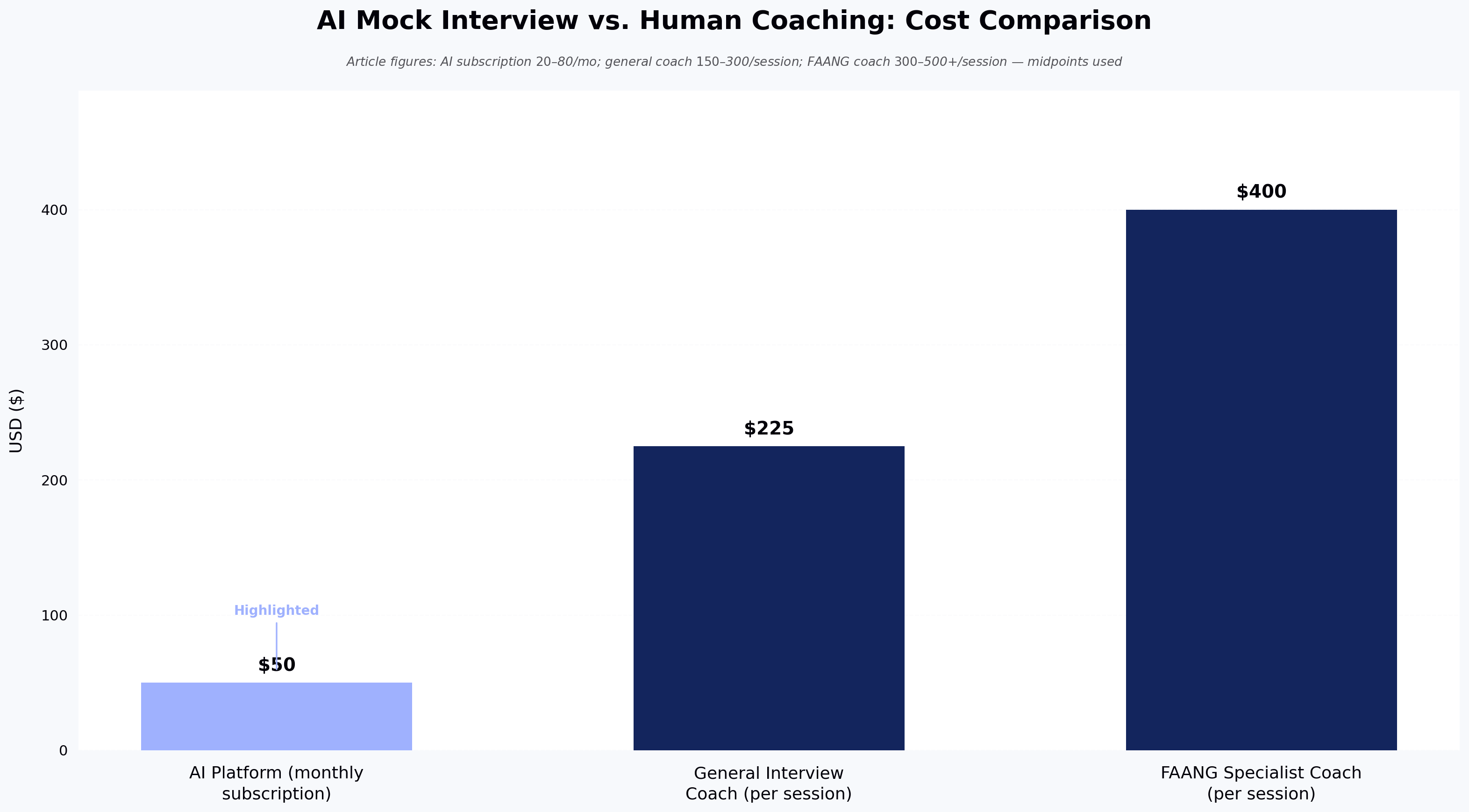
How much does online recruitment software cost? Pricing varies by billing model. Per-user SMB tools commonly start around $15–$50 per user per month. Mid-market platforms range from roughly $100–$300 per user per month or use per-requisition pricing. Enterprise suites such as Workday and iCIMS are typically negotiated as annual contracts in the five- to six-figure range. Always confirm pricing directly with the vendor.
What is the difference between an ATS and a recruitment CRM? An ATS manages candidates who have applied to open reqs. A CRM manages passive talent you are nurturing for future reqs. Most mature TA orgs need both, either as integrated point solutions or as part of one end-to-end platform.
Do I need an end-to-end platform or best-in-breed tools? End-to-end platforms reduce data fragmentation; best-in-breed stacks deliver stronger capability per tool. Choose end-to-end if your team values unified reporting over depth, and best-in-breed if specific stages (sourcing, technical assessment) are where you win or lose hires.
How long does implementation take? Plan 6–12 weeks for a mid-market ATS, 4–6 months for enterprise suites. Allocate time for data migration, integration setup, workflow configuration, and hiring manager training.
Does AI screening introduce bias? It can. AI models inherit bias from training data and from the historical hiring decisions they learn from. Required practice in 2026: ask vendors for adverse-impact data by protected class, validation studies, and human-review checkpoints. Regulations such as NYC Local Law 144 require independent bias audits for many automated employment decision tools.
Next steps
Audit your current funnel against the 10-feature rubric above, then shortlist two or three platforms for trial. If technical roles dominate your req load, evaluate HackerEarth Assessments against your current screening process — running one open engineering req through validated skill assessments will show you, on real candidates, whether skills-based screening changes your slate quality. Request a demo or explore the assessment library to start.