Tech Assessment

Thank you! Your submission has been received!
Oops! Something went wrong while submitting the form.

Behavioral Assessments: A recruiter’s guide to better hiring decisions

Today, the job market, particularly in the fast-paced Software as a Service (SaaS) industry, is more competitive than ever. Recruiters constantly seek an edge to move beyond simple resume screening and subjective interviews to find candidates who will thrive. The key to unlocking this potential lies in behavioral assessments—psychometric tools that provide deep, data-driven insights into a candidate's inherent traits, competencies, and likely on-the-job behavior.

This guide will show you how integrating these assessments can revolutionize your hiring process, reduce costly mis-hires, and ensure your new employees are perfectly aligned with the role and company culture.

What are behavioral assessments?

Behavioral assessments are standardized, objective methods used in the pre-hiring process to measure a candidate's soft skills, personality, and potential fit for a role. Unlike a technical skills test, which measures what a person knows, a behavioral assessment measures how they are likely to perform and interact within a team environment. They act as a critical bridge between a candidate's stated qualifications and their actual workplace behavior.

Why does it matter?

Key types of behavioral assessments

It’s crucial to understand the different methodologies available to utilize behavioral assessments for hiring effectively.

Situational Judgment Tests (SJTs)

Situational Judgment Tests are the most practical and job-relevant form of behavioral assessment. They present candidates with hypothetical, work-related scenarios and ask them to choose the best (and sometimes the worst) course of action from a list of options.

  • Purpose: Measures practical judgment, problem-solving, decision-making, and critical thinking under pressure—all essential skills for product managers, sales executives, and support staff in SaaS.
  • Example: A candidate might be presented with a scenario where a key client is upset about a bug in the software and asked how they would prioritize addressing the issue.

Personality Assessments

These assessments use established psychological frameworks to map a candidate’s inherent traits and preferences. The two most common models in recruiting are:

  1. The Big Five (OCEAN): Measures Openness, Conscientiousness, Extraversion, Agreeableness, and Neuroticism. It’s widely regarded for its validity in predicting job performance across many industries.
  2. DISC: Focuses on four primary traits: Dominance, Influence, Steadiness, and Conscientiousness. It’s popular for understanding communication style, team dynamics, and leadership potential.

AI-powered & adaptive tools

Modern behavioral assessment tools leverage Artificial Intelligence to create a more dynamic and personalized experience.

  • Real-time Adaptation: These platforms can adjust the difficulty or type of questions asked based on a candidate's previous answers, leading to more accurate and nuanced results.
  • Dynamic Results: They often provide richer data models, including cultural fit analysis and automated interview question generation, streamlining the entire recruiting workflow. 

Benefits of behavioral assessments

Integrating behavioral hiring assessments into your recruiting funnel provides multifaceted advantages that directly impact your company’s bottom line and culture.

Improve decision-making

Assessments transform the hiring process from an intuitive gamble into a data-driven science. By quantifying soft skills and behavioral traits, recruiters can make hiring decisions based on measurable criteria rather than subjective impressions from a brief interview. This is particularly valuable in SaaS, where roles are highly specialized and soft skills like adaptation and collaboration are non-negotiable.

Reduce bias

One of the most powerful benefits is the systemic reduction of bias. Traditional interviews are prone to "affinity bias," where interviewers favor candidates who remind them of themselves. Behavioral assessments standardize the evaluation process, giving all candidates an equal chance to demonstrate their job-relevant traits, leading to a more diverse and equitable workforce.

Enhance candidate experience

While some might fear that assessments create friction, well-designed behavioral tests often enhance the candidate experience.

  • They provide clarity on the job’s expectations.
  • They offer a chance for candidates who might not interview well to showcase their true potential.
  • When used in a transparent manner, they communicate that the company is serious about finding the right long-term fit, not just the best short-term interviewee.

Predict performance

Ultimately, the core value of these tools is their superior ability to predict long-term performance. While technical skills can be taught, fundamental personality and behavioral traits are deeply ingrained. An assessment can flag a candidate who, despite having the perfect resume, lacks the resilience or teamwork skills necessary for your specific SaaS environment, thus preventing a costly mis-hire.

How to implement behavioral assessments in SaaS hiring

Successful implementation requires a structured, four-step approach tailored to the unique demands of SaaS roles.

1. Define competencies

Before testing, you must know what you're testing for. For a SaaS company, this means going beyond generic traits and identifying the key behaviors and traits crucial for success in a specific role.

2. Select tools

Choose assessment methods that align with the required competencies. For entry-level customer success roles, a focus on communication and empathy might necessitate a Situational Judgment Test. For senior leadership, a detailed Big Five Personality Assessment might be more appropriate. Ensure your chosen platform integrates well with your existing Applicant Tracking System (ATS).

3. Train teams

Behavioral assessment data is only helpful if your hiring managers and recruiters know how to interpret and use it correctly. Training must cover:

  • Understanding the report format and scores.
  • How to translate assessment results into targeted interview questions.
  • Avoiding the mistake of using the assessment to exclude candidates rather than as a tool to deepen the understanding of a candidate's fit.

4. Monitor & optimize

The process doesn't end after a hire is made. Recruiters must establish a feedback loop:

  • Track the correlation between high assessment scores and on-the-job performance/retention rates for new hires.
  • Regularly evaluate the effectiveness and predictive power of your assessments.
  • Use this data to refine the ideal behavioral profile for each job role, ensuring your hiring models stay current as your company and product evolve.

Ethical considerations & limitations

While powerful, behavioral assessments must be managed ethically and thoughtfully to avoid new forms of bias or legal challenges.

Fairness and legal compliance

It is paramount to ensure that any assessment used is job-related and validated by industrial-organizational psychology standards. The assessment must not disproportionately screen out candidates based on protected characteristics like race, gender, or age. Assessments must only measure traits that directly impact the candidate's ability to perform the essential functions of the job.

Bias risk: cultural and gender

Even well-designed tests can carry cultural or gender bias if not properly validated. For example, language or scenarios that are clear in one cultural context might be confusing or misinterpreted in another. Recruiters should:

  • Select tests that have been validated across diverse populations.
  • Scrutinize question wording for any subtle bias.

Transparency

Transparency builds trust and enhances the candidate experience. Candidates should be clearly informed:

By being open about the process, you mitigate confusion and show respect for the candidate's time, reinforcing your company's employer brand.

FAQs on Behavioral Assessments

What are the types of behavioral assessments?

The main types include Situational Judgment Tests (SJTs), which measure decision-making using hypothetical work scenarios; Personality Assessments (like the Big Five or DISC) which map core traits; and AI-powered/Adaptive Tools, which provide dynamic, real-time feedback and results.

What are behavioral assessments?

Behavioral assessments are psychometric tools used in recruitment to objectively measure a candidate’s soft skills, personality, competencies, and inherent traits. They provide data-driven insights into how a candidate is likely to behave and perform in a specific job role and team environment, going beyond the information provided by a resume or a traditional interview.

How are behavioral assessments used in interviews?

Assessments are best used before or during the final stages of the interview process to inform and enhance the discussion, not replace it. Recruiters should use the assessment results to:

  1. Tailor questions: Identify areas where the candidate scored unexpectedly high or low and craft targeted, open-ended questions to explore those traits further.
  2. Validate results: Seek behavioral examples from the candidate’s past experience that either confirm or contradict the assessment's findings.

Discuss fit: Use the data to discuss the practical realities of the job and ensure the candidate understands what will be expected of their behavioral style.

Best 10 Coding Assessment Tools: Finding the Best Fit for Technical Hiring

It might look like the market’s overflowing with developers, but hiring skilled ones isn’t as easy as posting a job and calling it a day. That’s why companies now rely on the best coding assessment tools to evaluate skills through real-world challenges instead of theoretical questions. 

With a range of online coding assessment tools available, teams can run skill-based tests, review results instantly, and focus only on qualified talent. The online coding interview tools help reduce hiring time without compromising accuracy. 

In this list, we’ve selected 11 platforms that hiring teams trust to assess skills and make better decisions quickly.

What is a Coding Assessment Tool?

A coding assessment tool is a digital platform that helps companies test a candidate’s programming skills through automated technical assessments. It eliminates the need for manual reviews by providing coding tests that simulate real-world tasks, allowing recruiters to focus on qualified applicants more easily. 

Most online coding assessment tools come with features like code editors, timed tasks, plagiarism detection, and custom scoring systems, all designed to speed up technical hiring. Depending on the role, companies can choose different types of assessments. 

Here are some standard formats found in the best coding assessment tools:

  • Algorithmic challenges: Evaluates problem-solving using data structures, logic, and performance-based scoring
  • Project-based tasks: Replicates real-world scenarios using front-end, back-end, or full-stack projects
  • Real-time IDEs: Let candidates write and execute code within a live coding environment
  • MCQs: Test the theoretical knowledge of programming concepts and language syntax
  • Pair programming: Simulates collaborative work by connecting candidates with interviewers in a shared code space

Most companies use coding assessment tools early in the funnel during screening, but they also work well for technical interviews and internal learning programs in engineering teams.

Why Use a Coding Assessment Tool?

Hiring for technical roles can become complicated without a system that provides structure and efficiency. Coding assessment tools make it easier to assess a high volume of candidates quickly while keeping the process fair and consistent.

Here’s how these tools help teams work smarter:

  • Scale and speed in hiring: Screen hundreds of candidates without increasing the team’s workload.
  • Objectivity and bias reduction: Use structured scoring to focus only on skills, not assumptions.
  • Predictive hiring decisions: Spot strong problem-solvers based on actual performance, not gut feeling.
  • Time-saving for interviewers: Cut down the number of live interviews by filtering early.
  • Improved candidate filtering: Shortlist applicants who meet both skill and role-specific benchmarks.
  • Positive candidate experience (if designed well): Offer a smoother, less stressful way to showcase skills.

📌Also read: The Mobile Dev Hiring Landscape Just Changed

Key Evaluation Criteria to Compare Tools

Choosing the right coding assessment tools means matching features with what your team actually needs. Whether you're running campus drives or hiring senior backend engineers, this checklist can help you figure out what works best:

  • Skill & language support: Ensure the platform supports all relevant programming languages, frameworks, and tech stacks your team regularly uses. A tool with limited coverage will slow down hiring for specialized roles.
  • Assessment formats & flexibility: Look for platforms that offer multiple test formats, such as coding questions, real-world tasks, and project-based assignments. Flexible test options allow you to tailor assessments for each role, eliminating the need for a generic approach.
  • Library depth vs custom questions: While an extensive question library is helpful, your team should also have the freedom to create custom tasks that reflect actual work scenarios. The best coding assessment tools offer both ready-to-use content and complete control over customization.
  • Anti-cheating/ proctoring /IP protection: Select tools with features that minimize cheating risks, such as webcam monitoring, screen tracking, or IP restrictions. These features are especially important when you're concerned about how candidates use technology to cheat in online technical assessments.
  • Integration with ATS/HRMS: A platform that seamlessly connects with your existing hiring tools (like your ATS or HRMS) keeps everything organized and reduces back-and-forth during the recruitment process.
  • Analytics, benchmarking & reports: Strong data dashboards help hiring teams compare candidate performance, spot trends, and improve decisions using predictive analytics for talent management. The more detailed and visual the reports, the easier it is to take action.
  • Scalability/enterprise-readiness: If you plan to run high-volume assessments or roll out tests across global locations, ensure the platform can handle the load, users, and support across time zones without breaking down.
  • Candidate experience: A well-designed interface, clear instructions, and stable tech make candidates more likely to complete the test and feel good about your brand. A bad experience here can harm your ability to attract top talent.
  • Pricing model and transparency: Always review pricing carefully, especially if charges are based on the number of invites, candidates, or test types. The best coding assessment tools clearly lay out all costs, so you don’t get hit with hidden fees.
  • Support and SLAs: When a candidate hits a technical issue during a test, fast and helpful support becomes critical. Look for vendors who provide real-time help along with proper service-level guarantees.
  • Use-case alignment (campus, experienced, niche tech): Some online coding assessment tools are better suited for large-scale campus hiring, while others are more appropriate for niche or senior roles. Ensure the tool aligns with your current hiring mix and supports the development of a recruitment pipeline that meets your long-term goals.

Scoring each option against this list helps recruiters quickly identify the best coding assessment tools in 2025, based on what actually matters to their team.

Quick Overview Table: Coding Assessment Tools

Having established the key features of a great coding-based assessment tool, we will now focus on the specific tools that consistently help companies find the right candidates. 

Below, you will find a comparison of the ten best coding assessment tools for 2025, detailing their key features, ideal use cases, pros, and cons.

Tool Best For Key Features Pros Cons G2 Rating
HackerEarth All-in-one coding and skills assessments Coding challenges, MCQs, proctoring, hackathons & coding event modules, candidate analytics Strong question library, widely used, supports large-scale screening Limited deep customization, no low-cost, stripped-down plans 4.5
HackerRank Broad technical assessment + developer pipeline Coding + project assessments, language coverage, plagiarism detection, reporting & integrations Very mature platform, strong ecosystem, trusted by many large tech firms Reporting UI complexity; some users call question styles somewhat academic or constrained 4.5
Codility Algorithmic screening + take-home challenges Timed tasks, live assessments, benchmarking, code replay, fairness & evaluation tooling Clean UX, enterprise trust, strong scoring and analytics Less support for extremely custom task designs, may lack some front-end or full-stack scenario depth 4.6
CodeSignal Full interview & certification pipeline Integrated IDE, certified assessments, interview mode, analytics, challenge library Great for structured pipelines and scalable interviewing workflows More expensive; may feel overpowered for small teams; steep learning curve 4.5
Coderbyte Lightweight coding assessments & screening Short coding challenges, quizzes, customizable tests, and candidate metrics Fast to deploy, simpler for smaller companies or preliminary screening Less depth in large-scale interviewing, fewer enterprise features 4.4
CoderPad Live coding/pair programming interviews Real-time code editor, multi-language support, collaborative interviews Very useful for live interviews, strong candidate experience It isn’t a full assessment suite (fewer scheduled assessment features) 4.4
DevSkiller Real-world / project-based assessments RealLifeTesting (simulate actual dev work), replay, custom tasks, test libraries Deep, realistic tests, good feedback & candidate experience Can be more complex to set up; fewer general-use reviews in some markets 4.7
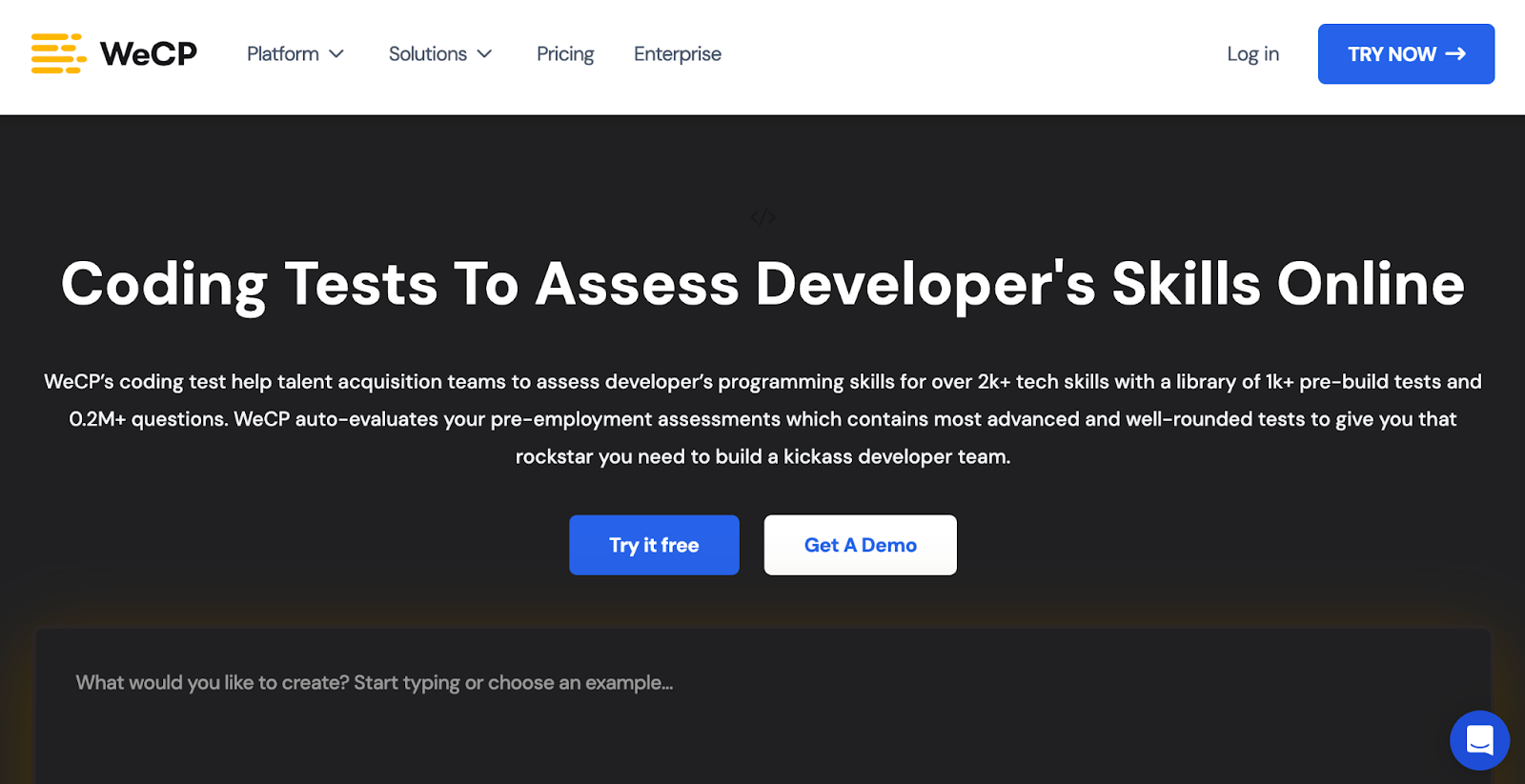
WeCP AI-augmented developer assessment AI test creation, runtime evaluation, proctoring, test library (2000+ dev skills) Good balance of automation and flexibility, solid reporting for non-technical recruiters Since it's newer, it may have fewer third-party integrations or lower brand awareness 4.7
iMocha Broad skill assessments + coding Massive skills library, domain + coding + aptitude assessments, live coding, custom tests Versatile across tech & non-tech roles, high flexibility Might dilute focus for hardcore coding workflows; advanced features can be complex 4.4
Xobin All-in-one candidate assessment for small to mid-sized teams Coding interviews, AI scoring, proctoring, security, analytics, test library Affordable, easy-to-use, strong support & security features May lack some advanced customization or enterprise-level scale features 4.7

Top Coding Assessment Tools in 2025 (Comparative Review)

We’ve already looked at the main features and differences in the comparison table earlier. Now let’s take a closer look at how each of these coding assessment tools performs when used in real-world hiring situations.

1. HackerEarth

HackerEarth Assessments page showing features and coding test overview
HackerEarth platform with 36,000+ coding questions, advanced proctoring, and role-based assessments

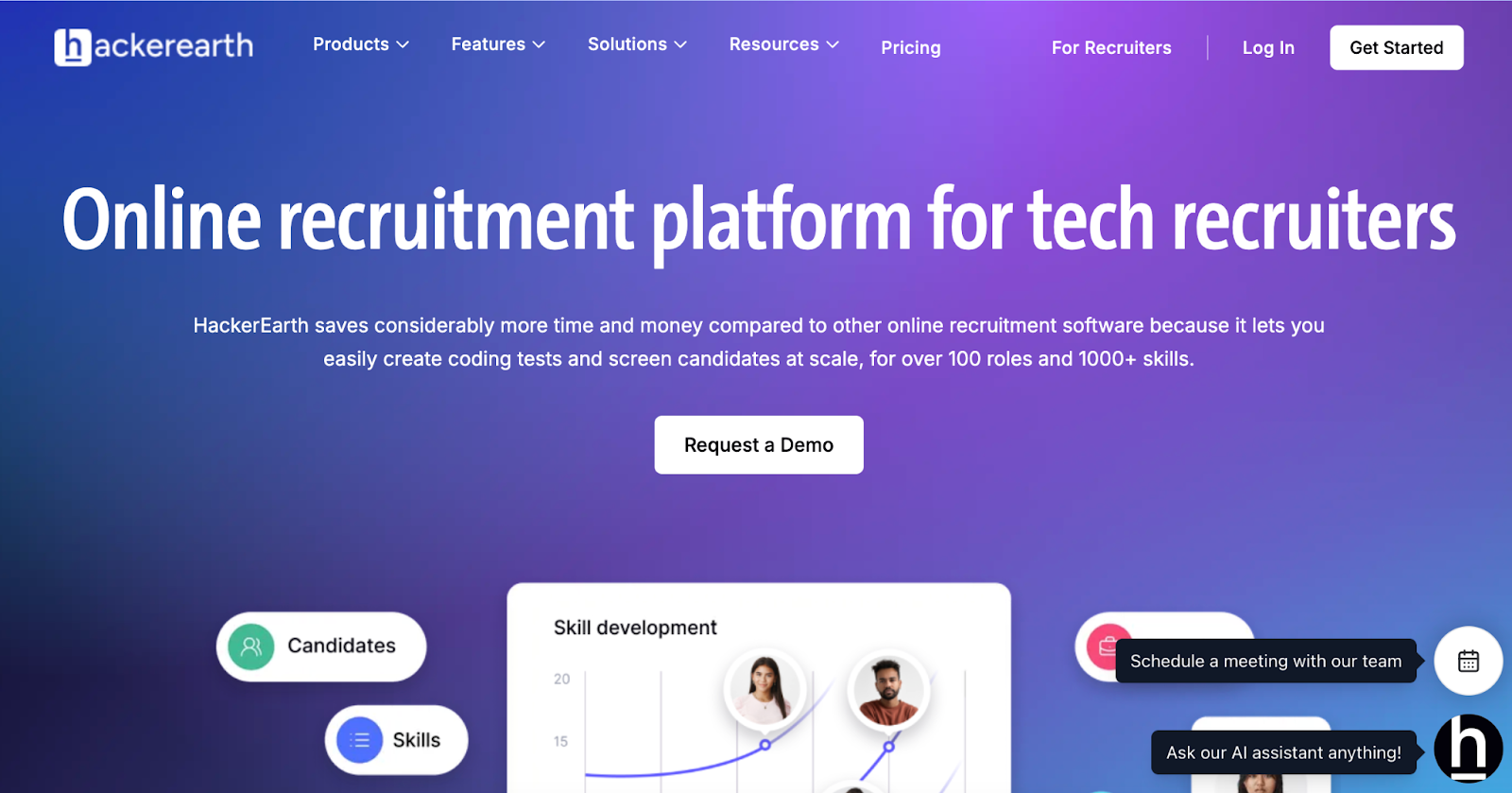
HackerEarth acts as a comprehensive platform combining coding assessment tools with developer engagement features to help companies find and hire the right tech talent. It supports a range of features, including customized coding tests, automated evaluation and scoring, and virtual interviews, all facilitated by built-in IDEs. This all-in-one solution provides hiring teams with a powerful way to evaluate technical skills, reducing manual effort.

With a developer community of over 10 million members across 133 countries, HackerEarth connects companies with a broad, diverse talent pool. Its Hiring Challenges enable organizations to engage developers directly through real-world coding problems, moving beyond traditional resumes and job boards. 

What distinguishes HackerEarth is its vast question library of over 36,000 coding problems, combined with tech-based assessments and detailed evaluation reports. These features give recruiters a clear picture of each candidate’s coding ability and problem-solving style. The platform also includes an online assessment proctoring system that uses smart monitoring tools to prevent cheating and impersonation during tests.

Among its AI-powered tools, the AI Screening Agent stands out by intelligently analyzing resumes and conducting dynamic questioning to identify the top 20% of candidates quickly, saving recruiters valuable time. This AI-driven screening compresses hiring cycles by up to 75% and significantly reduces the interviewer workload. Candidates benefit from a user-friendly interface that supports over 40 programming languages and tools, such as Jupyter Notebooks, enabling authentic skill demonstrations.

Many leading tech firms, such as Microsoft, Google, PayPal, and Barclays, rely on HackerEarth for online coding assessment tools that provide reliable evaluations and efficient hiring processes. Its features, combined with AI automation, position it among the best coding assessment tools in 2025 to help companies find high-quality developers quickly and fairly.

Key features

  • End-to-end hiring at scale: Handle everything from coding assessments to candidate sourcing and evaluation within a single, unified platform
  • Hackathons: Host coding competitions that engage a global talent pool, offering real-world scenarios to effectively assess candidates’ skills
  • Advanced proctoring: Maintain assessment integrity using SmartBrowser technology, image recognition, and tab-switch detection to prevent cheating
  • Automated candidate evaluation: Automatically grade technical submissions and generate comprehensive performance reports for informed decision-making
  • ATS integration: Effortlessly connect with applicant tracking systems to simplify and streamline your recruitment process
  • Extensive question library: Access over 36,000 questions across more than 1,000 skills, including emerging AI and specialized tech areas
  • Project-based assessments: Challenge candidates with real-world simulations using custom datasets and test cases to evaluate practical problem-solving abilities

Pros

  • Source pre-vetted talent beyond traditional job boards
  • Simulate real-world challenges through project-based assessments
  • Speed up hiring with AI-driven test creation and evaluation

Cons

  • No low-cost, stripped-down plans

Pricing

  • Growth Plan: $99/month 
  • Scale Plan: $399/month 
  • Enterprise: Custom pricing with volume discounts and advanced support

📌Suggested read: The 12 Most Effective Employee Selection Methods for Tech Teams

2. HackerRank

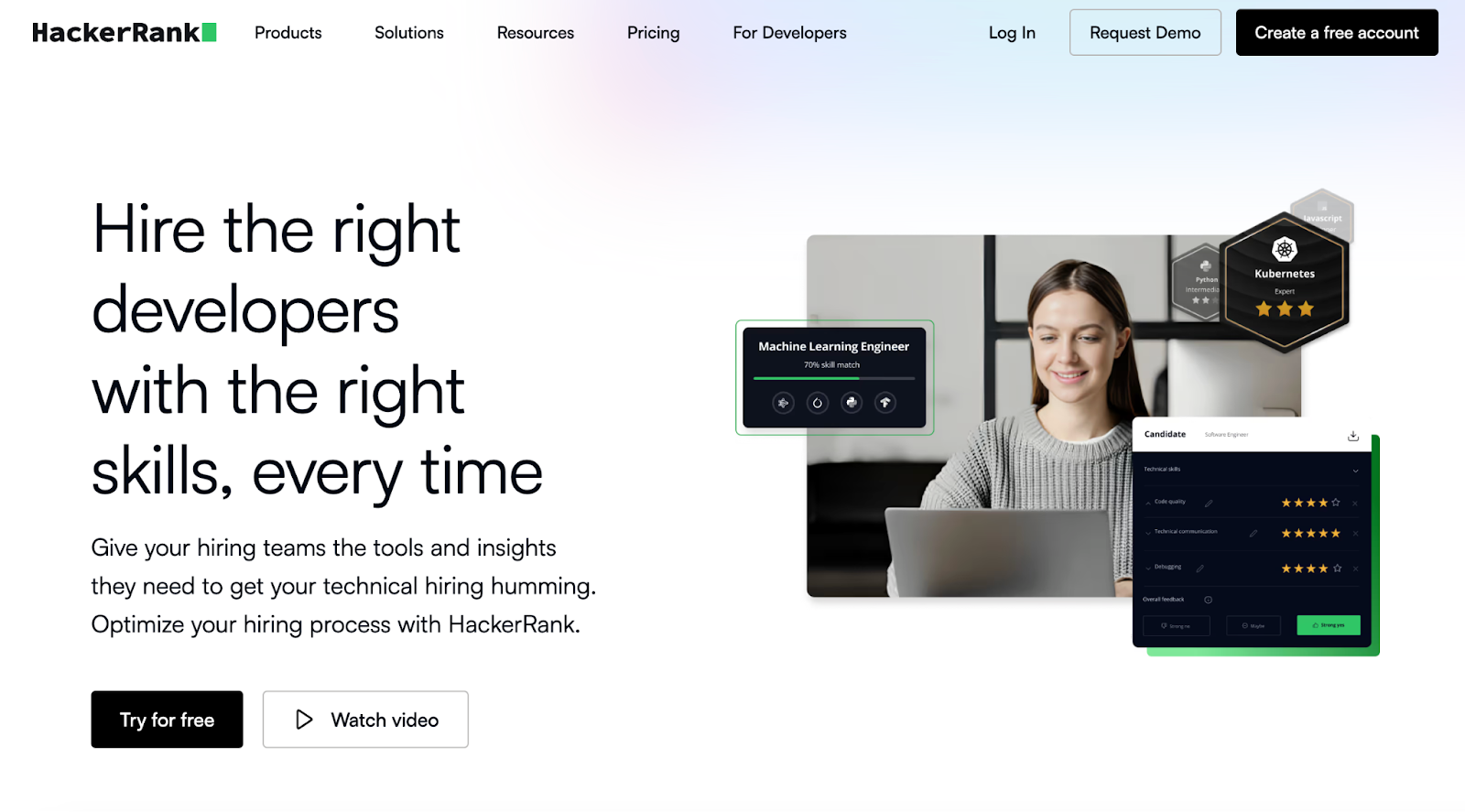
HackerRank technical screening landing page
HackerRank certified assessments validate candidate coding skills 

With HackerRank Screen, recruiters get a powerful tool that detects suspicious coding activity, verifies candidate identity, and monitors test integrity at scale. You can create tests using a vast library or generate role-based assessments instantly from job descriptions. 

The built-in AI Interviewer conducts first-round technical interviews, evaluating problem-solving, code quality, and candidates’ ability to work with AI tools. Its real-time coding environments and integrations with popular ATS make the hiring process smoother. 

Key features

  • Vast assessment library: Access thousands of coding tests covering in-demand roles and skills
  • Real-time coding: Conduct live coding interviews with easy-to-use environments for candidates
  • ATS integrations: Connect smoothly with Greenhouse, Lever, Workday, and other platforms

Pros

  • Build customized assessments for role- or company-specific needs
  • Receive detailed candidate reports for better hiring decisions
  • Engage global talent with hackathons and developer competitions

Cons

  • Limited customization for interview setups

Pricing

  • Starter: $199/month
  • Pro: $449/month

3. Codility

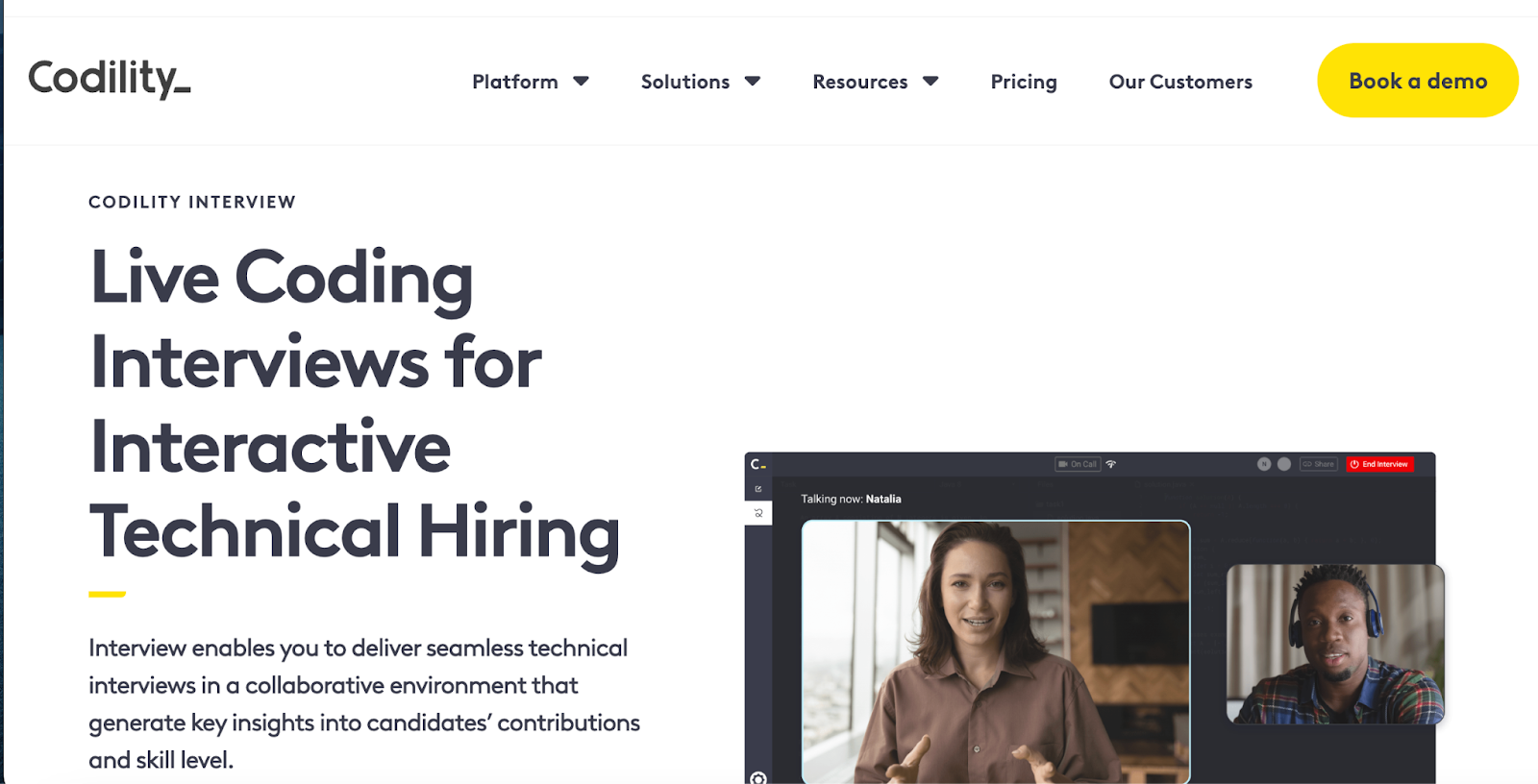
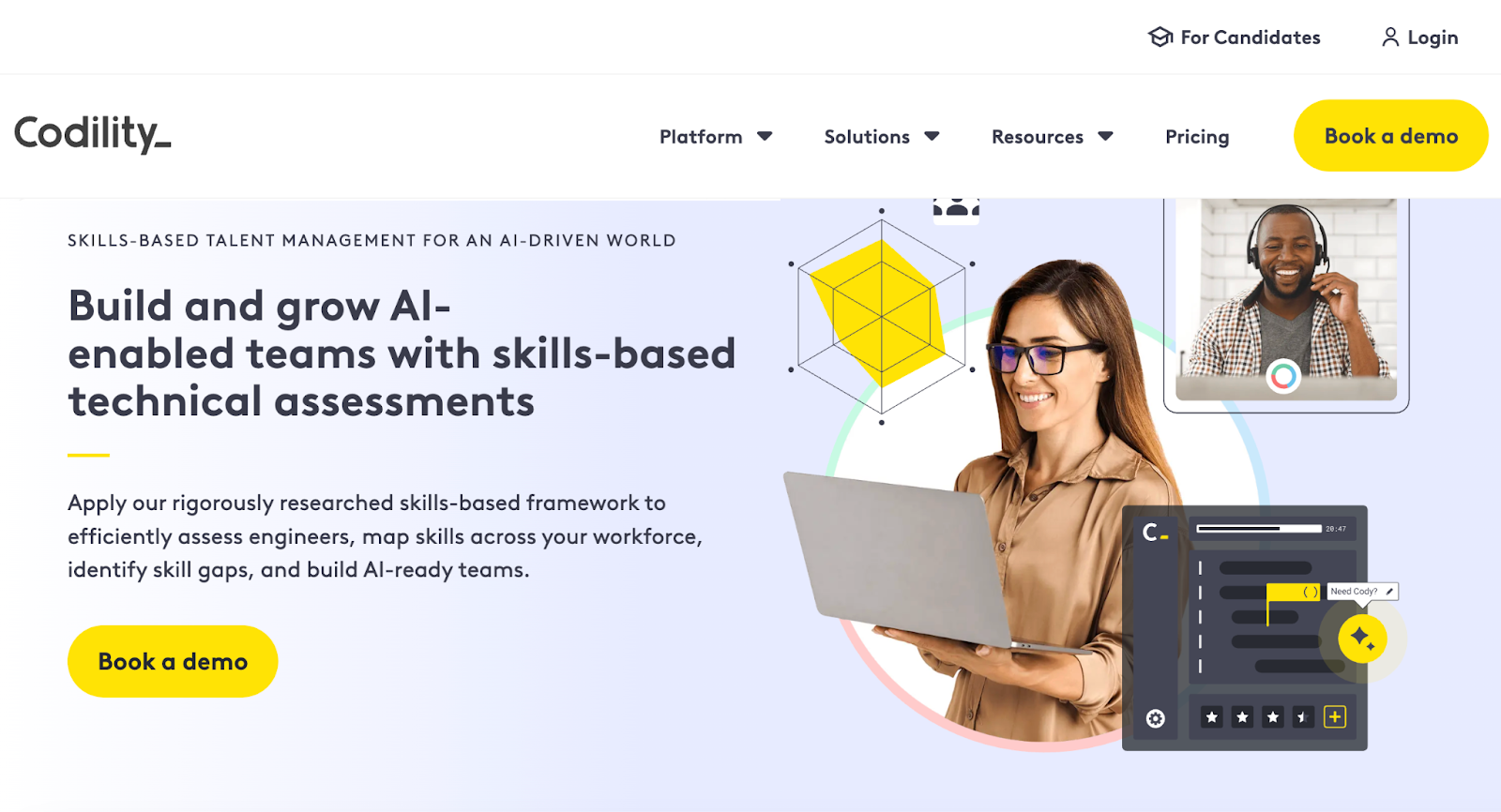
Codility landing page showing live coding interviews and tech hiring tools
Codility offers screen-and-interview products for enterprise technical hiring

Codility helps companies hire top engineering talent faster by creating realistic technical skill assessments and hosting live coding interviews using real code. The platform accelerates hiring by 2.5 times, providing candidates with a seamless experience that boosts the likelihood of attracting top talent before competitors do. 

The platform allows hiring teams to customize assessments based on specific skill sets, fast-tracking the best candidates and removing unqualified ones. 

Key features

  • Live coding interviews: Conduct real-time coding sessions to assess skills instantly
  • Automated grading: Automatically evaluate submissions on accuracy, efficiency, and scalability
  • Customizable assessments: Tailor challenges by skill level, language, and problem type

Pros

  • Access a large library of coding challenges
  • Reduce time-to-hire with automated assessments
  • Seamlessly integrate with ATS systems for workflow management

Cons

  • Pricing is higher compared to some competitors

Pricing

  • Starter: $1200/year
  • Sale: $600/month
  • Custom: Contact for pricing

4. CodeSignal

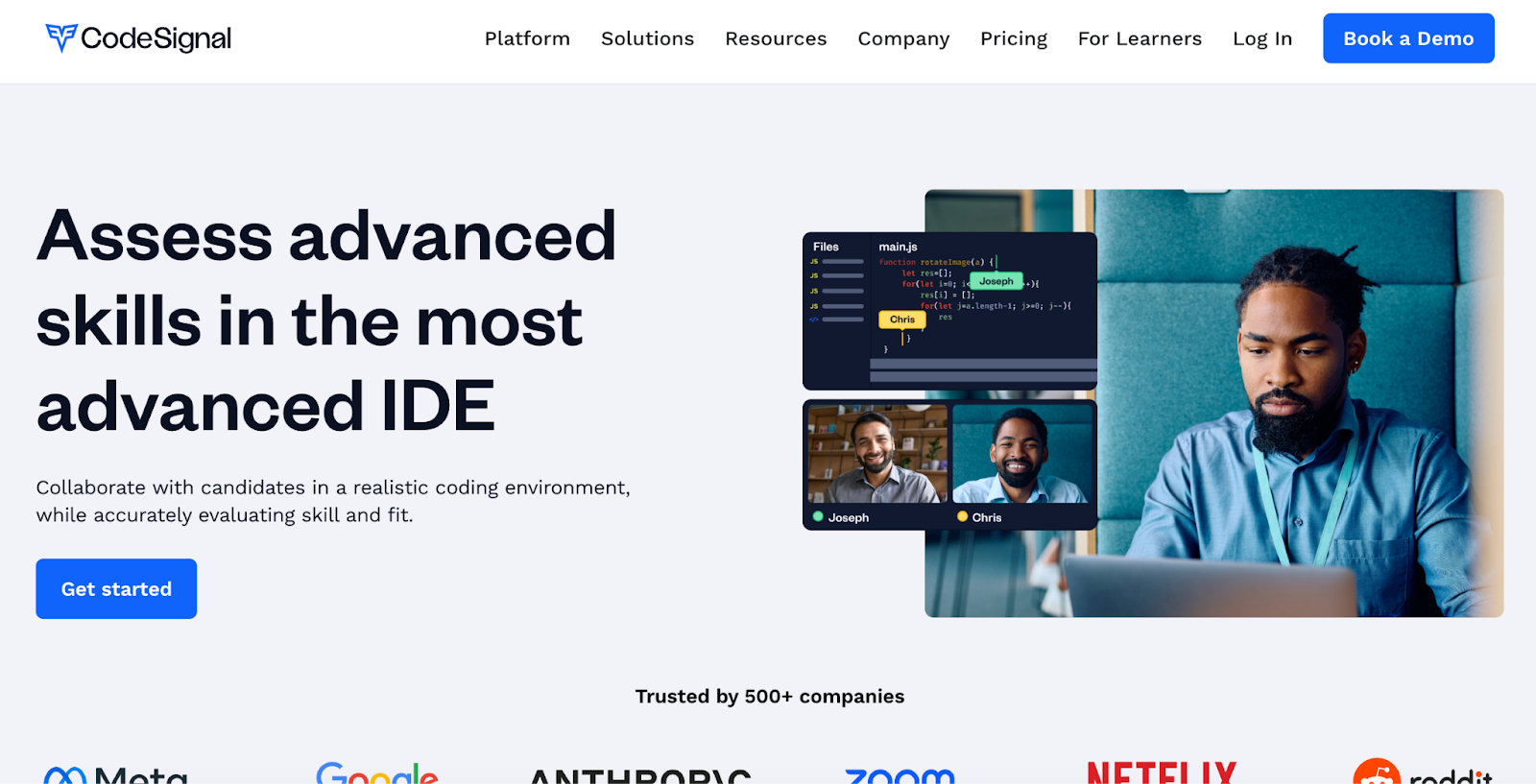
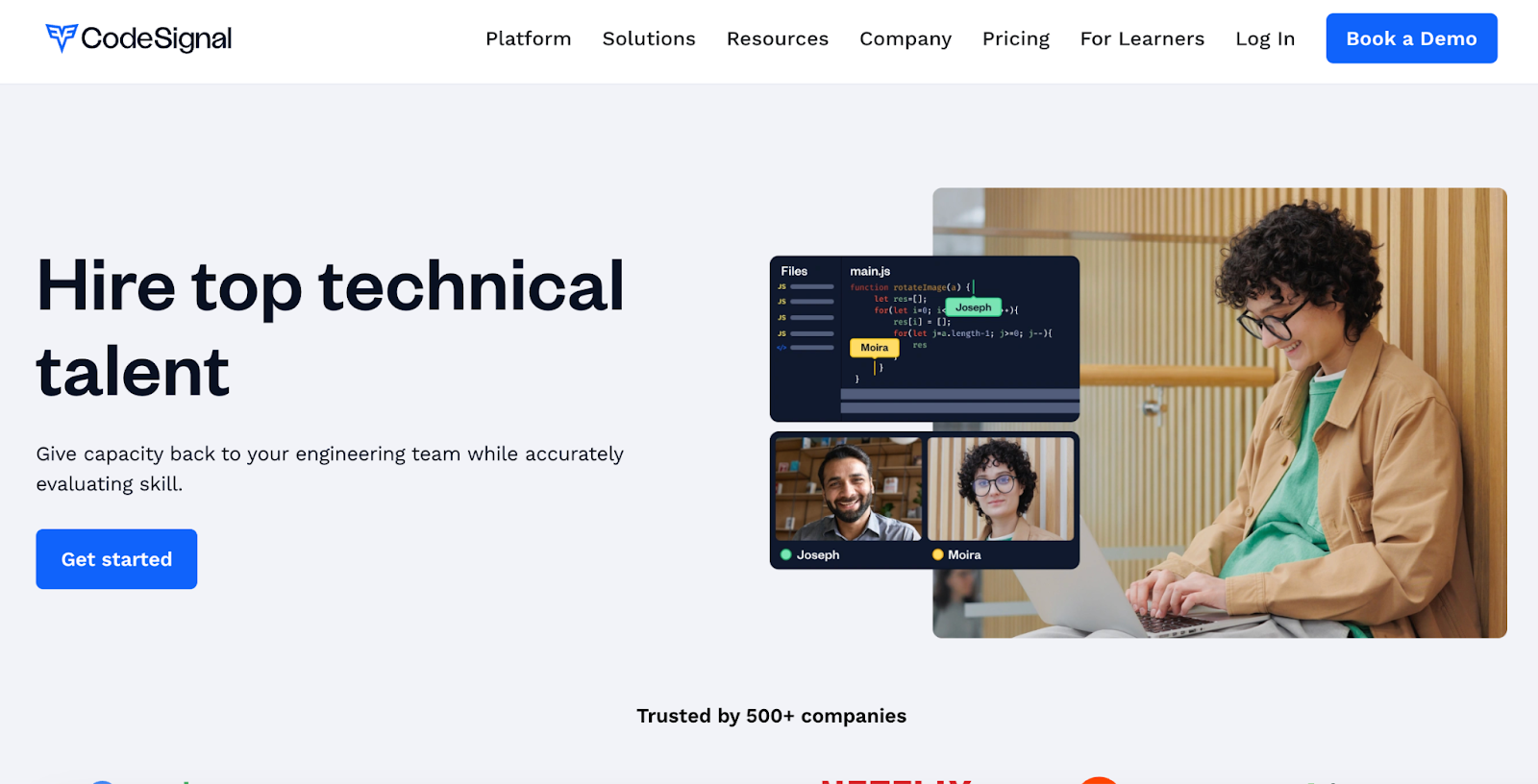
CodeSignal advanced IDE for collaborative technical skills assessment
Assess advanced skills in the most advanced coding IDE

CodeSignal lets you assess advanced skills using a realistic, cloud-based IDE that mirrors real work environments. Its live technical interviews include built-in video and audio calling, a premium question library, and structured interview templates. 

You can customize questions or use role-specific templates to evaluate candidates thoroughly while reducing bias through consistent interview formats. The platform supports multiple programming languages and integrates smoothly with ATS systems.

Key features

  • Advanced IDE: Use a cloud-based IDE with build tools and a mobile emulator
  • Interview templates: Apply structured, role-specific templates for consistent interviews
  • ATS integration: Connect CodeSignal data seamlessly with your existing ATS

Pros

  • Evaluate candidates in realistic, job-like coding environments
  • Customize interviews with premium question libraries
  • Reduce bias with structured interview processes

Cons

  • May have a learning curve for new users

Pricing

  • Custom pricing

5. Coderbyte

Coderbyte homepage with coding tests and assessments
Coderbyte offers coding tests, interviews, and skill training

Coderbyte offers an AI-powered platform to screen, interview, and upskill technical talent using unlimited assessments and interviews. It supports over 1,000 coding challenges in 30+ languages and 100+ skills, including machine learning and data science. 

The live coding IDE includes video, whiteboard, and real-time collaboration. You can assign take-home projects, use customizable templates, and leverage AI to analyze candidate results for deeper insights. This platform fits startups, staffing agencies, and enterprises alike.

Key features

  • AI-powered assessments: Use auto-graded challenges and AI analysis for quick results
  • Live coding interviews: Collaborate in real-time with video, whiteboard, and IDE tools
  • Take-home projects: Assign real-world coding tasks and review via GitHub integration

Pros

  • Access a vast library of customizable technical challenges
  • Support interactive interviews with whiteboarding and video chat
  • Improve candidate insights with AI-driven result analysis

Cons

  • Pricing may feel expensive if many custom or take-home tasks involved

Pricing

  • Pro: $199/month

Enterprise: Starts at $9,995/year

6. CoderPad

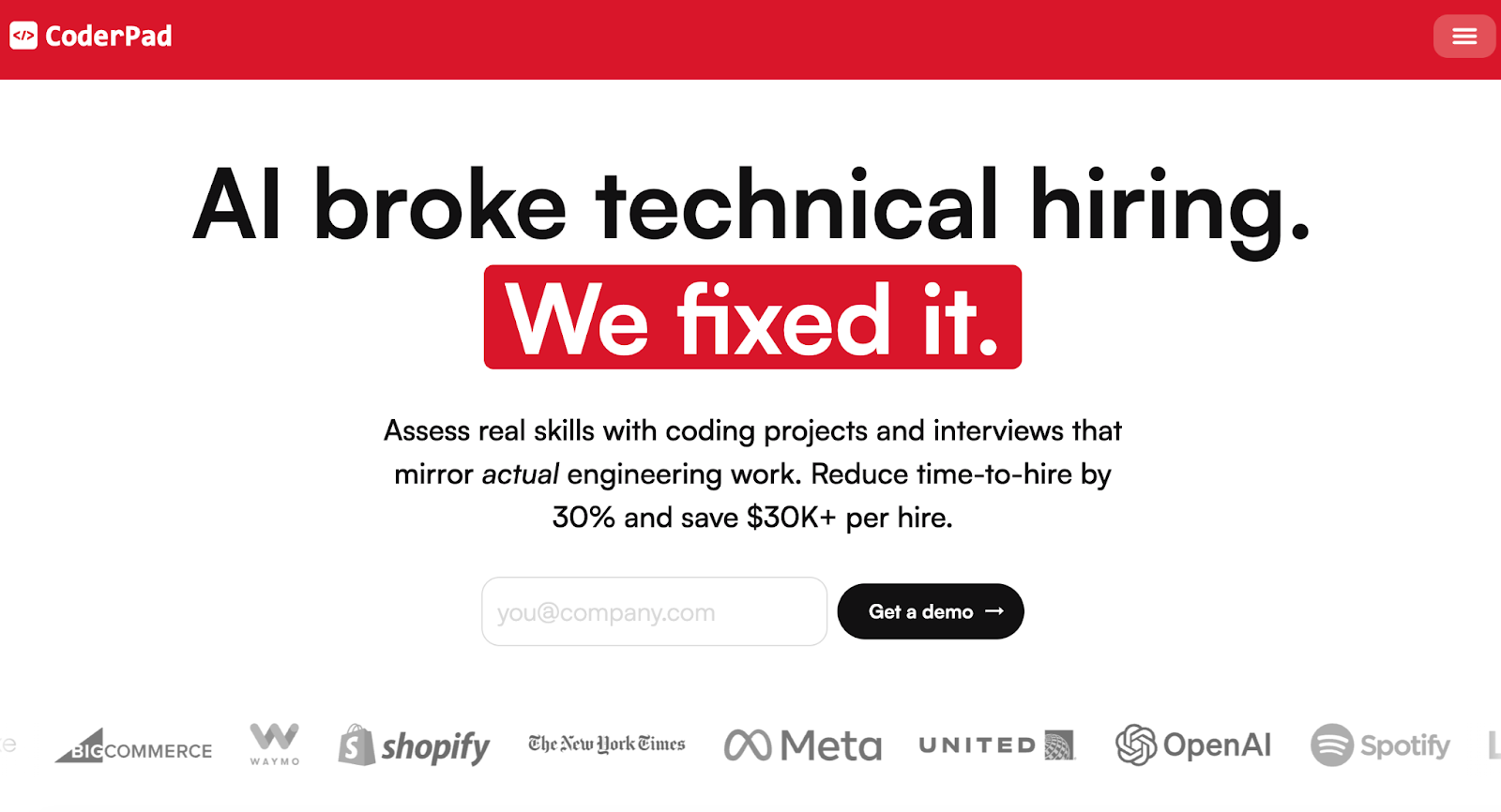
CoderPad online coding tests library for 99+ languages/frameworks
Assess dev skills in action with CoderPad

CoderPad specializes in live coding interviews, enabling interviewers to observe candidates’ real-time problem-solving skills. It supports over 99 languages and frameworks, offering a collaborative coding environment perfect for final-stage interviews, pair programming, and whiteboard-style exercises. 

Instead of mass screening, CoderPad focuses on authentic simulations that reflect real work tasks, helping teams accurately assess technical abilities and collaboration.

Key features

  • Multi-file IDE: Work on multi-file projects using a VS Code-like environment
  • Live coding: Write, execute, and debug code together in real-time browser sessions
  • Gamified challenges: Assess skills with cheat-resistant, interactive coding challenges

Pros

  • Let teams observe candidate work live for immediate feedback
  • Build authentic work-task simulations instead of isolated puzzles
  • Engage candidates with interactive, hands-on coding exercises

Cons

  • Require interviewers to invest time during live sessions vs. asynchronous screening

Pricing

  • Free
  • Starter: $100/month
  • Team: $375/month
  • Custom: Contact for pricing

📌Related read: How Talent Assessment Tests Improve Hiring Accuracy and Reduce Employee Turnover

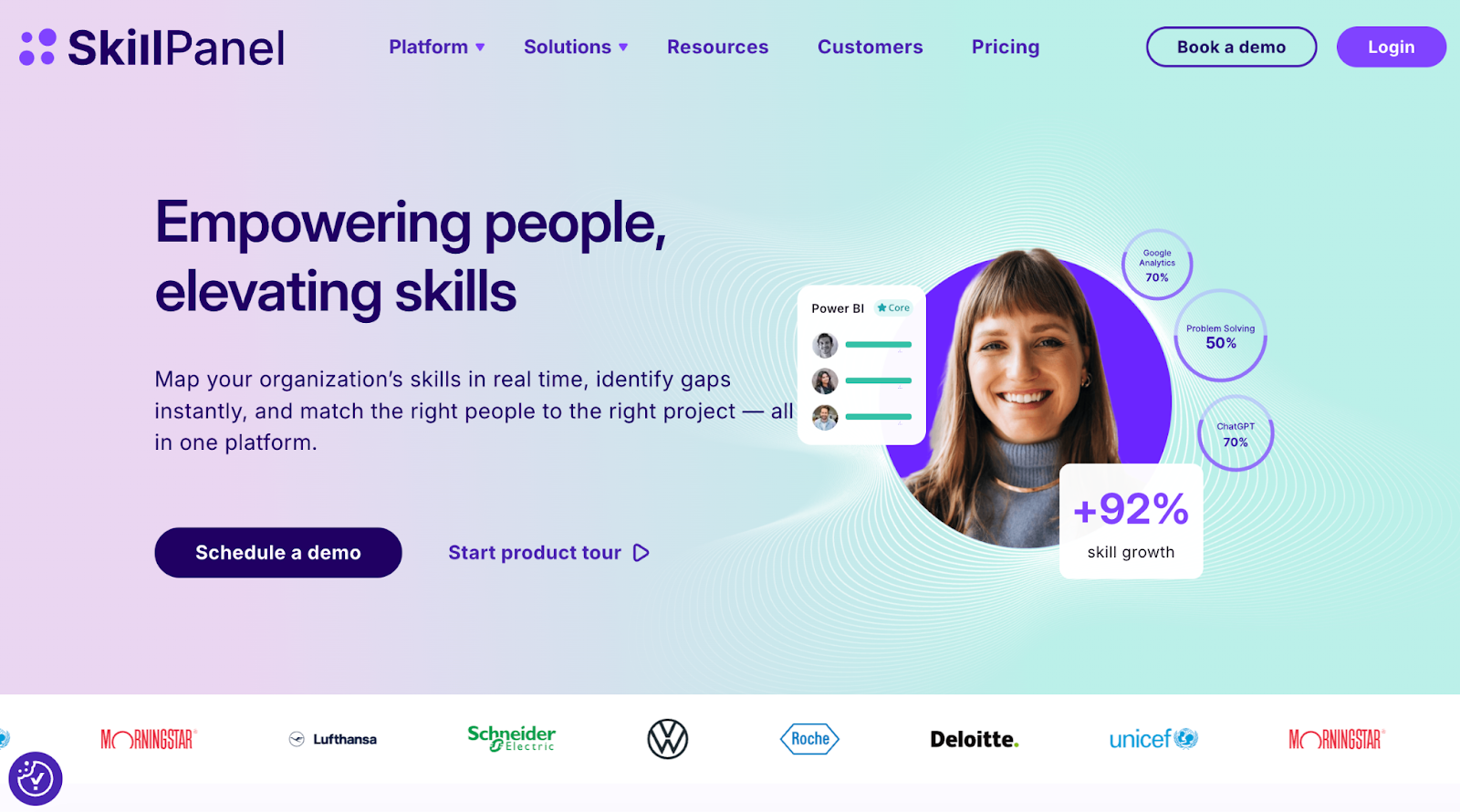
7. Devskiller (now SkillPanel)

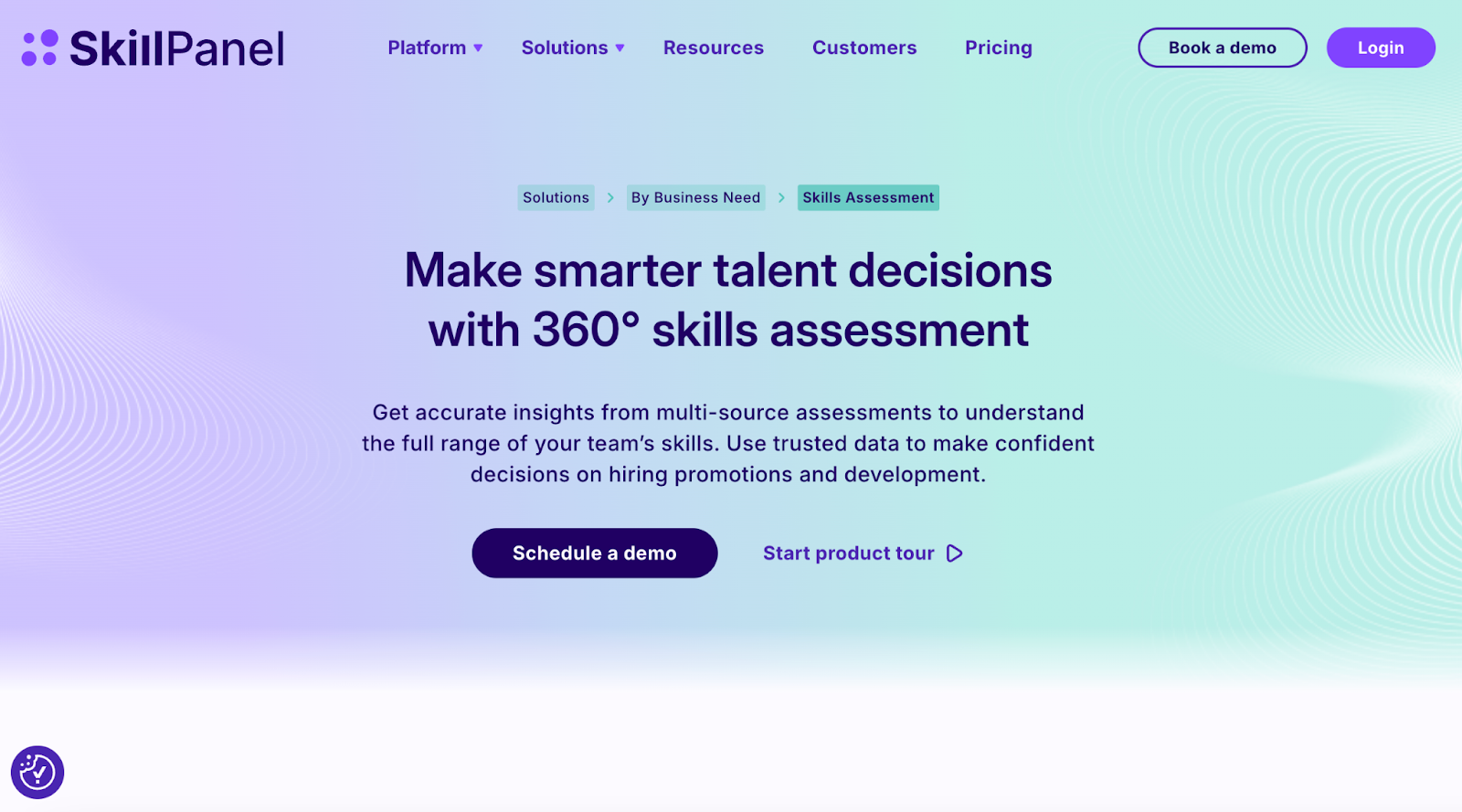
SkillPanel platform for an all-in-one skills assessment and talent decisions
Make smarter talent decisions with an all-in-one skills assessment

Rebranded as SkillsPanel in September 2025, Devskiller is a skills intelligence platform that integrates with coding assessments, often powered by its sister tool DevSkiller SkillCheck, to evaluate and manage software developer skills. The platform combines automated coding tests with multi-source feedback, including self-reviews, manager, peer, and expert insights, to provide a holistic and unbiased view of technical skills. 

SkillPanel’s RealLifeTesting™ methodology uses real-world coding challenges that mirror job tasks across frontend, backend, DevOps, mobile, and more. 

Key features

  • Automated assessments: Use automated tests to screen candidates early, saving time
  • Real-world testing: Simulate job tasks with practical coding challenges for accuracy
  • Broad tech support: Assess skills across 220+ technologies, including major languages and frameworks

Pros

  • Manage skills holistically for talent development and gap identification
  • Improve hiring efficiency by focusing interviews on qualified candidates
  • Reduce bias with multi-source feedback integrated into skill assessments

Cons

  • Longer setup/ evaluation time per candidate due to detailed tasks

Pricing

  • Custom pricing

8. WeCP

Dashboard of a coding assessment platform
Assess candidate coding skills with real-time insights

WeCP helps talent acquisition teams evaluate developer programming skills with a library of 1,000+ pre-built tests covering over 2,000 tech skills and 0.2 million+ questions. The platform automates assessment evaluation, enabling companies to hire top developers efficiently. 

Trusted by Fortune 100 brands, WeCP supports large-scale hiring with features like AI video proctoring, tab-switch monitoring, and identity verification to ensure fair and secure assessments. Seamlessly integrate with ATS systems, invite candidates effortlessly, customize tests, and get detailed automated reports to make data-driven hiring decisions confidently.

Key features

  • Customizable assessments: Quickly create or adapt tests using a vast question library
  • AI proctoring: Prevent cheating with video proctoring and tab-switch detection
  • Bulk candidate management: Invite and evaluate thousands of candidates simultaneously

Pros

  • Get support for a wide range of job roles and industries
  • Integrate with various HR tools and ATS
  • User-friendly interface for both recruiters and candidates

Cons

  • May require a learning curve to fully use advanced features

Pricing

  • Premium Plan: $240/month
  • Custom/Enterprise Plan: Contact for pricing

9. iMocha

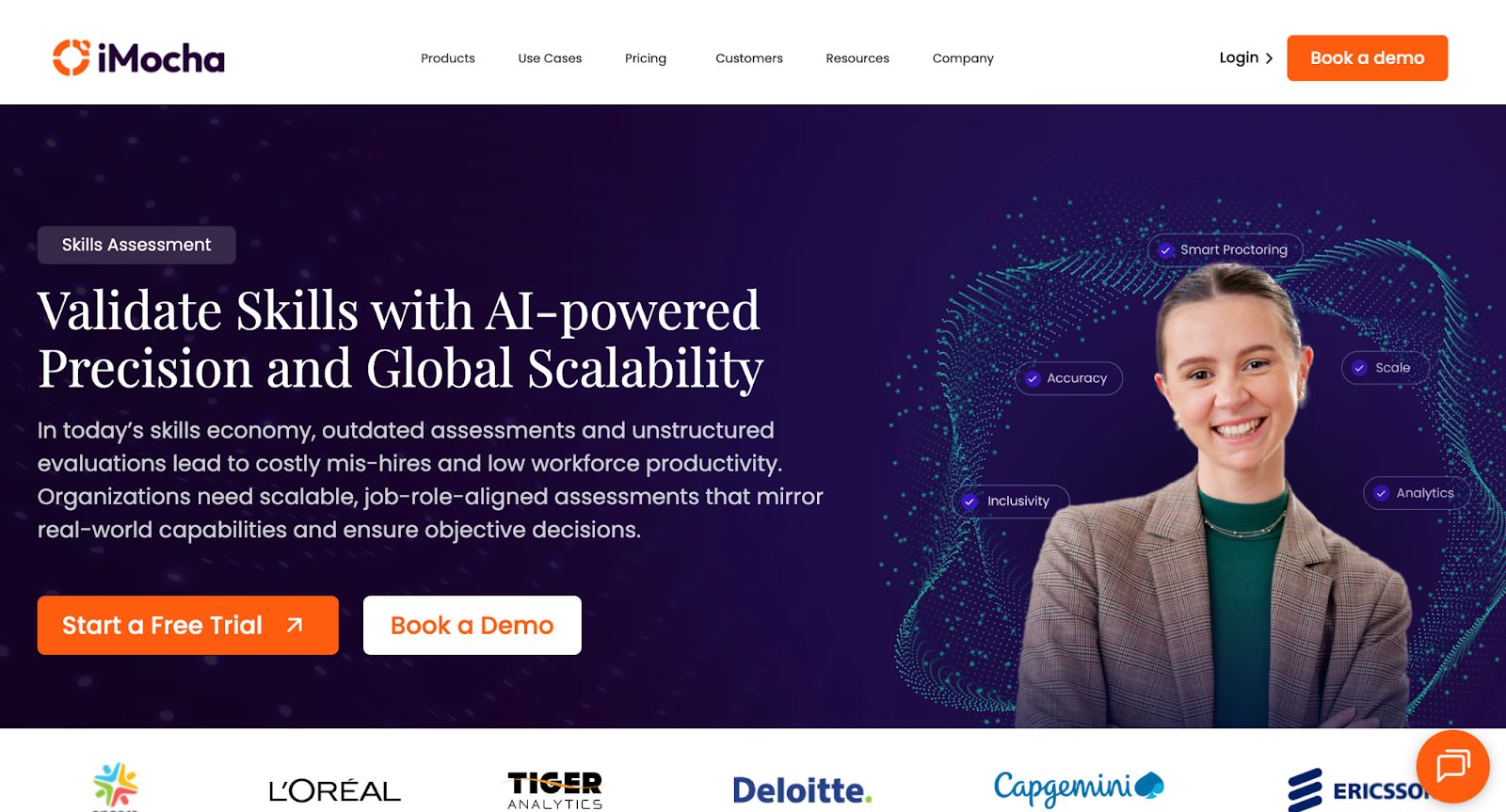
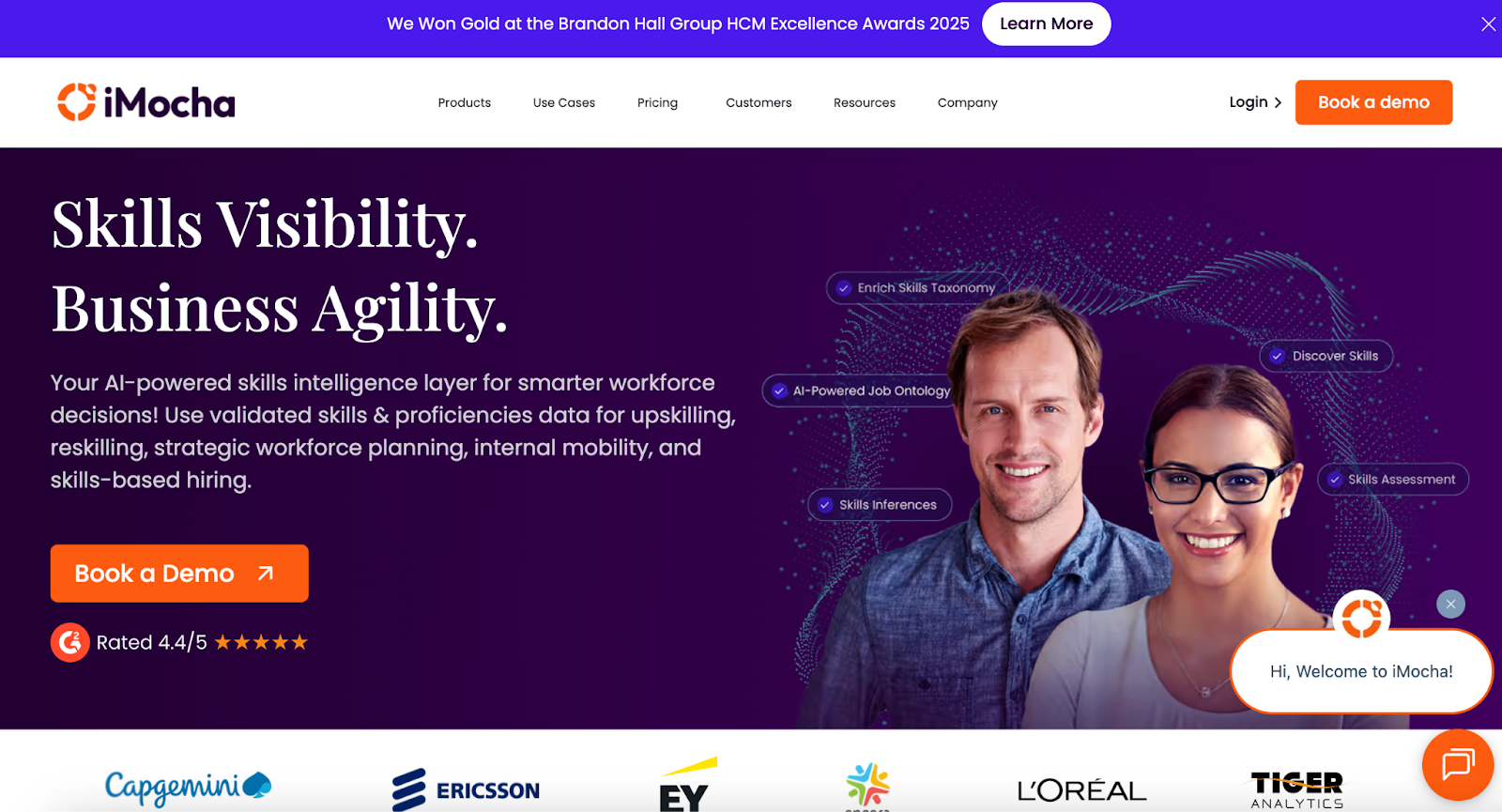
iMocha homepage showcasing an AI-powered skills intelligence platform
iMocha offers 10,000+ skill assessments, AI inference, and skills-based hiring solutions

iMocha provides a comprehensive platform with 10,000+ ready-to-use skill tests across 300+ job roles, covering technical, functional, cognitive, and soft skills. It features over 30 language compilers and more than 5,000 coding problems, all with AI-driven code scoring. 

Some of its key proprietary tools include AI-LogicBox for code-free logic assessments, AI-EnglishPro for CEFR-aligned English communication evaluation, and a Smart Proctoring Suite for advanced AI-powered cheating prevention. The platform also supports live and asynchronous interviews with collaboration tools and Conversational AI interviews to deliver bias-free, scalable, and consistent candidate evaluations. 

Key features

  • AI-LogicBox: Evaluate logic and problem-solving skills without needing code execution
  • Smart Proctoring: Monitor tests using AI for cheating prevention and integrity assurance
  • Conversational AI: Conduct adaptive, AI-driven interviews with automated scoring and transcripts

Pros

  • Scale assessments globally with 10,000+ job-role-specific tests
  • Reduce bias using AI-powered, consistent evaluation methods
  • Support accessibility with 50+ languages and WCAG 2.1 compliance

Cons

  • Excess features for orgs who only need simple technical screening

Pricing

  • 14-day free trial
  • Basic: Contact for pricing
  • Pro: Contact for pricing
  • Enterprise: Contact for pricing

10. Xobin

Coding assessment platform for smarter tech hiring
Xobin’s AI-powered tool simplifies developer skill evaluation

With adaptive coding tests, Xobin adjusts question complexity based on candidate performance. Its advanced proctoring suite includes eye-tracking, screen monitoring, and device detection to ensure test integrity. 

It supports 50+ programming languages, enables multi-language assessments, and offers seamless ATS integrations to streamline hiring. Used across 40+ countries, Xobin provides pre-built and customizable tests for 9,000+ tech job roles, making it enterprise-ready and globally scalable.

Key features

  • Adaptive Coding Tests: Adjust question difficulty based on candidate performance in real-time
  • AI-Powered Evaluation: Automatically assess code quality, logic, and efficiency like a senior engineer
  • Proctoring Suite: Monitor screen, detect devices, and track eye movement to prevent cheating

Pros

  • Screen candidates in 50+ programming languages
  • Access 180,000+ questions across 9,000+ job roles
  • Automate shortlisting with real-time performance analytics

Cons

  • Gaps in language-specific coding challenges as reported by users

Pricing

  • Complete Assessment Suite: Starting from $699/year

📌Also read: The Impact of Talent Assessments on Reducing Employee Turnover

Pitfalls to Avoid & Best Practices

While coding assessment tools offer massive advantages in streamlining developer hiring, misuse or poor implementation can backfire. Here are the most common pitfalls to avoid, and how to address them with best practices:

  • High drop-offs with lengthy tests: Lengthy assessments fatigue candidates and lead to incomplete submissions. Keep tests under 60–90 minutes unless it’s a final-round or take-home project.
  • Cheating risks if no proctoring: Without AI proctoring or IP protections, candidates can easily game the system. Always enable features like webcam monitoring, tab-switch detection, and plagiarism checks.
  • Low completion due to poor UX: Clunky interfaces or unclear instructions increase candidate frustration and reduce test completion rates. Choose platforms with intuitive UI and real-time guidance.
  • No feedback: Candidates value constructive feedback. Even auto-generated reports that highlight strengths and areas for improvement can improve your brand perception and encourage future applications.
  • Over-relying on one assessment type: Don’t depend solely on algorithmic problems. Include project-based tasks, MCQs, or real-time collaboration to get a well-rounded view of the candidate.
  • Poorly calibrated difficulty level: Tests that are too easy don’t filter effectively; tests that are too hard cause drop-offs. Use benchmarking data and internal calibration runs to fine-tune your assessments.

How to Choose the Right Tool (Decision Framework)

Selecting the right coding assessment platform starts by matching the tool type to your hiring scenario. For example:

  • For high-volume campus hiring, prioritize scalable platforms with bulk assessment features.
  • For niche tech roles, select tools that offer comprehensive skill libraries and real-world project simulations. 
  • For senior hires, focus on platforms that support live coding interviews or collaborative environments.

Next, use the evaluation criteria discussed earlier, like skill coverage, assessment formats, anti-cheating features, and ATS integrations, to score each vendor. Assign weighted scores based on your specific needs (e.g., enterprise security vs speed vs candidate experience).

When shortlisting, don’t rely solely on sales demos. Always run trial or pilot programs with real candidates or internal team members to test usability, scoring accuracy, and reporting.

To gain buy-in, validate the platform with internal stakeholders, including hiring managers, recruiters, and tech leads, by aligning it to their pain points. Show how it improves decision quality and saves time.

Post-purchase, define clear governance and KPIs, such as time-to-hire, test completion rates, or candidate NPS, to track success and refine usage. Regularly review performance metrics and feedback to ensure continuous improvement.

This framework will help you make a confident, data-backed decision that delivers hiring results.

📌Interesting read: Vibe Coding: Shaping the Future of Software

Real-World Use Cases & Assessment Workflows

Coding assessment tools are used across industries and scenarios to streamline hiring, scale evaluations, and ensure the right technical skills are measured. Below are some of its real-world use cases:

  • Startup scaling across geographies: Fast-growing startups use coding assessments to screen candidates across time zones and reduce reliance on engineering teams for early evaluation. Auto-graded tests help shortlist top applicants efficiently.
  • Enterprise hiring 10K+ candidates per year: Large organizations rely on assessment platforms to automate screening at scale. Tools with bulk invite, ATS integration, and detailed analytics streamline volume hiring while ensuring quality.
  • Niche technical roles (DevOps, ML, mobile): For highly specialized roles, companies use project-based assessments or custom real-world challenges to test domain-specific problem-solving skills and hands-on proficiency.
  • L&D and internal upskilling: Assessments help benchmark current skills, identify learning needs, and track employee progress over time in structured upskilling programs.

A typical technical hiring workflow using assessment platforms often follows this structured, repeatable sequence:

JD creation → Skill mapping → Screening test (MCQ/coding) → Auto-score & shortlist → Live interview (pair programming/project review) → Offer

Where HackerEarth Fits in This Landscape

For companies seeking global scale, an extensive question library, and seamless ATS integrations, HackerEarth stands out as a comprehensive assessment solution. With over 17,000 curated questions, it offers a diverse mix of live coding, take-home projects, multiple-choice questions, and role-based simulations to assess candidates’ skills accurately.

HackerEarth’s AI-powered proctoring and anti-cheating technology ensure test integrity, while integrations with leading platforms like Greenhouse and Lever simplify recruitment workflows. Its benchmarking capabilities provide valuable industry-wide data to help companies compare candidate performance effectively.

Trusted by top enterprises for both campus and lateral hiring, HackerEarth combines transparent pricing with robust global support, making it an ideal choice for organizations looking to cut screening time, improve fairness, and confidently scale their hiring pipelines.

If you’re ready to transform your recruitment process with AI-driven insights and efficiency, schedule a demo with HackerEarth and discover how it can elevate your hiring outcomes.

FAQs

What are coding assessments?

Coding assessments are tests designed to evaluate a candidate’s programming skills, problem-solving ability, and technical knowledge through challenges like coding problems, projects, and simulations relevant to real job tasks.

How to assess coding skills?

Assess coding skills using a mix of live coding, automated tests, take-home projects, and real-world challenges. Use platforms with proctoring and analytics like HackerEarth to ensure accuracy and reduce bias.

How do I prepare for a coding assessment test?

Prepare by practicing coding problems and mock tests on platforms like HackerEarth. Focus on problem-solving, algorithms, and language syntax to improve speed, accuracy, and confidence.

Top 9 Pre-Employment Assessment Tools in 2025

Hiring a new employee always sounds exciting, yet the real challenge begins when you try to determine whether the person can actually perform the tasks your company needs done every day. Organizations no longer rely only on resumes or interviews, because those rarely reveal if someone truly has the skills required to succeed in a fast-paced role.

Recent research indicates that 52% of employers rely on pre-employment assessments to evaluate job-related skills, while 37% use them to assess cognitive abilities, and 34% use them to check personality traits for role suitability. These numbers highlight how important testing has become for recruiters who want to make confident hiring decisions.

These nine best pre-employment assessment tools help employers reduce hiring costs, speed up recruitment, attract skilled candidates, and create a fairer selection process that makes building stronger teams far less complicated than before.

What Makes a Great Pre-Employment Assessment Tool?

Recruiters who want to adopt a skills-first hiring strategy cannot rely solely on basic tests. The best pre-employment assessment tools offer a range of features that enable smarter, faster, and more accurate hiring across various industries.

  • Comprehensive skills library: A reliable tool includes assessments across coding, cybersecurity, finance, cloud technologies, and communication, which allows recruiters to measure precise job-related skills with accuracy and confidence.
  • Customizable assessments: Recruiters can create questions that reflect real responsibilities or tailor tasks to fit unique positions, which helps capture how candidates perform in situations that reflect the actual job.
  • AI-powered scoring and insights: Modern tools use AI to accelerate scoring while providing more in-depth insights into skill proficiency, agility, and readiness for the role.
  • Live coding and scenario simulations: Technical hiring becomes stronger when candidates work through coding tasks, problem-solving exercises, or playback features that show thought processes step by step.
  • Proctoring and anti-cheating measures: Recruiters can protect test credibility with security features such as browser lockdown, webcam monitoring, plagiarism checks, and behavior alerts.
  • Detailed analytics and benchmarking: The best pre-employment assessment tools go beyond basic scores by incorporating benchmarking, skill gap data, and predictive performance indicators that inform more informed hiring decisions.
  • ATS and HRIS integrations: Platforms that connect smoothly with recruiting software help teams manage applicant data in one place and make quicker decisions without manual work.

Best Pre-Employment Assessment Tools: At a Glance

When you compare multiple platforms side by side, you quickly see which one truly meets your hiring needs. Below you will find a snapshot of the top tools for pre-employment assessments and their strengths and weaknesses in real hiring contexts:

Tool Key Features Best For Pros Cons G2 Rating
HackerEarth Offers extensive coding tests and live challenge modes Technical engineering roles, mass hiring Strong language support and environmental diversity No low-cost, stripped-down plans 4.5/5
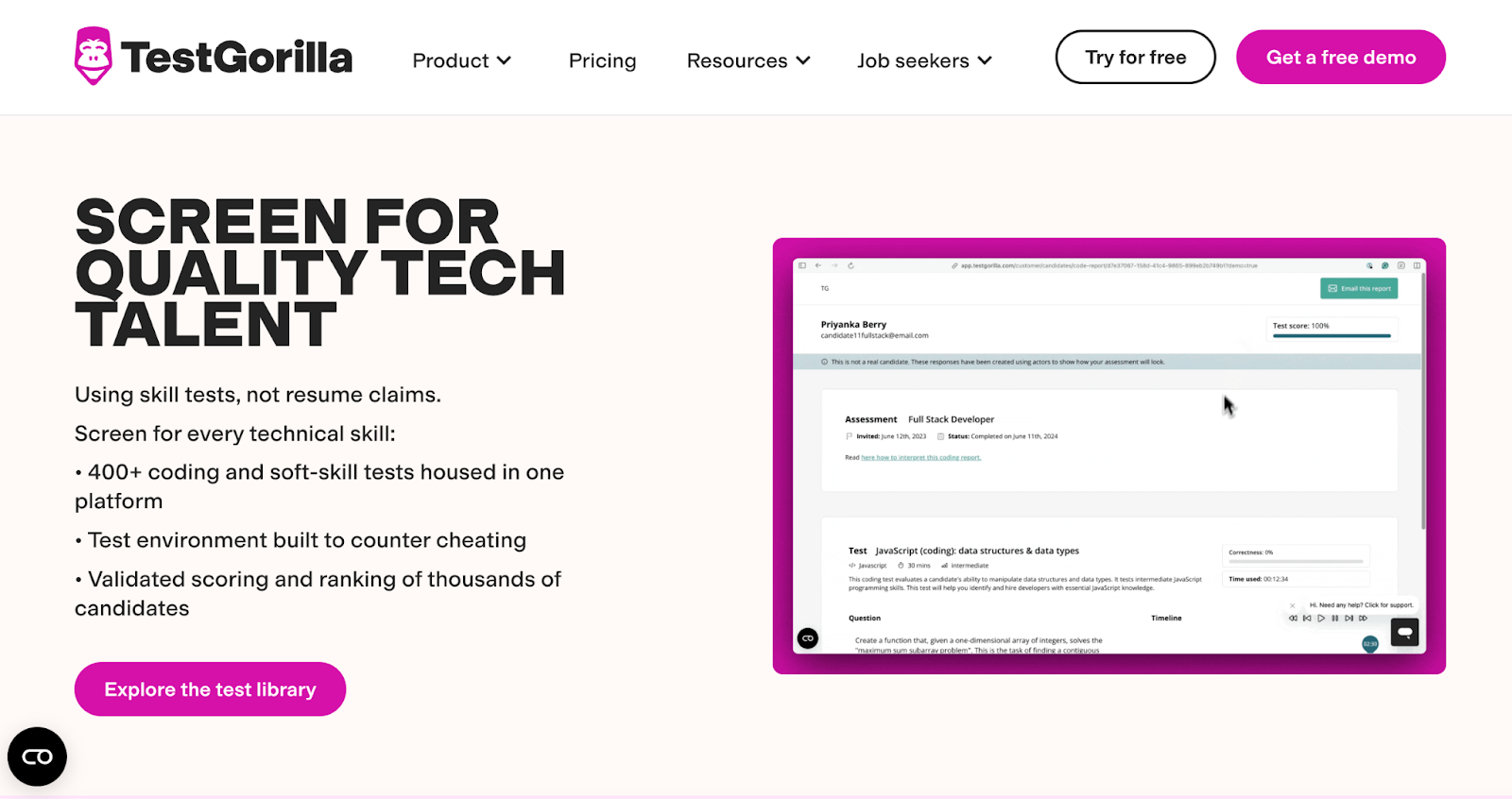
TestGorilla Over 200 test types and integrations General hiring across roles Rich test library and customization Video proctoring limits and deeper analytics are weaker 4.5/5
Mettl Cognitive, technical, behavioral testing All-round assessment needs Strong proctoring, broad domain coverage Learning the interface may take time 4.4/5
iMocha Large skills library plus AI analytics High volume tech and nontech roles Good benchmarks, adaptive testing Lacks deep psychometric tests 4.4/5
Vervoe Real-task simulations and AI ranking Jobs needing real scenario testing Intuitive UI and task realism AI scoring is sometimes imperfect 4.6/5
HireVue Video interviews plus assessment modes Roles with a communication or culture fit focus Strong video & interview features Less strong in the wide skills test range 4.1/5
Criteria Corp Cognitive ability, personality and skill tests Balanced hiring with soft & hard skills Solid test variety and role fit measures May need a custom setup for niche roles 4.5/5
Pymetrics Game-based behavioral and cognitive tests Culture fit, soft trait assessment roles Creative assessment format, bias mitigation Not strong on coding and domain tests 4.4/5
Xobin AI assessments and smooth integrations All-purpose HR and technical roles Highly rated interface, strong reporting Some modules are less mature than competitors 4.7/5

The 9 Best Pre-Employment Assessment Software Companies

Hiring managers want more than resumes, and recruiters want accuracy while shortlisting candidates for multiple roles. These pre-employment assessment tools provide reliable evaluations of skills and aptitude, enabling companies to make informed decisions.

1. Hacker Earth

HackerEarth pre-employment assessment platform homepage
Screen and hire top tech talent with HackerEarth

HackerEarth stands out as one of the most advanced pre-employment assessment tools for technical hiring, as it combines precision, fairness, and efficiency into a single, integrated platform. We provide hiring teams with access to an extensive library containing over 36,000 coding questions across more than 1,000 skills. This large pool enables employers to assess not only traditional programming languages but also newer areas, such as AI and machine learning. Recruiters who prefer more control can even create their own custom questions or request HackerEarth to build them, which removes the limitation of only using pre-loaded templates.

When evaluating developers, our automatically generated leaderboards provide clear visibility into performance, objectively ranking candidates based on their results. Recruiters benefit from secure proctoring powered by SmartBrowser technology, which actively prevents impersonation, copy-pasting, and tab switching. Automated invigilation strengthens the credibility of every assessment, giving companies confidence in the results without adding more workload to the hiring team.

The platform also allows project-based questions that simulate real workplace challenges with custom datasets and test cases. This feature helps companies identify problem solvers who can apply their knowledge in practical environments, rather than relying on theoretical answers. Detailed reports, including performance insights and code replay, provide recruiters with a deeper understanding of a candidate's strengths and weaknesses.

HackerEarth supports coding in more than 40 programming languages, includes a real-time code editor, and integrates smoothly with Jupyter Notebooks. The dashboard provides data-driven insights that help recruiters continually refine their hiring funnels. Recruiters using HackerEarth also save up to 40% of their time through ready-made libraries and automated grading.

In addition to assessments, HackerEarth offers Hiring Challenges, which connect companies with a community of more than 10 million developers across 133 countries and 450 universities. Companies like Google, Microsoft, Amazon, and PayPal use these contests to attract and evaluate highly skilled candidates who may not actively apply through job boards. With more than 100 million code submissions in its database, HackerEarth offers both scale and proven quality, making it a reliable platform for both large enterprises and fast-growing startups.

Key features

  • Coding assessment test creation: Generate role-specific assessments using pre-built libraries or custom questions
  • Automated leaderboard ranking: Rank candidates instantly with automated scoring after every coding assessment
  • Robust proctoring system: Use SmartBrowser technology to prevent impersonation, copy-pasting, and unfair practices
  • Project-based assessments: Simulate real job tasks using datasets and test cases for practical evaluation
  • Comprehensive reporting tools: View performance insights and replay candidate code for deeper evaluation
  • Large question library: Access 36,000 questions across more than 1,000 technical and emerging skills

Pros

  • Save recruiter time with automated grading and ready-to-use question libraries
  • Assess candidates in more than 40 programming languages with real-time coding support
  • Attract global talent through Hiring Challenges with a 10 million developer community
  • Strengthen recruitment decisions using performance reports and code replay features

Cons

  • May feel complex for small teams hiring only a few developers per year

Pricing

  • Growth Plan: $99/month 
  • Scale Plan: $399/month 
  • Enterprise: Custom pricing with volume discounts and advanced support

📌Suggested read: Best Pre-Employment Assessments: Optimizing Your Hiring Process for 2024

2. TestGorilla

TestGorilla pre-employment talent sourcing landing page
Source job-ready candidates with verified skills

TestGorilla has become one of the most widely adopted pre-employment assessment tools because it helps recruiters focus on skills that matter, rather than relying solely on resumes. Recruiters can apply filters for skills, salary, and location, and TestGorilla automatically delivers a pipeline of candidates who match those exact needs.

The tool also removes bias from early hiring stages by providing a consistent and data-driven process, which enables recruiters to compare candidates based on proven capabilities.

Key features

  • AI-powered sourcing platform: Discover pre-assessed talent with AI-driven candidate sourcing and matching tools
  • Smart filtering options: Set filters for skills, salary, and location to refine candidate pipelines
  • Extensive assessment library: Choose from 350+ validated skills-based tests across multiple categories

Pros

  • Evaluate communication, problem-solving, and technical skills through structured video interviews
  • Compare candidates using standardized tests that reduce subjectivity and unfair bias
  • Reach out to shortlisted job seekers directly for interviews or next steps

Cons

  • Expect limited customization for highly specialized roles and niche industries

Pricing

  • Free
  • Core: $142/month (billed annually)
  • Plus: Contact for pricing

📌Related read: How Talent Assessment Tests Improve Hiring Accuracy and Reduce Employee Turnover

3. Mettl

Mercer Mettl pre-employment assessment homepage
Measure traits and skills with digital hiring tests

Mettl, now part of Mercer, combines scientifically validated psychometric, cognitive, and technical tests to measure both core traits and acquired skills. Recruiters often struggle to evaluate qualities beyond resumes, and Mettl bridges this gap by providing structured assessments that measure personality, behavior, reasoning ability, domain expertise, coding ability, and communication proficiency.

The platform has proven its capacity by conducting up to 200,000 proctored assessments in a single day, giving organizations confidence to handle large recruitment drives without compromising accuracy or fairness.

Key features

  • Psychometric assessments: Evaluate personality traits that influence cultural fit and workplace performance
  • Behavioral evaluation tools: Measure task-related behaviors critical for successful role performance
  • Cognitive ability tests: Assess reasoning and problem-solving skills for role-specific requirements

Pros

  • Test developers with coding challenges that replicate real project conditions
  • Validate in-depth technical knowledge across functional and specialized areas
  • Analyze speech and communication skills with AI-driven evaluation technology

Cons

  • Expect a learning curve when customizing complex assessment formats

Pricing

  • Custom pricing

4. iMocha

iMocha homepage showcasing an AI skills intelligence platform
Access 10,000+ skill assessments, AI inference, and skills-based hiring solutions

With a library of 10,000+ skills across 300+ job roles, iMocha enables organizations to evaluate technical, functional, cognitive, and soft skills through structured, real-world-aligned assessments. Its coding suite offers 30+ compilers and 5,000+ coding challenges, while AI-LogicBox tests reasoning without requiring syntax. 

For global hiring, iMocha offers CEFR-aligned language assessments, conversational AI interviews, and accessibility support in over 50 languages. Security is reinforced through AI-driven proctoring to ensure test integrity.

Key features

  • Comprehensive assessment library: Evaluate 10,000+ skills across technical, functional, cognitive, and soft skill areas
  • Coding assessments with 30+ compilers: Measure coding proficiency with real-world challenges and instant AI-driven scoring
  • AI-LogicBox: Assess logical reasoning and problem-solving abilities without syntax or compiler limitations

Pros

  • Test workplace communication skills aligned to CEFR across reading, writing, listening, and speaking via AI-EnglishPro
  • Enhance inclusivity with multilingual and WCAG-compliant design
  • Prevent cheating with AI-powered proctoring tools

Cons

  • The platform has a learning curve with extensive features

Pricing

  • 14-day free trial
  • Basic: Contact for pricing
  • Pro: Contact for pricing
  • Enterprise: Contact for pricing

5. Vervoe

Vervoe pre-employment candidate assessment landing page
Predict job performance with skill-based assessments

Vervoe allows organizations to create customizable assessments that reflect the specific tasks and challenges of each role. By automating grading and ranking, Vervoe provides recruiters with insights into on-the-job performance, allowing them to focus on candidates who demonstrate the right abilities. 

The platform supports a wide variety of assessments, including skills-based tests, job knowledge tests, cognitive evaluations, and simulations of real work tasks. 

Key features

  • Automated grading and ranking: Evaluate candidate performance instantly without manual intervention
  • Task simulations: Replicate real-world job responsibilities to measure candidate capabilities accurately
  • Job knowledge tests: Assess technical knowledge and role-specific expertise for practical decision-making

Pros

  • Measure intelligence and problem-solving capacity as relevant to the role
  • Connect seamlessly with ATS to centralize candidate data
  • Improve candidate engagement with relevant tests

Cons

  • Longer setup for complex custom assessments

Pricing

  • Free
  • Pay as you go: $300 (10 candidates)
  • Custom: Contact for pricing

*Pay as you go is billed as a one-time payment

6. HireVue

HireVue pre-employment assessment platform homepage
Validate candidate skills with data-backed assessments

With HireVue, recruiters can simulate real-world job scenarios through the Virtual Job Tryout®, which immerses candidates in tasks they will encounter on the job. The platform allows organizations to reduce bias, validate skills objectively, and predict job performance with accuracy. 

HireVue supports technical, behavioral, and cognitive assessments across industries, helping hiring teams make faster, evidence-driven decisions while improving candidate experience and engagement. With insights tied directly to post-hire success, HireVue ensures companies hire top talent confidently every time.

Key features

  • Virtual Job Tryout®: Immerse candidates in real job scenarios to evaluate role-specific abilities accurately
  • AI-scored interviews: Conduct interviews scored by AI to provide objective and unbiased candidate assessments
  • Game-based assessments: Measure cognitive, behavioral, and leadership potential through engaging, science-backed games

Pros

  • Conduct evidence-based assessments across multiple skill types
  • Reduce bias with AI scoring and structured evaluation
  • Simulate real-world scenarios to validate candidate potential

Cons

  • Limited flexibility in customizing specific gamified assessments

Pricing

  • Custom pricing

7. Criteria Corp

Criteria pre-employment assessment platform homepage
Hire smarter with insights from candidate assessments

Criteria Corp is a talent assessment platform that offers scientifically validated pre-employment tests to help organizations identify and hire top talent. Its suite includes cognitive aptitude, personality, emotional intelligence, skills, and risk assessments, all designed to predict job performance and cultural fit. 

With a user-friendly interface and robust analytics, Criteria Corp streamlines the hiring process, reduces bias, and enhances decision-making across various industries.

Key features

  • Comprehensive assessment library: Access a wide range of validated tests covering cognitive, personality, emotional intelligence, skills, and risk assessments
  • Intuitive reporting & analytics: Use real-time, easy-to-understand score reports and analytics
  • Branded candidate experience: Customize the assessment interface with your company's branding 

Pros

  • Increase candidate accessibility with mobile-friendly assessments
  • Seamless integration with existing ATS for efficient workflows
  • Get support for video interviewing for a holistic candidate evaluation

Cons

  • Some users may find the customization options limited without additional support

Pricing

  • Available in Professional, Professional+ & Talent Success Suite: Custom pricing

8. Pymetrics

Pymetrics pre-employment assessment platform
Optimize hiring with unbiased talent assessments

Pymetrics, now integrated with Harver, offers predictive assessments through neuroscience-based games and AI-driven tools. These tools evaluate candidates' cognitive and emotional traits, enabling organizations to make data-backed hiring decisions. 

The platform emphasizes fairness and inclusivity, aiming to reduce bias and enhance candidate experience.

Key features

  • Game-based behavioral assessments: Utilize neuroscience-based games to evaluate soft skills and behavioral traits
  • AI-driven matching: Match candidates to roles based on cognitive and emotional profiles
  • Bias reduction: Designed to minimize cultural, gender, and socioeconomic biases

Pros

  • Achieve approximately 98% completion rates due to engaging assessments
  • Promote inclusivity through unbiased evaluation methods
  • Use ​​data-driven insights for better talent matching

Cons

  • Risk of overlooking human judgment in decision-making

Pricing

  • Custom pricing

9. Xobin

Xobin pre-employment testing software dashboard
Streamline hiring with skill-based assessments

A cloud-based pre-employment testing platform, Xobin offers AI-powered proctoring, automated scoring, and video-to-text transcription to ensure test integrity and seamless candidate evaluation. With 3,400+ pre-built skill tests and a library of 180,000+ tech and non-tech questions, recruiters can assess candidates across coding, aptitude, functional skills, psychometrics, and technology knowledge. 

The platform delivers actionable, data-driven reports, integrates with ATS and LMS systems, and allows customization to match company branding. 

Key features

  • AI-based proctoring: Ensure cheating-free assessments with AI monitoring of candidate behavior and browser activity
  • Pre-built skill tests: Evaluate candidates with 3,400+ ready-to-use tests across multiple roles
  • Extensive question library: Access 180,000+ tech and non-tech questions for customizable assessments

Pros

  • Transform candidate performance data into clear, actionable insights
  • Create tailored tests mixing MCQs, coding, and subjective questions
  • Seamlessly connect Xobin with your existing ATS and LMS systems

Cons

  • Requires a paid subscription for full feature access

Pricing

  • Complete Assessment Suite: Starting from $699/year

📌Also read: The Impact of Talent Assessments on Reducing Employee Turnover

Choosing the Right Pre-Employment Assessment Tool

Hiring the right candidate can take countless hours when relying only on resumes and interviews. However, the best pre-employment assessment tools give you objective insights into what applicants can actually do. They help you evaluate technical skills, cognitive ability, and real-world problem-solving while keeping the hiring process fair and consistent for every candidate. 

As an all-in-one talent assessment platform, HackerEarth combines coding tests, skill assessments, and automated evaluations to streamline the hiring process. Its assessments are built to measure real job performance across technical, cognitive, and behavioral skills, helping recruiters select candidates who truly fit the role.

Book a demo with HackerEarth today to experience how we can support your hiring process.

FAQs

1. How do pre-employment assessments improve hiring decisions?

By using pre-employment assessments, employers can move beyond resumes and interviews to gain data-driven insights into a candidate's abilities and potential fit for the role, leading to more informed and confident hiring decisions.

2. What types of assessments do pre-employment tools offer?

Pre-employment tools offer a variety of assessments, including cognitive ability tests, personality evaluations, coding challenges, and job-specific skill tests. These assessments are designed to measure different aspects of a candidate's qualifications and suitability for the role.

3. How does HackerEarth's AI-based proctoring enhance assessment security?

HackerEarth employs AI-powered proctoring to monitor candidate behavior during assessments, ensuring integrity by detecting cheating attempts such as switching tabs or using unauthorized resources. This technology helps maintain a fair testing environment.

4. Can HackerEarth's assessment platform integrate with existing ATS?

Yes, HackerEarth's assessment platform seamlessly integrates with various ATS platforms, including Lever, Zoho Recruit, and Jobvite. This integration streamlines the recruitment process by allowing recruiters to manage assessments and candidate data within their existing systems.

Top 10 Skills Assessment Tools in 2025

Technical skills tests can be a recruiter’s best ally when designed to filter talent accurately and fairly. Hiring for technical roles often becomes difficult because recruiters may not fully understand specialized jargon or the depth of the required expertise. This gap means that a simple phone screening with a candidate can easily lead to a poor hire if there is no structured assessment in place. 

The right technical skills assessment tools take away this uncertainty by giving recruiters a reliable way to evaluate a candidate’s ability while saving hours of manual effort. Even if a recruiter has enough domain knowledge, using these tools provides an added layer of clarity that makes every hiring decision stronger. In fact, research shows that 90% of companies report fewer hiring mistakes and 94% confirm that skills-based hires outperform those chosen based on degrees, certifications, or years of experience.

In this article, we will compare the top ten skills assessment tools for 2025 so recruiters can find the best options to hire with speed, confidence, and precision.

What Makes a Great Skills Assessment Software?

With so many skills assessment tools available online, it is essential to choose one that works best for your organization. So, here are some features you must look for while picking the right technical assessment tool for your team:

  • Validity and job relevance: The most reliable tools assess candidates on real tasks they would perform on the job, providing recruiters with practical evidence of skills.
  • Customizable question libraries and workflows: Recruiters must adapt assessments to match changing roles. A strong platform enables them to create, reuse, and edit questions with flexibility while maintaining consistent scoring.
  • Candidate experience and secure testing: Good assessment software makes tests easy to understand and complete, reducing dropout rates. At the same time, it should provide secure proctoring and identity checks that protect test integrity without overwhelming candidates.
  • AI-driven insights: AI-driven skills assessment tools analyze candidate responses in detail and present actionable reports, helping recruiters cut down review time and make faster, data-backed decisions.
  • Soft skills evaluation: Soft skills assessment tools bring context that technical results alone cannot provide. By adding communication tasks or problem-solving simulations, companies get a fuller view of candidate potential and long-term fit.

Best Soft Skills Assessment Tools: At a Glance

Now that we have established what features make for a great skills-based assessment tool, we will now focus on the specific tools that consistently help companies find the right candidates. 

Below, you will find a comparison of the ten best skills assessment tools for 2025, detailing their key features, ideal use cases, pros, and cons.

Tool Key Features Best For Pros Cons G2 Rating
HackerRank Real-world coding challenges, plagiarism detection, and integrations All-in-one skills assessment Wide language support, customizable tests, strong community support No low-cost, stripped-down plans 4.5/5
Codility Real-time coding tests, multiple programming languages, project-based tasks High-volume hiring Intuitive interface, AI-powered assistance, strong support Limited customization, occasional editor resizing issues 4.6/5
CodeSignal Diverse coding challenges, daily problems, game-like rewards Skill development Engaging platform, customizable difficulty levels, strong community Limited interoperability, occasional performance issues 4.5/5
TestGorilla Over hundreds of validated tests, customizable, anti-cheating, automated scoring Screening candidates Extensive test library, user-friendly interface, robust analytics Expensive, limited testing options, subscription limitations 4.5/5
Mettl Personality, behavioral, cognitive, technical, and communication skills assessments Remote assessments Cheating-free exams, comprehensive proctoring features Potential device compatibility issues 4.4/5
iMocha 3,000+ skills assessments, AI-driven skills mapping, industry-specific tests AI-driven skills mapping User-friendly, responsive customer support, diverse test options Limited customization, rigid test preparation process 4.4/5
DevSkiller Real-world coding tasks, advanced skill mapping, rich skills repository Developer hiring Intuitive interface, real-time results, pair programming support Manual data maintenance, integration challenges, and access limitations 4.7/5
CoderPad Live coding interviews, real-time collaboration, multiple programming languages Technical interviews Real-time collaboration, wide language support, and easy setup Limited assessment features, occasional performance issues 4.4/5
WeCP Customizable assessments, real-time analytics, ATS integration, plagiarism detection Skill testing Customizable tests, real-time feedback, plagiarism detection Limited integrations, occasional interface issues 4.7/5
Xobin Pre-employment skill tests, real-time analytics, customizable questions Screening candidates Real-time analytics, customizable questions, and a user-friendly interface Limited language support, occasional performance issues 4.7/5

The 10 Best Soft Skills Assessment Tools

We have already reviewed the high-level comparison of key features and limitations in the table above. Now, it is time to get a clearer picture of how each of these social and communication skills assessment tools truly works in a real-world setting.

1. HackerRank

HackerEarth skills assessments page showing features and coding test overview
HackerEarth platform with 36,000+ coding questions, advanced proctoring, and role-based assessments

HackerEarth is a comprehensive AI-driven coding and skills assessment platform tailored for enterprises and teams focused on achieving high precision in the hiring of technical talent. Designed to streamline the recruitment process, it offers tools that facilitate the screening and evaluation of candidates based on their technical skills. With a strong emphasis on AI-based skill validation, HackerEarth has successfully completed over 150 million assessments, making it a trusted resource for organizations looking to enhance their hiring strategies. 

The platform caters to a diverse audience, including hiring managers, recruiters, and HR professionals across various industries. Its extensive library encompasses over 1,000 skills, featuring a comprehensive suite of assessments for GenAI and emerging technologies. This breadth of offerings allows companies to evaluate candidates on a wide range of competencies, ensuring that they can find the right fit for their specific technical requirements. 

With a library of over 36,000 questions and more than 15 question types, including multiple-choice, project-based, and data science questions, recruiters can customize assessments to meet their unique requirements. Flexible test settings allow for customization of test duration, cut-off scores, and programming languages, ensuring a tailored evaluation process.

Additionally, HackerEarth revolutionizes developer hiring by connecting companies with a global community of over 10 million developers across 133 countries and 450+ universities. Our Hiring Challenges enable organizations to go beyond resumes and engage with top-tier talent through curated, real-world coding contests. These challenges not only attract skilled candidates but also enhance employer brand visibility. Trusted by industry giants like Google, Amazon, Microsoft, IBM, Barclays, and PayPal, HackerEarth has facilitated over 100 million code submissions, showcasing its extensive reach and credibility.

Key features

  • Extensive skill assessment library: Access a vast collection of over 36,000 questions across 15+ question types to evaluate a wide range of skills
  • Customizable test settings: Tailor assessments by adjusting test duration, cut-off scores, and programming languages to suit specific hiring needs
  • Real-world coding challenges: Engage candidates with practical coding problems that mirror real job scenarios, providing a true measure of their abilities
  • Global developer community: Tap into a network of over 10 million developers from 133 countries and 450+ universities, expanding the talent pool
  • Fully managed hiring challenges: Benefit from end-to-end support, including promotion, evaluation, and shortlisting, to simplify the hiring process

Pros

  • Leverage a vast and diverse pool of pre-vetted developers
  • Streamline the hiring process with automated assessments and evaluations
  • Enhance employer brand visibility through global coding challenges

Cons

  • Steeper learning curve for new users

Pricing

  • Growth Plan: $99/month 
  • Scale Plan: $399/month 
  • Enterprise: Custom pricing with volume discounts and advanced support

📌Suggested read: The 12 Most Effective Employee Selection Methods for Tech Teams

2. Codility

Codility homepage showing skills-based assessments and tech hiring tools
Codility offers screen-and-interview products for enterprise technical hiring

Because of its simple interface, Codility allows HR professionals who do not have a coding background to quickly create and launch assessments. Without needing technical help, a hiring manager can easily compare a candidate’s abilities to those of other programmers. 

Codility uses AI and machine learning to evaluate code efficiency, accuracy, and scalability, and it can facilitate the development of a set of coding tasks that are appropriate for specific job categories.

Key features

  • Real-time assessments: Evaluate coding skills in real-time during assessments
  • Live interviews: Conduct live coding interviews with candidates
  • Detailed analytics: Access in-depth analytics to assess candidate performance
  • Customizable tests: Create customized coding tests tailored to specific roles

Pros

  • Get access to real-time coding assessments
  • Enable live interview capabilities
  • Deliver detailed analytics on candidate performance

Cons

  • Pricing is higher compared to some competitors

Pricing

  • Starter: $1200/year
  • Sale: $600/month
  • Custom: Contact for pricing

3. CodeSignal

CodeSignal skills assessment homepage view
Build stronger teams with data-driven assessments

CodeSignal is a skills assessment platform that helps companies evaluate developers through real coding tasks and simulations. It offers a range of features to streamline the hiring process, including automated scoring, plagiarism detection, and a vast library of coding challenges. 

The platform is used by leading tech companies to ensure they hire developers with the right skills.

Key features

  • Validated pre-screen assessments: Assess candidates' skills before interviews
  • Advanced live interviewing: Conduct live coding interviews with candidates
  • Industry-leading IDE: Utilize an integrated development environment for assessments
  • ATS integrations: Seamlessly integrate with applicant tracking systems

Pros

  • Tailor assessments to fit specific job requirements
  • Conduct live coding interviews with real-time collaboration tools
  • Access a wide range of coding challenges to assess various skills

Cons

  • May have a learning curve for new users

Pricing

  • Custom pricing

4. TestGorilla

TestGorilla homepage featuring AI-powered talent sourcing and assessments
Get hundreds of validated tests, AI scoring, and a global talent pool

TestGorilla provides a broad array of pre-built tests, including assessments for technical skills, cognitive abilities, language proficiency, and personality traits. With more than 150 pre-built test options, the platform’s extensive test library and user-friendly interface make it a popular choice for hiring across various industries in 2025. 

It also offers features like anti-cheating tools, video response questions, and AI-driven analysis, which help ensure fair and accurate assessments.

Key features

  • Wide range of tests: Access tests in various areas, including cognitive abilities and job-specific skills
  • Scientifically validated: Ensure the reliability of assessments with scientifically validated tests
  • Customizable assessments: Tailor assessments to fit specific job requirements
  • Automated scoring: Quickly evaluate candidate submissions with automated scoring

Pros

  • Navigate the platform easily with an intuitive interface
  • Leverage scientifically validated assessments
  • Grow with flexible credit-based or annual plans to match hiring volume

Cons

  • Lower-tier plans have limitations on branding, integrations, some test types

Pricing

  • Free
  • Core: $142/month (billed annually)
  • Plus: Contact for pricing

📌Related read: How Talent Assessment Tests Improve Hiring Accuracy and Reduce Employee Turnover

5. Mettl

Mettl homepage displaying online assessments and skill evaluation tools
Mettl offers comprehensive online assessments for hiring

Mercer Mettl offers a comprehensive suite of skills assessment tools across technical, cognitive, and psychometric domains. This platform is designed to serve a variety of industries, making it a flexible option for companies of all sizes. 

The detailed reports it provides offer insights into a candidate's strengths, weaknesses, and areas for improvement, which helps hiring managers make well-informed decisions.

Key features

  • Comprehensive skill assessments: Evaluate both technical and non-technical skills
  • Customizable tests: Create tailored assessments to suit specific job roles
  • Real-time analytics: Access real-time analytics to assess candidates' performance
  • Integration capabilities: Integrate with existing HR systems for seamless workflow

Pros

  • Serve both hiring and L&D/training needs for an end-to-end talent lifecycle
  • Offer strong security and features to maintain examination integrity
  • Gain a lot of experience managing assessments on a global scale

Cons

  • Some users find the interface and dashboards less modern or less intuitive

Pricing

  • Custom pricing

6. iMocha

iMocha homepage showcasing an AI-powered skills intelligence platform
iMocha offers 10,000+ skill assessments, AI inference, and skills-based hiring solutions

iMocha is an AI-powered skills assessment platform offering over 10,000 validated skill tests, including coding assessments in 35+ languages. It features AI-LogicBox for non-compiler-based logic testing, AI-EnglishPro for CEFR-aligned business English evaluation, and a comprehensive interview suite supporting asynchronous, live coding, and whiteboarding formats. 

The platform ensures assessment integrity with AI-powered Smart Proctoring, including violation tracking and alerts. It supports 50+ languages and complies with WCAG 2.1 accessibility standards, making it suitable for global and diverse hiring needs.

Key features

  • Customizable test creation: Design assessments tailored to specific job roles
  • AI-EnglishPro: Evaluate English communication skills based on the CEFR framework 
  • Industry benchmarking: Compare candidate scores with industry standards
  • Multi-format evaluations: Assess candidates through coding, cognitive, and situational tests

Pros

  • Access over 3,000 pre-built skills assessments for technical, domain, soft skills, and cognitive abilities
  • Use AI to evaluate candidate skills accurately
  • Leverage AI-LogicBox, a patented, code-free simulator for assessing logic and problem-solving skills

Cons

  • Excess features for orgs who only need simple screening

Pricing

  • 14-day free trial
  • Basic: Contact for pricing
  • Pro: Contact for pricing
  • Enterprise: Contact for pricing

7. DevSkiller

DevSkiller technical assessments page with skills tests and features
DevSkiller platform for coding tests, real skills, and secure hiring

DevSkiller is a talent assessment platform that employs the RealLifeTesting™ methodology to evaluate candidates through real-world coding tasks. It supports multiple programming languages, frameworks, and tools, allowing for customizable assessments tailored to specific job roles. 

The platform provides detailed reports with skill benchmarking, enabling data-driven hiring decisions. It also integrates with various ATS and offers features for remote hiring, making it suitable for global recruitment efforts.

Key features

  • RealLifeTesting™: Simulate real-world coding tasks to evaluate candidate skills
  • Customizable assessments: Create tests tailored to specific job roles
  • Skill benchmarking: Compare candidate performance against industry standards
  • Integration with ATS: Seamlessly integrate with ATS

Pros

  • Deliver realistic, job-like assessments that show you how a candidate will perform on their first day
  • Give deep insights into a candidate's coding style and understanding of architecture
  • Reduce bias that can result from unnatural or artificial test types

Cons

  • Limited support for non-technical roles

Pricing

  • Skills Assessment: Starting from $3,600
  • Skills Management & Assessment: Starting from $10,000

8. CoderPad

CoderPad homepage with live coding interview platform
CoderPad provides real-time coding interviews and skills assessments

CoderPad is a real-time technical interview platform that allows candidates to write, execute, and debug code in a live, collaborative environment. It supports over 99 programming languages and includes features like a digital whiteboard for system design interviews. 

The platform offers both live coding sessions and take-home projects, providing flexibility in assessment methods. It also includes code playback functionality, enabling interviewers to review candidates' coding processes post-interview.

Key features

  • Drawing mode: Switch to Drawing Mode so candidates can create a system architecture
  • Code playback: Review candidate coding sessions after the interview
  • Whiteboarding: Visualize and solve problems interactively

Pros

  • Enable both developer candidates and interviewers to write and run code together in more than 90 languages
  • Make interviews more accessible with built-in features like code autocompletion, bracket auto-closure, and syntax highlighting
  • Build your own questions ahead of time, or even create take-home projects for screening interviews

Cons

  • Require interviewers to invest time during live sessions vs. asynchronous screening

Pricing

  • Free
  • Starter: $100/month
  • Team: $375/month
  • Custom: Contact for pricing

9. WeCP

Dashboard of a skills assessment platform
Assess candidate skills with real-time insights

While other platforms average a few thousand or just over 10,000 questions, WeCP has one of the largest repository of technical questions. The question bank contains skill assessment test questions for every tech role, including frontend, full-stack development, data science, and DevOps.

Tech recruiters can use WeCP to generate custom tests on demand to evaluate more than 2,000 different technical skills. If you need more customization with test questions and design, WeCP’s team is on standby to help. This tool also has an AI Co-Pilot that helps you curate, evaluate, schedule, and select top-quality candidates in no time. 

Key features

  • AI-powered test creation: Automatically generate assessments tailored to job roles
  • Real-time evaluation: Assess candidate performance instantly
  • Customizable test library: Access a wide range of pre-built tests
  • Detailed reporting: Receive comprehensive reports on candidate performance

Pros

  • Get support to a wide range of job roles and industries
  • Integrate with various HR tools
  • User-friendly interface for both recruiters and candidates

Cons

  • May require a learning curve to fully utilize advanced features

Pricing

  • Premium Plan: $240/month
  • Custom/Enterprise Plan: Contact for pricing

10. Xobin

Xobin homepage showcasing skill assessments, coding tests, and more
Xobin offers 3,400+ skill assessments, AI-driven evaluations, and more

Xobin is a skill assessment software designed for remote online assessments and virtual interviews. It offers an extensive question library, an AI-driven communication checker, and a coding simulator to evaluate both technical and soft skills. 

The platform includes features like video-based forms, AI proctoring, and automatic scoring to streamline the assessment process. Xobin's secure online exams and pre-employment testing tools help organizations efficiently qualify the best talent.

Key features

  • Pre-built test library: Access a wide range of pre-built tests
  • Real-time evaluation: Assess candidate performance instantly
  • Customizable assessments: Design assessments tailored to specific job roles
  • Detailed reporting: Receive comprehensive reports on candidate performance

Pros

  • Create customizable assessments in three simple ways, including from a library, from a job description, or from scratch
  • Utilize psychometric testing to evaluate a candidate's personality and behavioral traits 
  • Ensure test integrity with advanced proctoring features, such as webcam proctoring, AI monitoring, and off-tab activity tracking

Cons

  • Pricing is on the higher side for small businesses

Pricing

  • Complete Assessment Suite: Starting from $699/year

📌Also read: The Impact of Talent Assessments on Reducing Employee Turnover

Accelerate Your Hiring With HackerEarth’s Skills Assessment Platform

Choosing the right skills assessment platform can transform your hiring process by saving time, improving accuracy, and helping you focus on top talent instead of administrative tasks. Start by shortlisting two or three tools from this guide that match your organization’s specific hiring needs. Test them with a pilot assessment or a current job opening to see which delivers the most relevant insights and ease of use.

HackerEarth combines skills assessments, automated candidate ranking, and seamless ATS integration to help recruiters evaluate talent accurately and efficiently. For instance, Apisero, a global consulting firm, used HackerEarth Assessments to evaluate internal developer candidates. Our platform reduced their engineering dependency by 70%, cut time-to-shortlist by 60%, and completed screenings three times faster while highlighting the most qualified candidates.

Book a demo today to see how your team can improve hiring speed and consistently identify top talent across technical and soft skills.

FAQs

1. What is a skills assessment tool?

A skills assessment tool evaluates candidates’ abilities through structured tests, simulations, or coding challenges. It helps recruiters identify qualified candidates, objectively compare competencies, and make informed hiring decisions without relying solely on resumes or interviews.

2. How do AI-driven skills assessments improve hiring?

AI-driven assessments analyze candidate responses, predict job performance, and automatically rank applicants based on their suitability. They reduce human bias, save time, and allow recruiters to focus on the most promising candidates while ensuring consistent, data-backed evaluations across roles.

3. Can soft skills be assessed with online tools?

Yes, soft skills assessment tools such as HackerEarth measure communication, problem-solving, teamwork, and adaptability. By simulating workplace scenarios or using situational judgment tests, recruiters can evaluate candidates’ behavioral traits alongside technical abilities for well-rounded hiring decisions.

4. How do companies ensure fair results using skills assessment tools?

Companies select validated tests that are aligned with job requirements, standardize the instructions, and apply automated scoring. Regular audits of AI algorithms, combined with the use of diverse question types, help minimize bias, enabling organizations to maintain fairness and accuracy in candidate evaluation.

Data Visualization for Beginners-Part 3

Bonjour! Welcome to another part of the series on data visualization techniques. In the previous two articles, we discussed different data visualization techniques that can be applied to visualize and gather insights from categorical and continuous variables. You can check out the first two articles here:

In this article, we’ll go through the implementation and use of a bunch of data visualization techniques such as heat maps, surface plots, correlation plots, etc. We will also look at different techniques that can be used to visualize unstructured data such as images, text, etc.

 ### Importing the required libraries   
 import pandas as pd   
 import numpy as np  
 import seaborn as sns   
 import matplotlib.pyplot as plt   
 import plotly.plotly as py  
 import plotly.graph_objs as go  
 %matplotlib inline  

Heatmaps

A heat map(or heatmap) is a two-dimensional graphical representation of the data which uses colour to represent data points on the graph. It is useful in understanding underlying relationships between data values that would be much harder to understand if presented numerically in a table/ matrix.

### We can create a heatmap by simply using the seaborn library.   
 sample_data = np.random.rand(8, 12)  
 ax = sns.heatmap(sample_data)  
Heatmaps, seaborn, python, matplot, data visualization
Fig 1. Heatmap using the seaborn library

Let’s understand this using an example. We’ll be using the metadata from Deep Learning 3 challenge. Link to the dataset. Deep Learning 3 challenged the participants to predict the attributes of animals by looking at their images.

 ### Training metadata contains the name of the image and the corresponding attributes associated with the animal in the image.  
 train = pd.read_csv('meta-data/train.csv')  
 train.head()  

We will be analyzing how often an attribute occurs in relationship with the other attributes. To analyze this relationship, we will compute the co-occurrence matrix.

 ### Extracting the attributes  
 cols = list(train.columns)  
 cols.remove('Image_name')  
 attributes = np.array(train[cols])  
 print('There are {} attributes associated with {} images.'.format(attributes.shape[1],attributes.shape[0]))  
 Out: There are 85 attributes associated with 12,600 images.  
 # Compute the co-occurrence matrix  
 cooccurrence_matrix = np.dot(attributes.transpose(), attributes)  
 print('\n Co-occurrence matrix: \n', cooccurrence_matrix)  
 Out: Co-occurrence matrix:   
  [[5091 728 797 ... 3797 728 2024]  
  [ 728 1614  0 ... 669 1614 1003]  
  [ 797  0 1188 ... 1188  0 359]  
  ...  
  [3797 669 1188 ... 8305 743 3629]  
  [ 728 1614  0 ... 743 1933 1322]  
  [2024 1003 359 ... 3629 1322 6227]]  
 # Normalizing the co-occurrence matrix, by converting the values into a matrix  
 # Compute the co-occurrence matrix in percentage  
 #Reference:https://stackoverflow.com/questions/20574257/constructing-a-co-occurrence-matrix-in-python-pandas/20574460  
 cooccurrence_matrix_diagonal = np.diagonal(cooccurrence_matrix)  
 with np.errstate(divide = 'ignore', invalid='ignore'):  
   cooccurrence_matrix_percentage = np.nan_to_num(np.true_divide(cooccurrence_matrix, cooccurrence_matrix_diagonal))  
 print('\n Co-occurrence matrix percentage: \n', cooccurrence_matrix_percentage)  

We can see that the values in the co-occurrence matrix represent the occurrence of each attribute with the other attributes. Although the matrix contains all the information, it is visually hard to interpret and infer from the matrix. To counter this problem, we will use heat maps, which can help relate the co-occurrences graphically.

 fig = plt.figure(figsize=(10, 10))  
 sns.set(style='white')  
 # Draw the heatmap with the mask and correct aspect ratio   
 ax = sns.heatmap(cooccurrence_matrix_percentage, cmap='viridis', center=0, square=True, linewidths=0.15, cbar_kws={"shrink": 0.5, "label": "Co-occurrence frequency"}, )  
 ax.set_title('Heatmap of the attributes')  
 ax.set_xlabel('Attributes')  
 ax.set_ylabel('Attributes')  
 plt.show()  
Heatmap, data visualization, python, co occurence, seaborn
Fig 2. Heatmap of the co-occurrence matrix indicating the frequency of occurrence of one attribute with other

Since the frequency of the co-occurrence is represented by a colour pallet, we can now easily interpret which attributes appear together the most. Thus, we can infer that these attributes are common to most of the animals.

Machine learning challenge, ML challenge

Choropleth

Choropleths are a type of map that provides an easy way to show how some quantity varies across a geographical area or show the level of variability within a region. A heat map is similar but doesn’t include geographical boundaries. Choropleth maps are also appropriate for indicating differences in the distribution of the data over an area, like ownership or use of land or type of forest cover, density information, etc. We will be using the geopandas library to implement the choropleth graph.

We will be using choropleth graph to visualize the GDP across the globe. Link to the dataset.

 # Importing the required libraries  
 import geopandas as gpd   
 from shapely.geometry import Point  
 from matplotlib import cm  
 # GDP mapped to the corresponding country and their acronyms  
 df =pd.read_csv('GDP.csv')  
 df.head()  
COUNTRY GDP (BILLIONS) CODE
0 Afghanistan 21.71 AFG
1 Albania 13.40 ALB
2 Algeria 227.80 DZA
3 American Samoa 0.75 ASM
4 Andorra 4.80 AND
### Importing the geometry locations of each country on the world map  
 geo = gpd.read_file(gpd.datasets.get_path('naturalearth_lowres'))[['iso_a3', 'geometry']]  
 geo.columns = ['CODE', 'Geometry']  
 geo.head()  
# Mapping the country codes to the geometry locations  
 df = pd.merge(df, geo, left_on='CODE', right_on='CODE', how='inner')  
 #converting the dataframe to geo-dataframe  
 geometry = df['Geometry']  
 df.drop(['Geometry'], axis=1, inplace=True)  
 crs = {'init':'epsg:4326'}  
 geo_gdp = gpd.GeoDataFrame(df, crs=crs, geometry=geometry)  
 ## Plotting the choropleth  
 cpleth = geo_gdp.plot(column='GDP (BILLIONS)', cmap=cm.Spectral_r, legend=True, figsize=(8,8))  
 cpleth.set_title('Choropleth Graph - GDP of different countries')  
choropleth maps, choropleth graphs, data visualization techniques, python, big data, machine learning
Fig 3. Choropleth graph indicating the GDP according to geographical locations

Surface plot

Surface plots are used for the three-dimensional representation of the data. Rather than showing individual data points, surface plots show a functional relationship between a dependent variable (Z) and two independent variables (X and Y).

It is useful in analyzing relationships between the dependent and the independent variables and thus helps in establishing desirable responses and operating conditions.

 from mpl_toolkits.mplot3d import Axes3D  
 from matplotlib.ticker import LinearLocator, FormatStrFormatter  
 # Creating a figure  
 # projection = '3d' enables the third dimension during plot  
 fig = plt.figure(figsize=(10,8))  
 ax = fig.gca(projection='3d')  
 # Initialize data   
 X = np.arange(-5,5,0.25)  
 Y = np.arange(-5,5,0.25)  
 # Creating a meshgrid  
 X, Y = np.meshgrid(X, Y)  
 R = np.sqrt(np.abs(X**2 - Y**2))  
 Z = np.exp(R)  
 # plot the surface   
 surf = ax.plot_surface(X, Y, Z, cmap=cm.GnBu, antialiased=False)  
 # Customize the z axis.  
 ax.zaxis.set_major_locator(LinearLocator(10))  
 ax.zaxis.set_major_formatter(FormatStrFormatter('%.02f'))  
 ax.set_title('Surface Plot')  
 # Add a color bar which maps values to colors.  
 fig.colorbar(surf, shrink=0.5, aspect=5)  
 plt.show()  

One of the main applications of surface plots in machine learning or data science is the analysis of the loss function. From a surface plot, we can analyze how the hyperparameters affect the loss function and thus help prevent overfitting of the model.

python, 3d plot, machine learning, data visualization, machine learning, loss function, gradient descent, big data
Fig 4. Surface plot visualizing the dependent variable w.r.t the independent variables in 3-dimensions

Visualizing high-dimensional datasets

Dimensionality refers to the number of attributes present in the dataset. For example, consumer-retail datasets can have a vast amount of variables (e.g. sales, promos, products, open, etc.). As a result, visually exploring the dataset to find potential correlations between variables becomes extremely challenging.

Therefore, we use a technique called dimensionality reduction to visualize higher dimensional datasets. Here, we will focus on two such techniques :

  • Principal Component Analysis (PCA)
  • T-distributed Stochastic Neighbor Embedding (t-SNE)

Principal Component Analysis (PCA)

Before we jump into understanding PCA, let’s review some terms:

  • Variance: Variance is simply the measure of the spread or extent of the data. Mathematically, it is the average squared deviation from the mean position.varaince, PCA, prinicipal component analysis
  • Covariance: Covariance is the measure of the extent to which corresponding elements from two sets of ordered data move in the same direction. It is the measure of how two random variables vary together. It is similar to variance, but where variance tells you the extent of one variable, covariance tells you the extent to which the two variables vary together. Mathematically, it is defined as:

A positive covariance means X and Y are positively related, i.e., if X increases, Y increases, while negative covariance means the opposite relation. However, zero variance means X and Y are not related.

PCA, Principal Component Analysis , dimension reduction, python, machine learning, big data, image classification
Fig 5. Different types of covariance

PCA is the orthogonal projection of data onto a lower-dimension linear space that maximizes variance (green line) of the projected data and minimizes the mean squared distance between the data point and the projects (blue line). The variance describes the direction of maximum information while the mean squared distance describes the information lost during projection of the data onto the lower dimension.

Thus, given a set of data points in a d-dimensional space, PCA projects these points onto a lower dimensional space while preserving as much information as possible.

 principal component analysis, machine learning, dimension reduction technqieus, data visualization techniques, deep learning, ICA, PCA
Fig 6. Illustration of principal component analysis

In the figure, the component along the direction of maximum variance is defined as the first principal axis. Similarly, the component along the direction of second maximum variance is defined as the second principal component, and so on. These principal components are referred to the new dimensions carrying the maximum information.

 # We will use the breast cancer dataset as an example  
 # The dataset is a binary classification dataset  
 # Importing the dataset  
 from sklearn.datasets import load_breast_cancer  
 data = load_breast_cancer()  
 X = pd.DataFrame(data=data.data, columns=data.feature_names) # Features   
 y = data.target # Target variable   
 # Importing PCA function  
 from sklearn.decomposition import PCA  
 pca = PCA(n_components=2) # n_components = number of principal components to generate  
 # Generating pca components from the data  
 pca_result = pca.fit_transform(X)  
 print("Explained variance ratio : \n",pca.explained_variance_ratio_)  
 Out: Explained variance ratio :   
  [0.98204467 0.01617649]  

We can see that 98% (approx) variance of the data is along the first principal component, while the second component only expresses 1.6% (approx) of the data.

 # Creating a figure   
 fig = plt.figure(1, figsize=(10, 10))  
 # Enabling 3-dimensional projection   
 ax = fig.gca(projection='3d')  
 for i, name in enumerate(data.target_names):  
   ax.text3D(np.std(pca_result[:, 0][y==i])-i*500 ,np.std(pca_result[:, 1][y==i]),0,s=name, horizontalalignment='center', bbox=dict(alpha=.5, edgecolor='w', facecolor='w'))  
 # Plotting the PCA components    
 ax.scatter(pca_result[:,0], pca_result[:, 1], c=y, cmap = plt.cm.Spectral,s=20, label=data.target_names)  
 plt.show()  
PCA, principal component analysis, pca, ica, higher dimension data, dimension reduction techniques, data visualization of higher dimensions
Fig 7. Visualizing the distribution of cancer across the data

Thus, with the help of PCA, we can get a visual perception of how the labels are distributed across given data (see Figure).

T-distributed Stochastic Neighbour Embedding (t-SNE)

T-distributed Stochastic Neighbour Embeddings (t-SNE) is a non-linear dimensionality reduction technique that is well suited for visualization of high-dimensional data. It was developed by Laurens van der Maten and Geoffrey Hinton. In contrast to PCA, which is a mathematical technique, t-SNE adopts a probabilistic approach.

PCA can be used for capturing the global structure of the high-dimensional data but fails to describe the local structure within the data. Whereas, “t-SNE” is capable of capturing the local structure of the high-dimensional data very well while also revealing global structure such as the presence of clusters at several scales. t-SNE converts the similarity between data points to joint probabilities and tries to maximize the Kullback-Leibler divergence between the joint probabilities of the low-dimensional embeddings and high-dimension data. In doing so, it preserves the original structure of the data.

 # We will be using the scikit learn library to implement t-SNE  
 # Importing the t-SNE library   
 from sklearn.manifold import TSNE  
 # We will be using the iris dataset for this example  
 from sklearn.datasets import load_iris  
 # Loading the iris dataset   
 data = load_iris()  
 # Extracting the features   
 X = data.data  
 # Extracting the labels   
 y = data.target  
 # There are four features in the iris dataset with three different labels.  
 print('Features in iris data:\n', data.feature_names)  
 print('Labels in iris data:\n', data.target_names)  
 Out: Features in iris data:  
  ['sepal length (cm)', 'sepal width (cm)', 'petal length (cm)', 'petal width (cm)']  
 Labels in iris data:  
  ['setosa' 'versicolor' 'virginica']  
 # Loading the TSNE model   
 # n_components = number of resultant components   
 # n_iter = Maximum number of iterations for the optimization.  
 tsne_model = TSNE(n_components=3, n_iter=2500, random_state=47)  
 # Generating new components   
 new_values = tsne_model.fit_transform(X)  
 labels = data.target_names  
 # Plotting the new dimensions/ components  
 fig = plt.figure(figsize=(5, 5))  
 ax = Axes3D(fig, rect=[0, 0, .95, 1], elev=48, azim=134)  
 for label, name in enumerate(labels):  
   ax.text3D(new_values[y==label, 0].mean(),  
        new_values[y==label, 1].mean() + 1.5,  
        new_values[y==label, 2].mean(), name,  
        horizontalalignment='center',  
        bbox=dict(alpha=.5, edgecolor='w', facecolor='w'))  
 ax.scatter(new_values[:,0], new_values[:,1], new_values[:,2], c=y)  
 ax.set_title('High-Dimension data visualization using t-SNE', loc='right')  
 plt.show()  
Iris data set, Tsne, data visualization of words, data visualization techniques, dimension reduction techniques, higher dimension data
Fig 8. Visualizing the feature space of the iris dataset using t-SNE

Thus, by reducing the dimensions using t-SNE, we can visualize the distribution of the labels over the feature space. We can see that in the figure the labels are clustered in their own little group. So, if we’re to use a clustering algorithm to generate clusters using the new features/components, we can accurately assign new points to a label.

Conclusion

Let’s quickly summarize the topics we covered. We started with the generation of heatmaps using random numbers and extended its application to a real-world example. Next, we implemented choropleth graphs to visualize the data points with respect to geographical locations. We moved on to implement surface plots to get an idea of how we can visualize the data in a three-dimensional surface. Finally, we used two- dimensional reduction techniques, PCA and t-SNE, to visualize high-dimensional datasets.

I encourage you to implement the examples described in this article to get a hands-on experience. Hope you enjoyed the article. Do let me know if you have any feedback, suggestions, or thoughts on this article in the comments below!

The 12 Most Effective Employee Selection Methods for Tech Teams

When hiring for tech roles, selecting the right candidate is critical to building a successful, high-performing team. Employee selection methods have evolved significantly over the years, and today’s tech companies need a mix of traditional and innovative strategies to ensure they find the best candidates for specialized roles. In this blog, we will explore the 12 most effective employee selection methods, with a particular focus on how they apply to tech teams.

1. Skills Assessments

What it is: Skills assessments are tests designed to measure a candidate’s proficiency in specific technical skills required for the role. In tech hiring, this often includes coding challenges, system design assessments, or platform-specific tasks.

Why it’s effective: This method provides an objective measure of a candidate’s capabilities, ensuring that they possess the technical skills needed for the job. For example, platforms like HackerEarth allow companies to create customized coding assessments to evaluate a developer’s ability to solve real-world technical problems.

Tech example: When hiring for a full-stack developer role, a company might use a skills assessment to test a candidate’s knowledge of front-end (e.g., React or Angular) and back-end technologies (e.g., Node.js or Python).

2. Structured Interviews

What it is: Structured interviews involve a standardized set of questions asked of all candidates, ensuring consistency and fairness in the evaluation process.

Why it’s effective: Structured interviews help minimize bias and provide a clear, fair comparison between candidates. In tech hiring, interviewers can assess both technical knowledge and cultural fit through predefined, job-relevant questions.

Tech example: For a data scientist role, structured questions might include: “Can you explain how you would approach cleaning a messy dataset?” or “Describe how you would build a machine learning model for predictive analysis.”

3. Behavioral Interviews

What it is: Behavioral interviews assess a candidate’s past experiences and behavior to predict future performance. The interviewer asks situational questions, such as “Tell me about a time when you faced a challenging project and how you handled it.”

Why it’s effective: Behavioral interviews provide insight into how candidates handle real-world situations, offering a better understanding of their problem-solving, teamwork, and leadership abilities.

Tech example: For a software engineering role, a behavioral question could be, “Tell me about a time you worked on a project that was behind schedule. How did you ensure it was delivered on time?”

4. Work Samples

What it is: Candidates are asked to complete a task or project that simulates real job responsibilities. This helps assess the candidate’s ability to perform in the actual work environment.

Why it’s effective: Work samples are highly predictive of job performance, especially in technical roles. It also allows candidates to showcase their problem-solving skills in a real-world context.

Tech example: A tech company might ask a candidate for a software engineering position to build a small web application or write a script to solve a particular issue during the interview process.

5. Psychometric Testing

What it is: Psychometric tests measure a candidate’s cognitive abilities, personality traits, and aptitude for specific tasks.

Why it’s effective: These tests give recruiters insights into how candidates think, learn, and approach challenges, which is crucial in tech roles that require critical thinking and innovation.

Tech example: For a product manager role, psychometric testing could measure cognitive flexibility and decision-making abilities, which are essential in handling complex tech projects.

6. Peer Interviews

What it is: Peer interviews involve current team members interviewing potential candidates. This allows the team to assess whether the candidate would fit well within the team and culture.

Why it’s effective: Peer interviews provide a balanced view of a candidate’s technical and interpersonal skills, helping ensure that the candidate will collaborate effectively with their future team.

Tech example: A software development team might have a senior developer interview a candidate to assess their coding ability, while also gauging their collaboration skills and approach to teamwork.

7. Hackathons and Coding Challenges

What it is: Hackathons and coding challenges are events where candidates are given a set of problems to solve within a limited time frame. These events allow companies to see how candidates approach problem-solving under pressure.

Why it’s effective: Hackathons help identify candidates who thrive under time constraints, have strong technical knowledge, and can innovate quickly.

Tech example: A company looking to hire front-end developers may hold a coding challenge where candidates are asked to build a feature in a React application within a few hours.

8. Job Simulations

What it is: Job simulations involve candidates participating in exercises that mimic the tasks they would perform in the job. It gives recruiters a sense of how candidates will handle job-specific tasks in a real environment.

Why it’s effective: It allows recruiters to see how a candidate performs under conditions similar to the actual job, making it highly predictive of future performance.

Tech example: For a DevOps role, a simulation might involve the candidate setting up and configuring a cloud-based infrastructure using AWS or Google Cloud.

9. Reference Checks

What it is: Reference checks involve speaking to former employers, colleagues, or clients to verify a candidate’s background and previous job performance.

Why it’s effective: Reference checks offer valuable insights into a candidate’s past performance, work habits, and ability to meet deadlines.

Tech example: A recruiter for a senior developer position might contact a candidate’s previous employer to confirm their role in leading a team through a major software release.

10. Workplace Culture Fit Assessment

What it is: This method evaluates whether a candidate’s values, attitudes, and behaviors align with the company’s culture. For tech teams, this is essential to ensure candidates can work collaboratively in a high-performance, often fast-paced environment.

Why it’s effective: Cultural fit helps ensure that the candidate will be happy and productive in the long run. It also aids in reducing turnover and improving team cohesion.

Tech example: During a hiring process for a startup tech company, the hiring team assesses whether a candidate values innovation, autonomy, and flexibility, which are essential traits in a fast-growing, agile company.

11. AI-Powered Screening

What it is: AI-powered screening tools use machine learning algorithms to evaluate resumes, screen candidates, and even predict job fit based on data patterns.

Why it’s effective: AI tools are fast and accurate, allowing recruiters to sift through large volumes of applicants and highlight the best candidates based on specific criteria.

Tech example: AI screening tools can analyze resumes for keywords and technical qualifications to match candidates with roles like backend developer, data scientist, or software architect.

12. Panel Interviews

What it is: Panel interviews involve multiple interviewers from different departments or teams, providing a comprehensive view of the candidate’s skills and fit for the role.

Why it’s effective: Panel interviews offer a broad perspective on the candidate’s strengths and weaknesses, helping to reduce individual bias.

Tech example: For a full-stack developer position, the panel might consist of a senior developer, a project manager, and an HR representative to assess technical proficiency, project management skills, and cultural fit.

Conclusion

Selecting the right candidate is crucial for building strong, capable tech teams. By using a combination of these 12 effective employee selection methods, tech recruiters can ensure they are hiring candidates who not only have the technical expertise but also fit well within the company’s culture.

Moreover, utilizing platforms like HackerEarth, with its skill-based assessments, coding challenges, and hackathons, can help streamline the hiring process, ensuring that hiring decisions are based on data-driven insights and real-world performance, not just resumes. With the right selection methods, companies can build robust teams capable of driving innovation and growth.

In the Spotlight

Technical Screening Guide: All You Need To Know

Read this guide and learn how you can establish a less frustrating developer hiring workflow for both hiring teams and candidates.
Read More
Top Products

Explore HackerEarth’s top products for Hiring & Innovation

Discover powerful tools designed to streamline hiring, assess talent efficiently, and run seamless hackathons. Explore HackerEarth’s top products that help businesses innovate and grow.
Frame
Hackathons
Engage global developers through innovation
Arrow
Frame 2
Assessments
AI-driven advanced coding assessments
Arrow
Frame 3
FaceCode
Real-time code editor for effective coding interviews
Arrow
Frame 4
L & D
Tailored learning paths for continuous assessments
Arrow
Authors

Meet our Authors

Get to know the experts behind our content. From industry leaders to tech enthusiasts, our authors share valuable insights, trends, and expertise to keep you informed and inspired.
Ruehie Jaiya Karri
Kumari Trishya

7 Tech Recruiting Trends To Watch Out For In 2024

The last couple of years transformed how the world works and the tech industry is no exception. Remote work, a candidate-driven market, and automation are some of the tech recruiting trends born out of the pandemic.

While accepting the new reality and adapting to it is the first step, keeping up with continuously changing hiring trends in technology is the bigger challenge right now.

What does 2024 hold for recruiters across the globe? What hiring practices would work best in this post-pandemic world? How do you stay on top of the changes in this industry?

The answers to these questions will paint a clearer picture of how to set up for success while recruiting tech talent this year.

7 tech recruiting trends for 2024

6 Tech Recruiting Trends To Watch Out For In 2022

Recruiters, we’ve got you covered. Here are the tech recruiting trends that will change the way you build tech teams in 2024.

Trend #1—Leverage data-driven recruiting

Data-driven recruiting strategies are the answer to effective talent sourcing and a streamlined hiring process.

Talent acquisition leaders need to use real-time analytics like pipeline growth metrics, offer acceptance rates, quality and cost of new hires, and candidate feedback scores to reduce manual work, improve processes, and hire the best talent.

The key to capitalizing on talent market trends in 2024 is data. It enables you to analyze what’s working and what needs refinement, leaving room for experimentation.

Trend #2—Have impactful employer branding

98% of recruiters believe promoting company culture helps sourcing efforts as seen in our 2021 State Of Developer Recruitment report.

Having a strong employer brand that supports a clear Employer Value Proposition (EVP) is crucial to influencing a candidate’s decision to work with your company. Perks like upskilling opportunities, remote work, and flexible hours are top EVPs that attract qualified candidates.

A clear EVP builds a culture of balance, mental health awareness, and flexibility—strengthening your employer brand with candidate-first policies.

Trend #3—Focus on candidate-driven market

The pandemic drastically increased the skills gap, making tech recruitment more challenging. With the severe shortage of tech talent, candidates now hold more power and can afford to be selective.

Competitive pay is no longer enough. Use data to understand what candidates want—work-life balance, remote options, learning opportunities—and adapt accordingly.

Recruiters need to think creatively to attract and retain top talent.


Recommended read: What NOT To Do When Recruiting Fresh Talent


Trend #4—Have a diversity and inclusion oriented company culture

Diversity and inclusion have become central to modern recruitment. While urgent hiring can delay D&I efforts, long-term success depends on inclusive teams. Our survey shows that 25.6% of HR professionals believe a diverse leadership team helps build stronger pipelines and reduces bias.

McKinsey’s Diversity Wins report confirms this: top-quartile gender-diverse companies see 25% higher profitability, and ethnically diverse teams show 36% higher returns.

It's refreshing to see the importance of an inclusive culture increasing across all job-seeking communities, especially in tech. This reiterates that D&I is a must-have, not just a good-to-have.

—Swetha Harikrishnan, Sr. HR Director, HackerEarth

Recommended read: Diversity And Inclusion in 2022 - 5 Essential Rules To Follow


Trend #5—Embed automation and AI into your recruitment systems

With the rise of AI tools like ChatGPT, automation is being adopted across every business function—including recruiting.

Manual communication with large candidate pools is inefficient. In 2024, recruitment automation and AI-powered platforms will automate candidate nurturing and communication, providing a more personalized experience while saving time.

Trend #6—Conduct remote interviews

With 32.5% of companies planning to stay remote, remote interviewing is here to stay.

Remote interviews expand access to global talent, reduce overhead costs, and increase flexibility—making the hiring process more efficient for both recruiters and candidates.

Trend #7—Be proactive in candidate engagement

Delayed responses or lack of updates can frustrate candidates and impact your brand. Proactive communication and engagement with both active and passive candidates are key to successful recruiting.

As recruitment evolves, proactive candidate engagement will become central to attracting and retaining talent. In 2023 and beyond, companies must engage both active and passive candidates through innovative strategies and technologies like chatbots and AI-powered systems. Building pipelines and nurturing relationships will enhance employer branding and ensure long-term hiring success.

—Narayani Gurunathan, CEO, PlaceNet Consultants

Recruiting Tech Talent Just Got Easier With HackerEarth

Recruiting qualified tech talent is tough—but we’re here to help. HackerEarth for Enterprises offers an all-in-one suite that simplifies sourcing, assessing, and interviewing developers.

Our tech recruiting platform enables you to:

  • Tap into a 6 million-strong developer community
  • Host custom hackathons to engage talent and boost your employer brand
  • Create online assessments to evaluate 80+ tech skills
  • Use dev-friendly IDEs and proctoring for reliable evaluations
  • Benchmark candidates against a global community
  • Conduct live coding interviews with FaceCode, our collaborative coding interview tool
  • Guide upskilling journeys via our Learning and Development platform
  • Integrate seamlessly with all leading ATS systems
  • Access 24/7 support with a 95% satisfaction score

Recommended read: The A-Zs Of Tech Recruiting - A Guide


Staying ahead of tech recruiting trends, improving hiring processes, and adapting to change is the way forward in 2024. Take note of the tips in this article and use them to build a future-ready hiring strategy.

Ready to streamline your tech recruiting? Try HackerEarth for Enterprises today.

(Part 2) Essential Questions To Ask When Interviewing Developers In 2021

The first part of this blog stresses the importance of asking the right technical interview questions to assess a candidate’s coding skills. But that alone is not enough. If you want to hire the crème de la crème of the developer talent out there, you have to look for a well-rounded candidate.

Honest communication, empathy, and passion for their work are equally important as a candidate’s technical knowledge. Soft skills are like the cherry on top. They set the best of the candidates apart from the rest.

Re-examine how you are vetting your candidates. Identify the gaps in your interviews. Once you start addressing these gaps, you find developers who have the potential to be great. And those are exactly the kind of people that you want to work with!

Let’s get to it, shall we?

Hire great developers

What constitutes a good interview question?

An ideal interview should reveal a candidate’s personality along with their technical knowledge. To formulate a comprehensive list of questions, keep in mind three important characteristics.

  • Questions are open-ended – questions like, “What are some of the programming languages you’re comfortable with,” instead of “Do you know this particular programming language” makes the candidate feel like they’re in control. It is also a chance to let them reply to your question in their own words.
  • They address the behavioral aspects of a candidate – ensure you have a few questions on your list that allow a candidate to describe a situation. A situation where a client was unhappy or a time when the developer learned a new technology. Such questions help you assess if the candidate is a good fit for the team.
  • There is no right or wrong answer – it is important to have a structured interview process in place. But this does not mean you have a list of standard answers in mind that you’re looking for. How candidates approach your questions shows you whether they have the makings of a successful candidate. Focus on that rather than on the actual answer itself.

Designing a conversation around these buckets of interview questions brings you to my next question, “What should you look for in each candidate to spot the best ones?”

Hire GREAT developers by asking the right questions

Before we dive deep into the interview questions, we have to think about a few things that have changed. COVID-19 has rendered working from home the new normal for the foreseeable future. As a recruiter, the onus falls upon you to understand whether the developer is comfortable working remotely and has the relevant resources to achieve maximum productivity.

#1 How do you plan your day?

Remote work gives employees the option to be flexible. You don’t have to clock in 9 hours a day as long as you get everything done on time. A developer who hasn’t always been working remotely, but has a routine in place, understands the pitfalls of working from home. It is easy to get distracted and having a schedule to fall back on ensures good productivity.

#2 Do you have experience using tools for collaboration and remote work?

Working from home reduces human interaction heavily. There is no way to just go up to your teammate’s desk and clarify issues. Virtual communication is key to getting work done. Look for what kind of remote working tools your candidate is familiar with and if they know what collaborative tools to use for different tasks.

Value-based interview questions to ask

We went around and spoke to our engineering team, and the recruiting team to see what questions they abide by; what they think makes any candidate tick.

The result? – a motley group of questions that aim to reveal the candidate’s soft skills, in addition to typical technical interview questions and test tasks.


Recommended read: How Recruiting The Right Tech Talent Can Solve Tech Debt


#3 Please describe three recent projects that you worked on. What were the most interesting and challenging parts?

This is an all-encompassing question in that it lets the candidate explain at length about their work ethic—thought process, handling QA, working with a team, and managing user feedback. This also lets you dig enough to assess whether the candidate is taking credit for someone else's work or not.

#4 You’ve worked long and hard to deliver a complex feature for a client and they say it’s not what they asked for. How would you take it?

A good developer will take it in their stride, work closely with the client to find the point of disconnect, and sort out the issue. There are so many things that could go wrong or not be to the client’s liking, and it falls on the developer to remain calm and create solutions.

#5 What new programming languages or technologies have you learned recently?

While being certified in many programming languages doesn't guarantee a great developer, it still is an important technical interview question to ask. It helps highlight a thirst for knowledge and shows that the developer is eager to learn new things.

#6 What does the perfect release look like? Who is involved and what is your role?

Have the developer take you through each phase of a recent software development lifecycle. Ask them to explain their specific role in each phase in this release. This will give you an excellent perspective into a developer’s mind. Do they talk about the before and after of the release? A skilled developer would. The chances of something going wrong in a release are very high. How would the developer react? Will they be able to handle the pressure?


SUBSCRIBE to the HackerEarth blog and enrich your monthly reading with our free e-newsletter – Fresh, insightful and awesome articles straight into your inbox from around the tech recruiting world!


#7 Tell me about a time when you had to convince your lead to try a different approach?

As an example of a behavioral interview question, this is a good one. The way a developer approaches this question speaks volumes about how confident they are expressing their views, and how succinct they are in articulating those views.

#8 What have you done with all the extra hours during the pandemic?

Did you binge-watch your way through the pandemic? I’m sure every one of us has done this. Indulge in a lighthearted conversation with your candidate. This lets them talk about something they are comfortable with. Maybe they learned a new skill or took up a hobby. Get to know a candidate’s interests and little pleasures for a more rounded evaluation.

Over to you! Now that you know what aspects of a candidate to focus on, you are well-equipped to bring out the best in each candidate in their interviews. A mix of strong technical skills and interpersonal qualities is how you spot good developers for your team.

If you have more pressing interview questions to add to this list of ours, please write to us at contact@hackerearth.com.

(Part 1) Essential Questions To Ask When Recruiting Developers In 2021

The minute a developer position opens up, recruiters feel a familiar twinge of fear run down their spines. They recall their previous interview experiences, and how there seems to be a blog post a month that goes viral about bad developer interviews.

While hiring managers, especially the picky ones, would attribute this to a shortage of talented developers, what if the time has come to rethink your interview process? What if recruiters and hiring managers put too much stock into bringing out the technical aspects of each candidate and don’t put enough emphasis on their soft skills?

A report by Robert Half shows that 86% of technology leaders say it’s challenging to find IT talent. Interviewing developers should be a rewarding experience, not a challenging one. If you don’t get caught up in asking specific questions and instead design a simple conversation to gauge a candidate’s way of thinking, it throws up a lot of good insight and makes it fun too.

Developer Hiring Statistics

Asking the right technical interview questions when recruiting developers is important but so is clear communication, good work ethic, and alignment with your organization’s goals.

Let us first see what kind of technical interview questions are well-suited to revealing the coding skills and knowledge of any developer, and then tackle the behavioral aspects of the candidate that sets them apart from the rest.

Recruit GREAT developers by asking the right questions

Here are some technical interview questions that you should ask potential software engineers when interviewing.

#1 Write an algorithm for the following

  1. Minimum Stack - Design a stack that provides 4 functions - push(item), pop, peek, and minimum, all in constant order time complexity. Then move on to coding the actual solution.
  2. Kth Largest Element in an array - This is a standard problem with multiple solutions of best time complexity orders where N log(K) is a common one and O(N) + K log(N) is a lesser-known order. Both solutions are acceptable, not directly comparable to each other, and better than N log(N), which is sorting an array and fetching the Kth element.
  3. Top View of a Binary Tree - Given a root node of the binary tree, return the set of all elements that will get wet if it rains on the tree. Nodes having any nodes directly above them will not get wet.
  4. Internal implementation of a hashtable like a map/dictionary - A candidate needs to specify how key-value pairs are stored, hashing is used and collisions are handled. A good developer not only knows how to use this concept but also how it works. If the developer also knows how the data structure scales when the number of records increases in the hashtable, that is a bonus.

Algorithms demonstrate a candidate’s ability to break down a complex problem into steps. Reasoning and pattern recognition capabilities are some more factors to look for when assessing a candidate. A good candidate can code his thought process of the algorithm finalized during the discussion.


Looking for a great place to hire developers in the US? Try Jooble!


#2 Formulate solutions for the below low-level design (LLD) questions

  • What is LLD? In your own words, specify the different aspects covered in LLD.
  • Design a movie ticket booking application like BookMyShow. Ensure that your database schema is tailored for a theatre with multiple screens and takes care of booking, seat availability, seat arrangement, and seat locking. Your solution does not have to extend to the payment option.
  • Design a basic social media application. Design database schema and APIs for a platform like Twitter with features for following a user, tweeting a post, seeing your tweet, and seeing a user's tweet.

Such questions do not have a right or wrong answer. They primarily serve to reveal a developer’s thought process and the way they approach a problem.


Recommended read: Hardest Tech Roles to Fill (+ solutions!)


#3 Some high-level design (HLD) questions

  • What do you understand by HLD? Can you specify the difference between LLD and HLD?
  • Design a social media application. In addition to designing a platform like Twitter with features for following a user, tweeting a post, seeing your tweet, and seeing a user's tweet, design a timeline. After designing a timeline where you can see your followers’ tweets, scale it for a larger audience. If you still have time, try to scale it for a celebrity use case.
  • Design for a train ticket booking application like IRCTC. Incorporate auth, features to choose start and end stations, view available trains and available seats between two stations, save reservation of seats from start to end stations, and lock them till payment confirmation.
  • How will you design a basic relational database? The database should support tables, columns, basic field types like integer and text, foreign keys, and indexes. The way a developer approaches this question is important. A good developer designs a solution around storage and memory management.
Here’s a pro-tip for you. LLD questions can be answered by both beginners and experienced developers. Mostly, senior developers can be expected to answer HLD questions. Choose your interview questions set wisely, and ask questions relevant to your candidate’s experience.

#4 Have you ever worked with SQL? Write queries for a specific use case that requires multiple joins.

Example: Create a table with separate columns for student name, subject, and marks scored. Return student names and ranks of each student. The rank of a student depends on the total of marks in all subjects.

Not all developers would have experience working with SQL but some knowledge about how data is stored/structured is useful. Developers should be familiar with simple concepts like joins, retrieval queries, and the basics of DBMS.

#5 What do you think is wrong with this code?

Instead of asking developer candidates to write code on a piece of paper (which is outdated, anyway), ask them to debug existing code. This is another way to assess their technical skills. Place surreptitious errors in the code and evaluate their attention to detail.

Now that you know exactly what technical skills to look for and when questions to ask when interviewing developers, the time has come to assess the soft skills of these candidates. Part 2 of this blog throws light on the how and why of evaluating candidates based on their communication skills, work ethic, and alignment with the company’s goals.

View all

Best Pre-Employment Assessments: Optimizing Your Hiring Process for 2024

In today's competitive talent market, attracting and retaining top performers is crucial for any organization's success. However, traditional hiring methods like relying solely on resumes and interviews may not always provide a comprehensive picture of a candidate's skills and potential. This is where pre-employment assessments come into play.

What is Pre-Employement Assessment?

Pre-employment assessments are standardized tests and evaluations administered to candidates before they are hired. These assessments can help you objectively measure a candidate's knowledge, skills, abilities, and personality traits, allowing you to make data-driven hiring decisions.

By exploring and evaluating the best pre-employment assessment tools and tests available, you can:

  • Improve the accuracy and efficiency of your hiring process.
  • Identify top talent with the right skills and cultural fit.
  • Reduce the risk of bad hires.
  • Enhance the candidate experience by providing a clear and objective evaluation process.

This guide will provide you with valuable insights into the different types of pre-employment assessments available and highlight some of the best tools, to help you optimize your hiring process for 2024.

Why pre-employment assessments are key in hiring

While resumes and interviews offer valuable insights, they can be subjective and susceptible to bias. Pre-employment assessments provide a standardized and objective way to evaluate candidates, offering several key benefits:

  • Improved decision-making:

    By measuring specific skills and knowledge, assessments help you identify candidates who possess the qualifications necessary for the job.

  • Reduced bias:

    Standardized assessments mitigate the risks of unconscious bias that can creep into traditional interview processes.

  • Increased efficiency:

    Assessments can streamline the initial screening process, allowing you to focus on the most promising candidates.

  • Enhanced candidate experience:

    When used effectively, assessments can provide candidates with a clear understanding of the required skills and a fair chance to showcase their abilities.

Types of pre-employment assessments

There are various types of pre-employment assessments available, each catering to different needs and objectives. Here's an overview of some common types:

1. Skill Assessments:

  • Technical Skills: These assessments evaluate specific technical skills and knowledge relevant to the job role, such as programming languages, software proficiency, or industry-specific expertise. HackerEarth offers a wide range of validated technical skill assessments covering various programming languages, frameworks, and technologies.
  • Soft Skills: These employment assessments measure non-technical skills like communication, problem-solving, teamwork, and critical thinking, crucial for success in any role.

2. Personality Assessments:

These employment assessments can provide insights into a candidate's personality traits, work style, and cultural fit within your organization.

3. Cognitive Ability Tests:

These tests measure a candidate's general mental abilities, such as reasoning, problem-solving, and learning potential.

4. Integrity Assessments:

These employment assessments aim to identify potential risks associated with a candidate's honesty, work ethic, and compliance with company policies.

By understanding the different types of assessments and their applications, you can choose the ones that best align with your specific hiring needs and ensure you hire the most qualified and suitable candidates for your organization.

Leading employment assessment tools and tests in 2024

Choosing the right pre-employment assessment tool depends on your specific needs and budget. Here's a curated list of some of the top pre-employment assessment tools and tests available in 2024, with brief overviews:

  • HackerEarth:

    A comprehensive platform offering a wide range of validated skill assessments in various programming languages, frameworks, and technologies. It also allows for the creation of custom assessments and integrates seamlessly with various recruitment platforms.

  • SHL:

    Provides a broad selection of assessments, including skill tests, personality assessments, and cognitive ability tests. They offer customizable solutions and cater to various industries.

  • Pymetrics:

    Utilizes gamified assessments to evaluate cognitive skills, personality traits, and cultural fit. They offer a data-driven approach and emphasize candidate experience.

  • Wonderlic:

    Offers a variety of assessments, including the Wonderlic Personnel Test, which measures general cognitive ability. They also provide aptitude and personality assessments.

  • Harver:

    An assessment platform focusing on candidate experience with video interviews, gamified assessments, and skills tests. They offer pre-built assessments and customization options.

Remember: This list is not exhaustive, and further research is crucial to identify the tool that aligns best with your specific needs and budget. Consider factors like the types of assessments offered, pricing models, integrations with your existing HR systems, and user experience when making your decision.

Choosing the right pre-employment assessment tool

Instead of full individual tool reviews, consider focusing on 2–3 key platforms. For each platform, explore:

  • Target audience: Who are their assessments best suited for (e.g., technical roles, specific industries)?
  • Types of assessments offered: Briefly list the available assessment categories (e.g., technical skills, soft skills, personality).
  • Key features: Highlight unique functionalities like gamification, custom assessment creation, or seamless integrations.
  • Effectiveness: Briefly mention the platform's approach to assessment validation and reliability.
  • User experience: Consider including user reviews or ratings where available.

Comparative analysis of assessment options

Instead of a comprehensive comparison, consider focusing on specific use cases:

  • Technical skills assessment:

    Compare HackerEarth and Wonderlic based on their technical skill assessment options, focusing on the variety of languages/technologies covered and assessment formats.

  • Soft skills and personality assessment:

    Compare SHL and Pymetrics based on their approaches to evaluating soft skills and personality traits, highlighting any unique features like gamification or data-driven insights.

  • Candidate experience:

    Compare Harver and Wonderlic based on their focus on candidate experience, mentioning features like video interviews or gamified assessments.

Additional tips:

  • Encourage readers to visit the platforms' official websites for detailed features and pricing information.
  • Include links to reputable third-party review sites where users share their experiences with various tools.

Best practices for using pre-employment assessment tools

Integrating pre-employment assessments effectively requires careful planning and execution. Here are some best practices to follow:

  • Define your assessment goals:

    Clearly identify what you aim to achieve with assessments. Are you targeting specific skills, personality traits, or cultural fit?

  • Choose the right assessments:

    Select tools that align with your defined goals and the specific requirements of the open position.

  • Set clear expectations:

    Communicate the purpose and format of the assessments to candidates in advance, ensuring transparency and building trust.

  • Integrate seamlessly:

    Ensure your chosen assessment tool integrates smoothly with your existing HR systems and recruitment workflow.

  • Train your team:

    Equip your hiring managers and HR team with the knowledge and skills to interpret assessment results effectively.

Interpreting assessment results accurately

Assessment results offer valuable data points, but interpreting them accurately is crucial for making informed hiring decisions. Here are some key considerations:

  • Use results as one data point:

    Consider assessment results alongside other information, such as resumes, interviews, and references, for a holistic view of the candidate.

  • Understand score limitations:

    Don't solely rely on raw scores. Understand the assessment's validity and reliability and the potential for cultural bias or individual test anxiety.

  • Look for patterns and trends:

    Analyze results across different assessments and identify consistent patterns that align with your desired candidate profile.

  • Focus on potential, not guarantees:

    Assessments indicate potential, not guarantees of success. Use them alongside other evaluation methods to make well-rounded hiring decisions.

Choosing the right pre-employment assessment tools

Selecting the most suitable pre-employment assessment tool requires careful consideration of your organization's specific needs. Here are some key factors to guide your decision:

  • Industry and role requirements:

    Different industries and roles demand varying skill sets and qualities. Choose assessments that target the specific skills and knowledge relevant to your open positions.

  • Company culture and values:

    Align your assessments with your company culture and values. For example, if collaboration is crucial, look for assessments that evaluate teamwork and communication skills.

  • Candidate experience:

    Prioritize tools that provide a positive and smooth experience for candidates. This can enhance your employer brand and attract top talent.

Budget and accessibility considerations

Budget and accessibility are essential factors when choosing pre-employment assessments:

  • Budget:

    Assessment tools come with varying pricing models (subscriptions, pay-per-use, etc.). Choose a tool that aligns with your budget and offers the functionalities you need.

  • Accessibility:

    Ensure the chosen assessment is accessible to all candidates, considering factors like language options, disability accommodations, and internet access requirements.

Additional Tips:

  • Free trials and demos: Utilize free trials or demos offered by assessment platforms to experience their functionalities firsthand.
  • Consult with HR professionals: Seek guidance from HR professionals or recruitment specialists with expertise in pre-employment assessments.
  • Read user reviews and comparisons: Gain insights from other employers who use various assessment tools.

By carefully considering these factors, you can select the pre-employment assessment tool that best aligns with your organizational needs, budget, and commitment to an inclusive hiring process.

Remember, pre-employment assessments are valuable tools, but they should not be the sole factor in your hiring decisions. Use them alongside other evaluation methods and prioritize building a fair and inclusive hiring process that attracts and retains top talent.

Future trends in pre-employment assessments

The pre-employment assessment landscape is constantly evolving, with innovative technologies and practices emerging. Here are some potential future trends to watch:

  • Artificial intelligence (AI):

    AI-powered assessments can analyze candidate responses, written work, and even resumes, using natural language processing to extract relevant insights and identify potential candidates.

  • Adaptive testing:

    These assessments adjust the difficulty level of questions based on the candidate's performance, providing a more efficient and personalized evaluation.

  • Micro-assessments:

    Short, focused assessments delivered through mobile devices can assess specific skills or knowledge on-the-go, streamlining the screening process.

  • Gamification:

    Engaging and interactive game-based elements can make the assessment experience more engaging and assess skills in a realistic and dynamic way.

Conclusion

Pre-employment assessments, when used thoughtfully and ethically, can be a powerful tool to optimize your hiring process, identify top talent, and build a successful workforce for your organization. By understanding the different types of assessments available, exploring top-rated tools like HackerEarth, and staying informed about emerging trends, you can make informed decisions that enhance your ability to attract, evaluate, and hire the best candidates for the future.

Tech Layoffs: What To Expect In 2024

Layoffs in the IT industry are becoming more widespread as companies fight to remain competitive in a fast-changing market; many turn to layoffs as a cost-cutting measure. Last year, 1,000 companies including big tech giants and startups, laid off over two lakhs of employees. But first, what are layoffs in the tech business, and how do they impact the industry?

Tech layoffs are the termination of employment for some employees by a technology company. It might happen for various reasons, including financial challenges, market conditions, firm reorganization, or the after-effects of a pandemic. While layoffs are not unique to the IT industry, they are becoming more common as companies look for methods to cut costs while remaining competitive.

The consequences of layoffs in technology may be catastrophic for employees who lose their jobs and the firms forced to make these difficult decisions. Layoffs can result in the loss of skill and expertise and a drop in employee morale and productivity. However, they may be required for businesses to stay afloat in a fast-changing market.

This article will examine the reasons for layoffs in the technology industry, their influence on the industry, and what may be done to reduce their negative impacts. We will also look at the various methods for tracking tech layoffs.

What are tech layoffs?

The term "tech layoff" describes the termination of employees by an organization in the technology industry. A company might do this as part of a restructuring during hard economic times.

In recent times, the tech industry has witnessed a wave of significant layoffs, affecting some of the world’s leading technology companies, including Amazon, Microsoft, Meta (formerly Facebook), Apple, Cisco, SAP, and Sony. These layoffs are a reflection of the broader economic challenges and market adjustments facing the sector, including factors like slowing revenue growth, global economic uncertainties, and the need to streamline operations for efficiency.

Each of these tech giants has announced job cuts for various reasons, though common themes include restructuring efforts to stay competitive and agile, responding to over-hiring during the pandemic when demand for tech services surged, and preparing for a potentially tough economic climate ahead. Despite their dominant positions in the market, these companies are not immune to the economic cycles and technological shifts that influence operational and strategic decisions, including workforce adjustments.

This trend of layoffs in the tech industry underscores the volatile nature of the tech sector, which is often at the mercy of rapid changes in technology, consumer preferences, and the global economy. It also highlights the importance of adaptability and resilience for companies and employees alike in navigating the uncertainties of the tech landscape.

Causes for layoffs in the tech industry

Why are tech employees suffering so much?

Yes, the market is always uncertain, but why resort to tech layoffs?

Various factors cause tech layoffs, including company strategy changes, market shifts, or financial difficulties. Companies may lay off employees if they need help to generate revenue, shift their focus to new products or services, or automate certain jobs.

In addition, some common reasons could be:

Financial struggles

Currently, the state of the global market is uncertain due to economic recession, ongoing war, and other related phenomena. If a company is experiencing financial difficulties, only sticking to pay cuts may not be helpful—it may need to reduce its workforce to cut costs.


Also, read: 6 Steps To Create A Detailed Recruiting Budget (Template Included)


Changes in demand

The tech industry is constantly evolving, and companies would have to adjust their workforce to meet changing market conditions. For instance, companies are adopting remote work culture, which surely affects on-premises activity, and companies could do away with some number of tech employees at the backend.

Restructuring

Companies may also lay off employees as part of a greater restructuring effort, such as spinning off a division or consolidating operations.

Automation

With the advancement in technology and automation, some jobs previously done by human labor may be replaced by machines, resulting in layoffs.

Mergers and acquisitions

When two companies merge, there is often overlap in their operations, leading to layoffs as the new company looks to streamline its workforce.

But it's worth noting that layoffs are not exclusive to the tech industry and can happen in any industry due to uncertainty in the market.

Will layoffs increase in 2024?

It is challenging to estimate the rise or fall of layoffs. The overall state of the economy, the health of certain industries, and the performance of individual companies will play a role in deciding the degree of layoffs in any given year.

But it is also seen that, in the first 15 days of this year, 91 organizations laid off over 24,000 tech workers, and over 1,000 corporations cut down more than 150,000 workers in 2022, according to an Economic Times article.

The COVID-19 pandemic caused a huge economic slowdown and forced several businesses to downsize their employees. However, some businesses rehired or expanded their personnel when the world began to recover.

So, given the current level of economic uncertainty, predicting how the situation will unfold is difficult.


Also, read: 4 Images That Show What Developers Think Of Layoffs In Tech


What types of companies are prone to tech layoffs?

2023 Round Up Of Layoffs In Big Tech

Tech layoffs can occur in organizations of all sizes and various areas.

Following are some examples of companies that have experienced tech layoffs in the past:

Large tech firms

Companies such as IBM, Microsoft, Twitter, Better.com, Alibaba, and HP have all experienced layoffs in recent years as part of restructuring initiatives or cost-cutting measures.

Market scenarios are still being determined after Elon Musk's decision to lay off employees. Along with tech giants, some smaller companies and startups have also been affected by layoffs.

Startups

Because they frequently work with limited resources, startups may be forced to lay off staff if they cannot get further funding or need to pivot due to market downfall.

Small and medium-sized businesses

Small and medium-sized businesses face layoffs due to high competition or if the products/services they offer are no longer in demand.

Companies in certain industries

Some sectors of the technological industry, such as the semiconductor industry or automotive industry, may be more prone to layoffs than others.

Companies that lean on government funding

Companies that rely significantly on government contracts may face layoffs if the government cuts technology spending or contracts are not renewed.

How to track tech layoffs?

You can’t stop tech company layoffs, but you should be keeping track of them. We, HR professionals and recruiters, can also lend a helping hand in these tough times by circulating “layoff lists” across social media sites like LinkedIn and Twitter to help people land jobs quicker. Firefish Software put together a master list of sources to find fresh talent during the layoff period.

Because not all layoffs are publicly disclosed, tracking tech industry layoffs can be challenging, and some may go undetected. There are several ways to keep track of tech industry layoffs:

Use tech layoffs tracker

Layoff trackers like thelayoff.com and layoffs.fyi provide up-to-date information on layoffs.

In addition, they aid in identifying trends in layoffs within the tech industry. It can reveal which industries are seeing the most layoffs and which companies are the most affected.

Companies can use layoff trackers as an early warning system and compare their performance to that of other companies in their field.

News articles

Because many news sites cover tech layoffs as they happen, keeping a watch on technology sector stories can provide insight into which organizations are laying off employees and how many individuals have been affected.

Social media

Organizations and employees frequently publish information about layoffs in tech on social media platforms; thus, monitoring companies' social media accounts or following key hashtags can provide real-time updates regarding layoffs.

Online forums and communities

There are online forums and communities dedicated to discussing tech industry news, and they can be an excellent source of layoff information.

Government reports

Government agencies such as the Bureau of Labor Statistics (BLS) publish data on layoffs and unemployment, which can provide a more comprehensive picture of the technology industry's status.

How do companies reduce tech layoffs?

Layoffs in tech are hard – for the employee who is losing their job, the recruiter or HR professional who is tasked with informing them, and the company itself. So, how can we aim to avoid layoffs? Here are some ways to minimize resorting to letting people go:

Salary reductions

Instead of laying off employees, businesses can lower the salaries or wages of all employees. It can be accomplished by instituting compensation cuts or salary freezes.

Implementing a hiring freeze

Businesses can halt employing new personnel to cut costs. It can be a short-term solution until the company's financial situation improves.


Also, read: What Recruiters Can Focus On During A Tech Hiring Freeze


Non-essential expense reduction

Businesses might search for ways to cut or remove non-essential expenses such as travel, training, and office expenses.

Reducing working hours

Companies can reduce employee working hours to save money, such as implementing a four-day workweek or a shorter workday.

These options may not always be viable and may have their problems, but before laying off, a company owes it to its people to consider every other alternative, and formulate the best solution.

Tech layoffs to bleed into this year

While we do not know whether this trend will continue or subside during 2023, we do know one thing. We have to be prepared for a wave of layoffs that is still yet to hit. As of last month, Layoffs.fyi had already tracked 170+ companies conducting 55,970 layoffs in 2023.

So recruiters, let’s join arms, distribute those layoff lists like there’s no tomorrow, and help all those in need of a job! :)

What is Headhunting In Recruitment?: Types & How Does It Work?

In today’s fast-paced world, recruiting talent has become increasingly complicated. Technological advancements, high workforce expectations and a highly competitive market have pushed recruitment agencies to adopt innovative strategies for recruiting various types of talent. This article aims to explore one such recruitment strategy – headhunting.

What is Headhunting in recruitment?

In headhunting, companies or recruitment agencies identify, engage and hire highly skilled professionals to fill top positions in the respective companies. It is different from the traditional process in which candidates looking for job opportunities approach companies or recruitment agencies. In headhunting, executive headhunters, as recruiters are referred to, approach prospective candidates with the hiring company’s requirements and wait for them to respond. Executive headhunters generally look for passive candidates, those who work at crucial positions and are not on the lookout for new work opportunities. Besides, executive headhunters focus on filling critical, senior-level positions indispensable to companies. Depending on the nature of the operation, headhunting has three types. They are described later in this article. Before we move on to understand the types of headhunting, here is how the traditional recruitment process and headhunting are different.

How do headhunting and traditional recruitment differ from each other?

Headhunting is a type of recruitment process in which top-level managers and executives in similar positions are hired. Since these professionals are not on the lookout for jobs, headhunters have to thoroughly understand the hiring companies’ requirements and study the work profiles of potential candidates before creating a list.

In the traditional approach, there is a long list of candidates applying for jobs online and offline. Candidates approach recruiters for jobs. Apart from this primary difference, there are other factors that define the difference between these two schools of recruitment.

AspectHeadhuntingTraditional RecruitmentCandidate TypePrimarily passive candidateActive job seekersApproachFocused on specific high-level rolesBroader; includes various levelsScopeproactive outreachReactive: candidates applyCostGenerally more expensive due to expertise requiredTypically lower costsControlManaged by headhuntersManaged internally by HR teams

All the above parameters will help you to understand how headhunting differs from traditional recruitment methods, better.

Types of headhunting in recruitment

Direct headhunting: In direct recruitment, hiring teams reach out to potential candidates through personal communication. Companies conduct direct headhunting in-house, without outsourcing the process to hiring recruitment agencies. Very few businesses conduct this type of recruitment for top jobs as it involves extensive screening across networks outside the company’s expanse.

Indirect headhunting: This method involves recruiters getting in touch with their prospective candidates through indirect modes of communication such as email and phone calls. Indirect headhunting is less intrusive and allows candidates to respond at their convenience.Third-party recruitment: Companies approach external recruitment agencies or executive headhunters to recruit highly skilled professionals for top positions. This method often leverages the company’s extensive contact network and expertise in niche industries.

How does headhunting work?

Finding highly skilled professionals to fill critical positions can be tricky if there is no system for it. Expert executive headhunters employ recruitment software to conduct headhunting efficiently as it facilitates a seamless recruitment process for executive headhunters. Most software is AI-powered and expedites processes like candidate sourcing, interactions with prospective professionals and upkeep of communication history. This makes the process of executive search in recruitment a little bit easier. Apart from using software to recruit executives, here are the various stages of finding high-calibre executives through headhunting.

Identifying the role

Once there is a vacancy for a top job, one of the top executives like a CEO, director or the head of the company, reach out to the concerned personnel with their requirements. Depending on how large a company is, they may choose to headhunt with the help of an external recruiting agency or conduct it in-house. Generally, the task is assigned to external recruitment agencies specializing in headhunting. Executive headhunters possess a database of highly qualified professionals who work in crucial positions in some of the best companies. This makes them the top choice of conglomerates looking to hire some of the best talents in the industry.

Defining the job

Once an executive headhunter or a recruiting agency is finalized, companies conduct meetings to discuss the nature of the role, how the company works, the management hierarchy among other important aspects of the job. Headhunters are expected to understand these points thoroughly and establish a clear understanding of their expectations and goals.

Candidate identification and sourcing

Headhunters analyse and understand the requirements of their clients and begin creating a pool of suitable candidates from their database. The professionals are shortlisted after conducting extensive research of job profiles, number of years of industry experience, professional networks and online platforms.

Approaching candidates

Once the potential candidates have been identified and shortlisted, headhunters move on to get in touch with them discreetly through various communication channels. As such candidates are already working at top level positions at other companies, executive headhunters have to be low-key while doing so.

Assessment and Evaluation

In this next step, extensive screening and evaluation of candidates is conducted to determine their suitability for the advertised position.

Interviews and negotiations

Compensation is a major topic of discussion among recruiters and prospective candidates. A lot of deliberation and negotiation goes on between the hiring organization and the selected executives which is facilitated by the headhunters.

Finalizing the hire

Things come to a close once the suitable candidates accept the job offer. On accepting the offer letter, headhunters help finalize the hiring process to ensure a smooth transition.

The steps listed above form the blueprint for a typical headhunting process. Headhunting has been crucial in helping companies hire the right people for crucial positions that come with great responsibility. However, all systems have a set of challenges no matter how perfect their working algorithm is. Here are a few challenges that talent acquisition agencies face while headhunting.

Common challenges in headhunting

Despite its advantages, headhunting also presents certain challenges:

Cost Implications: Engaging headhunters can be more expensive than traditional recruitment methods due to their specialized skills and services.

Time-Consuming Process: While headhunting can be efficient, finding the right candidate for senior positions may still take time due to thorough evaluation processes.

Market Competition: The competition for top talent is fierce; organizations must present compelling offers to attract passive candidates away from their current roles.

Although the above mentioned factors can pose challenges in the headhunting process, there are more upsides than there are downsides to it. Here is how headhunting has helped revolutionize the recruitment of high-profile candidates.

Advantages of Headhunting

Headhunting offers several advantages over traditional recruitment methods:

Access to Passive Candidates: By targeting individuals who are not actively seeking new employment, organisations can access a broader pool of highly skilled professionals.

Confidentiality: The discreet nature of headhunting protects both candidates’ current employment situations and the hiring organisation’s strategic interests.

Customized Search: Headhunters tailor their search based on the specific needs of the organization, ensuring a better fit between candidates and company culture.

Industry Expertise: Many headhunters specialise in particular sectors, providing valuable insights into market dynamics and candidate qualifications.

Conclusion

Although headhunting can be costly and time-consuming, it is one of the most effective ways of finding good candidates for top jobs. Executive headhunters face several challenges maintaining the g discreetness while getting in touch with prospective clients. As organizations navigate increasingly competitive markets, understanding the nuances of headhunting becomes vital for effective recruitment strategies. To keep up with the technological advancements, it is better to optimise your hiring process by employing online recruitment software like HackerEarth, which enables companies to conduct multiple interviews and evaluation tests online, thus improving candidate experience. By collaborating with skilled headhunters who possess industry expertise and insights into market trends, companies can enhance their chances of securing high-caliber professionals who drive success in their respective fields.

View all