5 must-have proctoring tips for a developer assessment platform
A single leaked question in a campus drive can distort thousands of results and a candidate who copy-pastes their way past a screen can quietly sink weeks of shortlisting work. Proctoring tips (the practical settings and workflows recruiters use to keep online coding tests fair, from webcam snapshots to tab-switch limits and IP restrictions) exist to close those gaps. For developer assessments, where results directly shape shortlists and hiring decisions, weak proctoring produces a skewed candidate pool and inflates the risk of a bad hire. The five proctoring tips below cover the controls that matter most for online exam proctoring and remote assessment integrity.
The gaping hole in your developer screening process
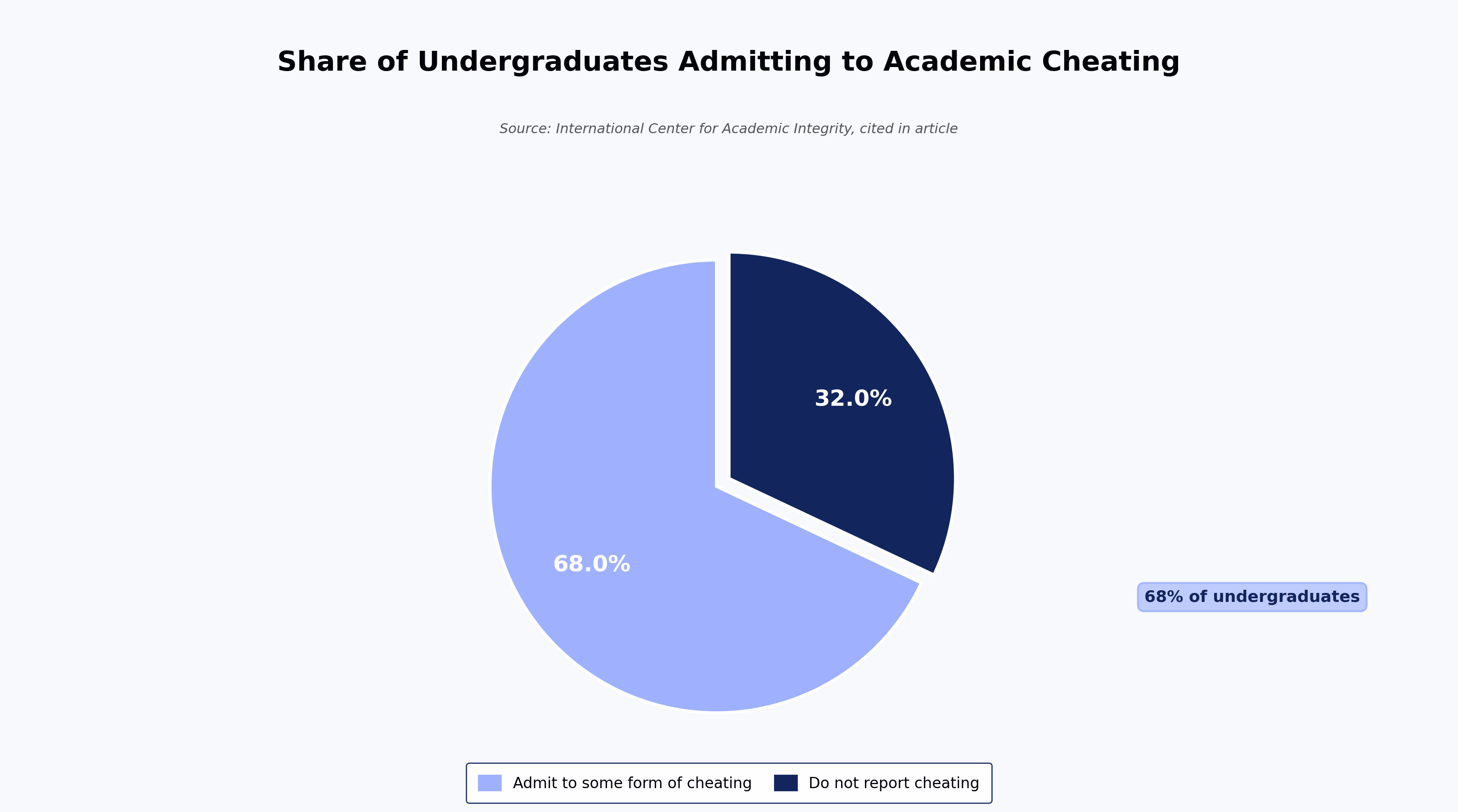
Remote developer assessments carry a structural risk: the candidate is unsupervised, the environment is uncontrolled, and the cost of a bad shortlist compounds through every later stage of the funnel. Academic surveys have long suggested cheating is widespread the International Center for Academic Integrity reports that a majority of undergraduates admit to some form of cheating during their studies but the more relevant point for recruiters is behavioural: if a control is easy to bypass, some candidates will bypass it.
Unlike an offline test, an online test allows candidates to take a test remotely from a different location. On top of that, if you have no one supervising the candidates, the risk of dishonest attempts rises sharply.
What's worse — you end up with a skewed pool of candidates who are not qualified enough to be shortlisted, but who still end up making the cut. For a deeper look at why this matters, see our guide to tech recruitment software and our practitioner guide to hiring developers with structured assessments.
The fix: proctoring tips and anti-cheating controls recruiters can configure
No proctoring stack is completely cheat-proof, but layered controls significantly reduce opportunities for cheating in a developer test. A coding assessment platform typically exposes several proctoring settings that map to the most common failure modes recruiters encounter. The five settings below reduce the most common cheating vectors in developer assessments — copy-paste substitution, impostor attempts, off-window lookups, background distractions, and out-of-venue logins.
Stop plagiarism: disable copy and paste in coding tests
Copy-paste is the single easiest way for a candidate to substitute someone else's answer for their own. The practitioner decision is whether to allow it at all — for most developer screening, the answer is no, because a well-worded question that leaks to a public forum can invalidate weeks of assessment data. Encouraging candidates to work from their own logical and programming skills, and removing the option to rely on unethical shortcuts, is the baseline.
As one implementation example, HackerEarth assessments can disable candidates from copying code from the web or another local computer into the code editor, and disallow candidates from copying problem statements from the question library out to the web.
A related control worth evaluating is cross-candidate code comparison, which flags when submissions from two candidates in the same drive share suspiciously similar lines — a useful signal on high-volume campus drives. (Editor note: confirm cross-candidate code-comparison feature availability against the product catalog before publishing.)

Say no to impostors: take webcam snapshots during the test
Webcam snapshots verify that the person taking the test is the person you invited. When assessing candidates remotely, you need to be sure that the right person is taking the test, especially at senior levels where the cost of a mis-hire is high. Most modern platforms take periodic snapshots that reviewers can use to check identity and movement patterns during the test.
Trade-off worth naming: webcam-based checks can produce false positives — poor lighting, shared home offices, and assistive devices are common causes reported in accessibility guidance on remote proctoring — and they raise accessibility considerations for candidates who cannot use a standard webcam setup. Treat snapshots as one signal among several rather than as a verdict on their own.

Keep a 'tab' on your candidate: disable tab switching in coding tests
Restricting tab switches keeps candidates in the test window and reduces obvious lookup behaviour. Establish a controlled test environment for candidates to remain focused on the test and answer honestly. Most platforms — HackerEarth included — issue a warning each time a candidate tries to leave the test environment, measured by the number of tab switches. Repeated switches can trigger an automatic logout depending on the configured threshold. (Editor note: confirm current default threshold with the product team before publishing; no specific number should appear in the copy until verified.)
A caveat: legitimate candidates sometimes tab away to switch input methods, check accessibility tooling, or handle an OS prompt. Warnings, rather than instant lockouts, tend to catch genuine cheating without penalising honest test-takers.

Remove distractions: enable full-screen mode during assessments
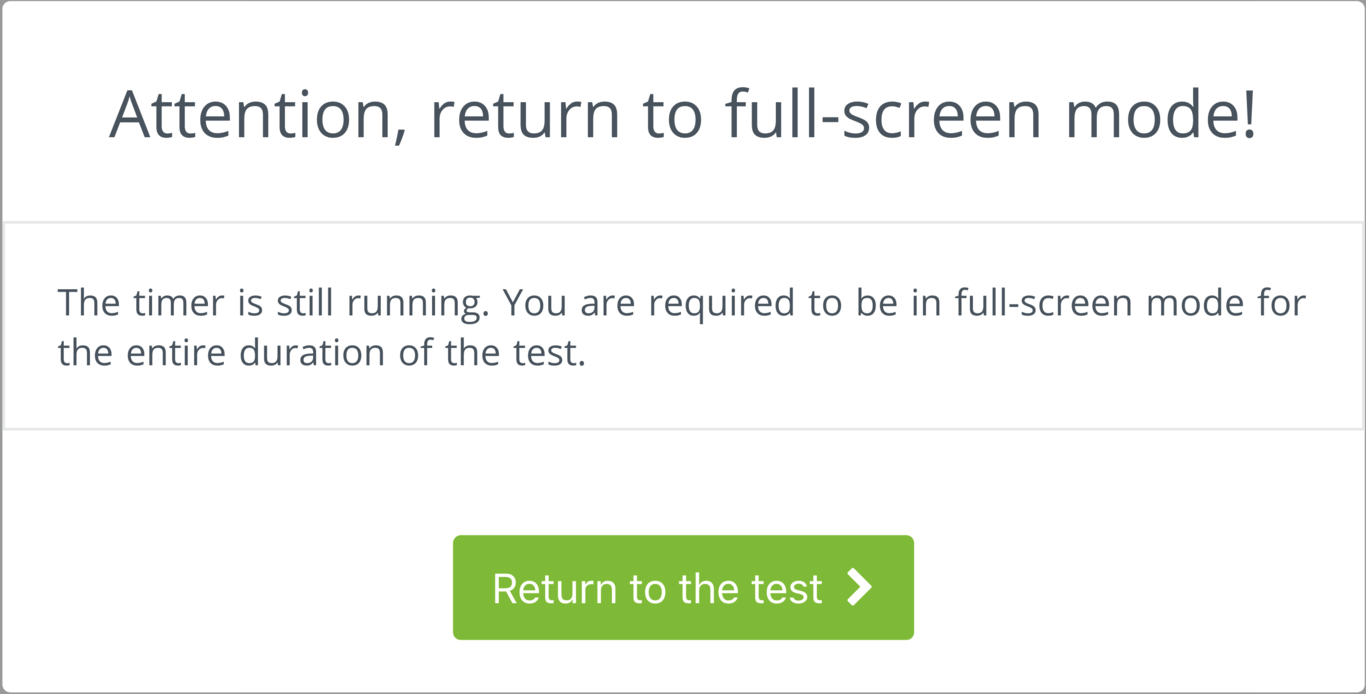
Full-screen mode reduces exposure to notifications, other windows, and background applications, and is one of the simpler proctoring tips to justify to candidates. On the HackerEarth coding assessment platform, full-screen mode can be enabled for candidates taking a test, with a warning issued if they exit it — a pattern common across enterprise assessment tools.
Full-screen enforcement is one of the controls recruiters tend to over-rely on. It works well for standard desktop setups but can be disruptive for candidates using screen readers, magnifiers, or multi-monitor accessibility tools. Combine it with a clear pre-test brief so candidates know what to expect.
Know where your candidate is: restrict IP addresses for on-venue assessments
IP restriction limits where a test can be taken from, which is useful for campus drives, walk-in events, or invite-only assessments at a specific venue. Where the capability is available, a warning is displayed if a candidate tries to log in from an IP outside a defined range. (Editor note: verify IP restriction is an active capability in the current product catalog before publishing; if unconfirmed, describe as a common assessment-platform pattern rather than a specific HackerEarth feature, and validate the linked support article — https://support.hackerearth.com/hc/en-us/articles/360004124133 — is live.)
Honest limitation: VPNs, corporate proxies, and mobile hotspots can defeat IP-based controls — a limitation widely documented in network security guidance from Cloudflare — and remote-first hiring often makes strict IP fencing impractical. Use IP restriction where you control the venue; for distributed hiring, rely more heavily on identity checks and behavioural signals.

Where proctoring tips add the most value for tech assessments
Proctoring is worth the configuration effort where the cost of a wrong shortlist decision is highest — senior technical roles, roles with regulated skills, and high-volume campus drives where a single leaked question can distort thousands of results. In those scenarios, anti-cheating software and layered controls protect the signal your assessment is meant to produce: a defensible read on a candidate's actual skill.
An opinionated take: many recruiters over-index on webcam snapshots and under-invest in question design and plagiarism comparison. Snapshots catch impostors, but well-varied question sets and cross-candidate code comparison catch the more common failure mode — candidates copying from each other or from public sources. If you can only invest in two of the five tips above, prioritise plagiarism controls and copy-paste disable over webcam-heavy monitoring.
Bonus: when to consider a dedicated proctoring browser
For high-stakes assessments — final-round tests, certification exams, campus drives — a dedicated proctoring browser adds a layer beyond in-page settings. It narrows what the operating system will allow inside the test session, reducing the surface area for external tools including large language models (LLMs) such as ChatGPT.
Where AI is involved in monitoring, it is used to flag anomalies — unusual window activity, suspicious input patterns — for reviewer attention rather than to auto-reject candidates; human review remains part of the workflow. A dedicated browser is not a substitute for the five proctoring tips above; it is an additional layer when the stakes justify it. (Editor note: HackerEarth offers a Smart Browser proctoring application in this category — verify the current capability list, compliance certifications, and catalog entry with the product team before naming specific capabilities in the published copy.)
Frequently asked questions
How do online proctoring tools prevent cheating in coding tests?
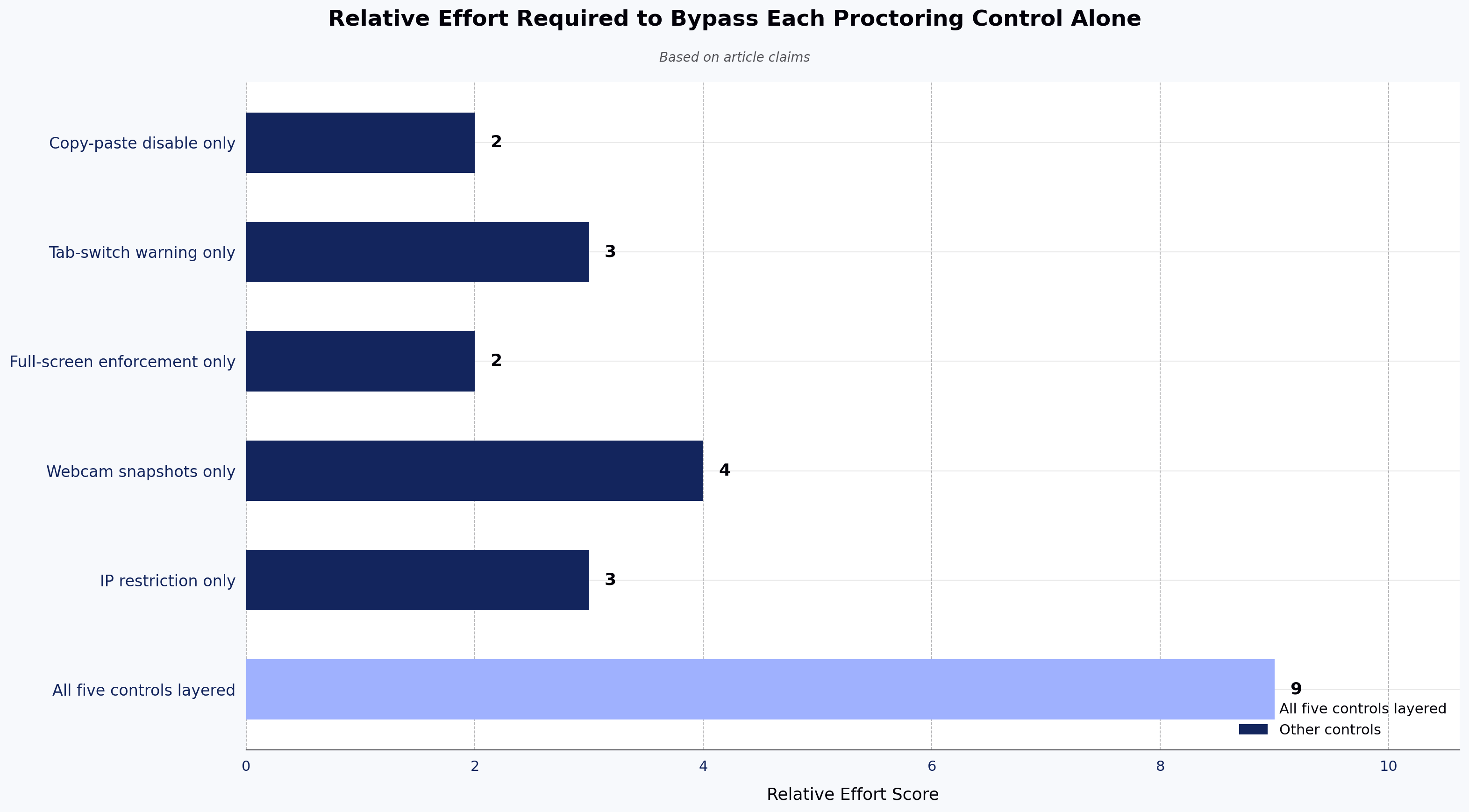
They shift the economics. Individually, no single control (copy-paste block, tab-switch warning, webcam snapshot, IP restriction, plagiarism comparison) is decisive; a determined cheater can work around any one of them. Layered together, they raise the effort required to cheat above the effort required to actually attempt the question — and generate reviewable evidence when someone tries anyway. The tools do not "prevent" cheating so much as make honest attempts the path of least resistance.
Are online proctoring tools completely cheat-proof?
No. Any vendor claiming a completely cheat-proof system is overstating what proctoring can do. Well-configured proctoring significantly reduces opportunities for cheating and produces signals reviewers can act on, but a determined candidate with a second device or an off-camera helper can still attempt to cheat. That is why question design, plagiarism comparison, and follow-up technical interviews matter alongside proctoring settings.
What is the difference between remote proctoring and in-person invigilation?
Remote proctoring uses software-based controls (webcam, browser lockdown, tab tracking, IP restriction) to monitor candidates in their own environment. In-person invigilation places a human in the room. Remote proctoring scales to global hiring; in-person invigilation gives stronger identity assurance but limits reach. Most recruiters combine remote proctoring with a human technical interview later in the funnel.
Can candidates use ChatGPT or other AI tools during a proctored test?
They can try. A standard browser-based test cannot fully block a second device or a phone off-camera. A dedicated proctoring browser reduces on-device access to LLMs by restricting parallel applications, developer tools, and copy-paste, and webcam snapshots can surface off-screen behaviour. If you're screening for skills that AI tools can automate, redesigning the question — for example, adding oral follow-ups or reasoning steps — often does more than any single proctoring control.
What are the main limitations of online proctoring?
False positives from webcam monitoring, accessibility issues with full-screen enforcement, VPN and proxy workarounds for IP restrictions, and candidate privacy concerns are the most common. Recruiters should brief candidates in advance on what will be monitored and offer a review process for flagged incidents.
How should recruiters choose which proctoring settings to enable?
Match the settings to the stakes. Short screening tests can rely on copy-paste disable and tab-switch warnings. Final-round or certification-grade assessments justify webcam snapshots, plagiarism comparison, and a proctoring browser. Over-configuring low-stakes tests tends to produce more false positives than genuine catches.
Next steps: see proctored assessments in action
If you want to see how these proctoring tips work in a live workflow, explore HackerEarth's coding assessment platform or read our practitioner guide to hiring developers with structured assessments.