Vineet Khandelwal

Author
Vineet Khandelwal

Blogs
author’s Articles

Insights & Stories by Vineet Khandelwal

Clear all
Thank you! Your submission has been received!
Oops! Something went wrong while submitting the form.
Filter
Filter

Top 10 Talent Assessment Tools of 2025: Accurate, Fair & Fast

You’re hiring for an important role, reading resumes and running interviews, yet still unsure. Traditional hiring feels risky because resumes can mislead, and gut feelings often lead to costly mistakes for companies. This challenge grows bigger as HR leaders admit their current tools are not working well. In fact, HR technology ranked as a top three priority in 2024, yet only 43% of HR professionals and executives rated their tools as effective in 2025.

This gap highlights why assessment tools for talent management are becoming increasingly important today. For example, they help recruiters spot skills, measure potential, and make confident decisions instead of unreliable guesses. These platforms give hiring teams stronger data, sharper insights, and faster ways to identify people who perform.

If you want to hire faster without dropping your standards, you’re in the right place. We will show you the 10 best talent assessment tools in 2025 that help you pick high performers with confidence.

What Makes a Great Talent Assessment Tool?

A great talent management assessment tool becomes a strategic asset that enhances the recruitment process. Whether you're hiring for technical, cognitive, or soft skills, the tool you choose should meet specific criteria that ensure reliable results and support effective decision-making.

Here's what to look for:

  • Code assessment with real-world scenarios: The tool should move beyond simple coding challenges to evaluate a candidate's practical skills. Look for features that allow for the creation of tests based on real-world projects, including collaborative coding environments and debugging exercises. 
  • Automated proctoring and plagiarism detection: To maintain the integrity of assessments, the tool should have built-in security features. Automated proctoring uses a candidate’s webcam to monitor for suspicious behavior. Plagiarism detection algorithms compare submitted code against a vast database to identify instances of cheating.
  • Customization for specific roles: The platform should let you build assessments that mirror the specific demands of each job. This includes the ability to choose from a library of questions, define custom skills to test, and set time limits or constraints that reflect the reality of the role.
  • AI-powered predictive analytics: Advanced analytics and AI capabilities can help you make more informed hiring decisions. The tool should analyze candidate performance data to predict future job success and identify potential top performers. This helps you move beyond resume filters and spot hidden talent.
  • Integration with your existing workflow: Talent assessment tools should integrate effortlessly with your applicant tracking system (ATS), allowing you to automate tasks, consolidate candidate information, and manage the entire hiring process from a single dashboard.

Top Talent Assessment Tools Comparison: At a Glance

Here’s a talent assessment tools comparison across key features, best use case, cons, and G2 rating so you can quickly see which tool might best meet your hiring needs.

Tool Key Features Best For Cons G2 Rating
HackerEarth Coding challenges across many languages; AI-driven skill validation; proctoring; detailed reporting; large skills library. Organizations needing technical assessments at scale for dev hiring & fair screening No low-cost, stripped-down plans 4.5/5
HackerRank Coding challenges in many languages, candidate management, integration, proctoring, test library. Organizations hiring many developers at scale Some assessment issues (tests marked incorrectly); navigation can be difficult. 4.5/5
Codility Real-time coding tests, algorithmic puzzles, plagiarism detection, role-based tests Large-scale tech hires Less flexible on test structure; weaker soft-skill evaluation; deeper code quality review may require manual effort. 4.6/5
Coderbyte Multiple coding languages, video playback, multiple question types, reports. Smaller companies or teams UX bugs reported; some want more variety in question types; occasional platform issues. 4.4/5
Mettl (Mercer) Technical, behavioral, cognitive, personality, communication assessments; remote proctoring. Enterprises wanting broad assessment capability Can be more expensive; slower ROI in some cases; setup can take time. 4.4/5
TestGorilla Library of validated tests (technical, cognitive, language, soft skills), anti-cheating, side-by-side comparison. Companies wanting to assess beyond coding Less specialized for deeper coding/algorithmic problems; interface and customization may lag top coding platforms. 4.5/5
CoderPad Real-time collaborative code interviews, live coding environment, shared IDE, candidate experience focused. Teams doing live interviews Less depth in test library; may lack certain analytics; sometimes more suited to final stage interviews rather than large-scale screening. 4.4/5
Devskiller Real-world task based coding tests, broad tech stack, detailed analytics, TalentBoost options. Companies wanting assessments that mimic actual work More expensive; steeper setup; requires more time to evaluate results thoroughly. 4.7/5
iMocha Very large skills library (>3000), AI-based analytics, coding simulators, proctoring, both technical and functional assessments. Organisations wanting broad coverage: non-tech and tech roles with skills diversity UI can be confusing; cost for full feature set; learning curve in using advanced analytics. 4.4/5
Xobin Ability to test many skills (tech, non-tech), scale assessments, automation, proctoring. Organisations hiring for many different roles Some limitations in candidate experience; Data on analytics depth limited. 4.7/5

Top 10 Talent Assessment Software in 2025

As the hiring landscape becomes increasingly competitive, leveraging the right talent acquisition assessment tools are crucial for making data-driven, unbiased decisions. These platforms streamline the recruitment process, ensuring that only the most qualified candidates are selected. 

Here’s a comprehensive look at the top tools shaping the future of hiring in 2025.

1. HackerEarth

HackerEarth Assessments page showing features and coding test overview
HackerEarth platform with 36,000+ coding questions, advanced proctoring, and role-based assessments 

As an all-in-one coding platform and developer assessment tool, HackerEarth is used by companies for tech talent management, primarily to conduct developer assessments, interviews, and hackathons to identify and hire skilled candidates. It provides tools for creating coding tests, automating the screening process, and conducting virtual interviews with built-in IDEs.

With a developer community of over 10 million members across 133 countries, it provides organizations access to a talent pool that is both diverse and highly skilled. Through its Hiring Challenges, companies can go beyond resumes and traditional job boards to engage developers directly with real-world coding problems. This not only acts as a sourcing engine but also strengthens employer branding by showing candidates the kind of challenges they’d work on. 

What sets HackerEarth apart is the combination of its vast library of 36,000+ questions, its project-based assessments, and its detailed evaluation reports that give hiring teams a complete view of each candidate’s problem-solving ability. Its proctoring system adds a layer of reliability, offering advanced invigilation features to prevent impersonation and misconduct during tests. 

At the same time, candidates benefit from a developer-friendly interface that supports 40+ programming languages and tools like Jupyter Notebooks, which helps them demonstrate their skills in an authentic environment. Large enterprises and fast-growing companies alike rely on HackerEarth to build strong technical teams, with clients ranging from Microsoft and Google to PayPal and Barclays. 

Key features

  • End-to-end hiring at scale: Manage everything from coding assessments to sourcing and evaluation in one platform
  • Hackathons: Organize coding competitions that engage a global talent pool, providing real-world scenarios to test candidate capabilities
  • Advanced proctoring: Ensure fairness with SmartBrowser, image processing, and tab-switch detection
  • Automated candidate evaluation: Automatically assess technical submissions and provide detailed reports on performance
  • ATS integration: Seamlessly integrate with applicant tracking systems to streamline recruitment workflows
  • 36,000+ questions across 1,000+ skills: Evaluate candidates with a vast library covering emerging AI and niche tech skills
  • Project-based assessments: Simulate real-world challenges with custom datasets and test cases

Pros

  • Source engaged, pre-vetted talent beyond traditional job boards
  • Simulate real-world challenges with project-based coding assessments
  • Improve hiring speed with AI-assisted test creation and evaluations
  • Strengthen employer brand with global Hiring Challenges

Cons

  • Steeper learning curve for new users

Pricing

  • Growth Plan: $99/month 
  • Scale Plan: $399/month 
  • Enterprise: Custom pricing with volume discounts and advanced support

📌Suggested read: The 12 Most Effective Employee Selection Methods for Tech Teams

2. HackerRank
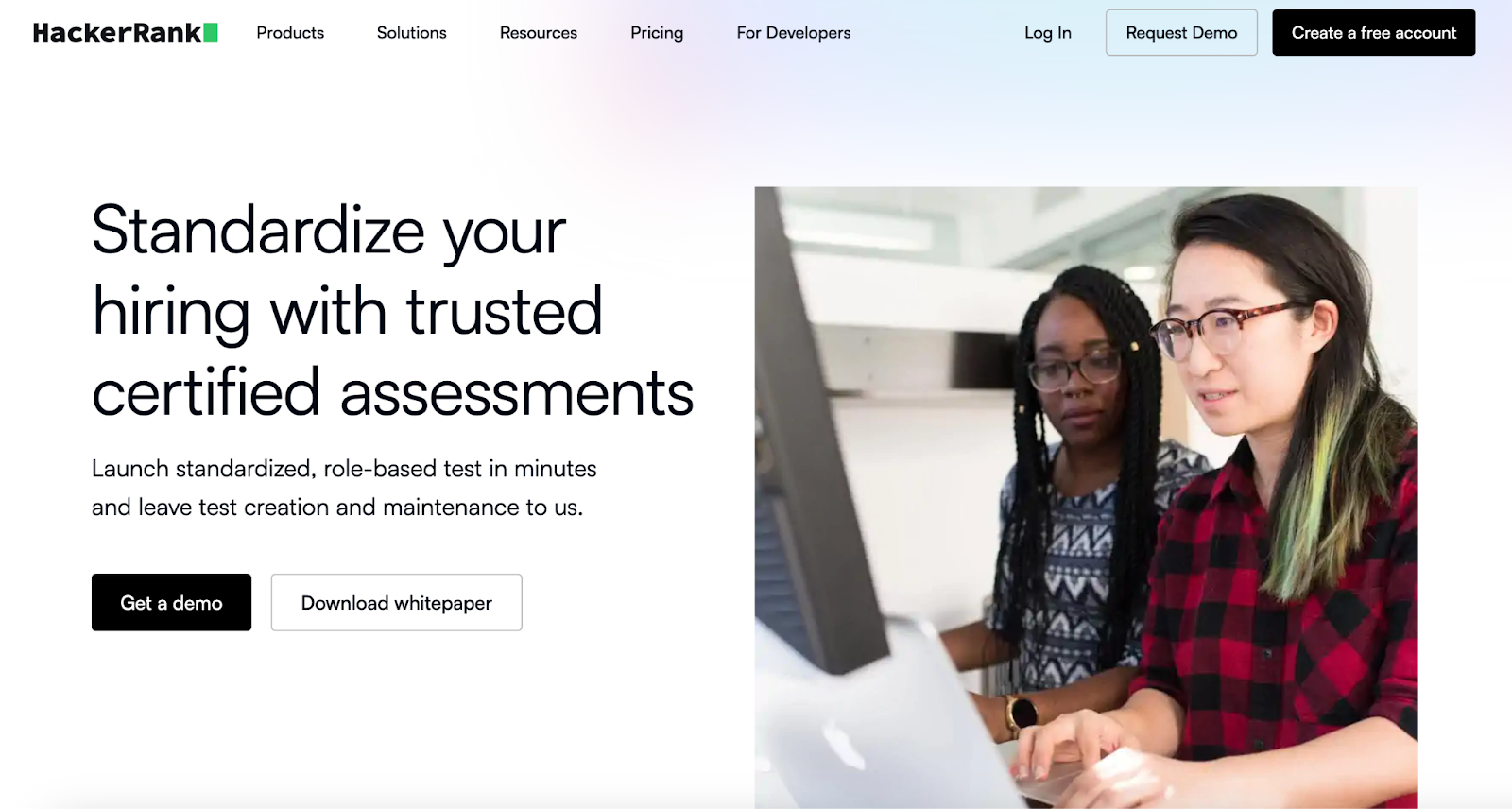
HackerRank Certified Assessments page highlighting skills verification features
HackerRank certified assessments validate candidate skills with trusted benchmarks

For hiring teams that need rigorous technical screening, HackerRank offers a mature platform with large question sets, strong grading tools, live coding interviews, and advanced detection of cheating. It provides a vast library of pre-built coding challenges and supports live interviews for coding and problem-solving assessments. It works well where coding skill verification must be precise and standard.

Key features

  • Live coding interviews: Conduct real-time coding interviews, allowing interviewers to assess coding proficiency on the spot
  • Automated grading: Let the system automatically evaluate candidates’ submissions based on accuracy, efficiency, and scalability
  • Customizable assessments: Tailor challenges to your specific hiring needs, selecting skill levels, languages, and problem types

Pros

  • Access a large library of coding challenges
  • Reduce time-to-hire with automated assessments
  • Seamlessly integrates with ATS systems for better workflow management

Cons

  • Limited customization for interview setups
  • Can be expensive for small teams

Pricing

  • Starter: $199/month
  • Pro: $449/month

3. Codility

Codility homepage showing skills-based assessments and tech hiring tools
Codility offers screen-and-interview products for enterprise technical hiring

Codility is a popular coding assessment platform designed for evaluating developers’ algorithmic thinking and problem-solving skills. It allows recruiters to create and customize coding tests that assess technical skills through real-time challenges. 

The platform also features anti-cheating mechanisms, such as plagiarism detection, to ensure the integrity of the assessments. Codility's integrated interview features allow for live coding during the interview process, making it a comprehensive solution for tech recruitment.

Key features

  • Algorithmic coding tests: Create coding challenges to assess problem-solving, algorithms, and data structure knowledge
  • Anti-cheating mechanisms: Detect similarities in code submissions to ensure the integrity of the process
  • Plagiarism detection: Automatically checks for potential plagiarism in candidates' submissions

Pros

  • Deliver clear insights into candidate code performance and mistakes
  • Provide reliable user experience with good support and variety of tasks
  • Offer strong cheating protection for credible assessments

Cons

  • Requires manual review for deeper quality beyond automated scoring

Pricing

  • Starter: $1200/year
  • Sale: $600/month

Custom: Contact for pricing

4. Coderbyte
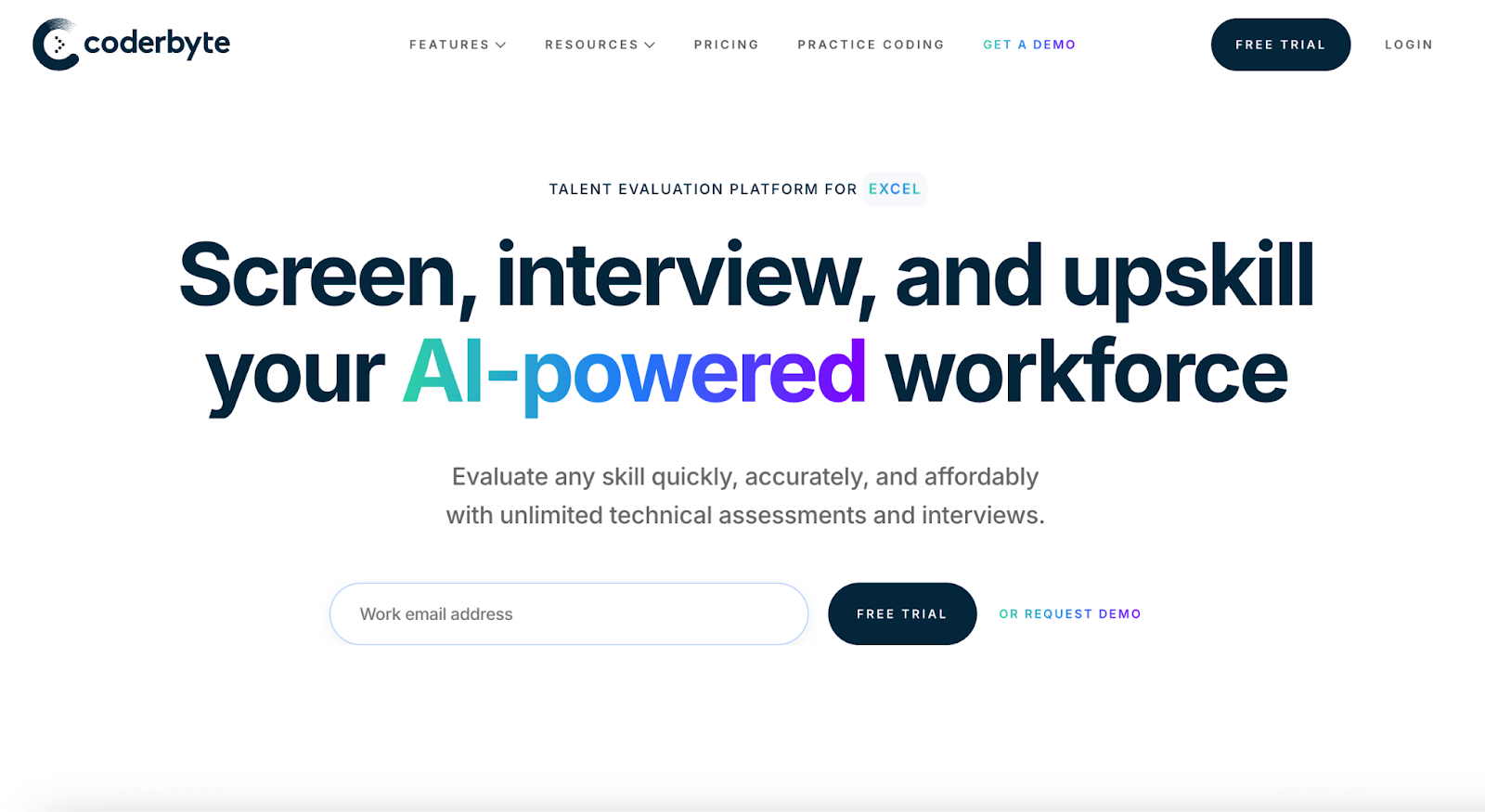
Coderbyte homepage with coding tests and assessments
Coderbyte offers coding tests, interviews, and skill training

Coderbyte offers a platform that focuses on coding assessments for developers, helping recruiters test technical skills through pre-built challenges. It includes a variety of challenges across multiple languages and difficulty levels, along with live coding interviews.

Small to mid-size companies or teams that want flexibility often pick Coderbyte because it supports project-based screenings, interviews, and take-home tasks. It suits mixed roles where coding clarity and candidate experience matter.

Key features

  • Pre-built challenges: Choose from hundreds of pre-built challenges to assess developers' skills in multiple programming languages
  • Live coding interviews: Conduct live, real-time coding interviews with candidates
  • Custom test creation: Build customized coding tests based on job role requirements

Pros

  • Offer realistic tasks that reflect what candidates will do on job
  • Provide strong UX and intuitive interface for both recruiters and candidates
  • Enable lower-cost entry for smaller teams, good value for mid-market

Cons

  • Pricing may feel expensive if many custom or take-home tasks involved

Pricing

  • Pro: $199/month
  • Enterprise: Starts at $9,995/year

5. Mettl (Mercer)
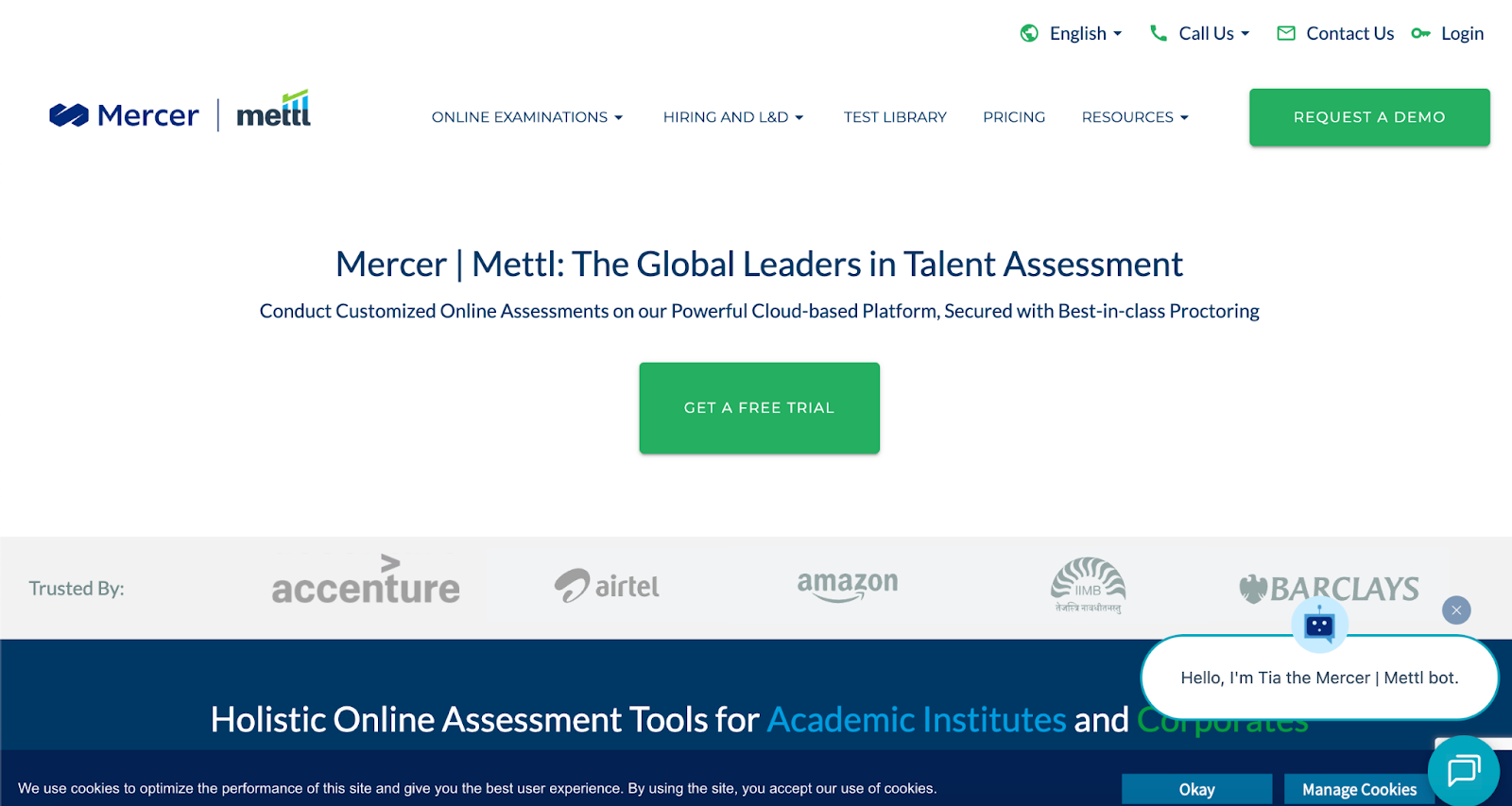
Mettl homepage displaying online assessments and skill evaluation tools
Mettl offers comprehensive online assessments for hiring

Mettl, now part of Mercer, offers a variety of technical, cognitive, and behavioral assessments. It allows organizations to assess candidates on a wide range of skills, including programming, personality traits, and aptitude.

The platform’s AI-powered insights help recruiters make data-driven decisions and streamline the hiring process. It also features remote proctoring, ensuring secure and fair testing during assessments.

Key features

  • Psychometric assessments: Measure personality, cognitive abilities, and aptitude to evaluate soft skills and potential 
  • Technical assessments: Evaluate IT and non-IT skills, digital readiness, and coding abilities through simulators and customized tests
  • 360-degree feedback: get support for multi-rater feedback processes to gain comprehensive performance insights

Pros

  • Serve both hiring and L&D/training needs for end-to-end talent lifecycle
  • Offer strong security and examination integrity features
  • Provide experience managing assessments at scale globally

Cons

  • Some users find interface or dashboards less modern or less intuitive

Pricing

  • Custom pricing

6. TestGorilla

TestGorilla homepage featuring AI-powered talent sourcing and assessments
Get hundreds of validated tests, AI scoring, and a global talent pool

TestGorilla is a talent assessment platform that helps companies identify top candidates with a data-driven approach. It provides a library of over 400 tests for technical, soft, and job-specific skills.

The platform includes powerful features like custom questions, AI-driven candidate scoring and ranking, and robust anti-cheating measures. By automating assessment creation and candidate screening, TestGorilla helps companies streamline the hiring process across various industries.

Key features

  • Extensive test library: Access over 400 scientifically verified, expert-crafted skills tests covering cognitive abilities, technical skills (including coding), personality traits, language proficiency, and job-specific functions
  • Custom assessment building: Create unique, multi-skill assessments with a combination of tests and up to 20 custom questions
  • Anti-cheating features: Ensure the integrity of tests with built-in anti-cheating mechanisms

Pros

  • Save time screening by using premade, validated tests across many disciplines
  • Use AI scoring to reduce manual work and speed up candidate evaluation
  • Grow with flexible credit-based or annual plans to match hiring volume

Cons

  • Lower-tier plans have limitations on branding, integrations, some test types

Pricing

  • Free
  • Core: $142/month (billed annually)

Plus: Contact for pricing

📌Related read: How Talent Assessment Tests Improve Hiring Accuracy and Reduce Employee Turnover

7. CoderPad
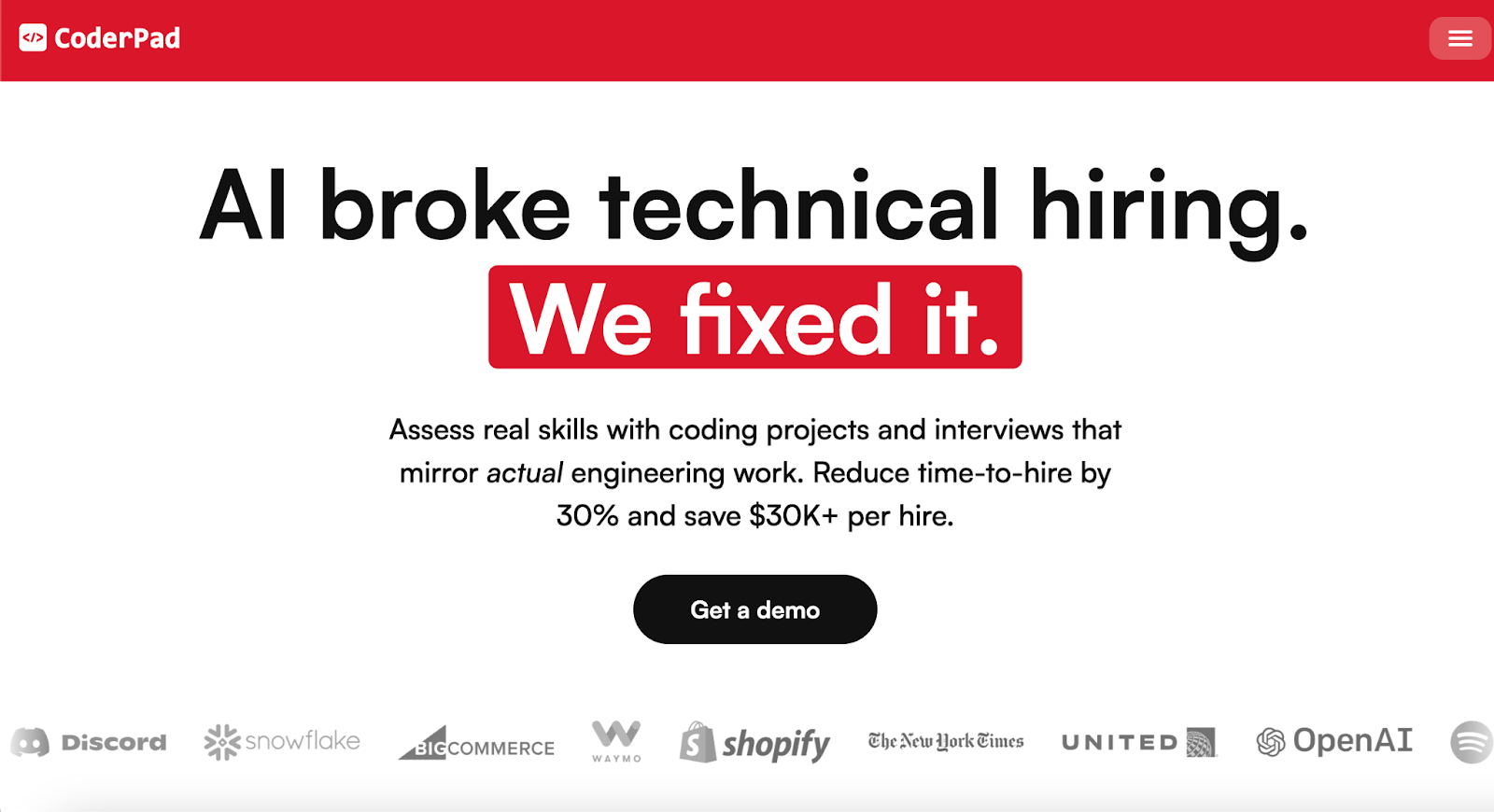
CoderPad homepage with live coding interview platform
CoderPad provides real-time coding interviews and assessments

CoderPad specializes in live coding interviews and collaborative coding environments, helping interviewers see how a candidate works in real time. It suits final-stage interviews, pair programming exercises, or whiteboard style tasks rather than mass screening.

Key features

  • Multi-file IDE: Work on multi-file projects in a familiar VS Code-based environment
  • Live coding: Write, execute, and debug code together in real-time within the browser-based environment
  • Gamified coding challenges: showcase their skills while maintaining assessment integrity with cheat-resistant coding challenges

Pros

  • Let hiring teams observe candidate work live on code with immediate feedback
  • Build authentic simulations of real work tasks rather than isolated puzzles
  • Engage candidates better through interactivity and hands-on tasks

Cons

  • Require interviewers to invest time during live sessions vs. asynchronous screening

Pricing

  • Free
  • Starter: $100/month
  • Team: $375/month
  • Custom: Contact for pricing

8. Devskiller
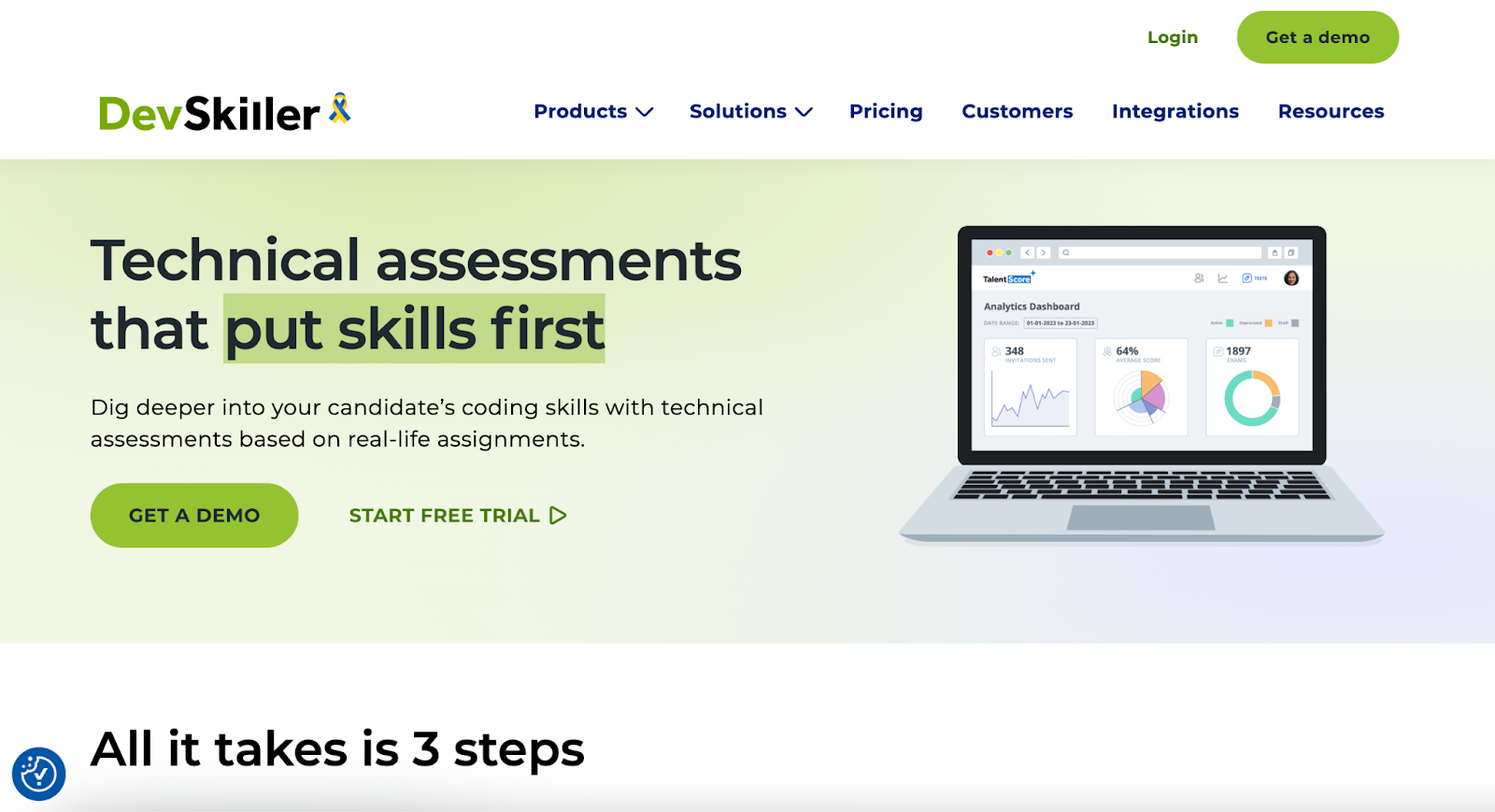
DevSkiller platform for coding tests, real skills, and secure hiring
DevSkiller technical assessments page with skills tests and features

For assessing technical talent, Devskiller offers a comprehensive platform built on realism and objectivity. Its core is the RealLifeTesting™ methodology for remote coding tests, which uses a large library of customizable recruitment tasks to replicate real-world scenarios.

The platform provides a positive candidate experience while maintaining test integrity through automated objective scoring, real-time observation of tests, and powerful anti-plagiarism tools. For hiring teams, seamless ATS integration streamlines the workflow, and the platform's capabilities extend to ongoing skill management and employee development.

Key features

  • Customizable assessments: Select from 5,000+ ready-to-use tasks or create own custom tasks 
  • Remote & flexible testing: Send test invites from anywhere
  • Automated, objective scoring: Fair, automated scoring with easy-to-understand reports for technical and non-technical professionals

Pros

  • Deliver realistic job-like assessments so you see how candidate will perform on day one
  • Give deep insight into coding style and architecture understanding
  • Reduce bias from unnatural or artificial test types

Cons

  • Longer setup/ evaluation time per candidate due to detailed tasks

Pricing

  • Skills Assessment: Starting from $3,600
  • Skills Management & Assessment: Starting from $10,000

9. iMocha
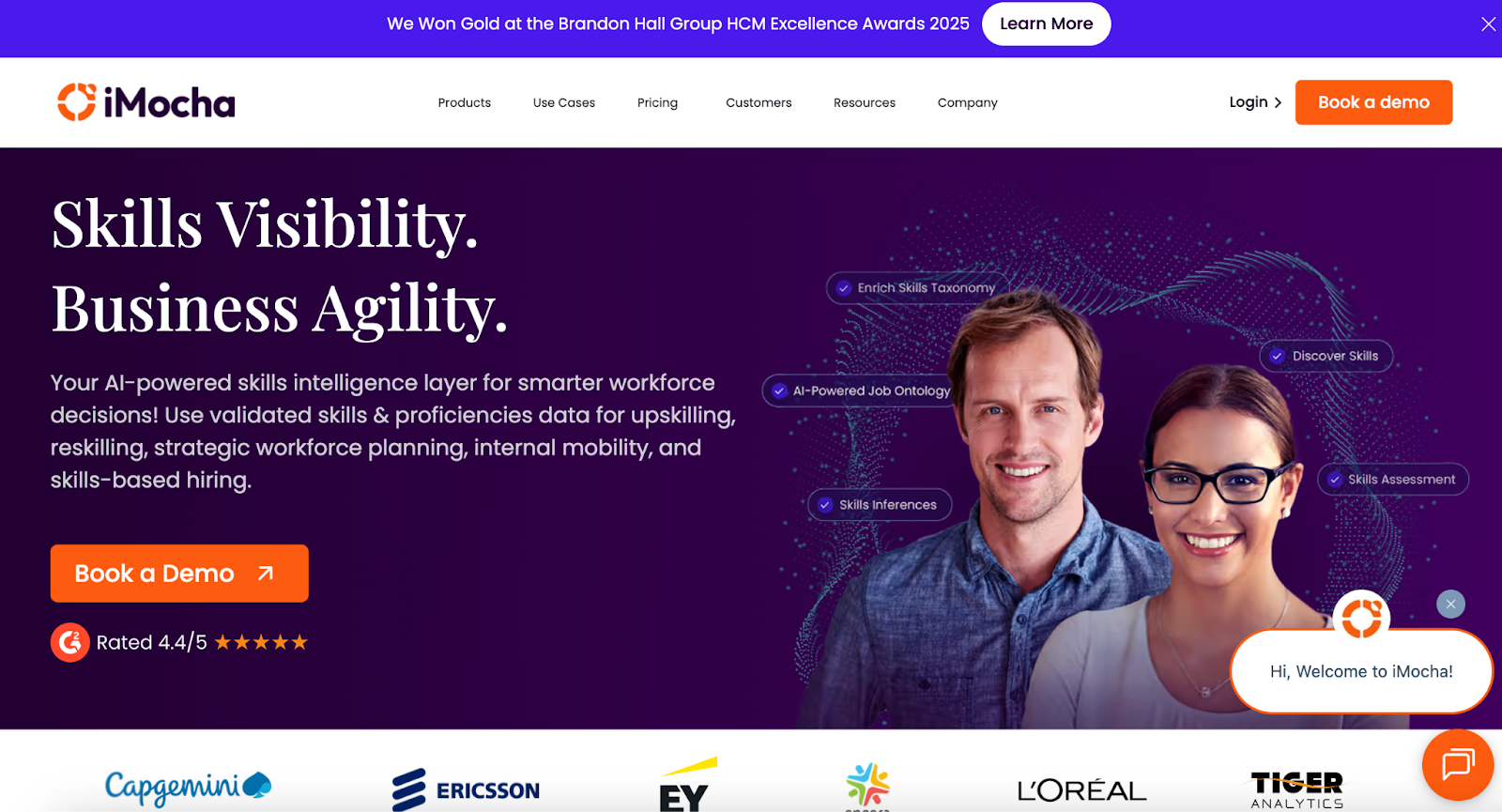
iMocha homepage showcasing an AI-powered skills intelligence platform
iMocha offers 10,000+ skill assessments, AI inference, and skills-based hiring solutions

Targeting a fair, skill-based hiring approach, iMocha provides an extensive library of pre-built and customizable assessments for technical, soft, and cognitive skills. The platform features AI-driven tools like AI-LogicBox for code-free logic testing and AI-EnglishPro for communication evaluation. 

With integrated proctoring to protect exam validity, seamless ATS integrations, and options for live coding and interviewing, iMocha gives companies the resources to make informed hiring decisions.

Key features

  • Vast skill library: Access over 3,000 pre-built skills assessments for technical, domain, soft skills, and cognitive abilities 
  • Advanced assessment types: Conduct live coding, live whiteboarding, and structured interviews
  • AI-LogicBox: A patented, code-free simulator for assessing logic and problem-solving skills

Pros

  • Evaluate English communication skills based on the CEFR framework via AI-EnglishPro
  • Generate actionable insights into candidate gaps and team skill levels
  • Scale from small teams to enterprises with flexible pricing options

Cons

  • Excess features for orgs who only need simple technical screening

Pricing

  • 14-day free trial
  • Basic: Contact for pricing
  • Pro: Contact for pricing
  • Enterprise: Contact for pricing

10. Xobin
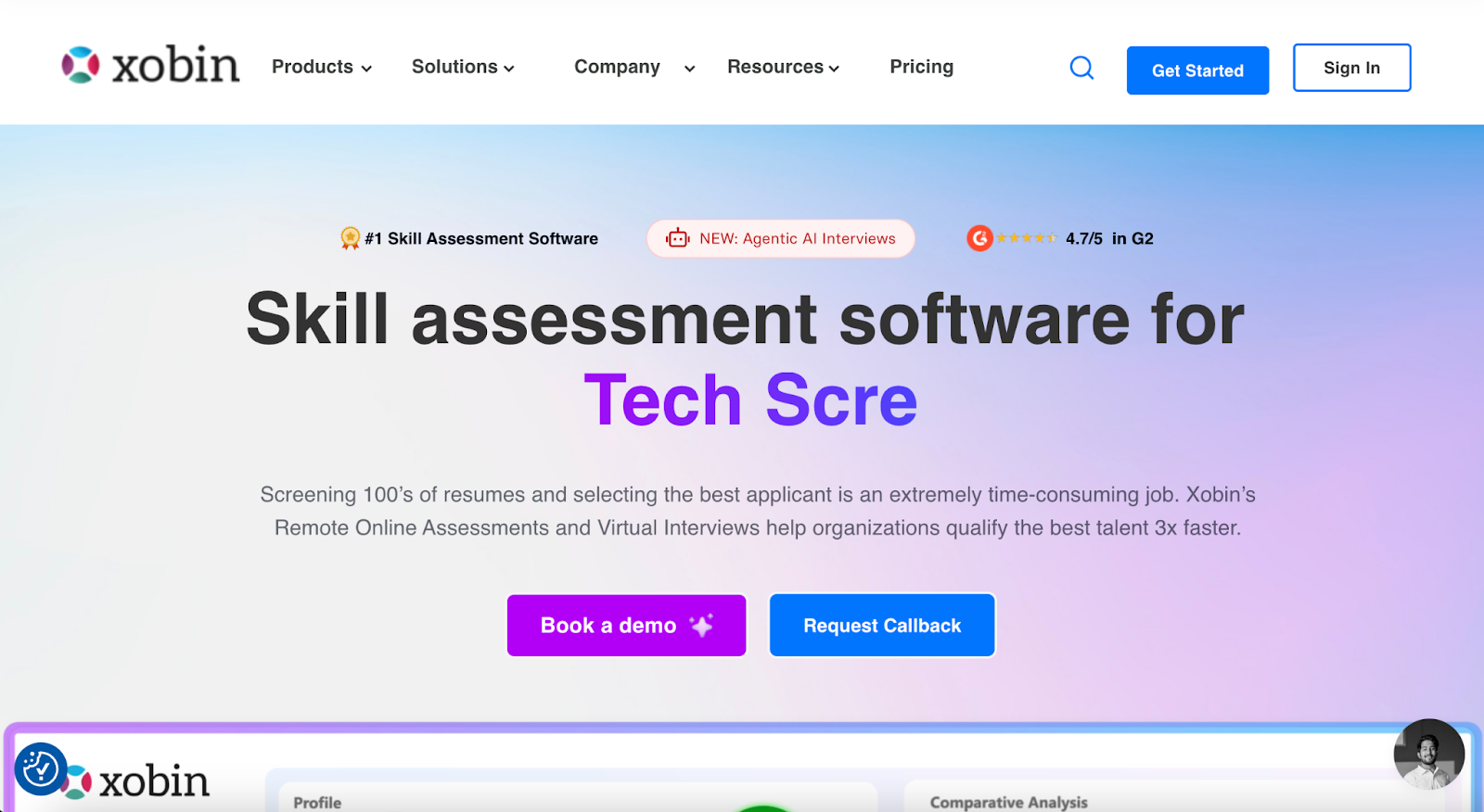
 Xobin homepage showcasing skill assessments, coding tests, and more
Xobin offers 3,400+ skill assessments, AI-driven evaluations, and more

As one of the most-preferred talent assessment tools, Xobin features over 3,400 customizable skill tests, 2,500 role-based assessments, and a library of 180,000+ questions. It automates the evaluation of written, verbal, and coding answers and uses advanced proctoring with eye tracking to uphold exam integrity. 

The platform also provides psychometric tests and actionable reports for data-driven hiring, all integrated with your existing ATS tools.

Key features

  • Customizable assessments: Create pre-employment tests tailored to specific roles, skills, or your company's unique needs
  • Extensive question library: Access over 180,000 tech and non-tech questions to build diverse assessments
  • AI-powered evaluation: Automatically score written, verbal, and coding answers with AI-driven precision

Pros

  • Conduct autonomous AI-led interviews with auto-generated plans
  • Evaluate developer skills with real-time coding environments
  • Measure personality traits and assess cultural and role alignment for a holistic fit

Cons

  • Gaps in language-specific coding challenges as reported by users

Pricing

  • Complete Assessment Suite: Starting from $699/year

📌Also read: The Impact of Talent Assessments on Reducing Employee Turnover

Accelerate Your Hiring with HackerEarth

Ultimately, choosing the right technical assessment tools comes down to your scalability, feature and budget needs. To make it easier for you: 

  • Shortlist two or three platforms from this guide that match your core needs.
  • Request demos, run a small pilot, and test with a current job opening or a few team members to check relevance and usability.

Of all options, HackerEarth combines coding assessments, automated candidate rankings, and seamless ATS integration to help organizations evaluate talent efficiently. Recruiters can quickly create tests, invite candidates in bulk, and gain actionable analytics to make informed decisions faster.

For example, Apisero, a global consulting firm, used HackerEarth Assessments to evaluate candidates for internal developer roles. The platform reduced engineering dependency by 70% and cut time-to-shortlist by 60%, completing screenings 3x faster while focusing on top candidates.

Book a demo today to see how your team can accelerate hiring and consistently bring in top technical professionals.

FAQs

What is a talent assessment tool?

A talent assessment tool is a software solution that evaluates candidates’ skills, knowledge, and potential using tests, simulations, or psychometric assessments. It helps organizations make data-driven hiring decisions and identify the best-fit talent efficiently.

What are the three types of assessment tools?

The three types of assessment tools are: 

  • Cognitive or aptitude tests, which measure problem-solving and reasoning
  • Skill-based tests, which evaluate job-specific abilities
  • Personality or behavioral assessments, which analyze traits, motivations, and cultural fit for a role

How to do a talent assessment?

To conduct a talent assessment, define the role’s key skills, select appropriate tests or evaluations, administer assessments to candidates, analyze results for strengths and weaknesses, and use insights to guide hiring, promotions, or development decisions.
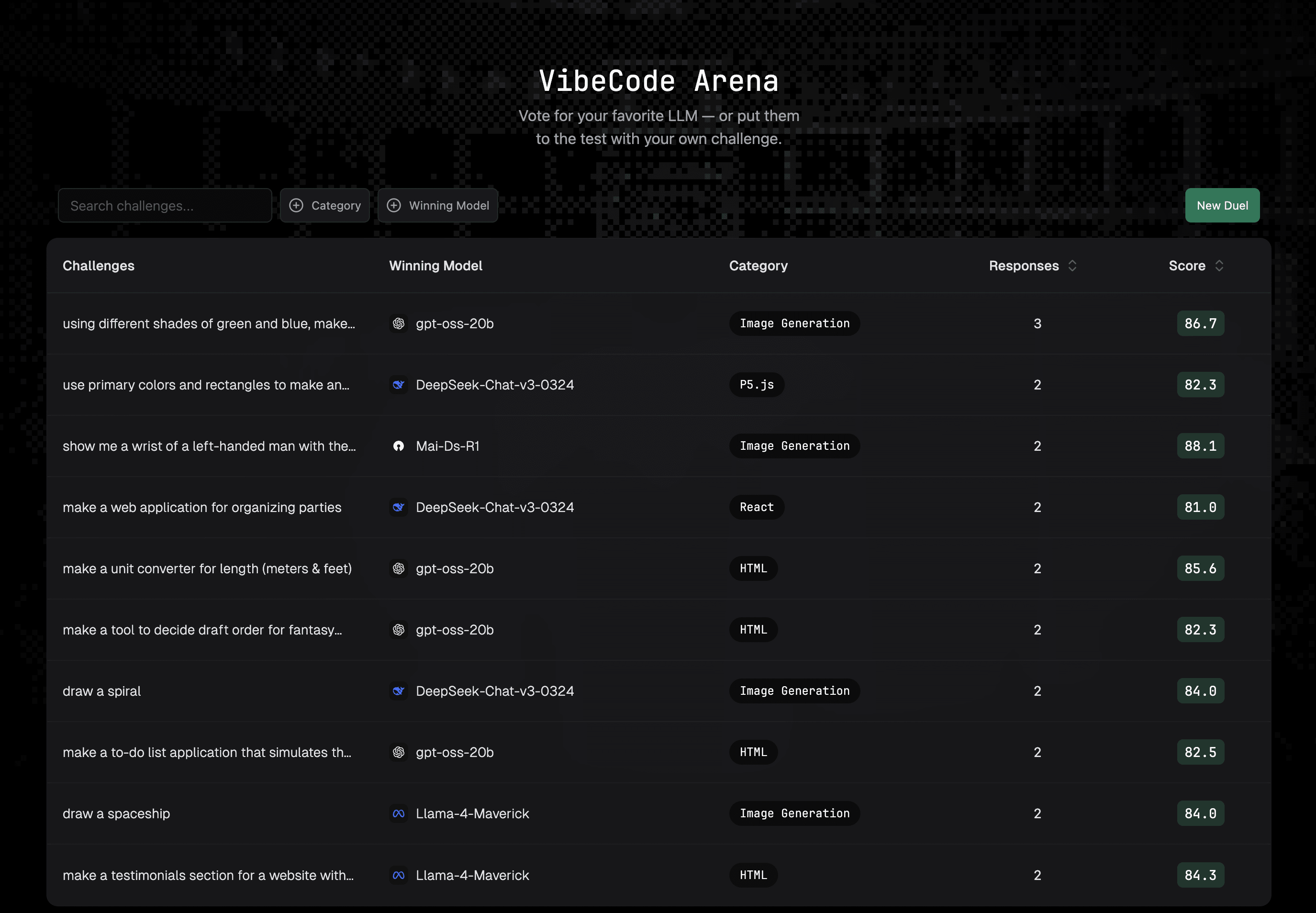
How I used VibeCode Arena platform to build code using AI and learnt how to improve it

I Used AI to Build a "Simple Image Carousel" at VibeCodeArena. It Found 15+ Issues and Taught Me How to Fix Them.

My Learning Journey

I wanted to understand what separates working code from good code. So I used VibeCodeArena.ai to pick a problem statement where different LLMs produce code for the same prompt. Upon landing on the main page of VibeCodeArena, I could see different challenges. Since I was interested in an Image carousal application, I picked the challenge with the prompt "Make a simple image carousel that lets users click 'next' and 'previous' buttons to cycle through images."

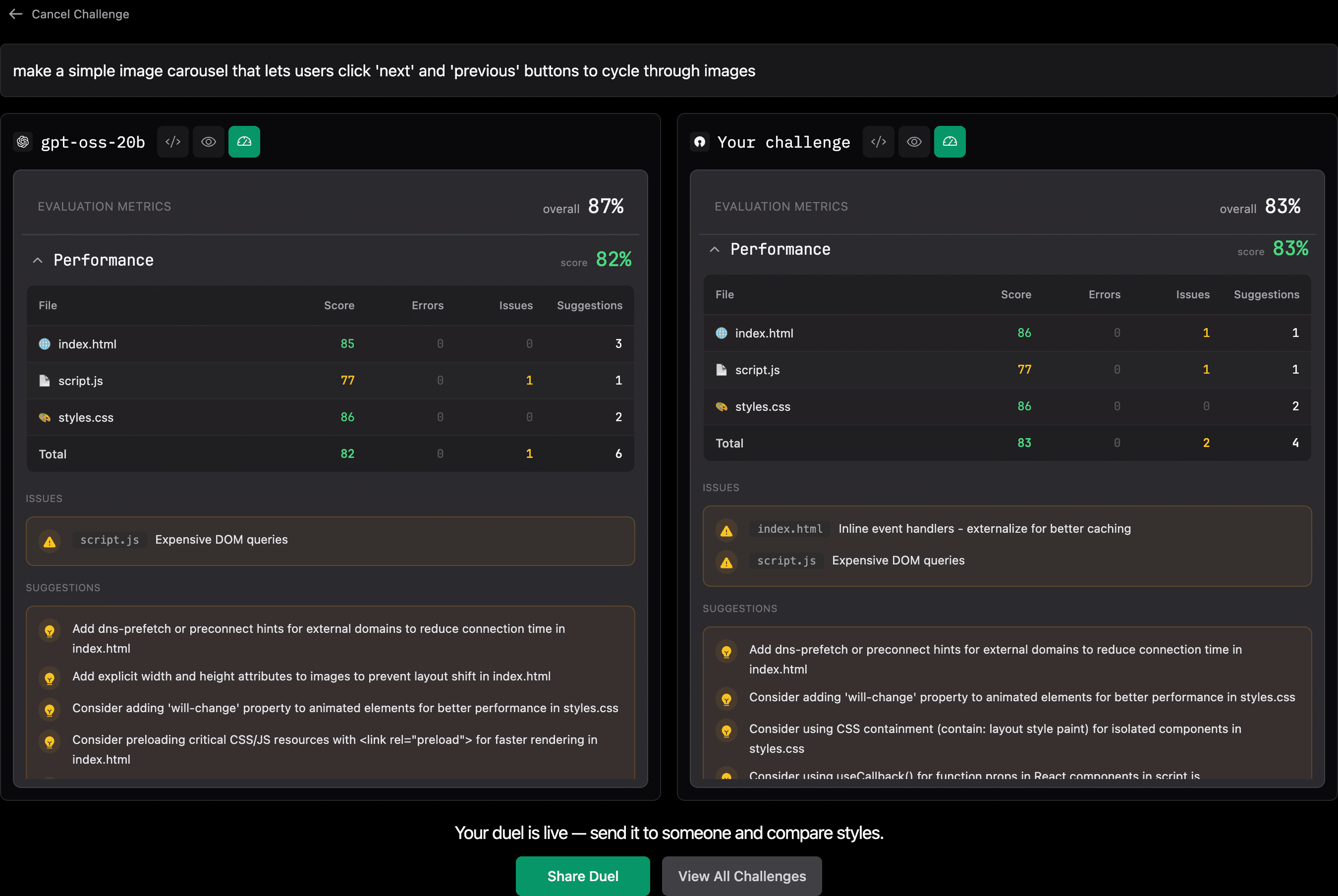
Within seconds, I had code from multiple LLMs, including DeepSeek, Mistral, GPT, and Llama. Each code sample also had an objective evaluation score. I was pleasantly surprised to see so many solutions for the same problem. I picked gpt-oss-20b model from OpenAI. For this experiment, I wanted to focus on learning how to code better so either one of the LLMs could have worked. But VibeCodeArena can also be used to evaluate different LLMs to help make a decision about which model to use for what problem statement.

The model had produced a clean HTML, CSS, and JavaScript. The code looked professional. I could see the preview of the code by clicking on the render icon. It worked perfectly in my browser. The carousel was smooth, and the images loaded beautifully.

But was it actually good code?

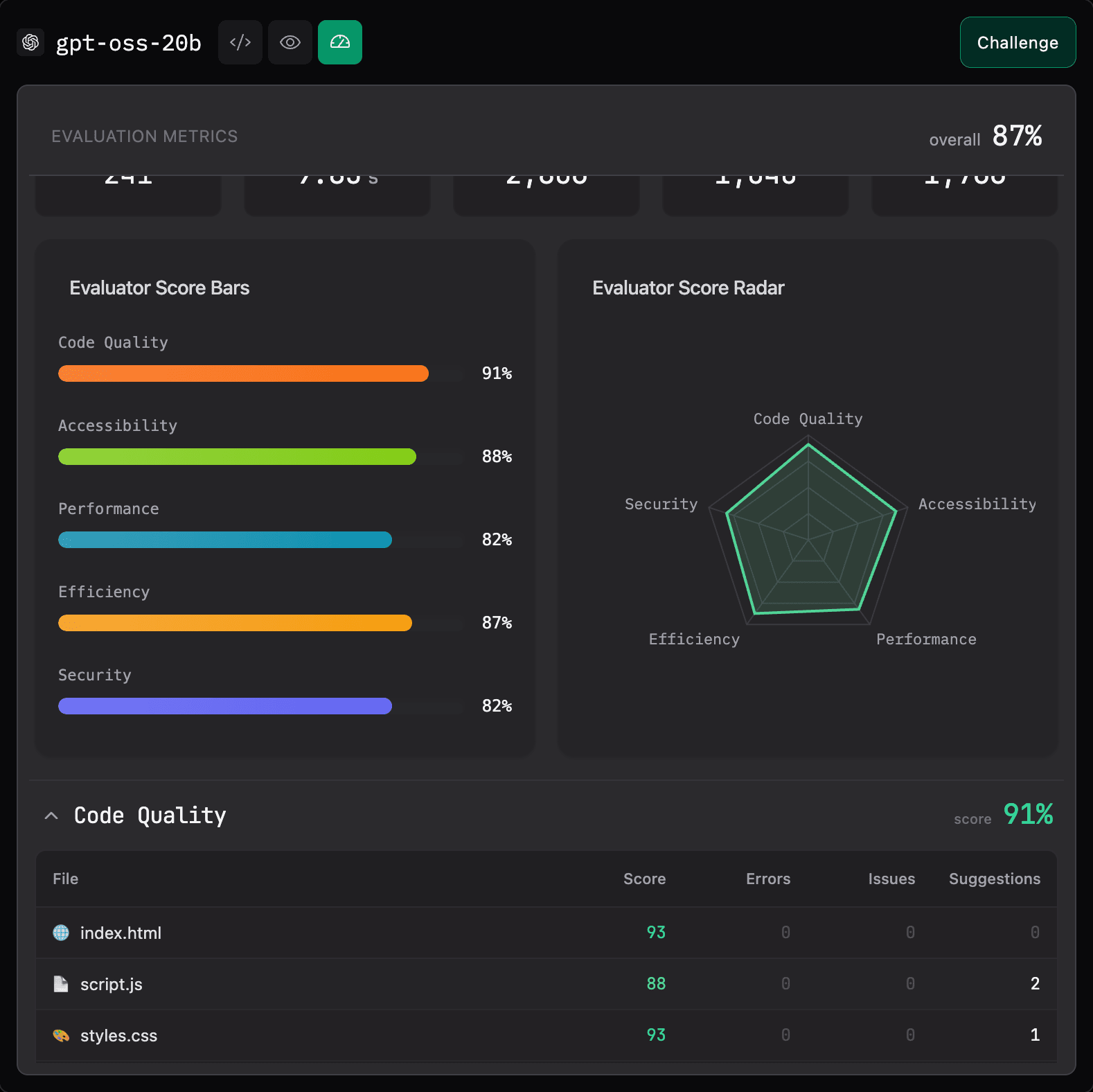
I had no idea. That's when I decided to look at the evaluation metrics

What I Thought Was "Good Code"

A working image carousel with:

  • Clean, semantic HTML
  • Smooth CSS transitions
  • Keyboard navigation support
  • ARIA labels for accessibility
  • Error handling for failed images

It looked like something a senior developer would write. But I had questions:

Was it secure? Was it optimized? Would it scale? Were there better ways to structure it?

Without objective evaluation, I had no answers. So, I proceeded to look at the detailed evaluation metrics for this code

What VibeCodeArena's Evaluation Showed

The platform's objective evaluation revealed issues I never would have spotted:

Security Vulnerabilities (The Scary Ones)

No Content Security Policy (CSP): My carousel was wide open to XSS attacks. Anyone could inject malicious scripts through the image URLs or manipulate the DOM. VibeCodeArena flagged this immediately and recommended implementing CSP headers.

Missing Input Validation: The platform pointed out that while the code handles image errors, it doesn't validate or sanitize the image sources. A malicious actor could potentially exploit this.

Hardcoded Configuration: Image URLs and settings were hardcoded directly in the code. The platform recommended using environment variables instead - a best practice I completely overlooked.

SQL Injection Vulnerability Patterns: Even though this carousel doesn't use a database, the platform flagged coding patterns that could lead to SQL injection in similar contexts. This kind of forward-thinking analysis helps prevent copy-paste security disasters.

Performance Problems (The Silent Killers)

DOM Structure Depth (15 levels): VibeCodeArena measured my DOM at 15 levels deep. I had no idea. This creates unnecessary rendering overhead that would get worse as the carousel scales.

Expensive DOM Queries: The JavaScript was repeatedly querying the DOM without caching results. Under load, this would create performance bottlenecks I'd never notice in local testing.

Missing Performance Optimizations: The platform provided a checklist of optimizations I didn't even know existed:

  • No DNS-prefetch hints for external image domains
  • Missing width/height attributes causing layout shift
  • No preload directives for critical resources
  • Missing CSS containment properties
  • No will-change property for animated elements

Each of these seems minor, but together they compound into a poor user experience.

Code Quality Issues (The Technical Debt)

High Nesting Depth (4 levels): My JavaScript had logic nested 4 levels deep. VibeCodeArena flagged this as a maintainability concern and suggested flattening the logic.

Overly Specific CSS Selectors (depth: 9): My CSS had selectors 9 levels deep, making it brittle and hard to refactor. I thought I was being thorough; I was actually creating maintenance nightmares.

Code Duplication (7.9%): The platform detected nearly 8% code duplication across files. That's technical debt accumulating from day one.

Moderate Maintainability Index (67.5): While not terrible, the platform showed there's significant room for improvement in code maintainability.

Missing Best Practices (The Professional Touches)

The platform also flagged missing elements that separate hobby projects from professional code:

  • No 'use strict' directive in JavaScript
  • Missing package.json for dependency management
  • No test files
  • Missing README documentation
  • No .gitignore or version control setup
  • Could use functional array methods for cleaner code
  • Missing CSS animations for enhanced UX

The "Aha" Moment

Here's what hit me: I had no framework for evaluating code quality beyond "does it work?"

The carousel functioned. It was accessible. It had error handling. But I couldn't tell you if it was secure, optimized, or maintainable.

VibeCodeArena gave me that framework. It didn't just point out problems, it taught me what production-ready code looks like.

My New Workflow: The Learning Loop

This is when I discovered the real power of the platform. Here's my process now:

Step 1: Generate Code Using VibeCodeArena

I start with a prompt and let the AI generate the initial solution. This gives me a working baseline.

Step 2: Analyze Across Several Metrics

I can get comprehensive analysis across:

  • Security vulnerabilities
  • Performance/Efficiency issues
  • Performance optimization opportunities
  • Code Quality improvements

This is where I learn. Each issue includes explanation of why it matters and how to fix it.

Step 3: Click "Challenge" and Improve

Here's the game-changer: I click the "Challenge" button and start fixing the issues based on the suggestions. This turns passive reading into active learning.

Do I implement CSP headers correctly? Does flattening the nested logic actually improve readability? What happens when I add dns-prefetch hints?

I can even use AI to help improve my code. For this action, I can use from a list of several available models that don't need to be the same one that generated the code. This helps me to explore which models are good at what kind of tasks.

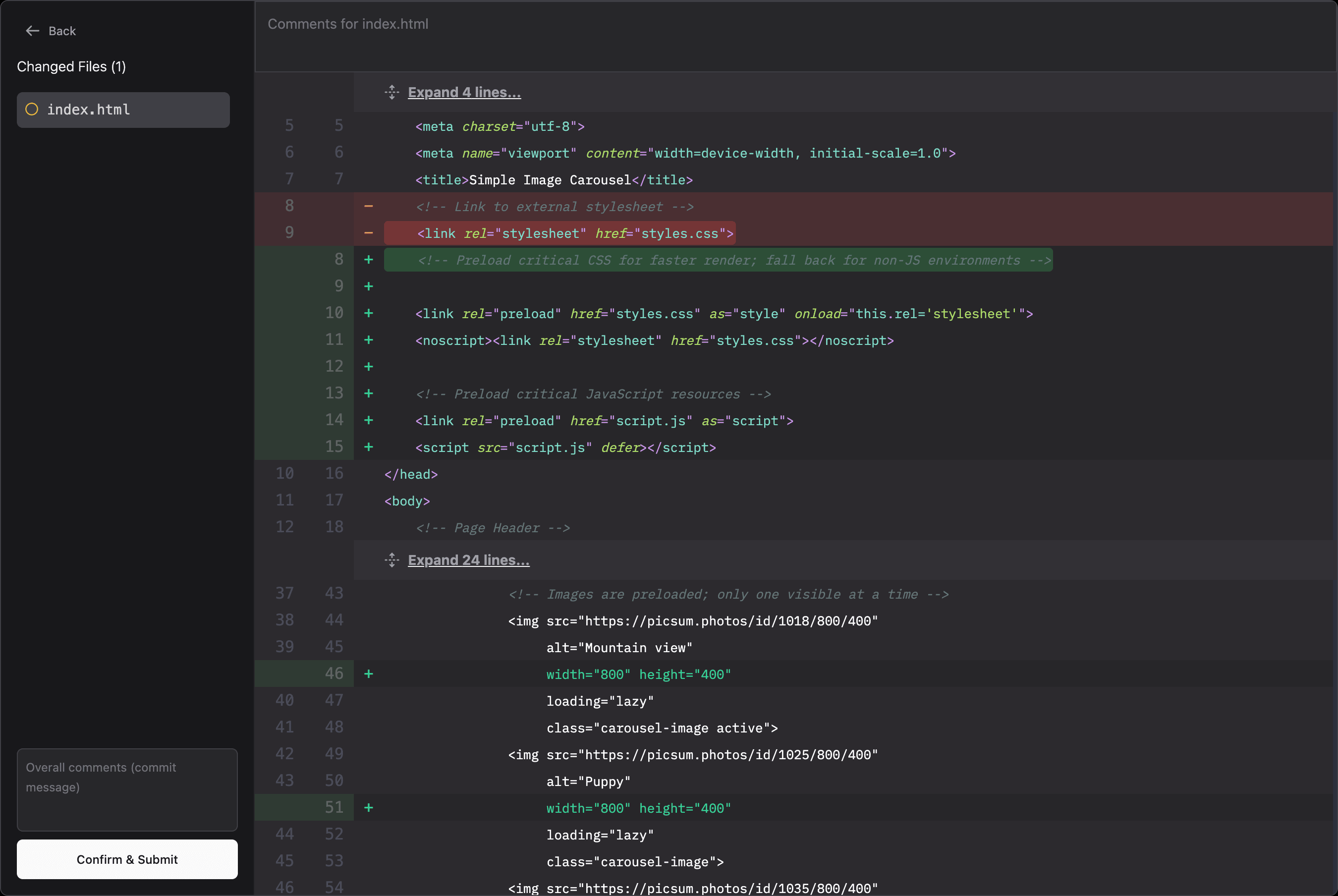
For my experiment, I decided to work on two suggestions provided by VibeCodeArena by preloading critical CSS/JS resources with <link rel="preload"> for faster rendering in index.html and by adding explicit width and height attributes to images to prevent layout shift in index.html. The code editor gave me change summary before I submitted by code for evaluation.

Step 4: Submit for Evaluation

After making improvements, I submit my code for evaluation. Now I see:

  • What actually improved (and by how much)
  • What new issues I might have introduced
  • Where I still have room to grow

Step 5: Hey, I Can Beat AI

My changes helped improve the performance metric of this simple code from 82% to 83% - Yay! But this was just one small change. I now believe that by acting upon multiple suggestions, I can easily improve the quality of the code that I write versus just relying on prompts.

Each improvement can move me up the leaderboard. I'm not just learning in isolation—I'm seeing how my solutions compare to other developers and AI models.

So, this is the loop: Generate → Analyze → Challenge → Improve → Measure → Repeat.

Every iteration makes me better at both evaluating AI code and writing better prompts.

What This Means for Learning to Code with AI

This experience taught me three critical lessons:

1. Working ≠ Good Code

AI models are incredible at generating code that functions. But "it works" tells you nothing about security, performance, or maintainability.

The gap between "functional" and "production-ready" is where real learning happens. VibeCodeArena makes that gap visible and teachable.

2. Improvement Requires Measurement

I used to iterate on code blindly: "This seems better... I think?"

Now I know exactly what improved. When I flatten nested logic, I see the maintainability index go up. When I add CSP headers, I see security scores improve. When I optimize selectors, I see performance gains.

Measurement transforms vague improvement into concrete progress.

3. Competition Accelerates Learning

The leaderboard changed everything for me. I'm not just trying to write "good enough" code—I'm trying to climb past other developers and even beat the AI models.

This competitive element keeps me pushing to learn one more optimization, fix one more issue, implement one more best practice.

How the Platform Helps Me Become A Better Programmer

VibeCodeArena isn't just an evaluation tool—it's a structured learning environment. Here's what makes it effective:

Immediate Feedback: I see issues the moment I submit code, not weeks later in code review.

Contextual Education: Each issue comes with explanation and guidance. I learn why something matters, not just that it's wrong.

Iterative Improvement: The "Challenge" button transforms evaluation into action. I learn by doing, not just reading.

Measurable Progress: I can track my improvement over time—both in code quality scores and leaderboard position.

Comparative Learning: Seeing how my solutions stack up against others shows me what's possible and motivates me to reach higher.

What I've Learned So Far

Through this iterative process, I've gained practical knowledge I never would have developed just reading documentation:

  • How to implement Content Security Policy correctly
  • Why DOM depth matters for rendering performance
  • What CSS containment does and when to use it
  • How to structure code for better maintainability
  • Which performance optimizations actually make a difference

Each "Challenge" cycle teaches me something new. And because I'm measuring the impact, I know what actually works.

The Bottom Line

AI coding tools are incredible for generating starting points. But they don't produce high quality code and can't teach you what good code looks like or how to improve it.

VibeCodeArena bridges that gap by providing:

✓ Objective analysis that shows you what's actually wrong
✓ Educational feedback that explains why it matters
✓ A "Challenge" system that turns learning into action
✓ Measurable improvement tracking so you know what works
✓ Competitive motivation through leaderboards

My "simple image carousel" taught me an important lesson: The real skill isn't generating code with AI. It's knowing how to evaluate it, improve it, and learn from the process.

The future of AI-assisted development isn't just about prompting better. It's about developing the judgment to make AI-generated code production-ready. That requires structured learning, objective feedback, and iterative improvement. And that's exactly what VibeCodeArena delivers.

Here is a link to the code for the image carousal I used for my learning journey

#AIcoding #WebDevelopment #CodeQuality #VibeCoding #SoftwareEngineering #LearningToCode

Top 7 AI Interview Tools in 2026

Recruiters everywhere handle countless interviews each week while trying to fill roles faster than before. Hiring teams move under tight timelines and can’t afford to lose quality during the process. Many still review piles of profiles, send reminders, and manage endless interviews while keeping candidates interested.

Top applicants rarely wait when other employers move faster with their offers and updates. AI interview tools now help recruiters act quickly by removing repetitive work and bringing structure to every step. In 2024, about 64% of companies already used AI to support hiring through screening and evaluation. These tools save time, add consistency, and provide data-backed insights that guide smarter decisions.

Here, we’ve picked seven AI interview tools shaping how companies hire in 2026.

What is an AI Interview Tool (and Why It Matters in 2026)

An AI interview tool is a software that uses artificial intelligence, automation, and interview intelligence to record, analyse, and evaluate candidate responses, generating structured insights that help recruiters make faster, fairer hiring decisions.

Before recruitment adopted automation, most companies conducted interviews manually via traditional video or phone calls. However, as hiring volumes grew and teams became distributed across regions, companies began exploring more efficient ways to assess candidates. This change gave rise to AI tools for interview preparation, which now redefine how modern recruitment operates.

To understand how these tools differ from traditional platforms, take a look at the comparison below.

Feature Standard Video Interviewing AI Interview Tool
Scheduling Recruiters manually set up and track interview timings for each candidate. The system automatically schedules interviews, sends reminders, and easily manages timing conflicts.
Interview Review Hiring managers must watch complete recordings and take manual notes for every session. The tool analyses recordings, highlights critical responses, and presents summarized data for quick review.
Candidate Evaluation Recruiters rely on personal judgment to assess each candidate’s fit for the role. The system applies structured scoring and provides data-backed insights on candidate suitability and fairness.
Consistency Across Interviews Assessments vary depending on the interviewer's experience and interpretation. The platform maintains uniform evaluation criteria across all interviews for consistent outcomes.

As organizations adopt smarter hiring practices, three main factors explain why AI tools for interviews matter so much right now:

  • Advanced AI maturity: AI technology now supports deeper analysis of tone, content, and engagement in candidate responses.
  • Fairness regulations: Global recruitment standards now encourage the use of transparent and unbiased tools to promote equal opportunity.
  • Hybrid work models: Teams working across remote and physical spaces need tools that keep the hiring experience connected and reliable.

In a research study, Gartner states that recruitment teams face risks when interview schedules drag, interviewers are unprepared or inconsistent, and candidate expectations aren’t met. AI interview platforms such as HackerEarth, iMocha, Xobin, etc., can mitigate these risks by automating key processes, improving consistency, and helping hiring teams make faster, fairer decisions.

📌Related read: How Talent Assessment Tests Improve Hiring Accuracy and Reduce Employee Turnover

What to Look for in an AI Interview Tool (Buyer Criteria)

Selecting the right AI interview tool involves evaluating several key features to ensure it meets your organization's needs. These features include:

  • Bias mitigation and fairness controls: Look for tools that provide explainability, regulatory compliance, and audit logs to maintain fairness in the hiring process.
  • ATS and workflow integrations: Ensure the tool integrates seamlessly with your Applicant Tracking System (ATS) and existing workflows to streamline the hiring process.
  • Multimodal assessment capabilities: Choose tools that support video, audio, and transcript analysis to assess candidates.
  • Customizable question sets: Select tools that allow customization of question sets, especially for technical interviews, to align with specific job requirements.
  • Actionable analytics: Opt for tools that provide insights into hiring velocity and candidate quality to inform decision-making.
  • Candidate experience: Consider tools that offer mobile-first interfaces and support multiple languages to enhance the candidate experience.
  • Data security, privacy, and regulations: Verify that the tool complies with data security standards and regulations, such as GDPR and EEOC, to protect candidate information.

In the next sections, we will explore how these tools address each of these criteria to improve the hiring process.

At a Glance: Top 7 AI Interview Tools for 2026

Evaluating AI interview preparation tools can be overwhelming, but understanding their unique features and benefits can simplify the decision-making process. Here's a comparative overview of seven leading platforms:

Tool Best For Key Features Pros Cons G2 Rating
HackerEarth Helix + FaceCode Comprehensive end-to-end hiring, skill assessments, benchmarking, and continuous talent development Live coding interviews, real-time collaboration, Zoom integration, system checks Supports multiple programming languages, customizable question sets, seamless calendar integration Limited deep customization, no low-cost, stripped-down plans 4.5
HireVue Comprehensive candidate evaluation AI-scored video interviews, role-specific content, and interview analytics Reduces time-to-hire, scalable for large volumes, and integrates with ATS May have a learning curve for new users; some candidates find AI assessments impersonal 4.1
Vervoe Skill-based hiring Customizable skill assessments, real-world task simulations, and AI scoring Supports a wide range of skills, a user-friendly interface, and detailed analytics Limited integration with some ATS, may require manual setup for complex assessments 4.6
WeCP Technical and soft skills assessment Real-time coding interviews, video responses, customizable question banks Multi-language support, integrates with various platforms, and detailed candidate reports The interface may be complex for new users, with limited soft skills assessment features 4.7
Xobin Pre-employment skill testing Live coding assessments, customizable tests, and detailed analytics Supports multiple programming languages, integrates with ATS, user-friendly interface Limited soft skills evaluation, may require a technical setup for candidates 4.7
TestGorilla Pre-employment testing AI video interviews, skills tests, personality assessments Reduces hiring bias, offers a wide range of tests, easy to use Some candidates may feel uncomfortable with AI assessments, limited real-time interaction 4.5
iMocha Skills-first hiring One-way video interviews, technical and soft skills assessments, and AI scoring Supports a wide range of skills, integrates with various platforms, and provides detailed analytics Limited real-time interaction, may require technical setup for candidates 4.4

Top 7 AI Interview Tools for 2026

We’re kicking off with one of the leading AI recruitment and interview preparation tools, and here’s a closer look at:

HackerEarth Helix + FaceCode

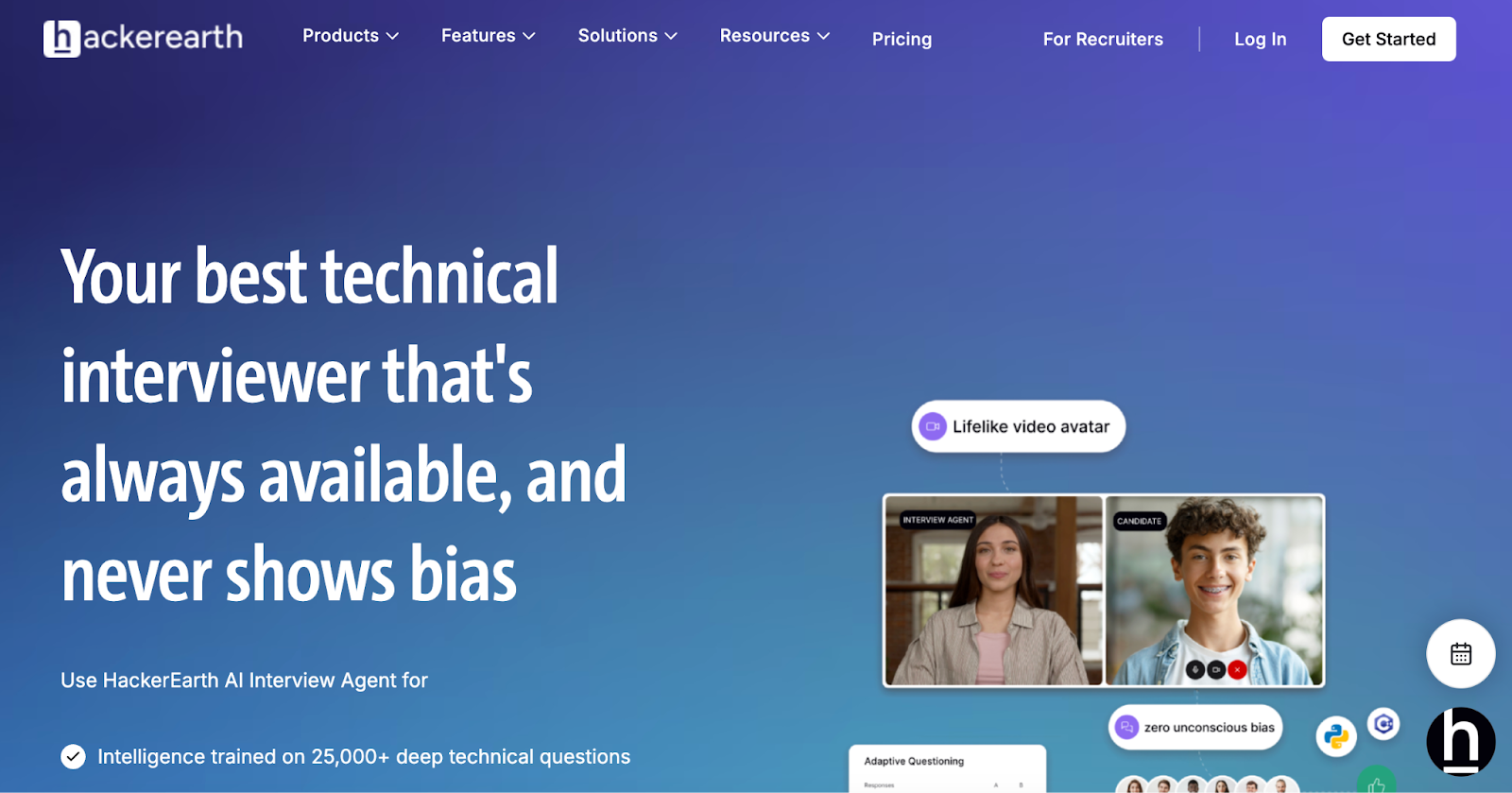
AI-powered interviewer interface for recruiters
HackerEarth’s AI tool automates unbiased tech interviews

HackerEarth Helix and FaceCode together provide a comprehensive, AI-powered solution, tech interview preparation and live coding assessments. Helix helps candidates get interview-ready by offering AI-led mock interviews that simulate real-world scenarios from top tech companies like Google, Amazon, and Meta. 

Candidates can select mock interviews in system design, resume screening, or language/framework-specific tracks, and receive instant Job Ready Scores, skill analysis, and improvement plans. 

FaceCode complements Helix with a collaborative, real-time coding interview environment that automates evaluations and summaries. Its features include a code editor supporting over 40 programming languages, built-in question libraries, HD video chat, and diagram boards for system design assessments. FaceCode allows panel interviews with up to 5 interviewers, stores recordings and transcripts for later review, and supports role-based assessments while masking candidate PII.

What sets this stack apart is the AI Interview Agent, a virtual interviewer available anytime, trained on 36,000+ curated questions. It evaluates both technical and behavioral dimensions, producing structured, bias-free insights without requiring senior engineer involvement.

Built for high-volume, enterprise-grade hiring, HackerEarth integrates seamlessly with ATS workflows, complies with EU-GDPR and EEOC standards, and connects recruiters to a global developer network of 10M+ professionals through Hiring Challenges.

Key features

  • AI-generated questions: Deliver AI-generated interview questions that challenge candidates across technical and behavioral competencies
  • Candidate analysis: Provide a detailed performance analysis highlighting strengths, weaknesses, and actionable improvement suggestions
  • Interviewer assist: Capture real-time notes, transcripts, and auto-summaries to simplify interview evaluation
  • Bias reduction: Apply bias reduction features and PII masking to maintain fair and objective assessments
  • ATS integration: Enable deep integration with ATS to track, organize, and manage candidates efficiently

Best for

  • Technical hiring, developer screening, structured interviews, systems design evaluation

Pros

  • Reduce interviewer workload with AI-assisted evaluation
  • Practice coding and system design anytime without scheduling conflicts
  • Gain comprehensive insights on candidate skills and communication

Cons

  • Does not offer low-cost or stripped-down plans

Pricing

  • Free: $0/interview 
  • Pro: $10/interview
  • Practice: $3/interview

📌Related read: Automation in Talent Acquisition: A Comprehensive Guide

HireVue 

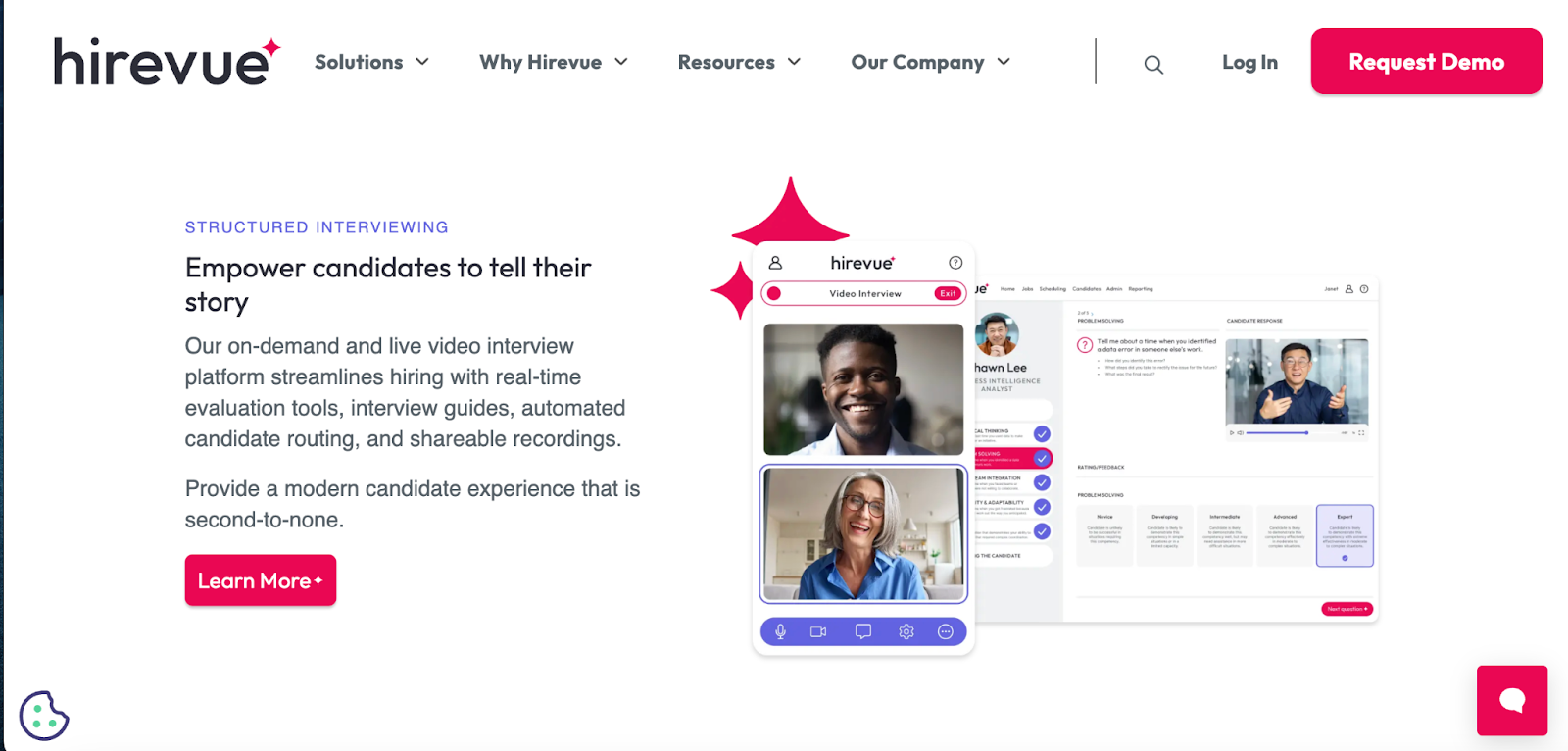
HireVue AI interview platform showing video and candidate scoring
Streamline your hiring with the AI video interview tool

HireVue provides on-demand and live video interviews that let candidates share their story while giving hiring teams real-time evaluation tools. You can automate candidate routing, create structured interview guides, and share recordings effortlessly. 

The platform integrates seamlessly with ATS systems, offers over 1,000 validated, role-specific interview guides, and enables candidates to interview anytime via omnichannel tools such as SMS, WhatsApp, Zoom, Teams, or Webex. It reduces bias, standardizes evaluations, and improves candidate experience with flexible, conversational AI-powered interactions.

Key features

  • Video interviewing: Conduct live or on-demand video interviews that capture candidate skills accurately
  • Interview guides: Build structured, job-specific interviews quickly using validated content libraries
  • ATS integration: Sync seamlessly with your ATS to manage candidates efficiently and reduce redundancies

Best for

  • Structured interviews, candidate engagement, standardized evaluation, and modern recruitment experience

Pros

  • Reduce hiring time with automated routing and interview scheduling
  • Standardize evaluation across multiple interviewers with validated guides
  • Allow candidates to interview anytime, improving flexibility and engagement

Cons

  • Users frequently face scheduling issues with HireVue

Pricing

  • Custom pricing

Vervoe 

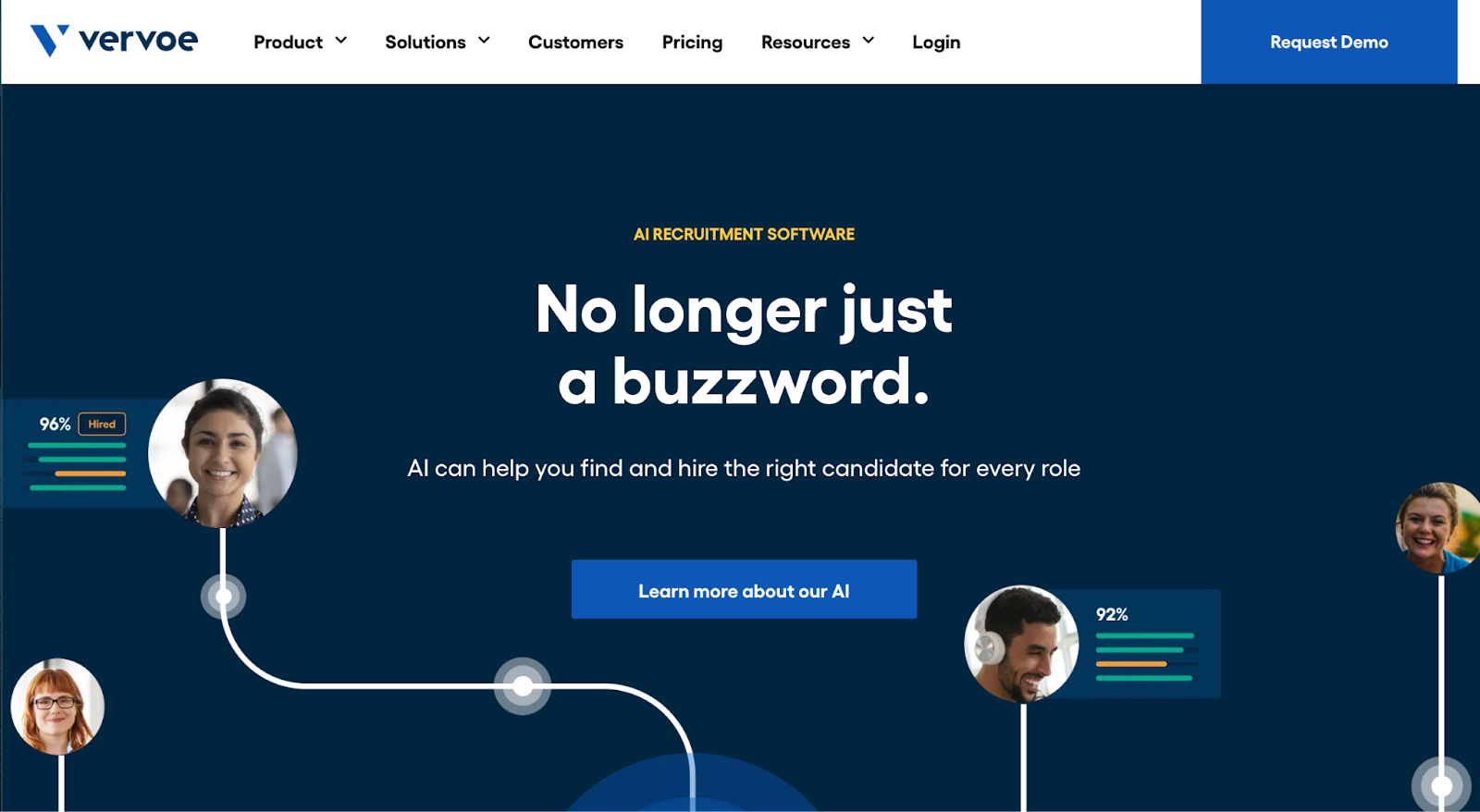
Vervoe AI recruitment software with candidate profile bubbles
Find the right candidate for every role using AI

Vervoe uses AI-powered assessments to evaluate candidates’ job-ready skills while reducing bias. It combines three AI models, such as How, What, and Preference, to track candidate interactions, analyze response content, and incorporate employer-specific preferences. The platform provides personalized grading, scorecards, rankings, and analytics to streamline hiring. 

All personal identifying information is removed to ensure fair assessment, while automated ranking and grading allow hiring teams to identify top talent quickly. Its AI Assessment Builder creates tailored tests for any role.

Key features

  • Personalized grading: Assess candidates’ responses accurately based on role-specific requirements and preferences
  • Candidate scorecards: Generate detailed reports highlighting strengths, weaknesses, and actionable insights
  • AI assessment builder: Create customized assessments quickly by uploading job descriptions or titles

Best for

  • AI-driven candidate evaluation, bias-free assessment, role-specific hiring, skills-based ranking

Pros

  • Reduce bias by removing all personal identifying candidate information
  • Automate grading and ranking to save significant recruiter time
  • Customize assessments to match any job role and skill requirement

Cons

  • Requires initial setup to train the Preference Model effectively

Pricing

  • Free (7 days)
  • Pay As You Go: $300 (10 candidates)
  • Custom: Contact for pricing

*Pay As You Go is charged as a one-time payment. The pricing varies based on the number of candidates.

WeCP 

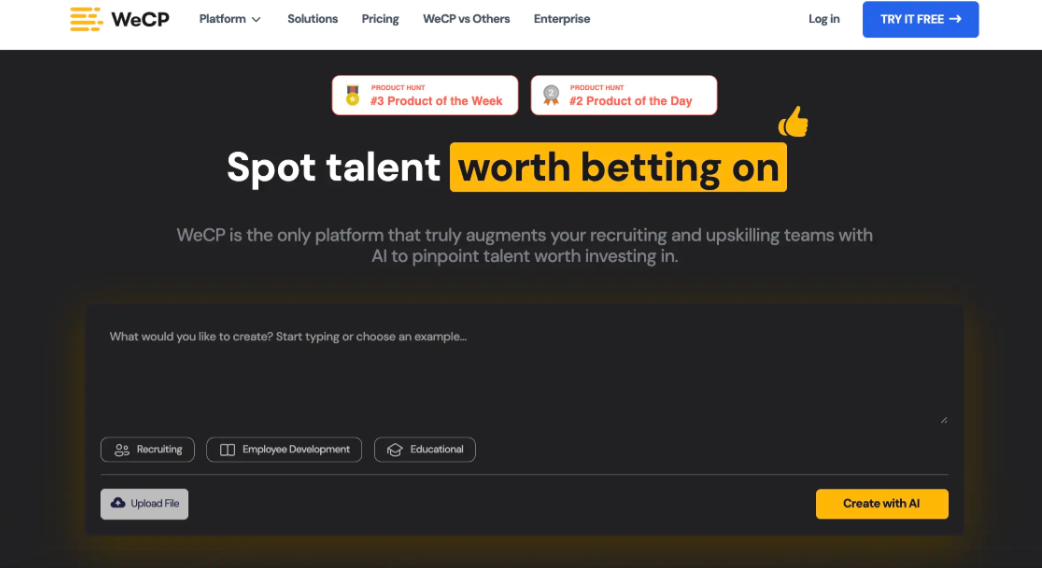
WeCP hiring platform dashboard 
Use AI to upskill and recruit your best employees yet

WeCP’s AI Interviewer streamlines candidate screening with asynchronous video and coding interviews. Automated AI scoring evaluates technical and non-technical roles using structured rubrics, adaptive assessments, and real-time summaries. 

Candidates complete interviews on their own schedule, while recruiters receive instant results, red flags, and skill-based scores. This reduces manual phone screens, accelerates hiring, and ensures consistent, unbiased evaluations across all candidates.

Key features

  • AI-scored interviews: Automate evaluation of coding, video, and text responses using NLP and ML models
  • Asynchronous format: Enable candidates to complete interviews anytime, anywhere, on any device
  • Skill coverage: Evaluate technical and non-technical roles with consistent, role-specific scoring guidelines

Best for

  • Technical hiring, non-technical screening, asynchronous interviews, skills-based evaluation

Pros

  • Access 2000+ customizable, role-specific interview templates quickly
  • Simulate deeper assessments using AI-adaptive follow-up questions
  • Analyze video and voice for communication, confidence, and behavioral insights

Cons

  • The tool can be expensive for small businesses and startups

Pricing

  • Premium: $240/month (Up to 40 candidates)
  • Custom/Enterprise: Custom pricing

📌Suggested read: The 12 Most Effective Employee Selection Methods for Tech Teams

Xobin 

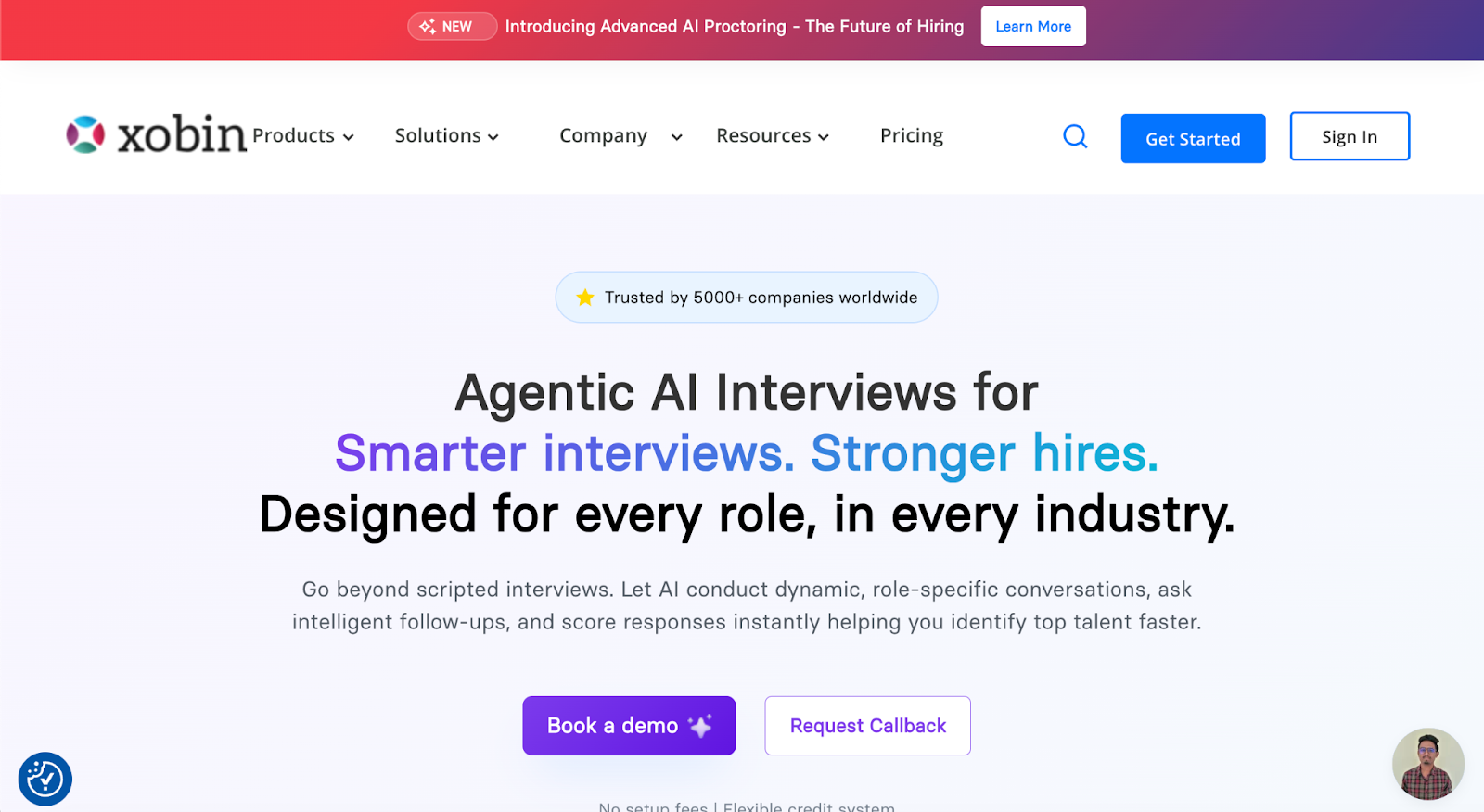
Xobin AI interview tool landing page for smarter, stronger hires
Let AI conduct dynamic, role-specific conversations for hiring

Xobin offers agentic AI interviews that conduct dynamic, role-specific conversations with candidates. The platform adapts questions in real-time, scores responses instantly, and provides actionable analytics on technical skills, communication, and cultural fit. Supporting 29+ languages with structured, bias-free assessments, Xobin eliminates scheduling hassles and costly panel interviews. 

With global coverage across 9,000+ job roles, multi-format questions, and strict enterprise-grade data security, Xobin streamlines hiring while improving completion rates, engagement, and quality of hire.

Key features

  • Adaptive interviews: Enable AI to adjust questions based on candidate responses dynamically
  • Global support: Conduct interviews in multiple languages with real-time translation and adaptation
  • Real-time analytics: Receive instant insights on skills, behavior, and cultural fit

Best for

  • Technical hiring, multi-role screening, global recruitment, AI-powered interviews

Pros

  • Reduce hiring costs by up to 75% with AI-driven interviews
  • Eliminate scheduling conflicts using 24/7 AI interview avatars
  • Access enterprise-grade security with SOC 2, ISO, and GDPR compliance

Cons

  • Fewer ATS integrations than other enterprise-grade tools

Pricing

  • 14-day free trial
  • Complete Assessment Suite: Starting from $699/year

TestGorilla 

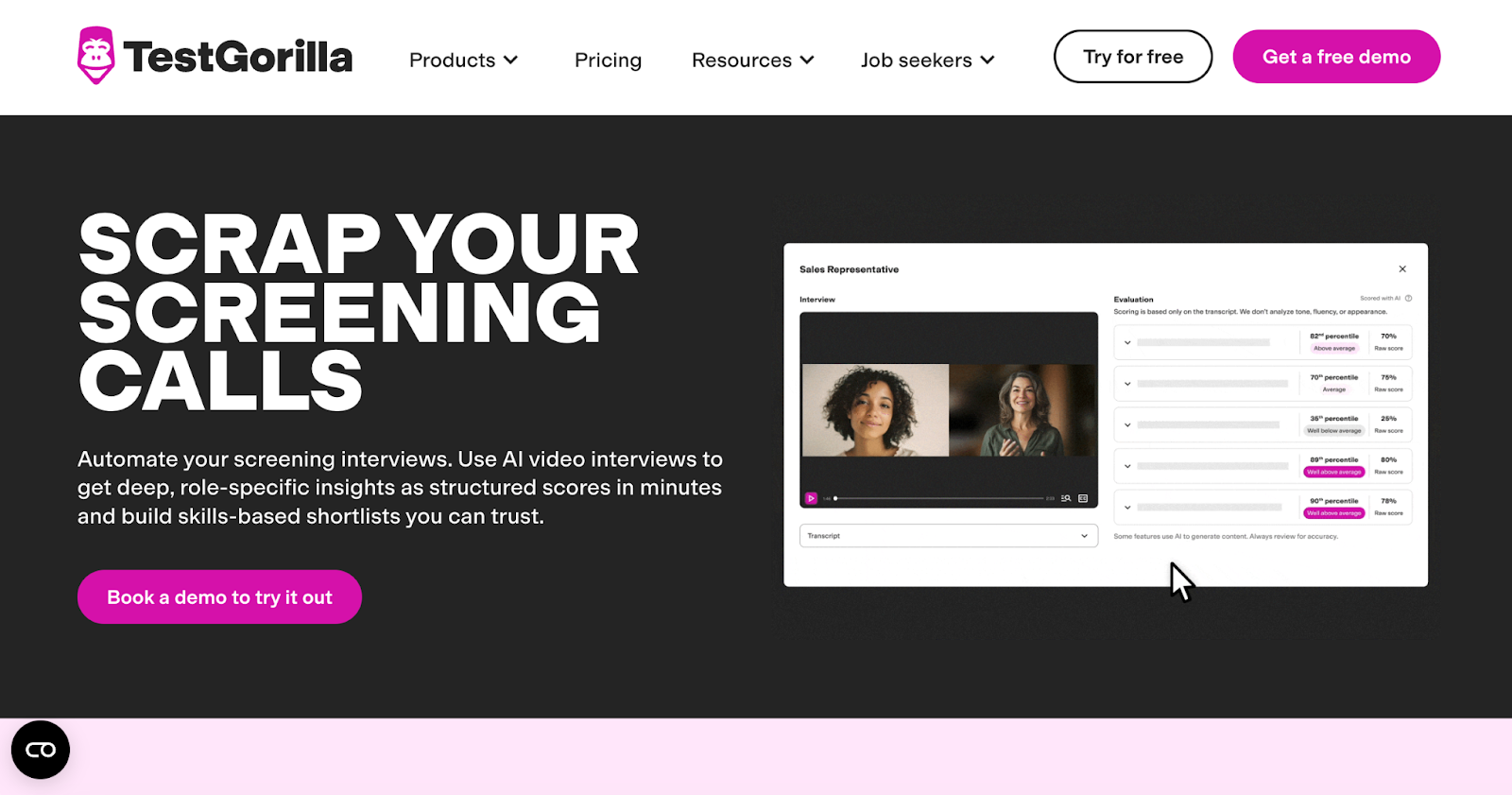
TestGorilla AI video interview screen with scores and transcript
Get skill-based shortlists fast with automated AI scoring

TestGorilla automates candidate screening using AI video interviews that provide structured, role-specific scores. The platform offers conversational AI for high-stakes roles and one-way AI interviews for high-volume hiring. Every response is evaluated against expert-designed rubrics, ensuring fair, explainable, and editable scoring. 

Validated on over 21,000 responses, TestGorilla delivers highly reliable results, continuous bias monitoring, and instant comparisons. Recruiters can override scores, capture STAR-aligned answers, and build skills-based shortlists efficiently, eliminating time-consuming phone screens while maintaining high accuracy and consistency.

Key features

  • AI video: Conduct AI-led interviews capturing dynamic, structured, role-specific responses
  • One-way interviews: Screen high volumes instantly with custom, expert-designed questions
  • Fair scoring: Ensure consistent, explainable, and editable scoring for every candidate

Best for

  • Structured interviews, high-volume hiring, AI-led candidate screening, skills-based shortlisting

Pros

  • Save time by eliminating manual screening calls completely
  • Ensure fairness with validated, structured, and editable AI scoring
  • Capture complete, STAR-aligned answers with dynamic follow-up questions

Cons

  • Lower-tier plans have limitations compared to competitors

Pricing

  • Free
  • Core: $142/month (billed annually)
  • Plus: Contact for pricing

📌Interesting read: Guide to Conducting Successful System Design Interviews in 2025

iMocha

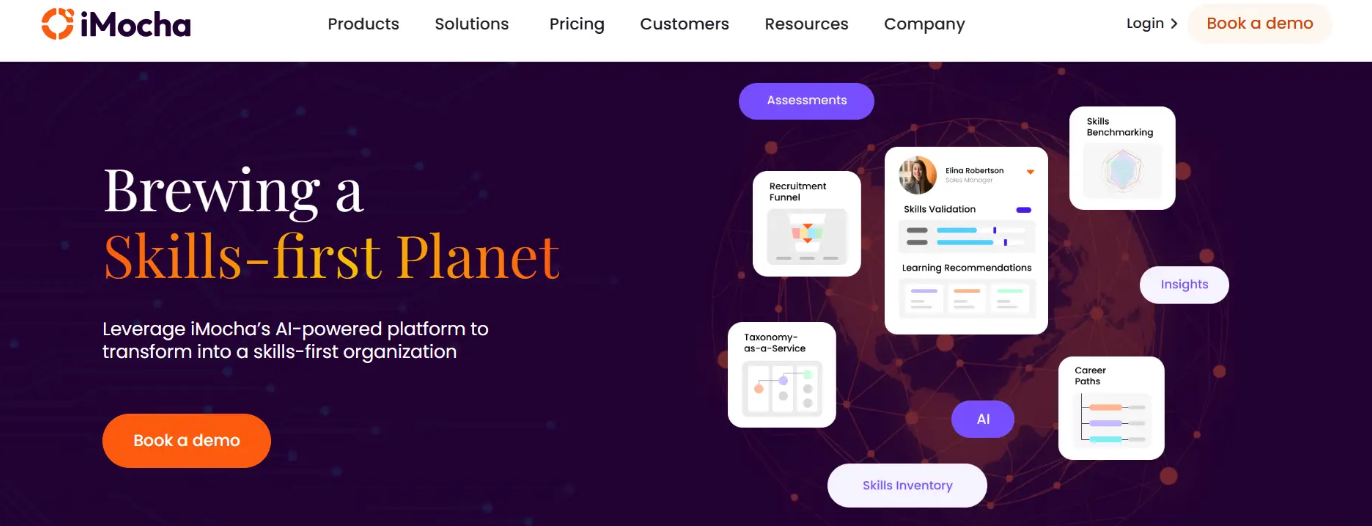
iMocha AI platform for skills-first assessment and hiring
Leverage AI for skills validation & learning recommendations

iMocha is an AI-powered interview platform that enables skills-first hiring. It evaluates candidates across technical, functional, and soft skills using AI-driven assessments, automated and live interviews, and in-depth analytics. 

The platform’s Smart Interview Solutions suite streamlines end-to-end hiring workflows, providing recruiters with precision, speed, and fairness in candidate evaluation while reducing scheduling conflicts and improving shortlisting efficiency.

Key features

  • AI-powered interviewer: Conduct conversational interviews assessing technical, behavioral, and communication skills
  • AI-LogicBox: Evaluate logical thinking and problem-solving through coding simulations
  • Automated video: Enable one-way video interviews for flexible candidate response scheduling

Best for

  • Skills-first hiring, technical and functional assessments, structured interviews

Pros

  • Conduct live coding interviews across 50+ programming languages seamlessly
  • Deliver real-time, unbiased evaluations across multiple candidate skill dimensions
  • Monitor assessments using advanced AI proctoring to prevent cheating

Cons

  • The interface can feel cluttered at times

Pricing

  • 14-day free trial
  • Basic: Contact for pricing
  • Pro: Contact for pricing
  • Enterprise: Contact for pricing

Implementation Roadmap: How to Pilot an AI Interview Tool

When teams first consider adopting AI interview tools, the idea can feel both exciting and a little overwhelming for recruiters and managers. Getting started in a controlled way helps your organization test the platform while gathering meaningful insights from real candidates and hiring teams.

Here’s how teams can get started:

Step #1: Start small

Begin your pilot with one department that regularly conducts interviews and handles high candidate volumes. Focus on testing workflows, observing real results, and gathering meaningful insights before expanding the tool company-wide. 

Starting small allows teams to identify challenges and adapt quickly without overwhelming recruiters or candidates.

Step #2: Key stakeholders

Include all essential participants from day one to get diverse perspectives and ensure smooth adoption:

  • Talent acquisition leads to guide recruitment strategies and provide operational input
  • Legal teams to verify compliance and address privacy concerns
  • IT specialists to support technical setup and integration
  • Hiring managers to evaluate usability and candidate experience

Step #3: Bias testing and feedback loops

Set up regular sessions to review candidate responses, scoring consistency, and interviewer observations. Encourage teams to discuss the relevance, fairness, and overall user experience of the questions. 

Then, capture feedback continuously so adjustments can be made to improve the process and maintain a positive candidate experience.

Step #4: Metrics to track

Measure results using specific metrics to assess impact and adoption success, including:

  • Time to hire to monitor process efficiency
  • Completion rate to understand candidate engagement
  • Interviewer satisfaction to gauge recruiter comfort and workflow effectiveness
  • Candidate NPS to track candidate perception and experience

Combine insights from these metrics with AI tools for interview preparation to provide structured guides, scoring rubrics, and coaching resources for hiring teams. This ensures a fair, consistent, and transparent evaluation process while maximizing the effectiveness of your AI interview tools.

Regulatory and Ethical Considerations

As AI interview tools grow in popularity, companies must carefully consider their legal and ethical responsibilities. Organizations need to address multiple aspects of fairness, transparency, and compliance before deploying these tools widely:

  • Bias & fairness in hiring: Every question and scoring method can influence candidate evaluations, so it is important to watch for unconscious bias. Training hiring teams to spot subtle bias helps maintain fair comparisons, and reviewing AI results regularly keeps hiring decisions equitable while reflecting real potential.
  • Candidate consent & transparency: Candidates need clear explanations of how AI tools for interview preparation work and what information is collected. Sharing instructions on video recordings, scoring methods, and follow-up steps helps build trust and makes the candidate experience feel open and reliable.
  • GDPR, EEOC compliance, explainability standards: Companies must handle personal data carefully while using AI tools. Keeping employment records in compliance with regulations protects both candidates and the company, and designing scoring logic that explains results in simple terms avoids confusion.
  • Risks of black-box models: Avoid using opaque algorithms that make it impossible to understand how decisions are made. Regular audits and testing of AI responses reduce the chance of hidden bias affecting candidate outcomes. 
  • Importance of human oversight: Involve recruiters in reviewing AI-generated scores and interview summaries to catch mistakes or questionable decisions. Combine human judgment with AI suggestions to maintain fairness, accuracy, and a personal touch in all hiring decisions. 

Choosing the Right AI Interview Tool

There are countless options claiming to make hiring faster and fairer, but selecting the right one depends entirely on your team’s specific needs and hiring goals. HackerEarth simplifies recruitment by combining the AI interview tools with clear scoring, making every assessment fast, fair, and structured. The platform also integrates candidate insights into easy-to-read dashboards so hiring teams can make confident decisions without second-guessing results.

However, even with advanced AI, human recruiters must remain involved to review recommendations and maintain fairness across all candidate evaluations. Starting with a small pilot in one department allows teams to refine processes and expand gradually into a full rollout model that works for everyone.

Schedule a demo with HackerEarth to see how the platform improves candidate experience and helps your hiring team focus on real talent evaluation.

FAQs

Are AI interview tools fair?

AI interview tools can provide consistent evaluation across candidates by objectively scoring answers. They reduce human bias in certain areas, but combining AI insights with human judgment ensures fairness and an accurate assessment of a candidate's potential.

What kind of interviews work best with AI?

AI performs best in structured interviews that focus on skills, coding challenges, and scenario-based problem solving. These formats allow AI to evaluate answers consistently while providing meaningful feedback for both technical and soft skill assessments.

How to use AI-powered interview tools?

Start by selecting the roles and skills you want to assess. Configure assessments, run pilot interviews, and review AI-generated scores alongside human evaluations to refine the process before scaling across multiple teams or departments.

What do users say about AI mock interview tools?

Users appreciate the time-saving and structured approach of AI mock interviews. HackerEarth, for example, receives positive feedback for combining skill-based assessments with clear scoring, giving candidates actionable insights and improving confidence before real interviews.