12 Best Recruitment Marketing Platforms in 2026
Recruitment marketing platforms have moved from "nice to have" to a line item most talent teams now have to justify — or replace with an expanded ATS. A recruitment marketing platform (RMP) is software that promotes open reqs, nurtures candidate pipelines, and measures campaign performance across channels. It typically sits above the ATS, driving awareness and engagement before candidates enter the applicant tracking workflow — though several tools in this list (Workable, Jobvite, Freshteam, Manatal) blur that line by bundling full ATS functionality alongside recruitment marketing features.
If you're a recruiter or head of talent acquisition evaluating where to invest, the question isn't whether to adopt a recruitment marketing platform — it's whether a dedicated tool will outperform expanding your current ATS or CRM. This guide compares 12 recruitment marketing platforms and where each fits.
Here's the contrarian take up front: for teams hiring fewer than 50 people a year, a dedicated RMP is often overkill — an ATS with a decent careers page and email templates will do the same work. RMPs earn their keep when you're running always-on pipelines, competing for scarce talent, or measuring channel-level cost-per-hire seriously.
When evaluating platforms, useful editorial criteria include:
- Integration depth across job boards, CRM, and analytics
- Automation that reduces repetitive recruiter tasks without depersonalizing candidate communication
- Reporting that surfaces cost-per-hire, time-to-fill, and channel performance
- AI features with transparent training data and clear limitations
Disclosure: HackerEarth publishes this comparison and is one of the platforms reviewed. We've aimed for even-handed treatment across all tools.
What is recruitment marketing software?
While the intro defined the category, the practical scope is worth unpacking. Recruitment marketing software supports three overlapping functions that recruiters typically stitch together with separate tools:
- Job promotion and audience building — distributing listings to targeted audiences and building segmented lists by location, function, or seniority
- Candidate management — running career sites and tracking every stage of the candidate pipeline from awareness to application
- Candidate relationship management (CRM) — maintaining long-term connections with qualified candidates through personalized communication and data insights
The category is also expanding as AI reshapes candidate analytics. Recruiters evaluating tools should prioritize platforms with transparent analytics dashboards and reporting, not just automation features — and ask vendors specifically what their AI is trained on and where it falls short.
Why use recruitment marketing platforms
Recruitment marketing platforms help talent teams meet candidate expectations for personalized experiences, quick responses, and genuine engagement. Hiring competition remains intense, and these tools help build connections with talent over time.
This section focuses on business outcomes — what a recruiter or head of TA can expect a recruitment marketing platform to move on the P&L. The Features section below covers the mechanics.
Filling reqs faster in a tight applicant market
According to SHRM's 2025 Talent Trends research, about half of hiring difficulties in 2025 came from low applicant volume and stiff competition (SHRM 2025 Talent Trends; figure to be confirmed against primary SHRM dataset).
For recruiters, this translates into practical outcomes:
- Broadcast reqs across regions where candidates are actually available
- Build a warm pipeline of candidates who aren't applying yet but might
- Reduce dependence on any single job board
Strengthening employer brand at the top of funnel
A recruitment marketing platform can support employer brand work through customizable career sites, social campaigns, and consistent messaging across touchpoints. That said — and this is worth stating plainly — employer branding ROI is harder to measure than cost-per-hire, and most platforms don't fully solve that gap. Press vendors on how brand impact is attributed, not just how activity is tracked.
Reducing manual work
Recruiters spend meaningful time on repetitive tasks: posting reqs, screening resumes, scheduling, and follow-ups. Recruitment marketing platforms with AI-assisted workflows can shift some of that load, though the quality of the automation varies widely between vendors.
Measuring channel and campaign performance
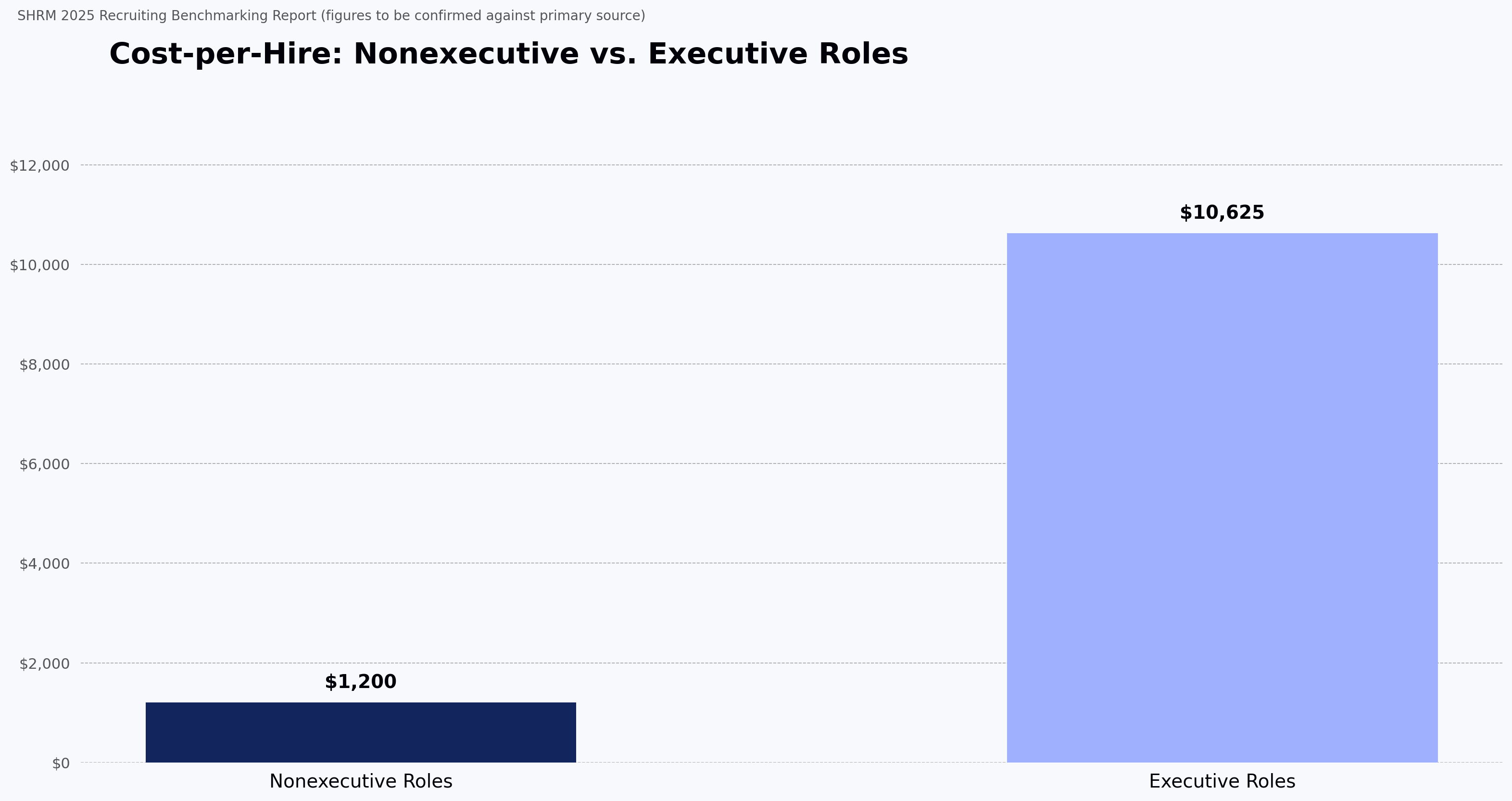
If you can't measure how your hiring efforts perform, you're making decisions without knowing what drives results. SHRM's 2025 recruiting benchmarking report cites cost-per-hire figures of roughly $1,200 for nonexecutive roles and $10,625 for executive roles (SHRM; figures to be confirmed verbatim against the SHRM primary source PDF). That gap matters when evaluating a platform: if a tool can't attribute spend to executive vs. nonexecutive pipelines, its reporting won't help you justify budget where it hurts most. A recruitment marketing platform earns its keep when its dashboards let recruiters track engagement, cost-per-hire, time-to-fill (TTF), and channel performance in one view — and adjust before campaigns lose momentum.
Features of recruitment marketing platforms
The features below separate a functional recruitment marketing platform from a job board. This section focuses on the depth of each capability — the "why use" section above covers the outcomes.
Personalization and targeted messaging
Personalization here means the mechanics: segmentation logic, dynamic content in email templates, and rules-based branching for outreach sequences.
Look for:
- Segmentation by function, location, seniority, or source
- Branded templates with dynamic fields for role, recruiter, and stage
- Passive candidate campaigns with clear opt-in and opt-out flows
Candidate engagement and communication
Communication quality drives candidate experience. Recruitment marketing platforms let teams reach candidates via email, chat, social, and career sites from a single console — reducing the tab-switching that eats a recruiter's day.
These channels support:
- Multi-channel messaging (email, SMS, social, career pages)
- Career site chatbots for common candidate questions
- Automated status updates to reduce ghosting during the process
Analytics and reporting
Reporting depth is where recruitment marketing platforms diverge sharply. Some research suggests automation can reduce hiring time and cost-per-hire when applied to well-defined workflows, though the strength of the underlying evidence varies. Common analytics features include:
- Dashboards tracking engagement, conversions, and costs
- Reports showing best-performing channels
- Real-time alerts for campaign issues
Automation depth
Where the "why use" section covered what automation reduces, the differentiator between platforms is how automation is configured. Look for:
- Rules-based routing that can be tuned per role type
- Automation logs that let recruiters audit what was sent and when
- Human-in-the-loop options for outreach that reflects the employer brand
Top 12 recruitment marketing platforms in 2026: comparison table
Here is a side-by-side look at 12 recruitment marketing platforms. G2 ratings shift frequently, so instead of listing a snapshot that will be stale within weeks, this table uses primary differentiator as the comparison column. G2 profiles for each tool were reviewed during editorial research in November 2025; readers should check current G2 scores before purchase decisions.
| Tool | Ideal for | Key features | Pros | Cons | Primary differentiator |
| HackerEarth | Technical hiring, coding assessments, and campus hiring | Coding assessment library across 40+ languages, integrated proctoring, OnScreen (AI-led interviews) and FaceCode (interviewer-led coding interviews), campus event support | Broad coverage of 1,000+ technical skills; developer community reach | Weighted toward technical roles; less depth for non-tech marketing pipelines | Only platform combining assessments, AI-led interviews (OnScreen), and interviewer-led coding interviews (FaceCode) in one workflow |
| Recruit CRM | Small-to-mid recruitment agencies | Candidate tracking, automation workflows, Chrome extension for LinkedIn sourcing | Intuitive interface, agency-friendly workflows | Enterprise-scale reporting is thin; add-on cost for advanced modules | Purpose-built for staffing agencies rather than in-house teams |
| Workable | Mid-sized companies wanting ATS + recruitment marketing in one | ATS, sourcing tools, job board integrations, reporting | Strong usability, broad job board syndication | Custom workflow builder is limited compared to Greenhouse or Lever | ATS + RMP in a single subscription |
| Textio | Teams focused on inclusive job descriptions | AI-driven writing suggestions, bias reduction, JD performance insights | Improves engagement and inclusivity in job ads | No ATS, no sourcing — a writing layer only | Language optimization based on outcome data from prior job postings |
| LinkedIn Recruiter | Passive talent sourcing and outreach | Large professional network access, advanced search filters, outreach tools | Massive reach, trusted brand | Expensive per-seat pricing; InMail response rates have declined | Access to LinkedIn's proprietary profile graph |
| DevPost | Hackathon-driven talent sourcing | Challenge hosting, community sourcing, developer pipeline building | Strong developer community presence | Not a complete recruiting platform; event-dependent | Talent pool visible through project outputs, not resumes |
| Jobvite | Enterprises needing a full TA suite with recruitment marketing | ATS, CRM, recruitment marketing, targeted engagement | Broad recruitment marketing capabilities | Long implementation timeline; integration gaps with some HRIS platforms | End-to-end TA suite in one vendor |
| Snov.io | Outreach and sourcing for small teams | Lead generation, email drip campaigns, candidate sourcing | Strong outreach automation | Not an ATS; candidate database is thinner than dedicated sourcing tools | Email verification and drip cadences priced for small teams |
| PowerToFly | Diversity hiring and employer branding | Job posting, sourcing, employer brand content, diversity-focused community | Strong for niche and diversity hiring | Smaller review base; limited enterprise features | Curated diverse candidate community |
| Freshteam | Growing companies needing ATS + basic HR tools | Job posting, applicant tracking, basic HR features | Easy to use, well-rated | Freshworks is sunsetting new Freshteam signups in some markets; verify availability | Bundled with the broader Freshworks HR stack |
| Manatal | Budget-conscious teams and staffing agencies | Applicant database, LinkedIn sourcing, AI recommendations | Aggressive pricing, high user ratings | Custom reporting is limited; fewer native integrations than Workable | Lowest per-seat cost among ATS + RMP hybrids |
| Unstop | Early-talent sourcing and campus hiring | Hackathons, competitions, student engagement, campus branding | Strong for fresher and student pipelines | Not suited for experienced-hire workflows | Campus and early-career talent community in India and South Asia |
Platform profiles
The tools below serve different segments of the recruitment marketing platforms category. No single tool wins across every dimension — each has clear strengths and trade-offs.
1. HackerEarth
Use HackerEarth to recruit and assess developers
HackerEarth provides a platform to attract, evaluate, and engage technical talent, aimed at hiring managers filling developer reqs. Its Skill Assessments cover 1,000+ skills across 40+ programming languages, and extend to non-technical roles including sales, customer support, and finance. OnScreen, HackerEarth's AI-led interview product, is positioned as the only product combining in-depth interviewing, integrated proctoring, and KYC-grade identity verification in a single workflow — its evaluation framework is deterministic (same input produces the same score), and it is trained on HackerEarth's own historical interview and assessment data, with limits when applied to entirely novel role types.
Best for: Technical hiring teams focused on developer roles, campus tech hiring, and skill-based assessments.
Trade-offs: Weighted toward technical hiring; teams whose primary need is non-tech marketing pipelines will find deeper category-specific tooling elsewhere.
Pricing
Pricing varies by plan tier and usage; contact HackerEarth for current pricing.
2. Recruit CRM
Use Recruit CRM as your all-in-one ATS and CRM
Recruit CRM offers agencies and recruitment teams an ATS and CRM that combine candidate management, client outreach, and workflow automation in a single system. The software supports job posting, candidate sourcing, client outreach, and automated workflows — reducing the number of separate tools an agency recruiter needs to open in a typical day.
Recruit CRM self-reports use by agencies in 100+ countries; this is a vendor claim and has not been independently verified.
Key features
- Automate resume parsing, job posting, and candidate tracking
- Source leads, maintain candidate engagement, and build client relationships
- Use Chrome extension, Boolean search, and 5,000+ integrations
Pros
- One system for ATS, CRM, and candidate engagement
- Access to integrations, workflow automation, and analytics
Cons
- Reporting depth is limited compared to enterprise ATS platforms like Greenhouse
- Add-on modules (advanced analytics, executive search features) carry separate cost
Pricing
According to Recruit CRM's pricing page (retrieved November 2025; verify before purchase):
- Pro: $100/month per user
- Business: $150/month per user
- Enterprise: $165/month per user
3. Workable Recruiting
Use Workable's ATS and sourcing suite to hire
Workable combines hiring, sourcing, evaluation, and brand marketing into one platform. It delivers a hiring and HR system that helps recruitment teams attract, engage, and convert candidates while managing the candidate journey.
Workable self-reports job posting to over 200 job boards and passive candidate sourcing from a database of over 400 million profiles — both are vendor-reported figures and have not been independently verified. The AI outreach features generate suggested candidate messages based on job description and profile data, with human review before sending.
Key features
- Post reqs to 200+ job boards (vendor-reported) and major social platforms
- Source passive candidates from a vendor-reported 400m+ profile database
- Build branded careers pages, manage talent CRM, automate scheduling
Pros
- Broad job syndication and branded career site
- Mobile-friendly applications, SMS outreach, and personalized emails
Cons
- Custom workflow builder is limited compared to Greenhouse or Lever
- Advanced AI sourcing and branded career site features sit behind the higher-tier plan
Pricing
According to Workable's pricing page (retrieved November 2025; verify before purchase):
- Standard: $299/month (1-20 employees)
- Premier: $599/month (1-20 employees)
4. Textio
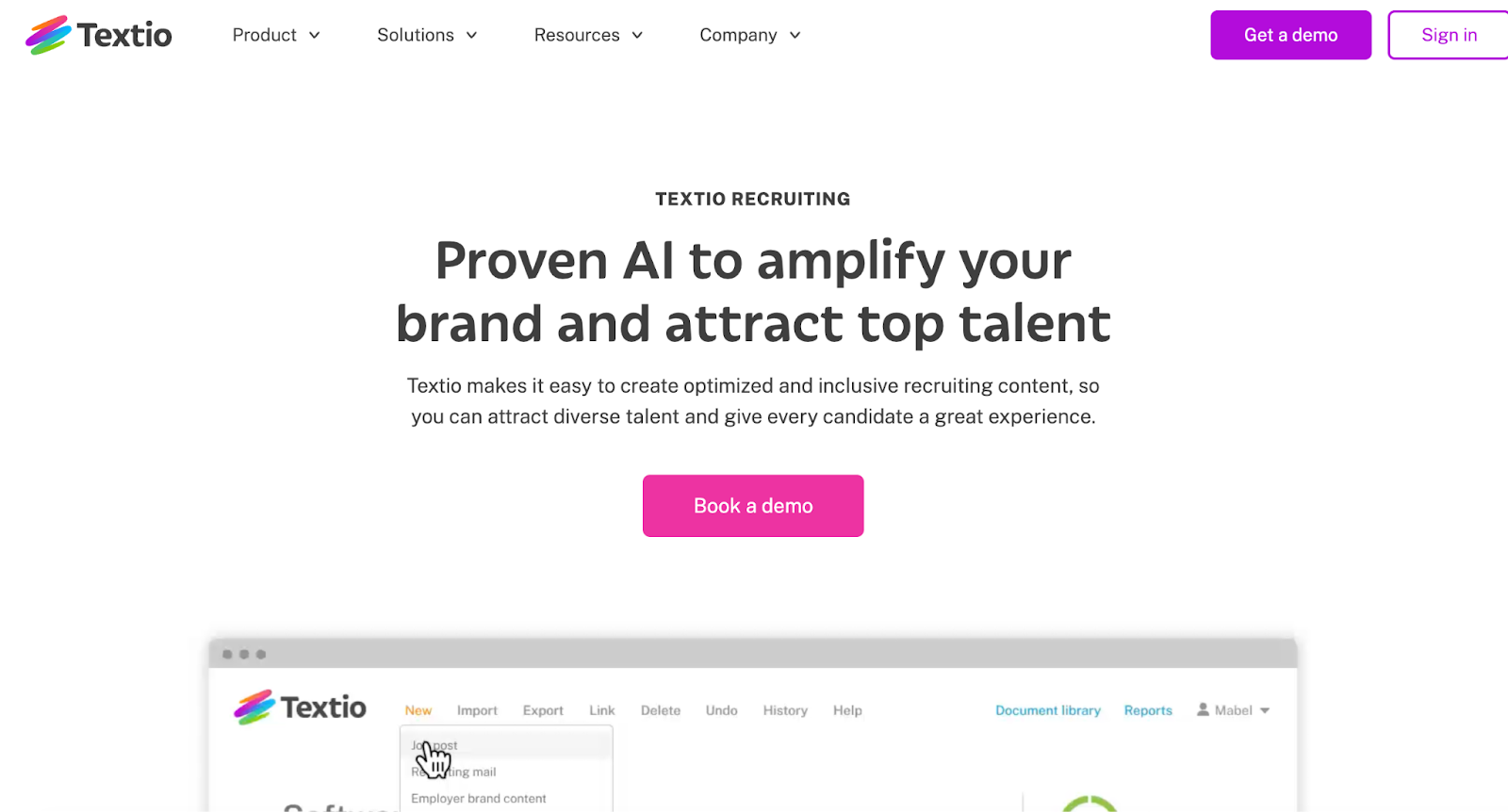
Use Textio's AI to strengthen your recruiting content
Textio helps teams write recruiting content with data-driven language suggestions. The AI is trained on language patterns from job postings and their outcomes, and provides writing suggestions on tone, inclusivity, and phrasing; it does not replace human authorship, and per user reports, suggestions may have limits when applied to highly specialized or niche roles.
It integrates with the recruiting workflow so managers and recruiters stay on-brand across every touchpoint.
Key features
- Write job descriptions, sourcing emails, and career content with predictive language insights
- AI-powered guidance and custom brand rules for consistent tone
- Integrates with your ATS, HRIS, and writing tools
Pros
- Broader candidate pools via inclusive language and bias-aware feedback
- Higher candidate response rates through optimized messaging
Cons
- No ATS or sourcing capability — Textio is a writing layer only
- Weak draft inputs still need human editing before the AI adds value
Pricing
- Custom pricing
5. LinkedIn Recruiter
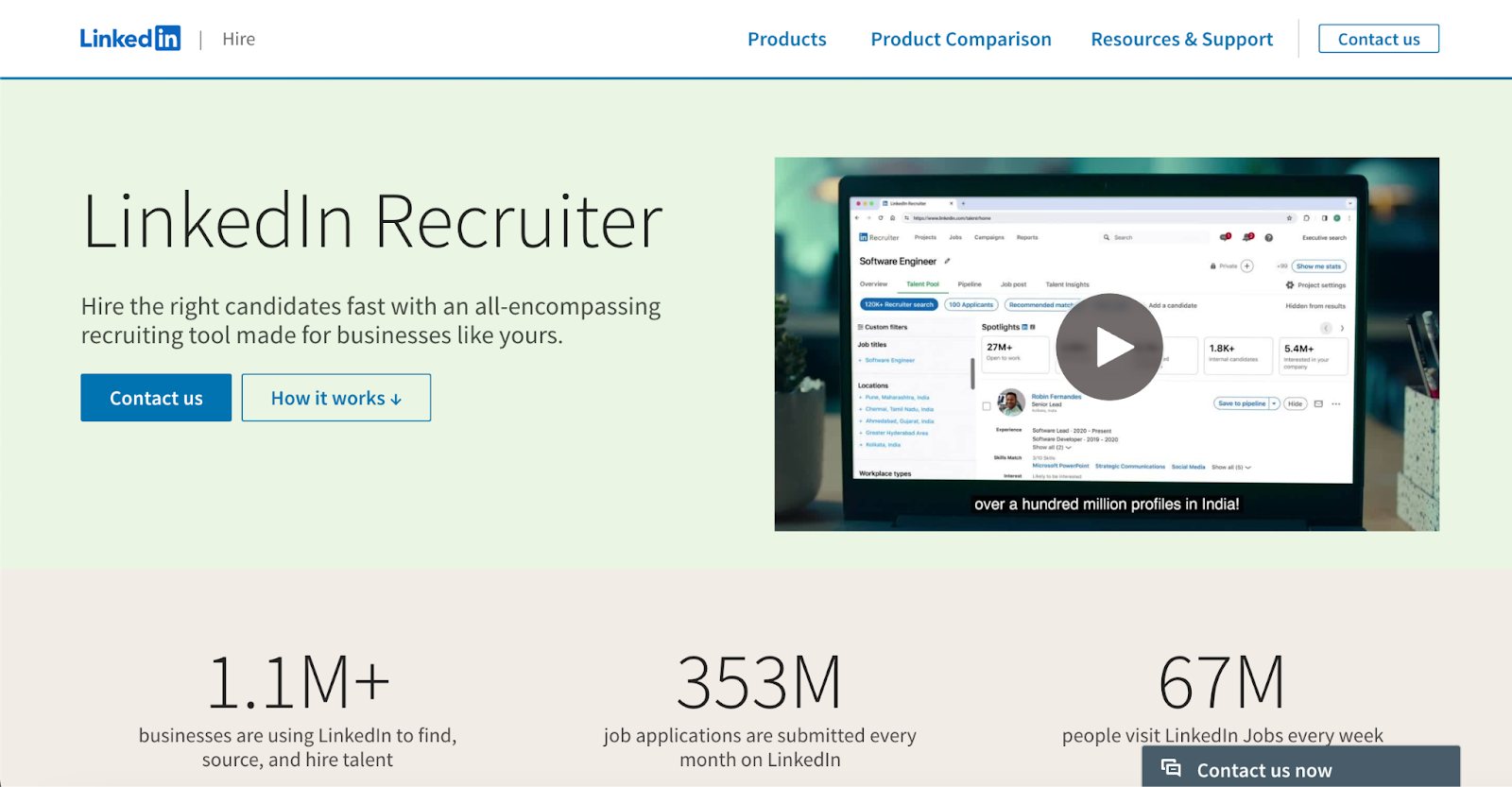
LinkedIn Recruiter helps businesses find and hire talent
LinkedIn Recruiter allows recruiters to find talent globally while reducing time on repetitive tasks. Per LinkedIn's own product documentation, the platform uses AI to personalize outreach, surface qualified candidates, and manage pipelines. LinkedIn states the AI draws on its professional profile and interaction data; these training data details come from LinkedIn's public documentation and have not been independently verified. Candidate accuracy depends on profile freshness, and AI recommendations reflect existing platform biases.
Recruiters can send InMails directly, track responses, and collaborate with hiring teams in one place. Integration options connect it with ATS, CRM, and email systems.
Key features
- AI-assisted search and advanced filters
- Personalized InMail messages and automated follow-ups
- Integrates with ATS, CRM, and email systems
Pros
- Access to a large base of verified professional profiles
- Track candidate activity and team collaboration in one platform
Cons
- Per-seat pricing scales aggressively for teams above 5 recruiters
- Reported InMail response rates have declined as recruiter outreach volume has grown
Pricing
- Custom pricing — see LinkedIn Talent Solutions for a quote
6. DevPost
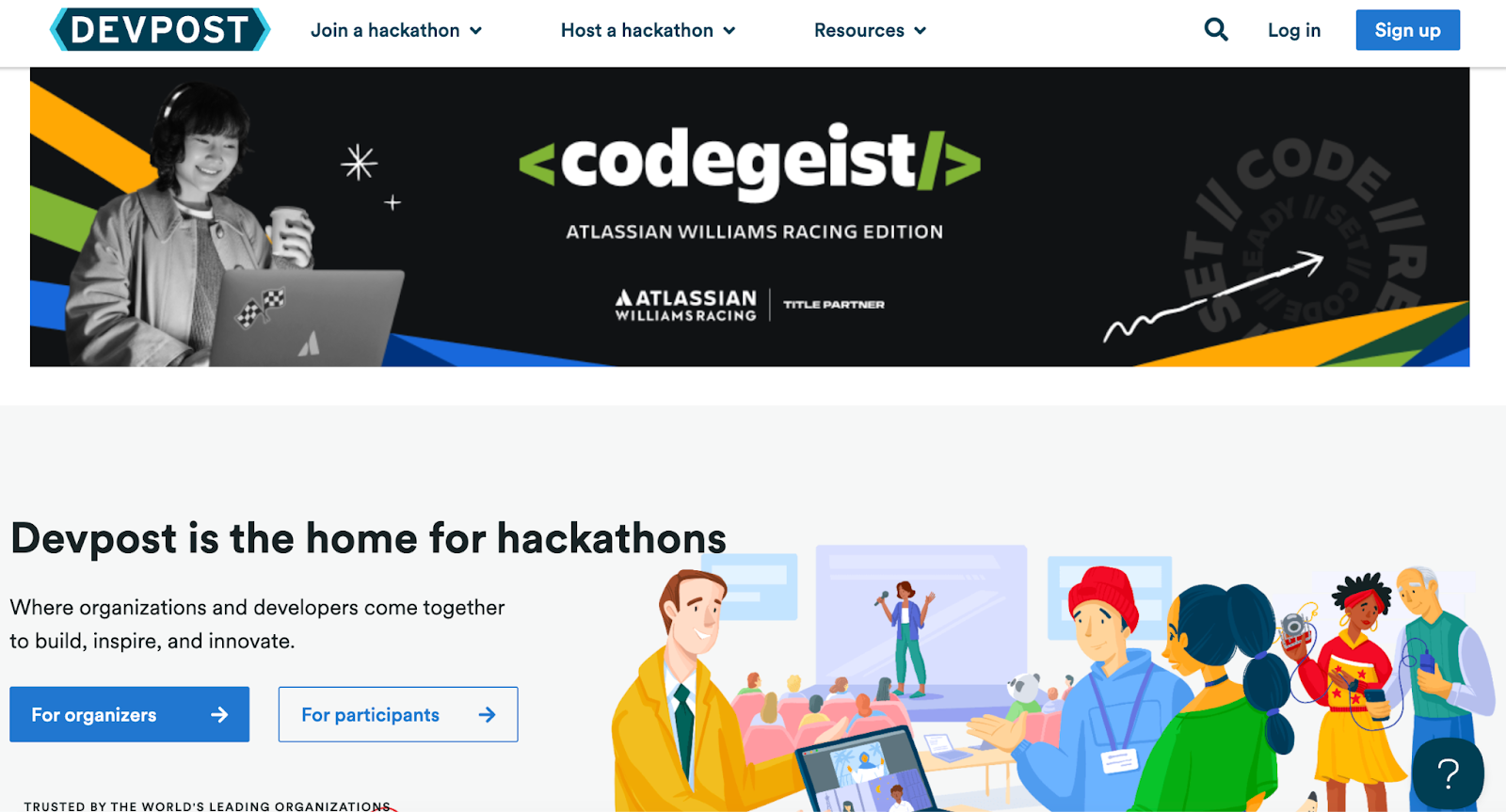
Host a hackathon on Devpost to recruit engineers
DevPost gives organizations a platform where developer communities meet and build real projects, letting recruiters spot emerging talent through public hackathon activity and portfolios.
The platform helps companies host branded coding events, engage skilled developers, and showcase their employer brand. Recruiters can review project outcomes and invite participants into hiring pipelines.
Key features
- Host branded hackathons and coding challenges
- Review participant portfolios and project outcomes
- Integrate DevPost participant data with your ATS or CRM
Pros
- Reach developers who have already demonstrated skills in live challenges
- Build employer brand through event sponsorship and community engagement
Cons
- Requires timed event participation, which limits the candidate pool for traditional roles
- Depends on developer willingness to participate in public projects
Pricing
- Custom pricing
7. Jobvite
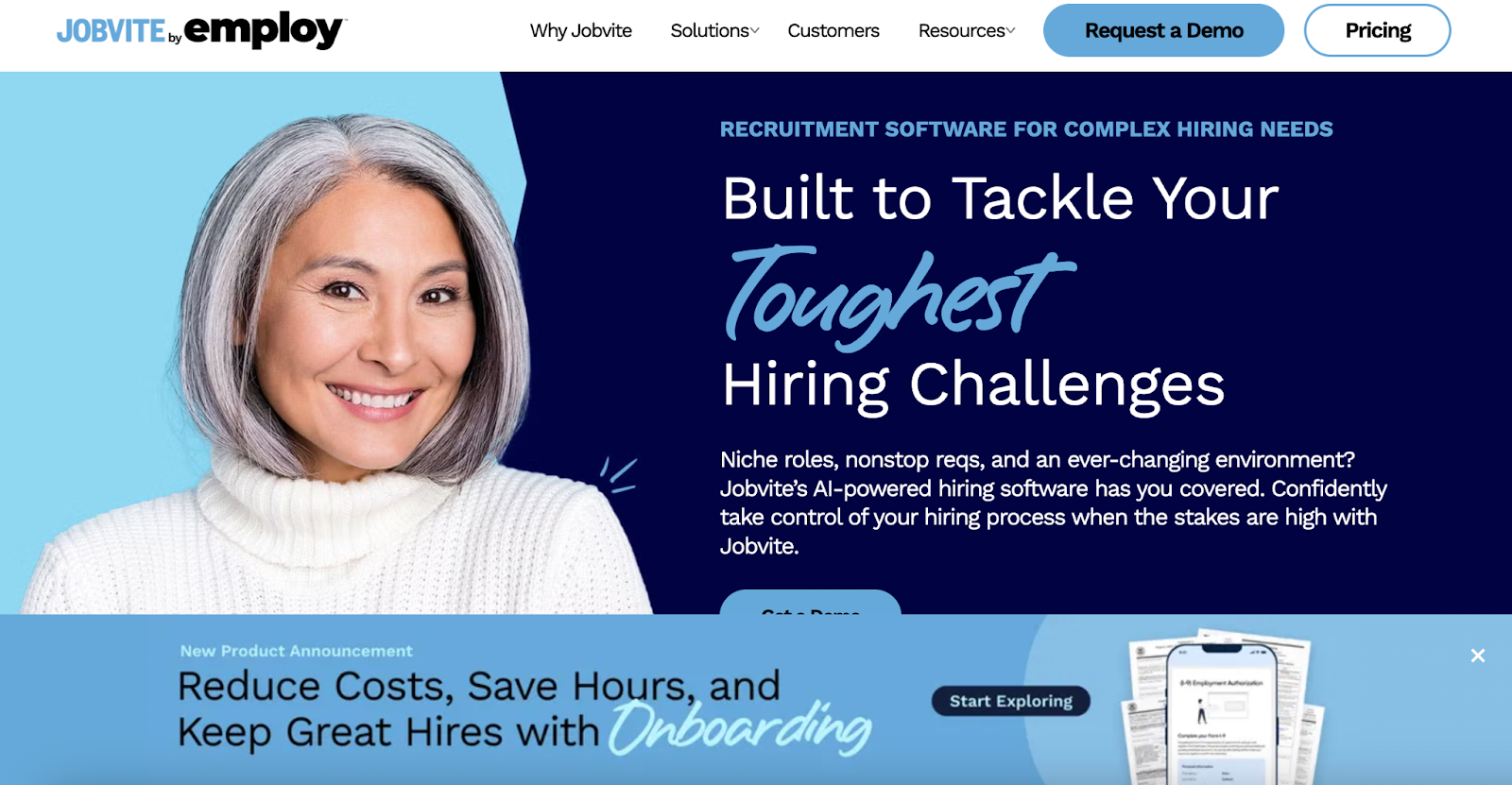
Jobvite's platform tackles complex hiring challenges
Jobvite delivers a hiring system for mid-sized and large organizations managing competitive talent acquisition. The platform supports sourcing, candidate outreach, onboarding, and analytics.
According to Jobvite, its AI matching engine ranks applicants based on resume and job description data and is trained on Jobvite's historical applicant-hire outcomes — this is a vendor claim and has not been independently verified. As with most matching engines, it has limits when applied to novel roles with little historical data.
Key features
- AI-based candidate matching and ranking
- Branded campaigns and career sites
- Automated sourcing, communication, and scheduling
Pros
- Candidate matching supported by AI recommendations
- Broad recruitment marketing capabilities
Cons
- Implementation typically runs 3–6 months for enterprise deployments
- Integration gaps with some HRIS platforms (verify against your stack before signing)
Pricing
- Custom pricing
8. Snov.io
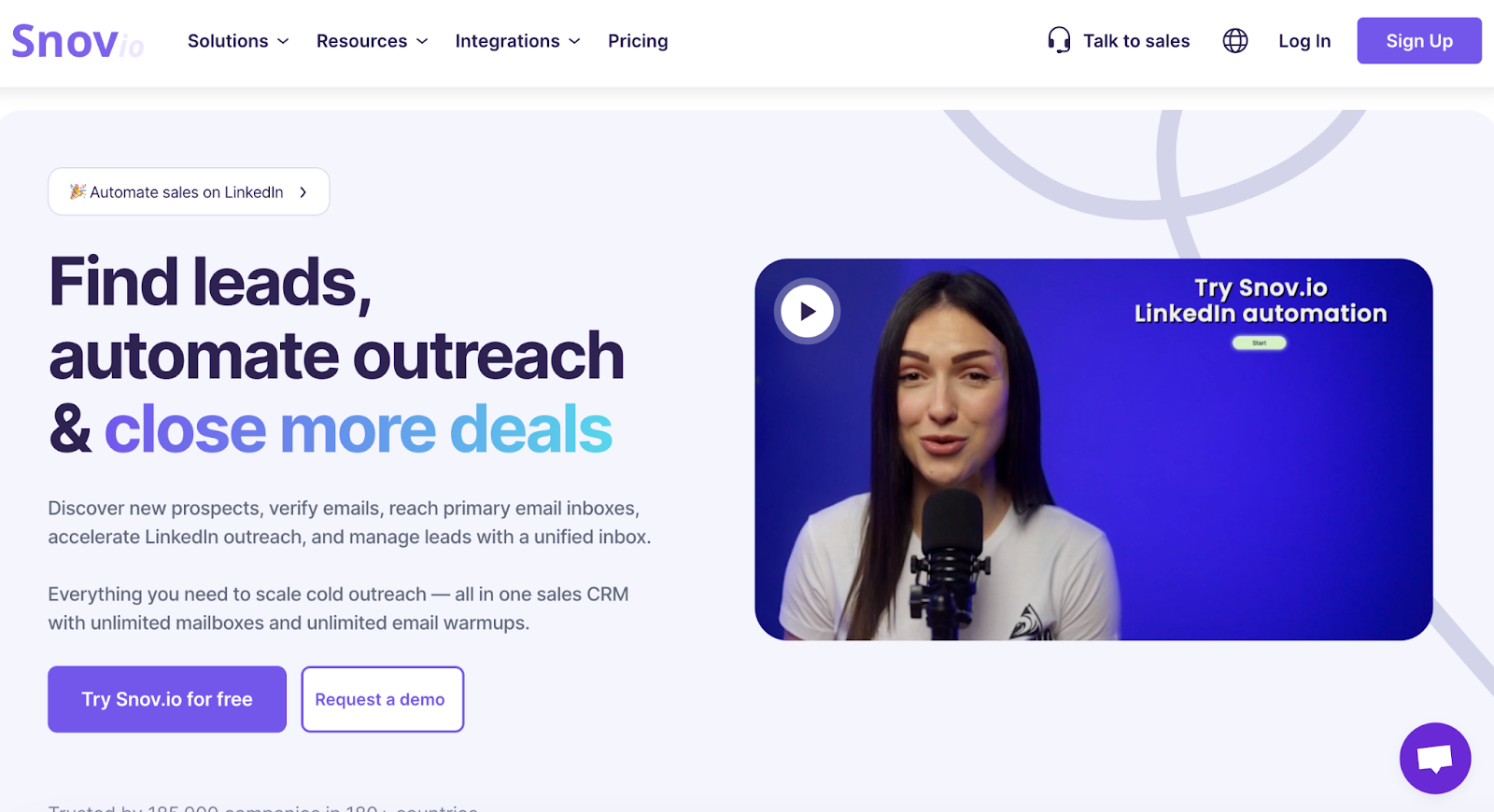
Use Snov.io to automate emails to candidate leads
Snov.io lets recruitment teams discover verified candidates, automate outreach campaigns, and manage lead flow. The platform supports email finding and verification, LinkedIn outreach automation, response tracking, and inbox management.
Snov.io self-reports 5,000+ app integrations and unlimited sender accounts — vendor-reported figures, not independently verified. These are useful for teams running high-volume sourcing sequences.
Key features
- Search and verify candidate contact details
- Launch personalized multi-channel outreach campaigns
- Connect with your ATS, CRM, and recruitment workflow
Pros
- Candidate leads and outreach metrics
- Automated follow-up messaging and sequences
Cons
- Native candidate database is thinner than dedicated sourcing tools like SeekOut or hireEZ
- Data enrichment delays during high-volume outreach
Pricing
According to Snov.io's pricing page (retrieved November 2025; verify before purchase):
- Starter: $39/month
- Pro: From $99/month
- Custom Ultra: Custom pricing
9. PowerToFly