8 min read
10 best recruiting software platforms of 2026
Recruiting software is a category of tools that automate sourcing, screening, interview coordination, and offer management so hiring teams can move faster with less manual work. The best recruiting software combines an applicant tracking core with assessment, analytics, and integration layers that map to how recruiters actually run reqs and pipelines.
This guide compares 10 platforms across features, pricing, and fit — with a working thesis: for most tech-hiring teams, a dedicated skills assessment platform paired with a lightweight ATS produces better candidate-quality signals than an all-in-one suite. Where an all-in-one suite fits better, we say so.
According to the 2025 SHRM State of the Workplace report, recruiting was among the most-cited HR challenges in 2024, contributing to rising workloads and burnout across many teams. That pressure is what recruiting software is meant to relieve.
What makes a great recruiting platform?
A great recruiting platform reduces the recruiter's manual load at three specific stages — sourcing, screening, and scheduling — while producing decision-grade data at each. The features below map to those stages; they are not a checklist of every possible module.
- AI-assisted candidate screening: Software that ranks or filters applicants against role criteria. The underlying models are typically trained on resume text, structured application data, and (for skills tools) test performance. Limits: models inherit the biases of their training data and should be audited, not trusted blindly.
- ATS integrations: Direct connectors to the ATS of record so candidate status, notes, and stage changes sync without CSV exports.
- Proctoring signals: Tab-switch detection, webcam snapshots, and browser lockdown for take-home tests. These are signals, not verdicts.
- Reporting on funnel and outcome metrics: Pass-through rates by stage, source performance, time-in-stage, and post-hire performance where available.
- Skills-based assessments: Role-specific tests that evaluate what a candidate can do, not what their resume says. Especially load-bearing for technical hiring, where resume signal is noisy.
- Volume handling: Support for concurrent test-takers and campaign-scale hiring events without per-seat throttling.
📌 Related reading: The mobile dev hiring landscape just changed
The 10 best recruiting software platforms: at a glance
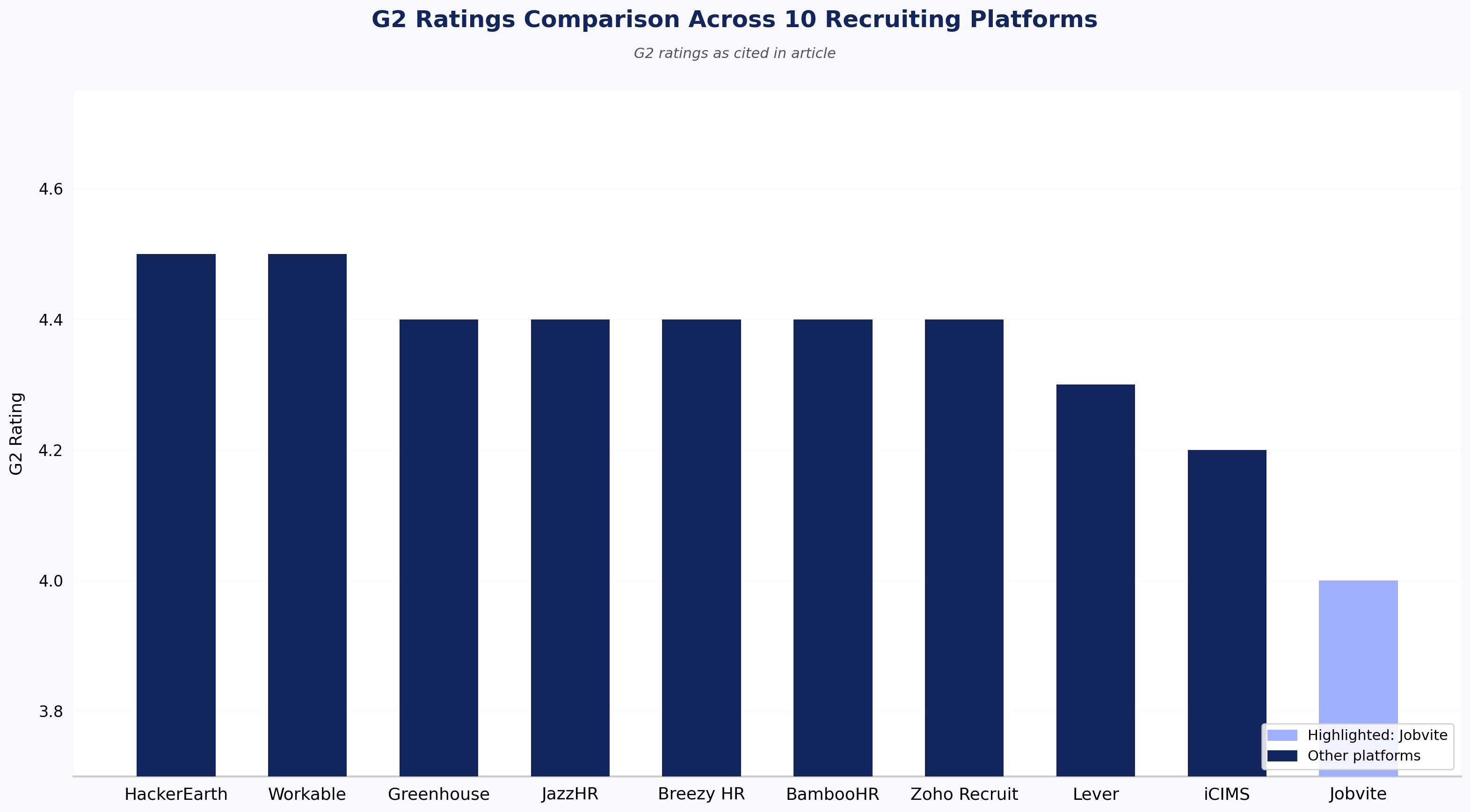
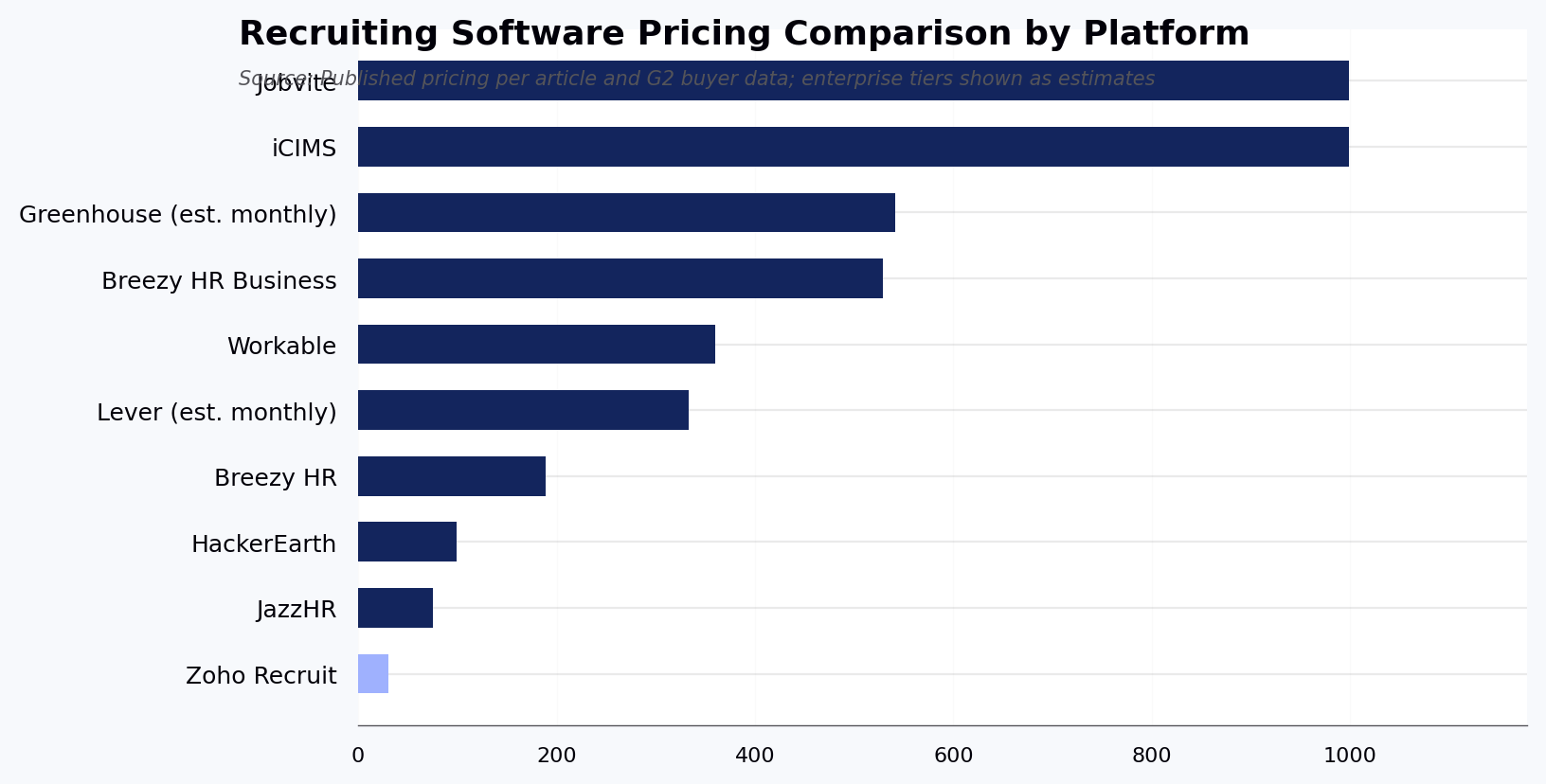
The table below compares the 10 recruiting software platforms reviewed in this article. Ratings are pulled from G2 as of this writing. Pricing tiers are indicative published ranges; enterprise deals vary.
| Tool | Key features | Best for | Pros | Cons | Pricing tier | G2 rating |
|---|---|---|---|---|---|---|
| HackerEarth | Coding tests, AI-assisted skill validation, proctoring, funnel analytics, 1,000+ skills library | Tech hiring teams running coding assessments and developer sourcing at scale | Fast screening with automated leaderboards; deep question library; strong proctoring | Not ideal for teams hiring zero technical roles | $99–$399/mo + enterprise | 4.5/5 |
| Greenhouse | Structured interview kits, hiring workflows, ATS, integrations, scorecards | Mid-market to enterprise teams standardizing interview process | Interview orchestration; broad integrations; governance tools | Overkill for teams under 50 employees; setup-heavy | Enterprise, typically $6,500+/yr | 4.4/5 |
| Lever | CRM + ATS, collaborative pipeline, sourcing tools, analytics | Teams that source passive candidates and want CRM plus ATS in one | Candidate nurture; collaboration; sourcing | Advanced analytics feel thin for data-heavy teams | Mid-market, typically $4,000+/yr | 4.3/5 |
| JazzHR | Job posting, pipelines, templates, interview scheduling | Small companies (under 100 employees) that need a low-cost ATS | Easy setup; fair value for SMB | Not a fit for enterprise workflows or complex approval chains | $75–$269/mo | 4.4/5 |
| Workable | Sourcing hub, one-click posting, interview kits, CRM, reporting | Companies wanting broad job distribution plus HR operations | Reach; candidate tracking; UI | Expensive for teams hiring fewer than 10 roles/year | $360–$599/mo | 4.5/5 |
| Breezy HR | Visual pipelines, scheduling, automation, candidate scoring | Small to mid-size teams that prioritize usability | Friendly UI; fast to implement; scheduling | Not a fit for teams needing deep enterprise analytics | $0–$529/mo | 4.4/5 |
| iCIMS | Enterprise ATS, onboarding, recruitment marketing, compliance | Large enterprises and staffing orgs with global compliance needs | Enterprise scale; integrations; compliance | Poor fit for teams under 500 employees; long implementations | Enterprise, custom | 4.2/5 |
| BambooHR | Core HR plus hiring workflows, offer letters, onboarding | SMBs that want HR + recruiting in one system | Strong HR core; simple hiring tools; good UX | Not a fit for teams whose primary need is high-volume or technical hiring | Custom, tiered | 4.4/5 |
| Jobvite | ATS, recruitment marketing, CRM, referrals, analytics | Mid-market to enterprise teams that need recruitment marketing depth | Marketing tooling; candidate management | UI and customization frustrations reported in reviews | Enterprise, custom | 4.0/5 |
| Zoho Recruit | Resume parsing, AI matching, custom workflows | Small teams and staffing agencies inside the Zoho ecosystem | Cost-effective; Zoho integrations; flexible workflows | Reporting and mobile UX lag competitors; weak outside Zoho stack | $0–$90/user/mo | 4.4/5 |
The 10 best recruiting software platforms reviewed
The table above summarizes fit and pricing. Below, each section opens with a direct answer on who the tool is best for, followed by a review of features, pros, cons, and pricing.
1. HackerEarth

HackerEarth homepage
HackerEarth is best for tech hiring teams that need decision-grade skill signals — coding, systems, and role-specific ability — at candidate volumes where resume screening breaks down. It is an online recruiting and technical assessment platform covering 1,000+ skills and 40+ programming languages, with rubric-applied evaluation that is more consistent across candidates than human-led screens.
Recruiters can build role-specific coding tests, combine technical checks with soft-skill assessments, and screen large candidate pools in a single workflow. The platform includes PII masking to reduce identity-linked bias in evaluation, plus funnel analytics and customizable reporting to track sourcing, screening, and offer stages over time.
HackerEarth's product portfolio includes OnScreen for AI-assisted assessments, FaceCode for live technical interviews, SkillsGraph for skill intelligence, VibeCode Arena for AI-native coding evaluation, and Hiring Challenges — coding contests and hackathons that give recruiters access to a global developer community for sourcing pre-vetted talent.
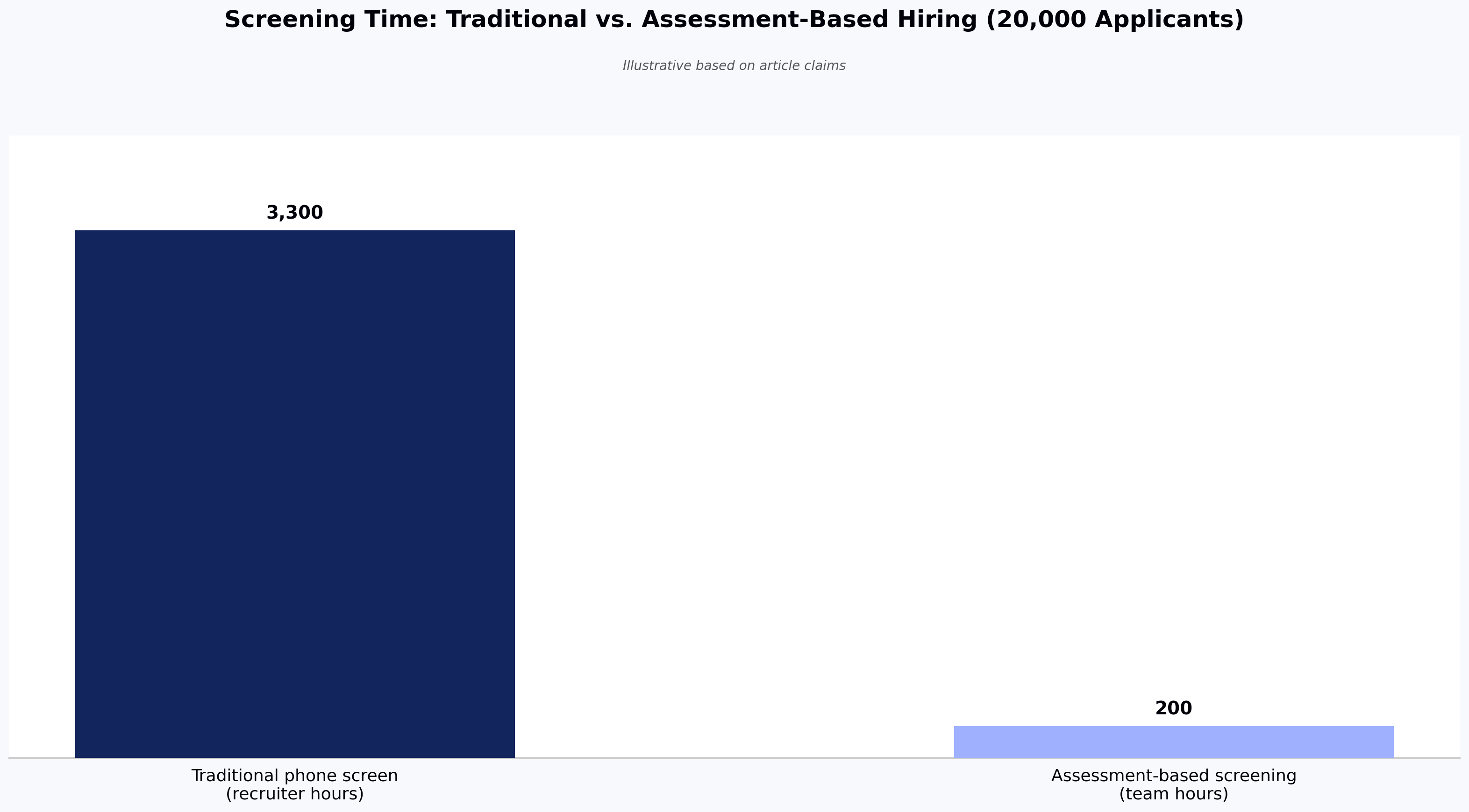
Backed by 150M+ assessment signals and used by teams at Google, Amazon, Microsoft, Flipkart, Brillio, and Elastic, HackerEarth pairs technical assessment with sourcing in one platform. In a documented deployment, Trimble — a global geospatial and positioning company — used HackerEarth to replace manual candidate screening with automated assessments; Trimble reports a 66% reduction in recruiter screening workload as a result.
When it's the wrong choice: if your open roles are entirely non-technical (sales, ops, finance), a general ATS such as Greenhouse or BambooHR will fit better.
Key features
- Role-based assessment creation: Tests tailored to specific roles or skills across technical and domain areas
- Custom coding and analytical tests: Real-world coding or logic exercises evaluated against a scoring rubric
- PII-masked evaluation: Removes personal identifiers from the reviewer view to reduce identity-linked bias
- Sourcing engine: Hackathons and hiring challenges to reach global developer talent
- Funnel analytics and candidate reports: Insights on candidate performance, completion rates, and hiring outcomes
- Skills library covering 1,000+ skills and 40+ programming languages
Pros
- Provides detailed analytics and candidate ranking data for structured hiring decisions
- Provides a broad assessment library across coding, logic, full-stack, and soft skills
- Provides proctoring signals including webcam monitoring and plagiarism checks
Cons
- No free tier for very small teams
- Fewer customization options at entry-level pricing
Pricing
- Growth Plan: $99/month (indicative — confirm with HackerEarth sales)
- Scale Plan: $399/month (indicative — confirm with HackerEarth sales)
- Enterprise: Custom pricing with volume discounts and advanced support
📌 Related read: How talent assessment tests improve hiring accuracy and reduce employee turnover
2. Greenhouse
Greenhouse homepage
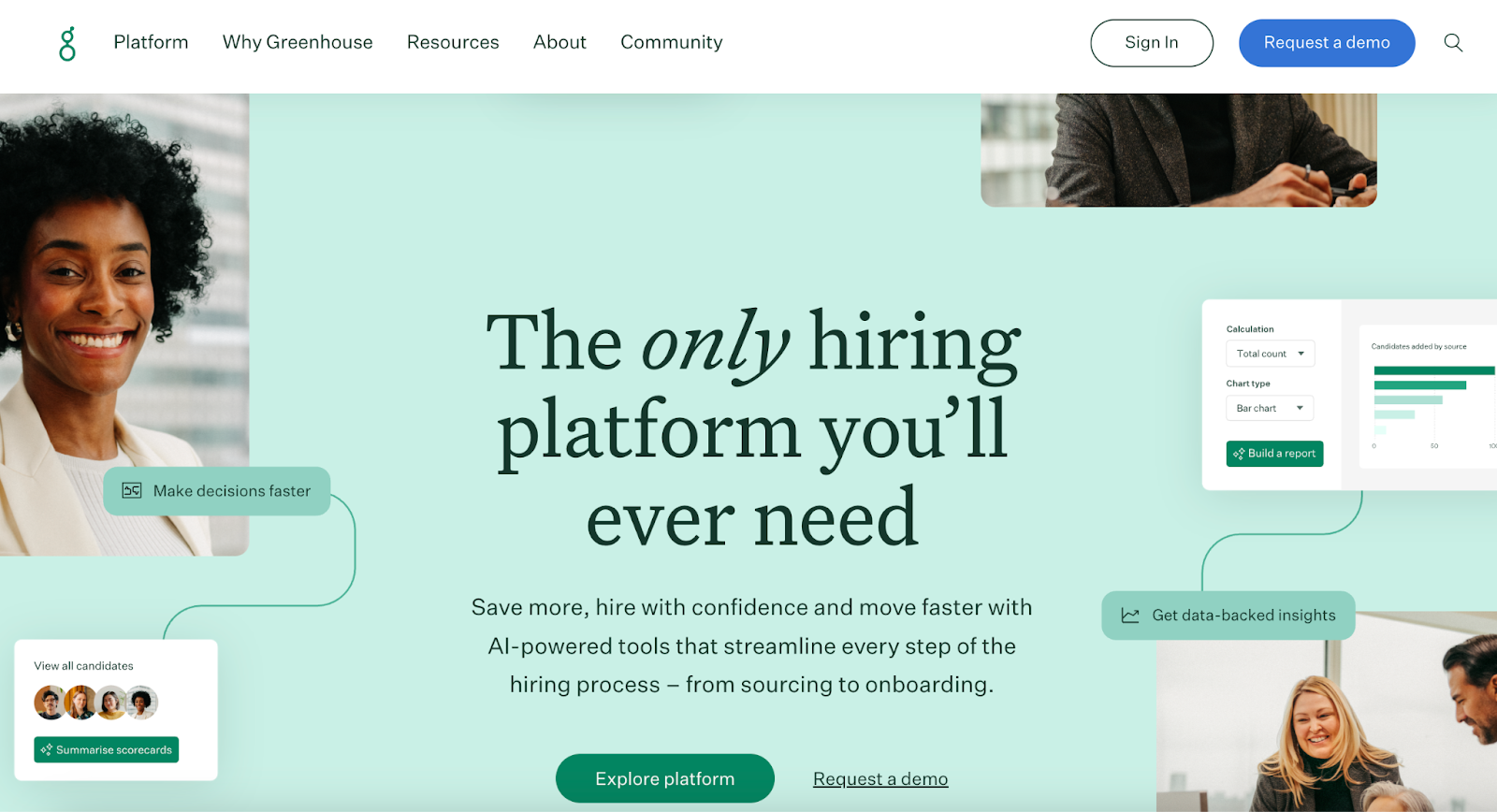
Greenhouse is best for mid-market to enterprise teams that prioritize structured, consistent interview workflows and integration breadth over technical skill assessment. It helps teams define roles clearly, set up interview kits with standard evaluation criteria, and manage candidate workflows from sourcing through onboarding.
Greenhouse markets customer outcomes including faster time-to-hire and reduced cost-per-hire; specific figures vary by customer and are published in Greenhouse's own customer stories. Independent research from LinkedIn's Global Recruiting Trends supports the broader claim that structured interviewing improves quality-of-hire signal.
For teams whose primary hiring challenge is validating technical skills, a dedicated assessment platform paired with Greenhouse's ATS is often stronger than Greenhouse alone.
When it's the wrong choice: small teams (under ~50 employees) or teams without dedicated recruiting ops will find the setup and configuration overhead disproportionate.
Key features
- Structured interview kits: Role-based question templates for interviewer consistency
- Automated workflow stages: Candidate progression with scheduling and review automation
- DE&I tools and anonymization features: Anonymize candidate data and apply interviewer nudges
Pros
- Provides structured workflows that improve interviewer consistency
- Provides interview and evaluation alignment across distributed hiring teams
- Provides an integration ecosystem covering sourcing, background checks, and HRIS
Cons
- Requires a learning period to configure structured hiring and DE&I tools
Pricing
- Custom; typical mid-market contracts start around $6,500/year per G2 buyer data
3. Lever

Lever homepage
Lever is best for recruiting teams that source a meaningful share of hires from passive candidates and want CRM and ATS in a single tool. It combines an ATS with candidate relationship management to help build pipelines, nurture passive candidates, and coordinate hiring across interviewers.
Users report that Lever reduces manual admin work and centralizes candidate data. Lever's "AI-powered" sourcing features surface candidates from the platform's aggregated data and connected job boards; the AI is applied to matching and scoring, not to autonomous outreach.
When it's the wrong choice: teams whose hiring is 100% inbound with no outbound sourcing will not use the CRM layer, and can find lighter ATS options at lower cost.
Key features
- Customizable dashboards and reporting: Visual pipeline health metrics
- Sourcing and job posting integrations: Distribute posts and pull candidates from multiple sources
- DE&I and anonymization tracking: Monitor diversity goals and anonymize candidate data
Pros
- Provides a user-friendly interface that new team members pick up quickly
- Provides candidate nurture through CRM functionality
- Provides an integration surface across sourcing tools and HR stack
Cons
- Reporting flexibility feels limited for highly custom analytics needs
Pricing
- Custom; typical contracts start around $4,000/year per published buyer reports
4. JazzHR
JazzHR homepage
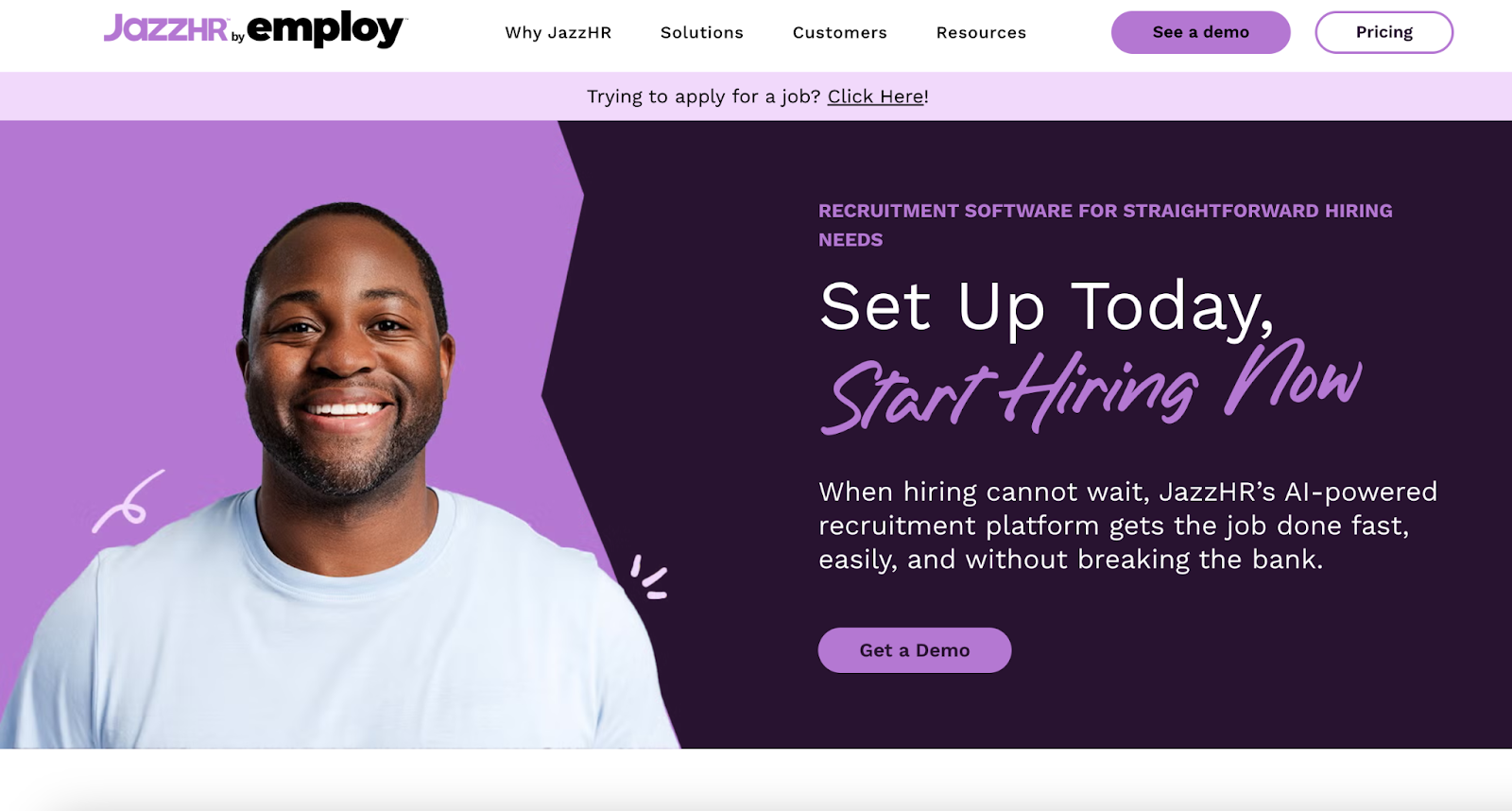
JazzHR is best for small companies (typically under 100 employees) that need a low-cost ATS with fast setup and no enterprise workflow overhead. It lets teams post jobs to multiple boards, track applicants through dashboards, and customize workflows per job stage. The AI-assisted features in JazzHR focus on candidate matching against job descriptions — the model reads structured application data and ranks candidates against posted requirements.
Analytics cover time-to-fill, source effectiveness, and applicant flow, which helps spot pipeline bottlenecks.
When it's the wrong choice: enterprise use cases, complex multi-region compliance, or high-volume technical hiring.
Key features
- Candidate sourcing and job postings: Multi-board distribution
- Custom workflows and stages: Hiring pipelines matched to team decision process
- Dashboard analytics: Time-to-fill, source performance, and applicant trends
Pros
- Provides an interface that suits SMB recruiting teams with no dedicated ops
- Provides workflow customization and automation for common tasks
- Provides responsive customer support during onboarding
Cons
- Interface can feel dated to heavy daily users
Pricing
- Hero: $75/month
- Plus: $269/month
- Pro: Custom pricing
5. Workable
Workable homepage
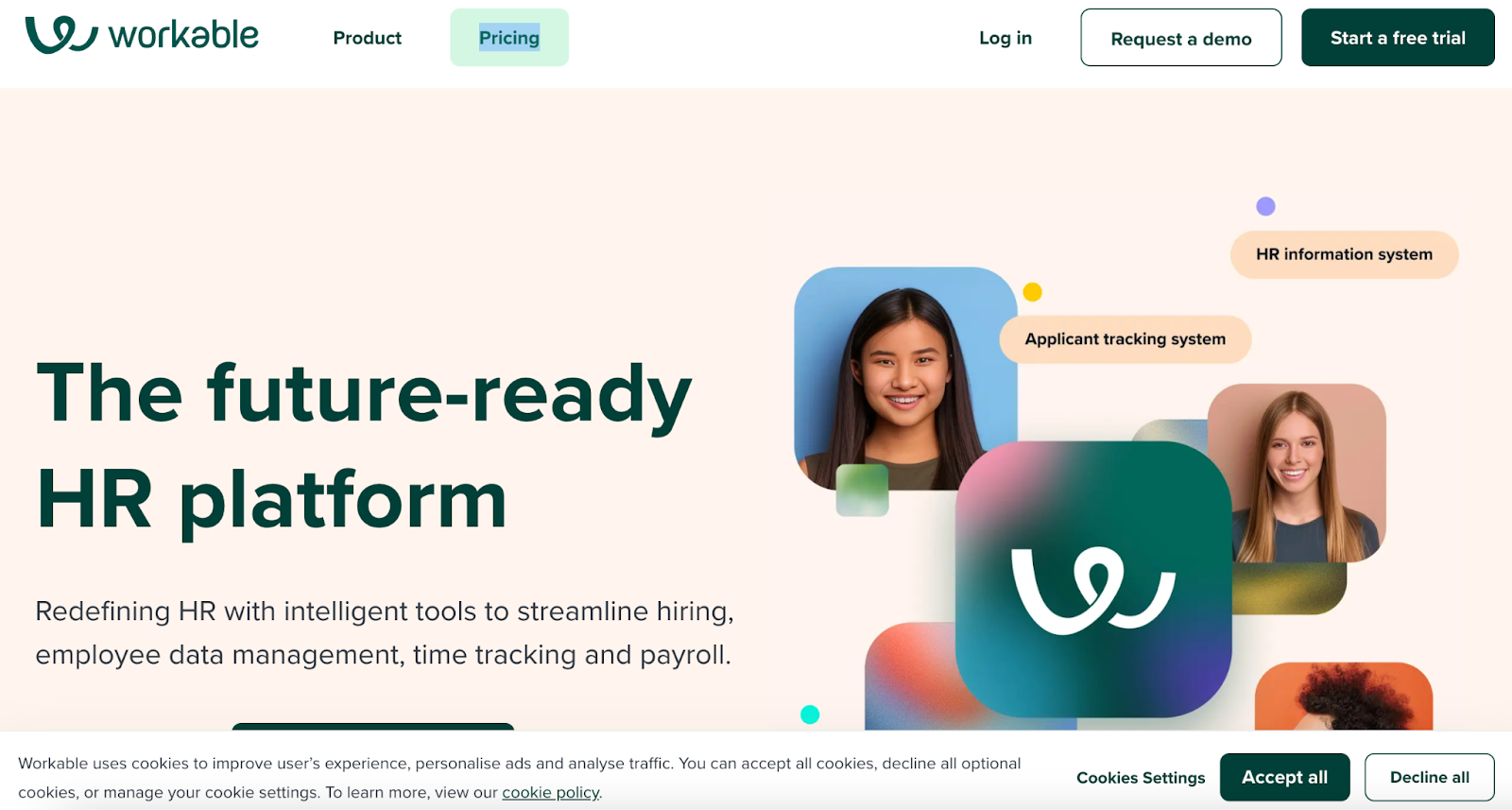
Workable is best for teams that want broad job distribution combined with lightweight HR operations, without buying separate ATS and HRIS tools. It supports posting to 200+ job boards, AI-assisted candidate sourcing that scans public professional profile data, self-scheduled interviews, and centralized reporting.
Workable also covers employee data, onboarding, and document management, making it useful when recruiting and HR ops sit in one team.
When it's the wrong choice: teams hiring fewer than about 10 roles per year will find pricing hard to justify.
Key features
- Candidate relationship management (CRM): Nurture passive leads and maintain talent pools
- Self-scheduled interviews and offer management: Candidate-driven scheduling and offer automation
- Onboarding and HRIS integration: Employee data, documents, and workflows post-hire
Pros
- Provides job board reach and AI sourcing suggestions that reduce sourcing time
- Provides recruiting plus HR ops in one platform, reducing tool switching
- Provides intuitive dashboards and reporting for pipeline bottleneck analysis
Cons
- Pricing scales quickly when adding advanced sourcing or HRIS extensions
Pricing
- Standard: $360/month
- Premier: $599/month (billed annually at $7,188/year)
📌 Suggested read: The 12 most effective employee selection methods for tech teams
6. Breezy HR
Breezy HR homepage
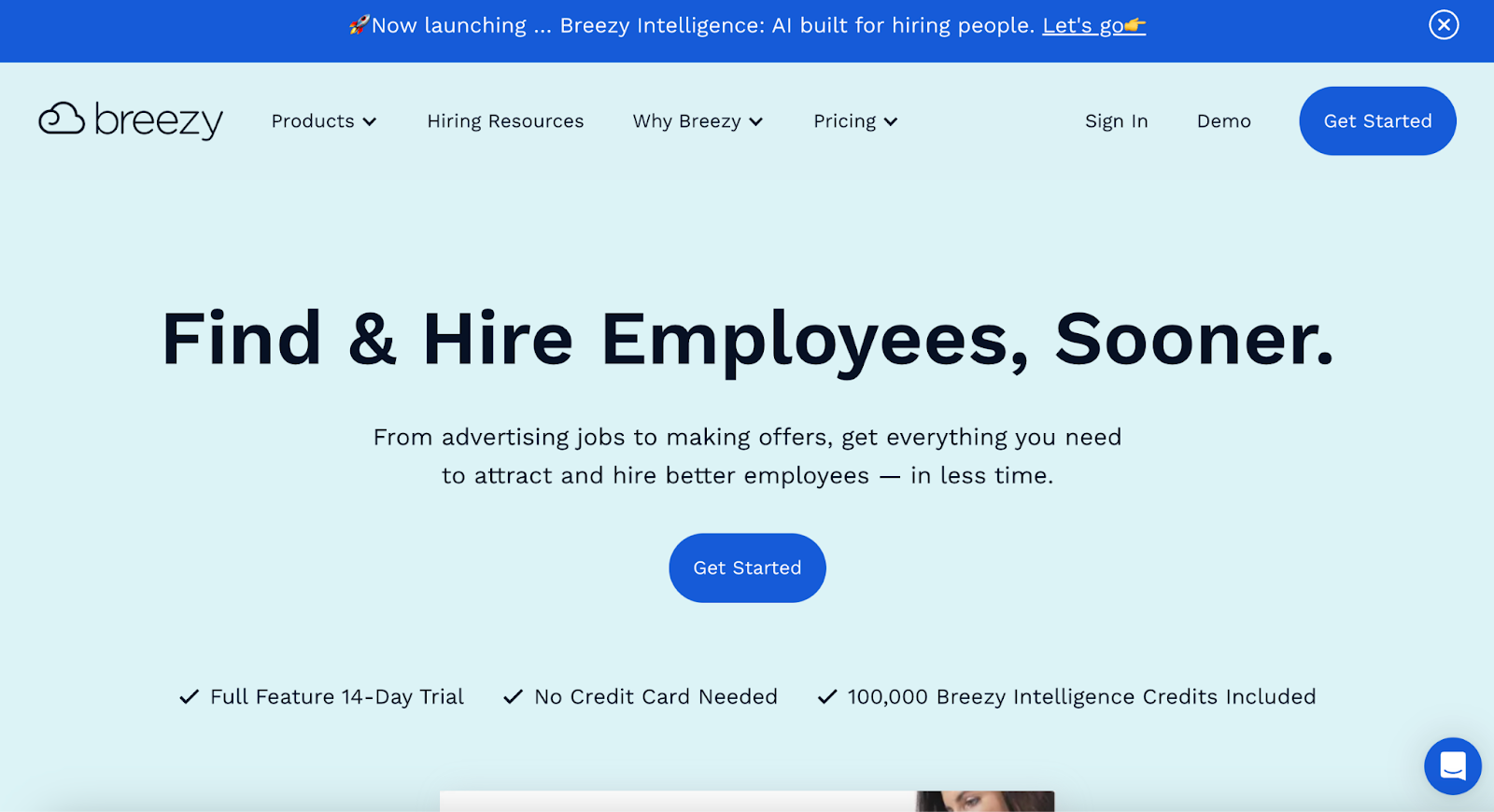
Breezy HR is best for small to mid-size teams that want a visual, low-friction ATS and are willing to trade advanced analytics for ease of use. Its drag-and-drop interface makes candidate tracking accessible for teams without dedicated recruiting ops. It supports automated sourcing, candidate nurturing, and video interviewing.
When it's the wrong choice: teams that need deep custom reporting, complex approval chains, or enterprise compliance.
Key features
- Drag-and-drop pipelines: Move candidates visually across hiring stages
- Automated candidate sourcing: Source from job boards, referrals, and social platforms
- Video interview tools: Async and live video interviews for remote hiring
Pros
- Provides an interface that new recruiters adopt with minimal training
- Provides automation for sourcing and outreach that reduces manual work
- Provides built-in video interviewing without third-party integration
Cons
- Pipeline customization is limited in lower-tier plans
Pricing
- Bootstrap: Free
- Startup: $189/month
- Growth: $329/month
- Business: $529/month
7. iCIMS
iCIMS homepage
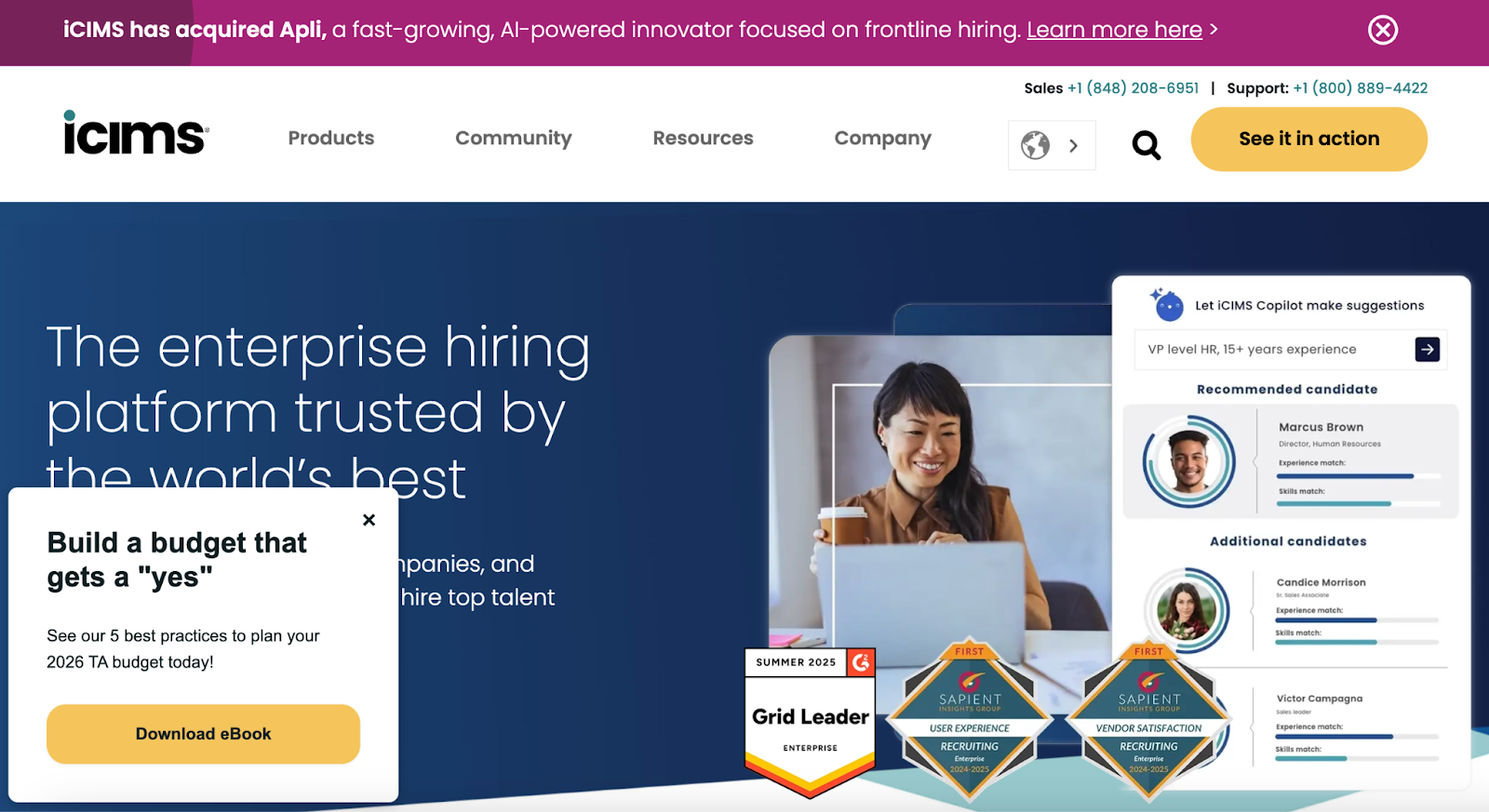
iCIMS is best for large enterprises (500+ employees) and staffing organizations with multi-region compliance requirements. It covers sourcing to onboarding, with automation, integrations, and a marketplace of connectors to HR and productivity systems. Its AI-assisted candidate insights are trained on iCIMS' applicant data and predict likelihood of progression through defined hiring stages.
When it's the wrong choice: teams under 500 employees will find the implementation timeline and cost disproportionate to their needs.
Key features
- Enterprise ATS: Manages high-volume candidate pipelines
- AI-assisted candidate insights: Predictive models for stage progression, trained on iCIMS applicant data
- Global compliance management: Regional labor and data protection controls
Pros
- Provides enterprise-scale hiring capacity with tracking and compliance features
- Provides predictive analytics for recruitment decision support
- Provides multi-region compliance for global hiring programs
Cons
- Setup complexity and cost are high for smaller teams
Pricing
- Custom pricing; enterprise contracts typically start in the mid five figures per year
8. BambooHR
BambooHR homepage
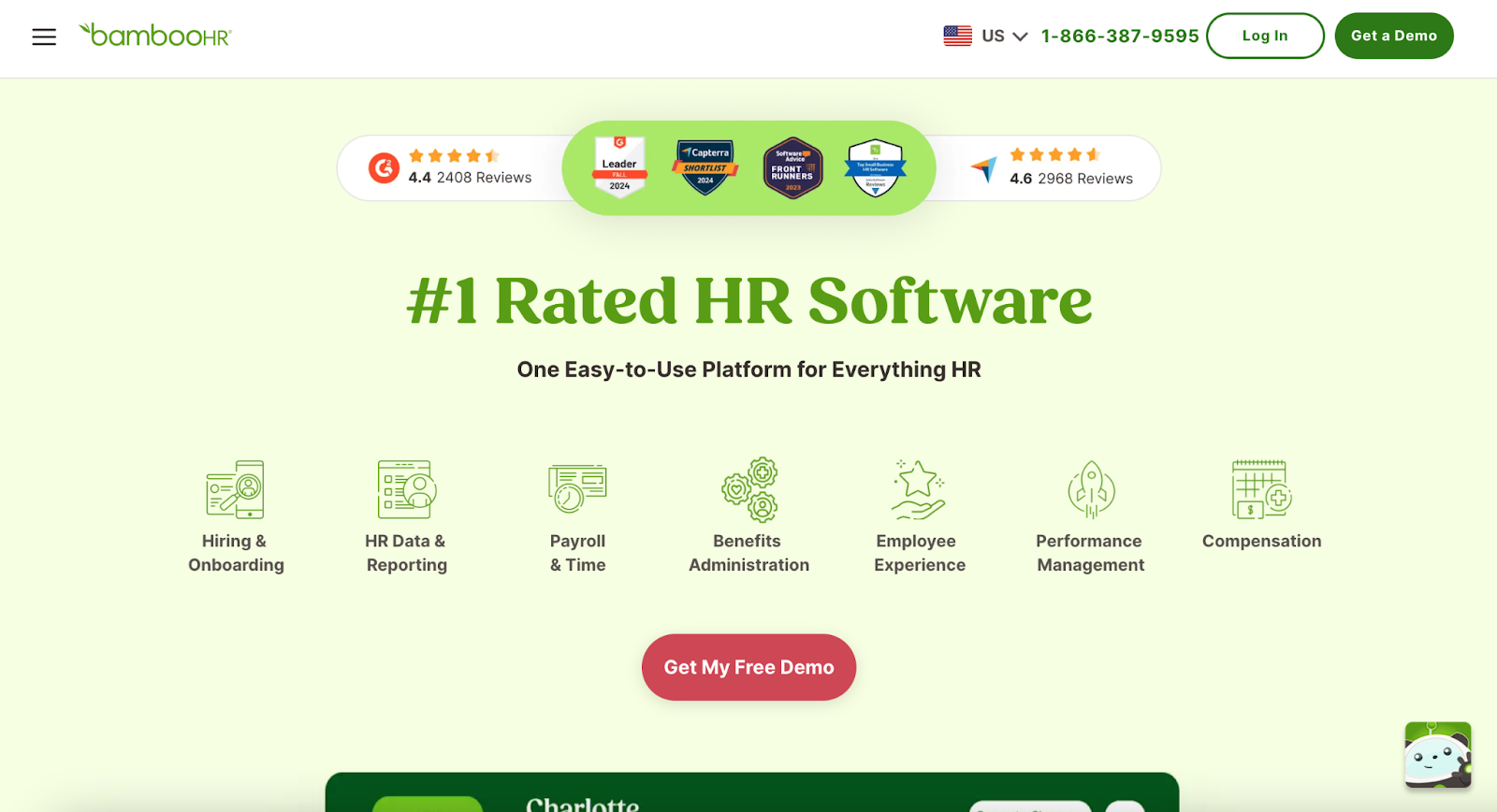
BambooHR is best for small and mid-sized businesses that want a single system covering HR administration, onboarding, and light recruiting. Applicant tracking, employee onboarding, and HR administration sit on one platform, which reduces tool count for lean teams.
BambooHR centralizes HR functions beyond recruiting, including payroll and performance management. For an integrated HR and recruiting experience at SMB scale, BambooHR is a strong option.
When it's the wrong choice: teams whose primary hiring challenge is high-volume or technical hiring will find the ATS features too light.
Key features
- Onboarding automation: Structured onboarding workflows for new hires
- Employee database management: Centralized employee records
- Performance tracking: Ongoing employee performance monitoring
Pros
- Combines HR and recruiting into one platform for SMBs
- Standardizes onboarding for consistent new-hire experience
- Provides an interface teams adopt quickly
Cons
- Lacks advanced sourcing features needed by dedicated recruiting teams
Pricing
- Available in Core, Pro, and Elite: Custom pricing based on employee count
📌 Also read: The impact of talent assessments on reducing employee turnover
9. Jobvite
Jobvite homepage
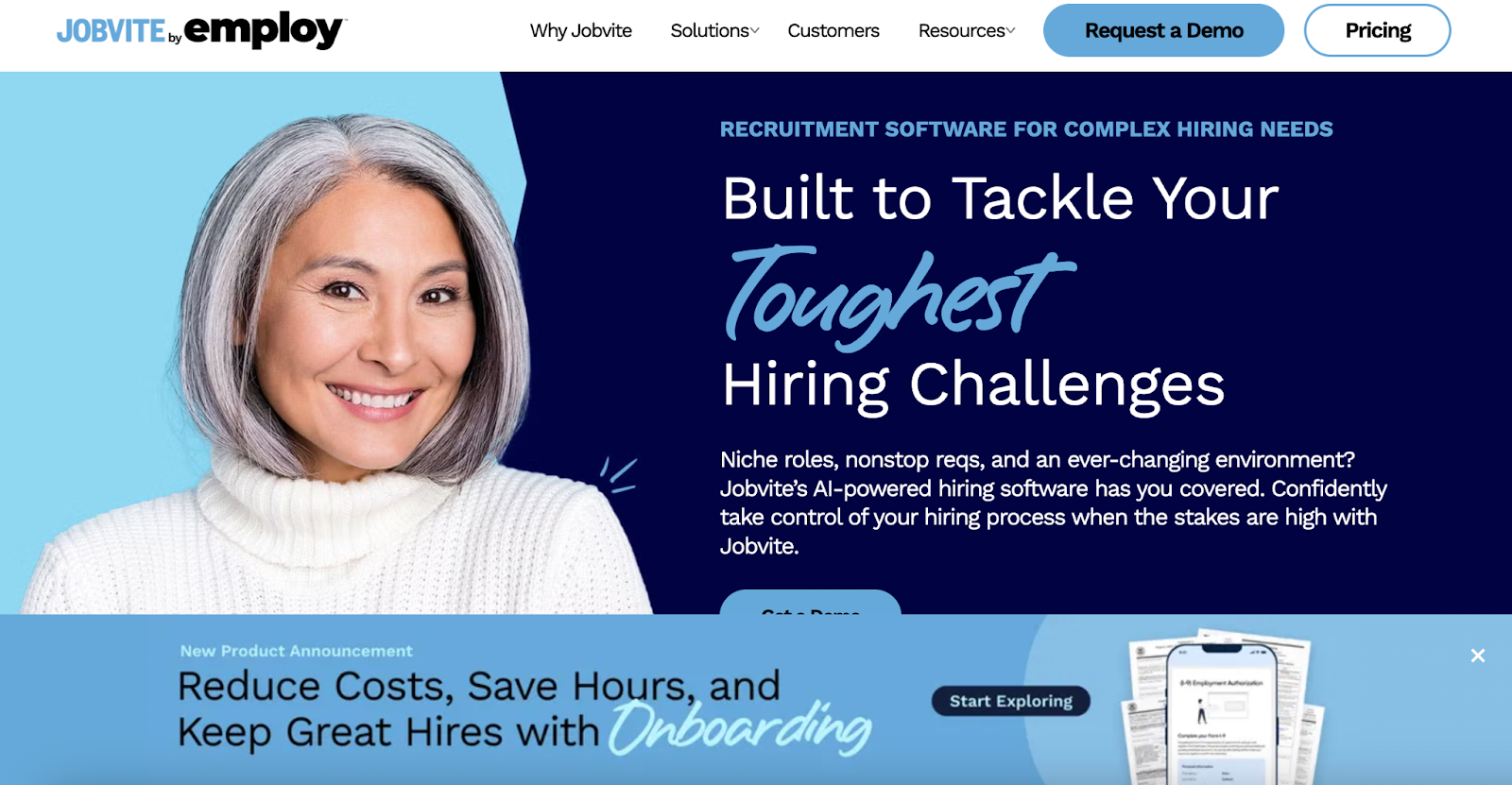
Jobvite is best for mid-market and enterprise teams that need recruitment marketing depth alongside standard ATS functionality. It supports sourcing, engagement, and onboarding, with automation and analytics.
Jobvite's AI candidate matching ranks applicants based on job description alignment and structured application data. The recruitment marketing tools support branded campaigns, career-site optimization, and referral programs.
When it's the wrong choice: small teams with simple hiring needs will find the platform heavier than necessary.
Key features
- AI candidate matching: Ranks applicants against job description criteria using structured data
- Recruitment marketing tools: Branded career-site campaigns and referral programs
- Automated workflows: Sourcing, communication, and scheduling automation
Pros
- Provides AI-assisted candidate matching for high-volume roles
- Provides recruitment marketing capability out of the box
- Provides workflow automation that reduces recruiter admin time
Cons
- Setup complexity is high for small businesses
Pricing
- Custom pricing; enterprise-focused
10. Zoho Recruit
Zoho Recruit homepage
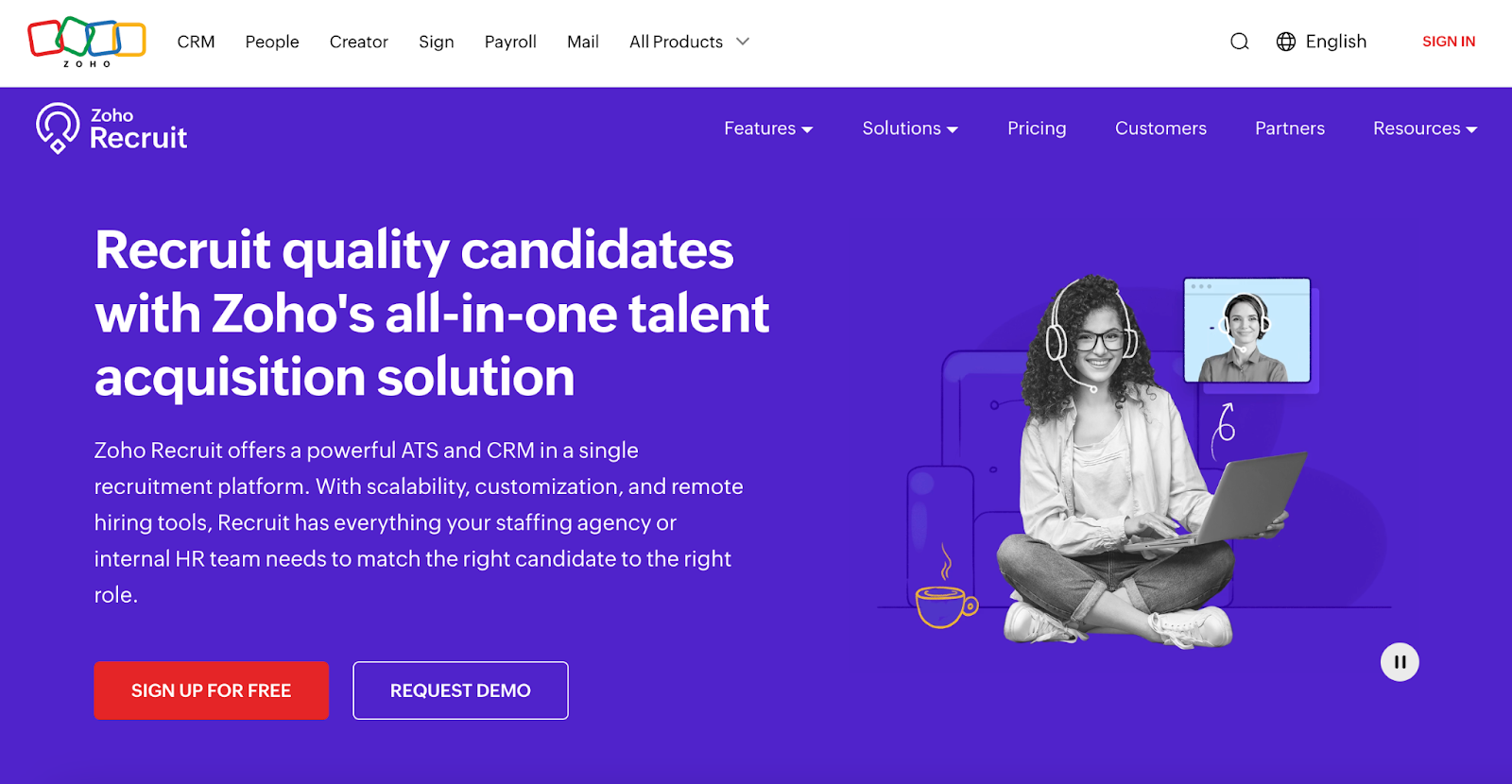
Zoho Recruit is best for staffing agencies and small teams already using the Zoho ecosystem who want an affordable ATS with tight suite integration. It offers candidate sourcing, resume parsing, and background checks, and connects directly with other Zoho apps for a unified data model.
When it's the wrong choice: teams outside the Zoho ecosystem will get less value; and reporting is thinner than dedicated ATS competitors.
Key features
- Resume parsing: Automatic parsing into structured candidate fields
- Job board integrations: Direct publishing to multiple job boards
- Background check integrations: Third-party vendor connections
Pros
- Provides resume parsing that reduces manual data entry
- Provides pricing that scales for businesses of all sizes
- Provides direct integration with the Zoho product suite
Cons
- Third-party integrations outside the Zoho ecosystem are limited
Pricing
- Free
- Standard: $30/month
- Professional: $60/month
- Enterprise: $90/month
*Pricing via G2
📌 You may also like: Automation in talent acquisition: a comprehensive guide
How to choose between these 10 platforms
Shortlist based on three questions:
- What share of your hiring is technical? If more than 30%, pair a dedicated assessment platform (HackerEarth) with a lightweight ATS. If under 10%, an all-in-one suite is fine.
- What is your annual hiring volume? Under 50 hires/year points to JazzHR, Breezy, or BambooHR. 50–500 points to Greenhouse, Lever, or Workable. 500+ points to iCIMS or Jobvite.
- How much of your pipeline is outbound-sourced? High outbound share means CRM matters — Lever, Workable, or a HackerEarth Hiring Challenge sourcing motion.
Request demos from two or three finalists and test each against a real open req before signing. Ease of use for the recruiter who will actually operate the tool matters more than feature-list breadth.
For teams where technical assessment is the load-bearing part of the funnel, book a HackerEarth demo to see how skills intelligence maps to your open roles.
Frequently asked questions
What is the best recruiting software for small businesses?
For small businesses (under 100 employees), JazzHR, Breezy HR, and BambooHR are the strongest options. JazzHR starts at $75/month and covers core ATS needs. Breezy HR offers a free tier and a visual pipeline that suits teams without dedicated recruiting ops. BambooHR is the better fit if you also need HRIS in the same tool.
How does AI recruiting software reduce time-to-hire?
AI recruiting software reduces time-to-hire by automating candidate ranking against role criteria, matching resumes to job descriptions, and scoring skill assessments without manual review. The largest time savings come at the screening stage, where AI-assisted ranking removes hours of resume review per req. Actual reduction varies by role type, applicant volume, and the quality of the screening criteria.
What is the difference between an ATS and recruiting software?
An applicant tracking system (ATS) is the system of record for candidates — it stores applications, tracks stage, and logs communications. Recruiting software is broader: it includes the ATS plus sourcing, CRM, assessments, scheduling, and analytics. Most modern platforms are recruiting software with an ATS at the core.
How much does recruiting software cost?
Recruiting software ranges from free (Breezy Bootstrap, Zoho Recruit Free) to enterprise contracts in the low six figures per year (iCIMS, large Greenhouse deployments). SMB tools typically fall in the $75–$400/month range. Mid-market ATS platforms typically start around $4,000–$6,500/year. Enterprise suites are quoted per seat plus platform fees.
Do I need a separate assessment platform if my ATS has screening features?
If more than 30% of your hiring is technical, yes. General ATS screening scores resumes and application answers, which are weak predictors of technical ability. Dedicated assessment platforms measure what candidates can do against a rubric, producing a stronger quality signal for engineering, data, and product roles.
What should I look for in recruiting software for high-volume hiring?
For high-volume hiring, prioritize: unlimited concurrent test-takers, automated screening at the top of funnel, structured interview kits to keep interviewer signal consistent across dozens of interviewers, and funnel analytics that surface where candidates drop off. Sourcing tools (hackathons, referral programs, CRM) also matter when volume outpaces inbound flow.